
Your tax form checklist: What you need to file your 2026 taxes
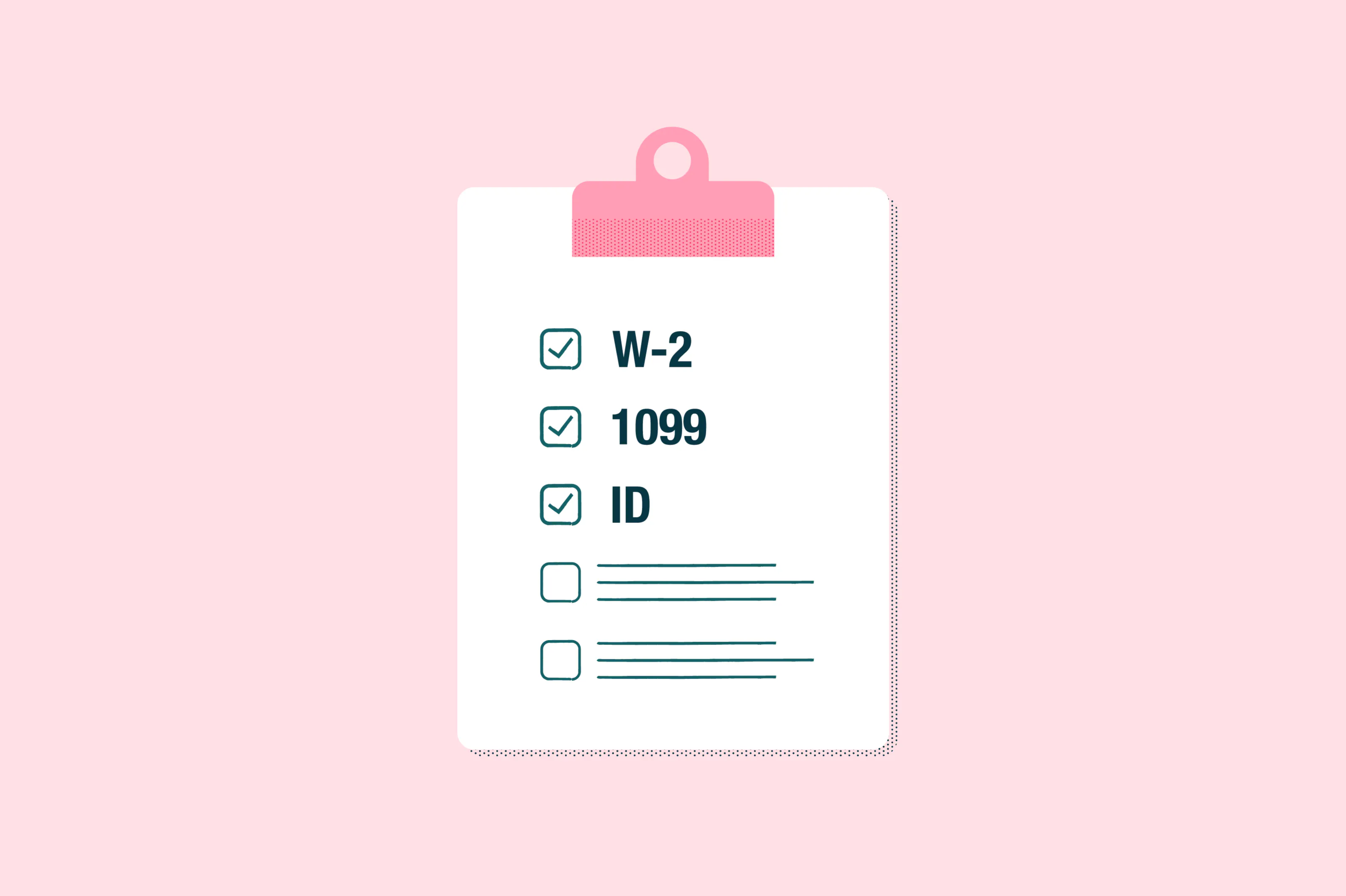
A clear, step-by-step checklist of the documents most W-2 employees need to file a standard Form 1040, helping first-time filers prepare with confidence and avoid common delays.
Table of contents
- 1. Gather personal information
- 2. Collect all income documents
- 3. Gather deduction and credit documents
- 4. Locate your prior year tax return
- 5. State-specific documents
- 6. Determine your tax-filing method
- 7. Review, sign and submit your tax return
- 8. Stay organized for the next tax season
Share this post
Does your first tax season have you feeling overwhelmed? We get it. Filing individual income taxes is definitely a big deal. But taxes don’t have to be taxing.
We created this tax form checklist for the most common U.S. individual tax situation: W-2 employees filing a standard Form 1040. Equipped with this checklist and a few key documents, you can coast through your first tax season.
Gather personal information
The IRS requires certain personal information to file income taxes. These pieces of information help them to verify your identity and ensure no one else is filing using your identity.
- Social Security Number (SSN) for yourself, your spouse (if filing jointly) and any dependents
- Driver’s license or state-issued ID
- Bank account information for direct deposit, if applicable
Tip: The IRS will never ask for sensitive information through email or text. All sensitive data collection is encrypted.
Collect all income documents
Income documents allow the IRS to verify all of your earned income during the tax year. You may need one or all of the following documents:
- Form W-2: Must be provided by your employer by January 31 of each year. This form will list all your wages and taxable benefits, and any taxes already withheld.
- Form 1099-INT: If you have an interest-earning account, the financial institution will send you this form if you’ve earned more than $10 in interest during the tax year.
- Form 1099-DIV: If you have investment accounts and receive dividend payments, the investment company will send you this form.
Tip: If you don’t receive your W-2 shortly after January 31, contact your employer first to verify they sent it to the correct address. If you have not received it by the end of February, contact the IRS at 800-829-1040.
Gather deduction and credit documents
To qualify for any deductions or credits, the IRS requires proof through various documents:
Tuition, student loan interest and mortgage interest forms
- If you have paid for qualified tuition: You will receive Form 1098-T, which lists all tuition costs you’ve paid and is required for education credits.
- If you made payments on student loans: You will receive Form 1098 from the lender if you’ve paid $600 or more in student loan interest during the tax year.
- If you’ve made payments on a mortgage: You will receive Form 1098 from the lender if you’ve paid $600 or more in mortgage loan interest during the tax year.
Healthcare forms
- If you had a healthcare plan through Marketplace: You will receive a Form 1095-A, Health Insurance Marketplace Statement that verifies your coverage during the tax year.
- If you had healthcare coverage through an employer or provider: You will receive a 1095-B or 1095-C that verifies your coverage during the tax year.
Tip: As of January 31, 2024, employers are no longer required by law to send 1095-Cs to individuals. Instead, the employer can post a notice on its website that permits you to request a copy of the statement.
Charitable donations
If you made any charitable donations during the tax year, you will need receipts for any donations valued over $250. We recommend keeping bank statements or written records for any smaller donations.
Locate your prior year tax return
During the tax filing process, you’ll be asked for your prior year's Adjusted Gross Income (AGI) to help verify your identity and determine eligible tax breaks. If you’re filing Form 1040 for tax year 2025, you’ll find AGI listed on Line 11.
Tip: If this is your first year filing, you will not have a prior year’s AGI to report. If you filed last year but don’t have access to the return, try accessing it through the eFiling software you used or the tax preparer you worked with. As a last resort, you can request the information from the IRS.
State-specific documents
If you live in a state with income tax, you can expect your state taxes withheld to be listed on your W-2. If you worked in more than one state, you may need to file multiple state returns, depending on the states.
Determine your tax-filing method
Now is the time to decide whether to file your return electronically or by mail. And if you’ll get a refund, whether you want it deposited directly or by check by mail. Your fastest method is to eFile because it gets to the IRS instantly, and to use direct deposit for refunds. This method reduces the average payment time from 6 to 8 weeks to 21 days.
Review, sign and submit your tax return
You’re nearing the end of your tax filing. Now it’s time to review your responses and your tax liability or refund. If you have no changes to make, you can sign (electronically or on paper) and then submit your return. You will receive confirmation from the IRS once they’ve accepted your returns.
Stay organized for the next tax season
Filing taxes is a lot easier when you use a checklist and get everything organized ahead of tax time. Lumin PDF helps you work smarter by letting you edit and manage all your tax documents simply and easily.

Share this post