
Fill and manage tax documents from one central hub
Contractor onboarding, employee onboarding and payroll tax forms, all ready for tax season.

Popular templates
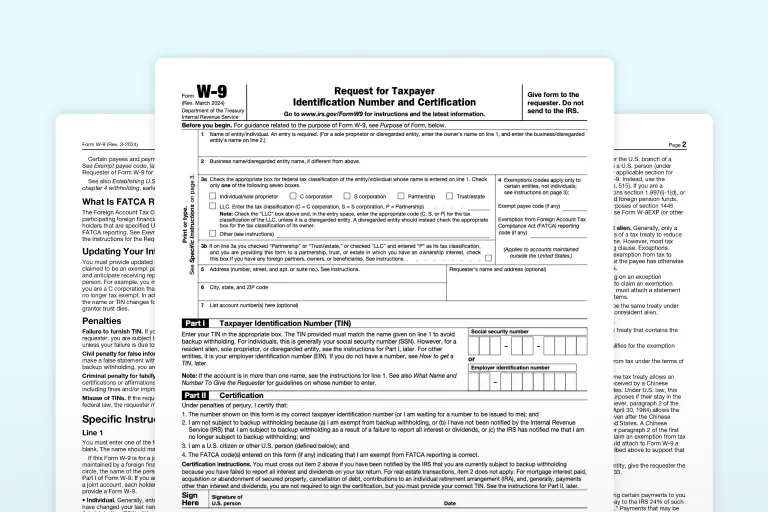
Contractor onboarding
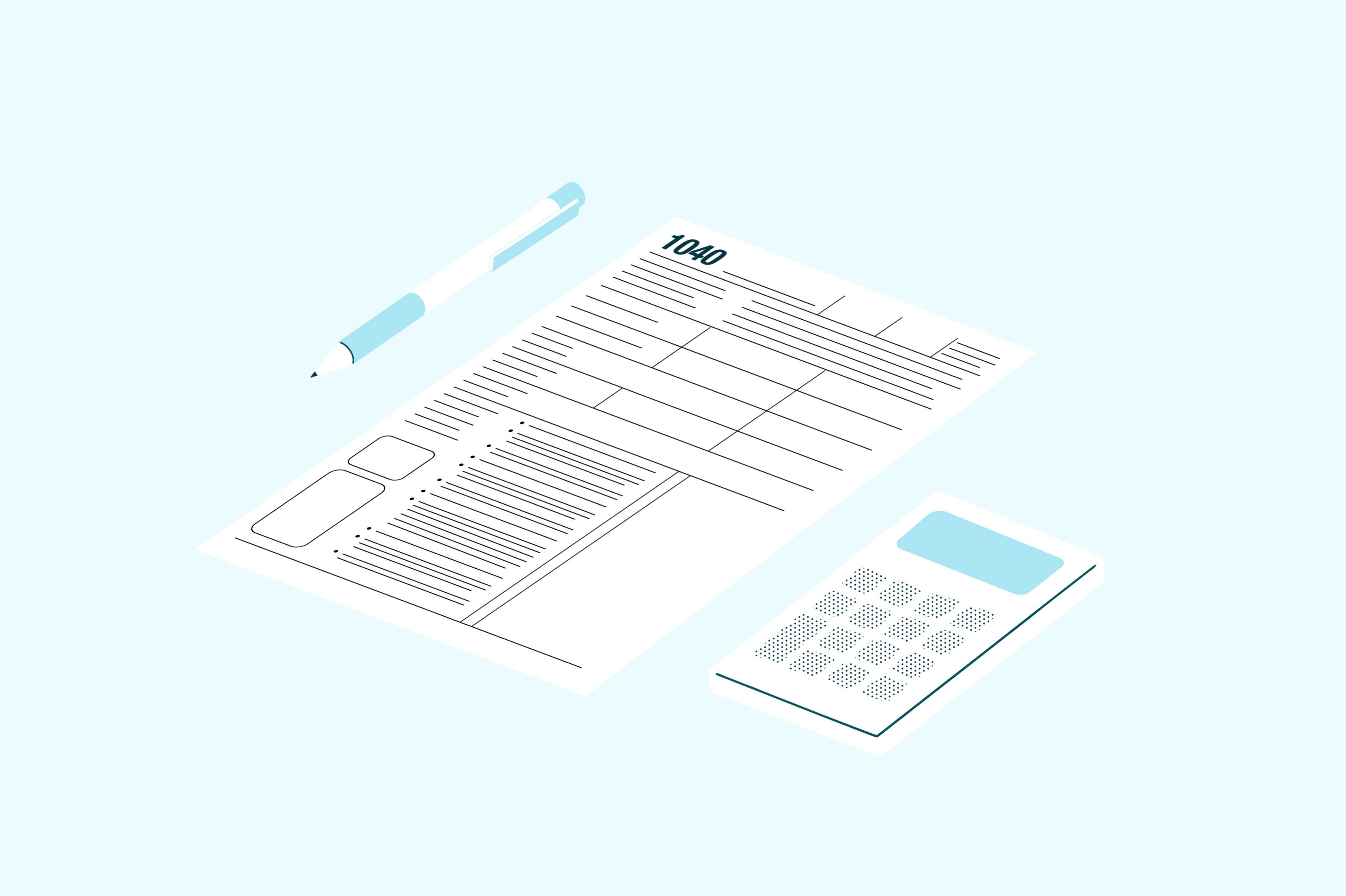
Everything independent contractors and self-employed professionals need to manage their tax obligations.
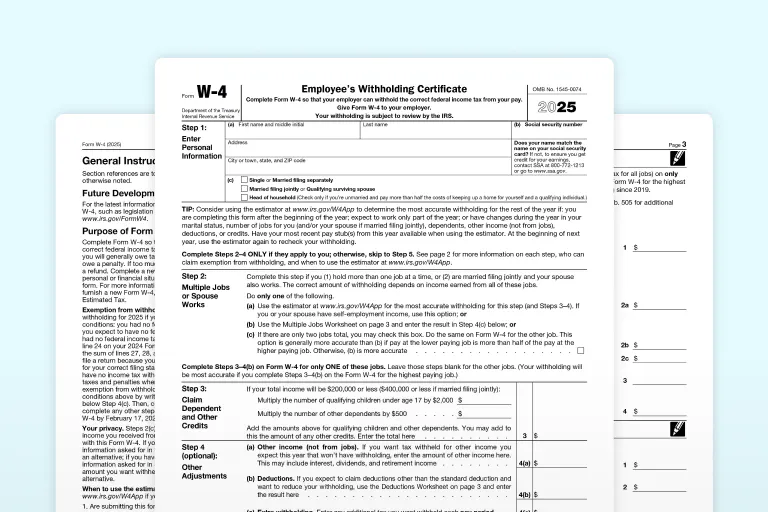
Employee onboarding
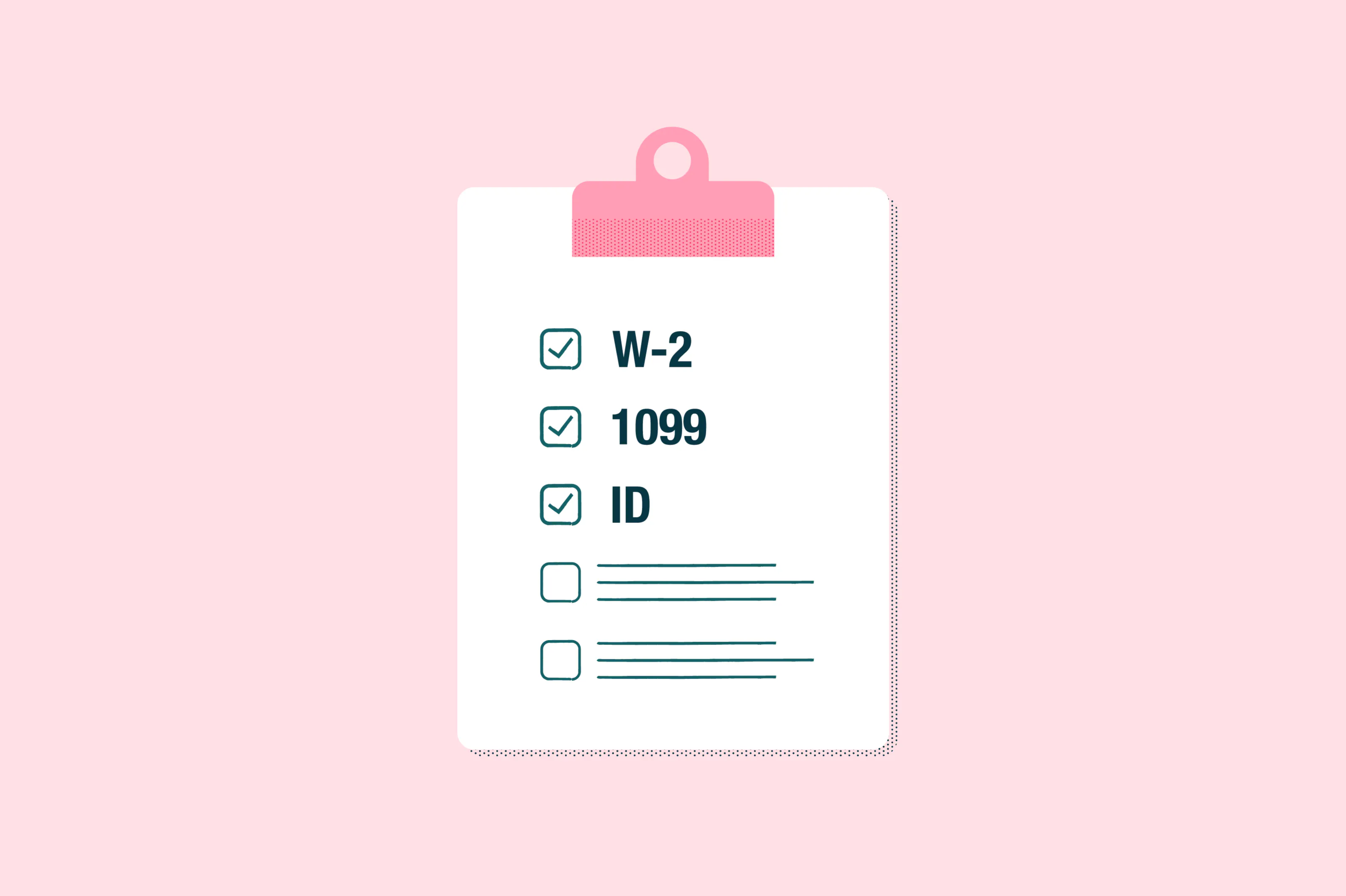
All the tax forms W-2 employees need for withholding, income reporting, and employment documentation.
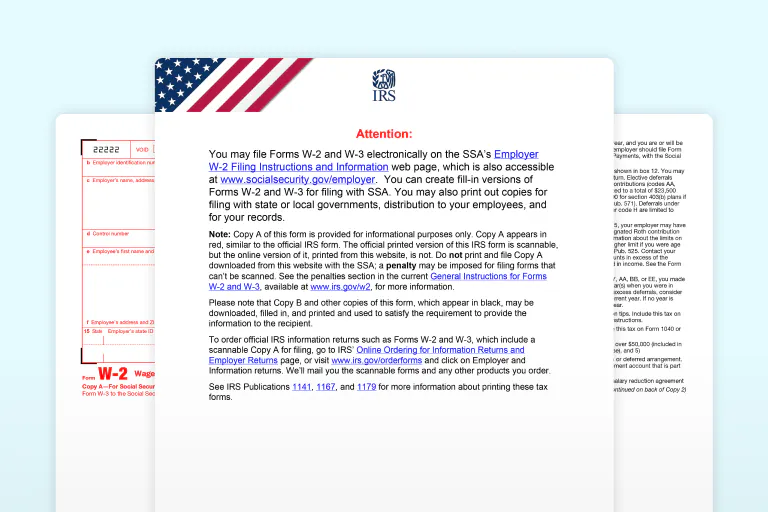
Payroll & compliance
Complete collection of employer payroll tax forms for quarterly reporting, unemployment tax, and federal withholding obligations.
Why businesses use Lumin for tax season
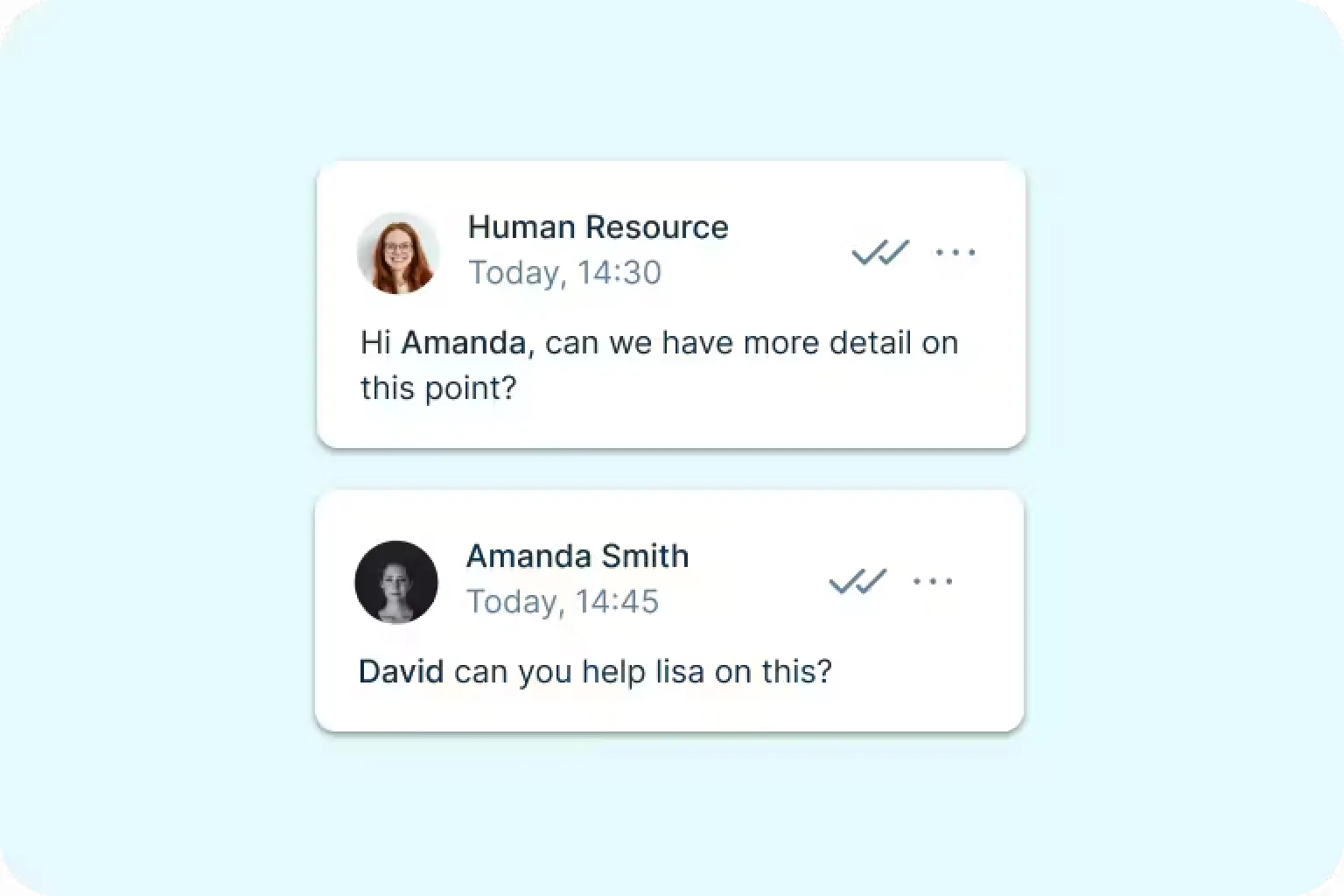
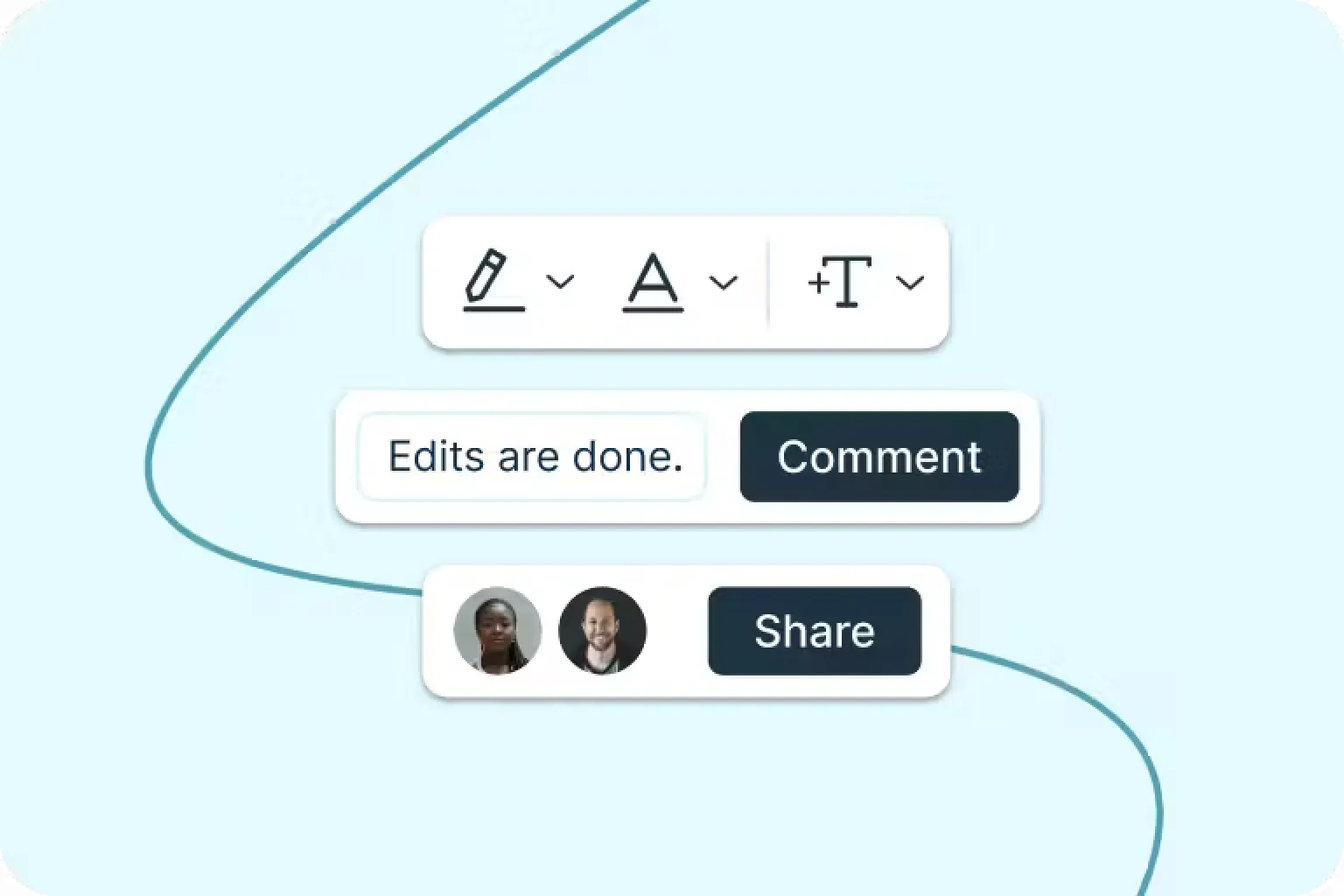
Seamless internal work
Collaborate live in a shared digital workspace. Tag, comment and create Spaces for frictionless internal work.
Consolidated admin
Lumin removes repetitive admin and the mental load of multiple products with a consolidated suite of tools.
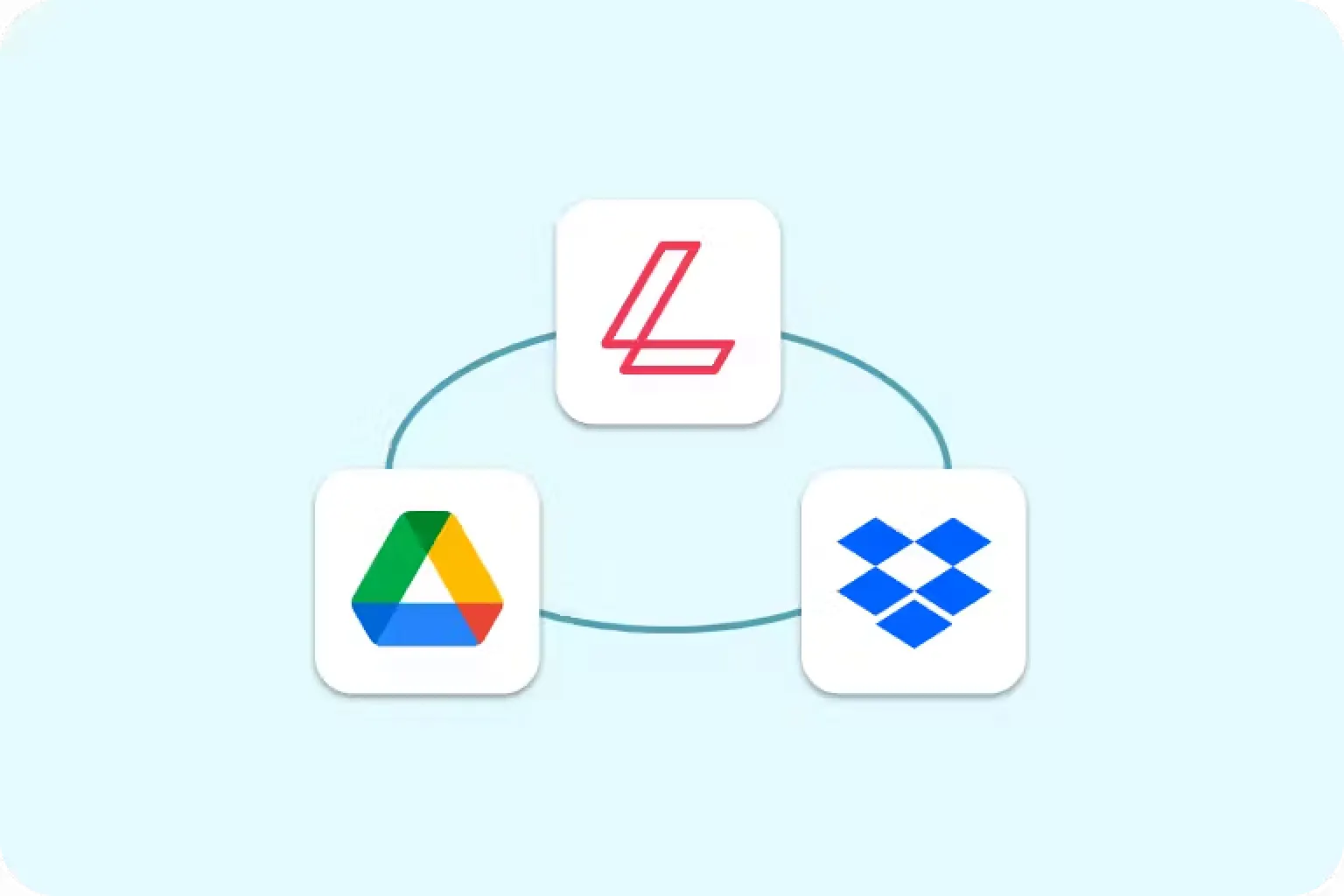
Work within tools you love
Integrate Lumin with Google Workspace and Dropbox. Edit and sync work back to its original storage location.
Keep exploring


Frequently asked questions
Sure is! Lots of our tools are free. You can draw on PDFs, comment on them, add text, signatures and images; all the basics are covered.
Our paid plans expand your toolkit: you can edit PDF text, redact information, create fillable fields and much more. Discover our plans to learn which one is the right fit for you.Yes, Lumin PDF offers free PDF editing. You can edit text, add annotations, manage pages, and save your changes without any cost.
Creating a free Lumin account unlocks the full editing suite along with tools for signing, merging, and converting PDFs. Premium features are available for power users who need advanced capabilities.Yes, Lumin PDF supports real-time collaborative editing. Share your document with team members, and everyone can make edits simultaneously. You'll see changes as they happen, with each person's edits appearing instantly. It works just like Google Docs but for PDFs, eliminating the back-and-forth of email attachments.
Absolutely. Lumin PDF runs entirely in your web browser, so there's nothing to download or install. Just open your browser, upload your PDF, and start editing immediately. It works on any computer with internet access, saving you storage space and IT headaches.
However, Lumin PDF apps are also available for Mac, Windows, Android, and iOS. Download the Lumin app for your device.Our Google Drive integration is seamless. Right-click any PDF in your Drive and select "Open with > Lumin PDF" to start editing. Your changes are saved directly to Drive without requiring a download or re-upload. It also works with shared drives, maintaining all your Drive permissions and folder structures.
We use enterprise-grade encryption for all file transfers and storage. Your PDFs are encrypted during upload, throughout the editing process, and when saved. We're SOC 2 Type 2 certified and GDPR compliant, with secure data centers and regular security audits to protect your sensitive documents.
Learn more about how we keep your data secure.