
Lumin for Salesforce
Transform your deal closure process with enterprise-grade eSignatures native to Salesforce. Powerful eSigning functionality, without the complexity.

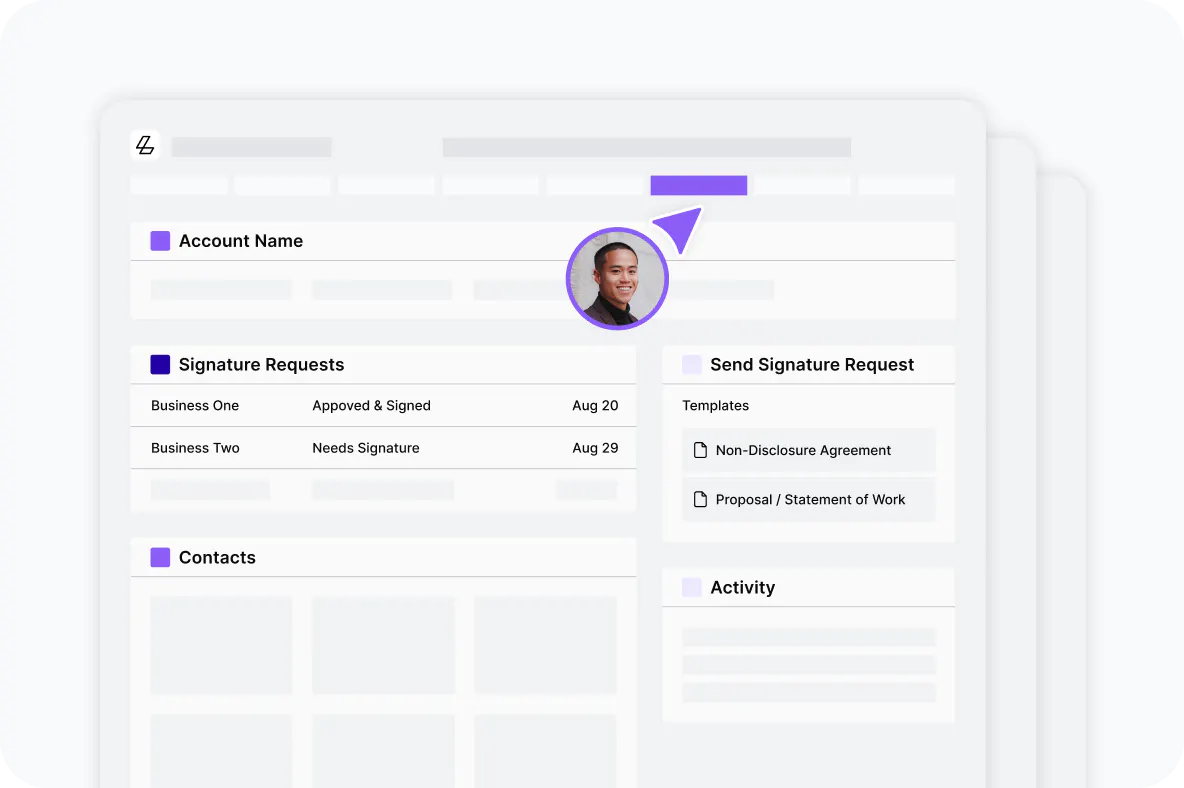
Eliminate platform switching and delays
Stay in your Salesforce workflow where deals live. No more losing time switching between tools. Generate contracts, send for signature, and close deals 40% faster, all without leaving Salesforce.
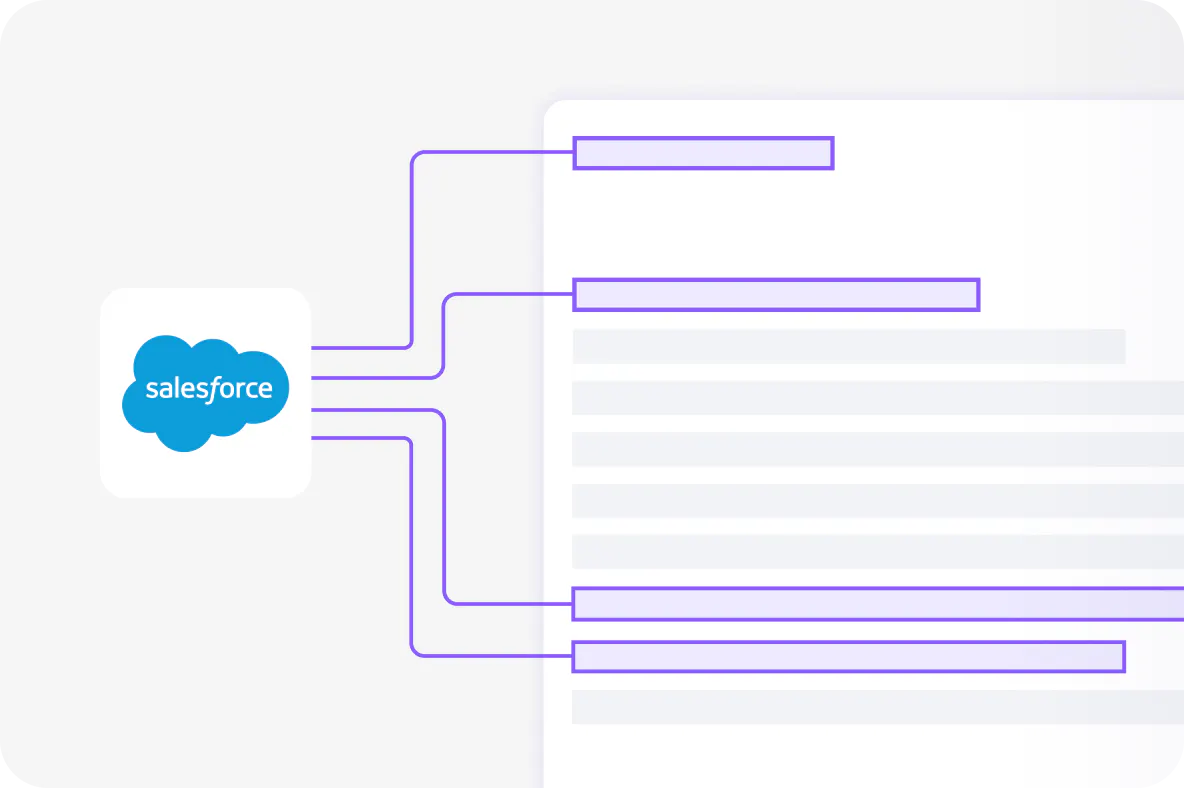
Auto-populate contracts with zero errors
One quick setup connects your Salesforce data to your contract templates forever. Customer details flow instantly — no more manual data entry, no copy-paste, no delays.
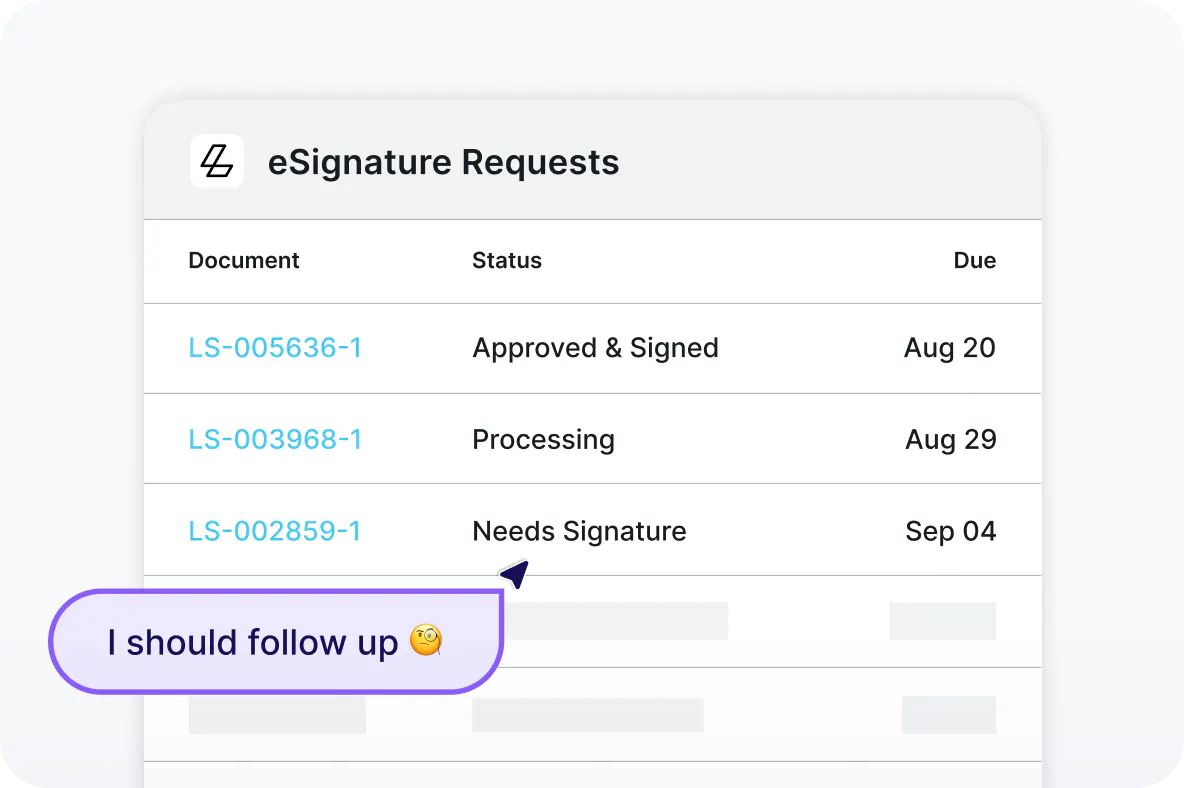
Track and manage with complete visibility
Track signatures in real time and see precisely when deals close. Signed documents sync to Salesforce with audit trails for complete visibility
How to get started with Lumin for Salesforce
Step 1
Contact our sales team to learn more about Lumin for Salesforce. Already a customer? Reach out to your Lumin representative for setup.
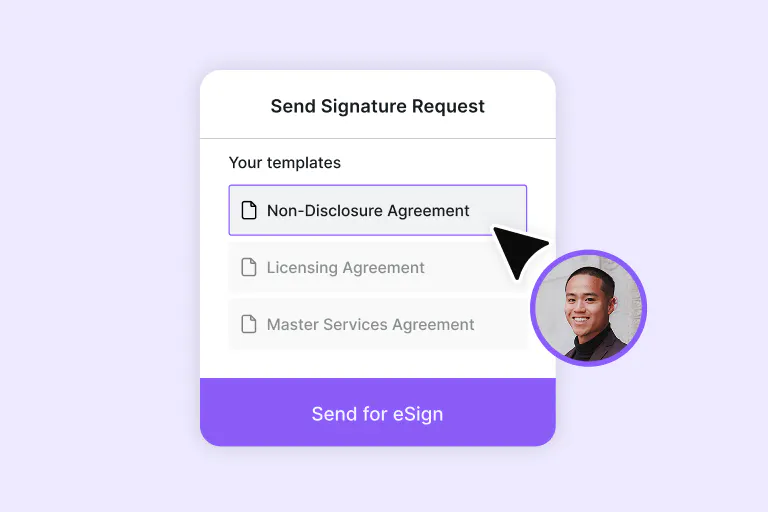
Step 2
Create new or publish existing templates in Lumin.
Step 3
Head to Salesforce AgentExchange and follow setup steps to install Lumin Sign for Salesforce.
Enterprise functionality at startup prices
Get started with Lumin for Salesforce for just $18 USD per month.
Frequently asked questions
Lumin for Salesforce is a native Salesforce app that brings enterprise-grade eSignature capabilities directly into your CRM workflow, eliminating platform switching and manual data entry.
No custom code or technical configuration required. If you can use Salesforce, you can use Lumin for Salesforce.
Yes, you can start with a free 14-day trial to test all features before committing.
No, recipients can sign documents without creating accounts or complicated authentication processes, making the signing experience frictionless for your clients.
Yes. All data transmission is encrypted, and we maintain SOC 2 compliance with enterprise-grade security standards. Learn more about how we keep your data secure.
Absolutely. Import your current templates into Lumin and map them to Salesforce fields once for automatic population going forward.