
Top 5 alternatives to Kami
Not sure if Kami is enough? This guide explores the best alternatives for teachers who want extra features like editing, signing, and collaboration.
Table of contents
- 1. Lumin PDF
- 2. Lumio
- 3. Adobe Acrobat
- 4. Foxit PDF Editor
- 5. Smallpdf
- 6. How to choose the right PDF tool for your classroom
Share this post
Kami is a strong contender if you want to personalize learning experiences and bring lessons to life. It's a PDF annotation and markup tool designed for classrooms, with 94% of teachers reporting an improvement in student engagement after using the platform. With Kami, you can highlight, add notes and draw on assignments, academic papers and other documents in real time.
That said, Kami might be a little restrictive for your needs. Other platforms, such as Lumin PDF, also let you edit PDFs, meaning you can modify text, rearrange pages and make other changes directly to files in addition to annotations.
With so many options on the market, finding the right one for your classroom can be a little tricky. So, we've uncovered five Kami alternatives that you might be interested in.
Lumin PDF
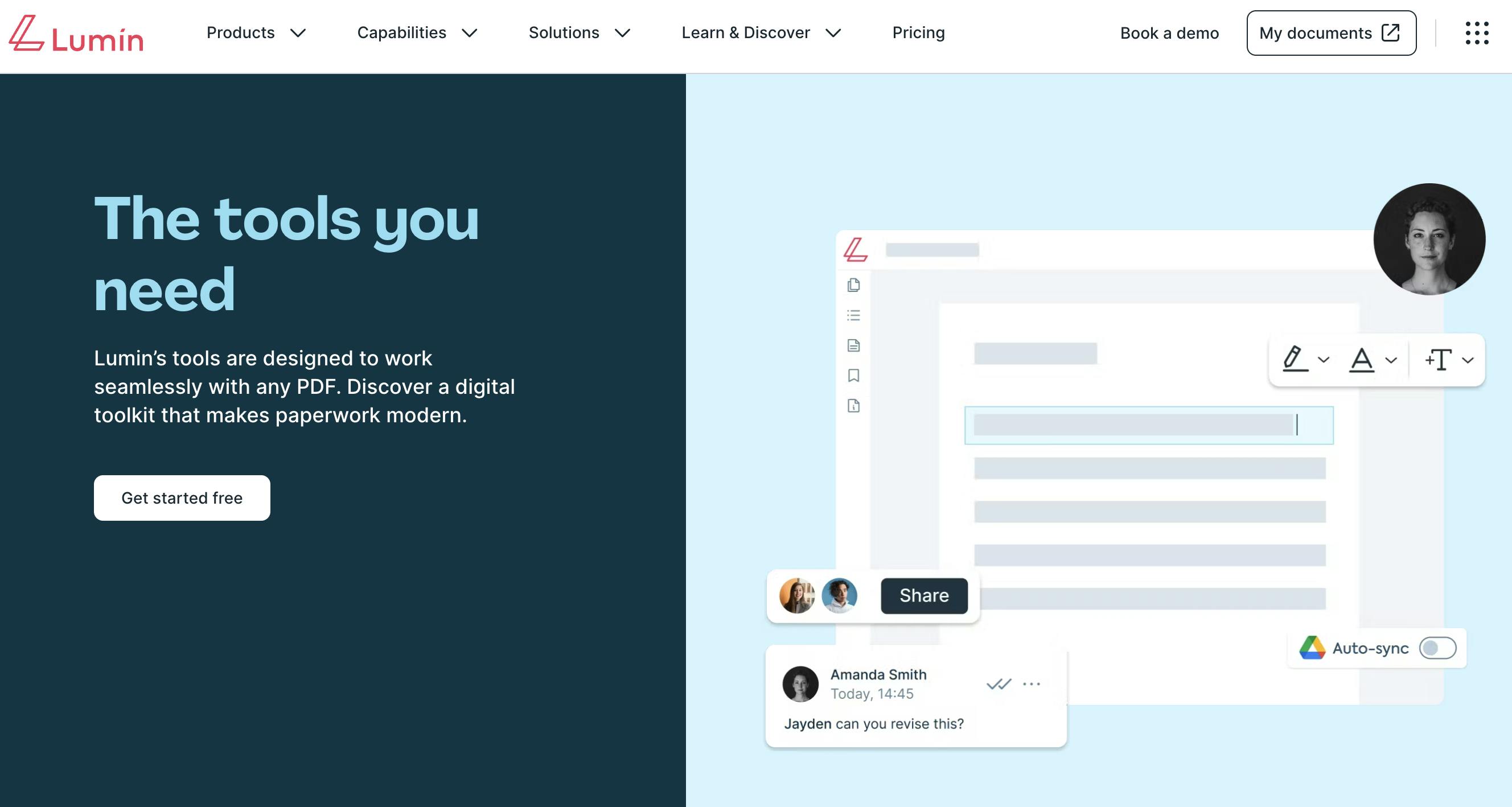
Kami is a PDF annotator, while Lumin PDF is a full-service PDF editor that also includes annotation and markup features. That means it does almost everything Kami does, while additionally letting you edit the text, images and overall structure of a PDF.
Say you have a PDF containing a lesson plan. You can highlight key text and make other annotations like you would with Kami, but also update text, rearrange pages and complete more advanced editing tasks. Lumin PDF also offers real-time collaboration, file conversion and other features.
If you also want to send PDFs for signing, check out Lumin Sign, which is Lumin PDF's comprehensive eSigning tool.
Key differences with Kami
Kami is primarily an educational tool that allows users to annotate and collaborate on PDFs and other documents in classroom environments. It integrates with various learning management systems, including Google Classroom and Schoology.
Lumin PDF offers more versatility than Kami due to its broader user base, targeting individuals and businesses, as well as teachers and students. When used in an educational setting, the platform offers features such as real-time annotations for student feedback, document text highlighting for assignments and full PDF editing. It also integrates with Google Classroom.
Because it's not a true PDF editor, Kami is slightly more streamlined than Lumin PDF. However, the latter isn't difficult to use, despite having many more features.
Another difference is that Kami provides security features solely for educational users, while Lumin PDF comes with enterprise-level security. This includes PCI-DSS compliance and AES 256 data encryption.
Price comparison
Lumin PDF offers a premium version of its software completely free for K-12 teachers and students. If you're a professor, college student or someone else who doesn't fit into this category, you can get Lumin PDF with basic features for free or subscribe to one of its paid plans, which start from $19 per team per month.
Kami doesn't provide a premium version for K-12 (or other users) at no cost, meaning you'll need to use its basic free plan or take out a paid plan. To complicate matters, the company doesn't publish prices for its paid tier for schools and districts; however, it lists a teacher plan on its website for $149. It's unclear whether this is a one-time fee or an annual subscription, so we recommend contacting Kami for more info. The teacher plan starts with a 90-day free trial.
How does Lumin PDF rate?
For comparison, Kami has the following ratings:
Lumio
Lumio is an online educational platform from SMART Technologies. Among other things, it lets you import PDFs and annotate them in real time during lessons, enhancing classroom experiences and improving student engagement. Unlike Lumin PDF, it offers nothing in the way of PDF editing, meaning you can't make structural changes to existing lesson plans, assignments and other files.
One great thing about Lumio is that it integrates with tools you may already use in the classroom, such as Google Slides and Canva. You can also track student understanding and progress with built-in quizzes, polls and other assessment tools.

Key differences with Kami
Kami is primarily a PDF annotation tool, whereas Lumio provides additional features for educators, including game-based assessments and student progress tracking. If you want a platform that offers more versatility in the classroom, Lumio might be the better choice.
Lumio also has more integrations than Kami, allowing you to connect with software and apps that improve lesson creation and student engagement.
When it comes to ease of use, you might find that Kami has a simpler learning curve due to its more streamlined functionality.
Price comparison
Like Kami, Lumio offers a free version with basic features. However, you'll want to upgrade to a paid plan for more advanced capabilities, including unlimited lesson storage and expanded or full access to an AI tool that generates questions and answers for quizzes.
Lumio has two paid plans. The Standard tier, intended for individual educators, costs $59 per year. Prices for the Spark tier, intended for schools and districts, are available on request.
How does Lumio rate?
Adobe Acrobat
If you're looking for something more than a simple PDF annotator, Adobe Acrobat hits the mark with a full suite of PDF tools for the classroom. You can create, edit and manage worksheets, lesson plans and other educational materials in one place, making it easier to engage students and move them through your learning workflows.
Adobe Acrobat has been the leading name in PDF editing since the 1990s, with many schools and colleges using this software. Features include real-time collaboration, document templates and file conversion. You can even send documents for signing through Acrobat's sister tool, Acrobat Sign.
Key differences with Kami
Adobe Acrobat offers far more features than Kami, making it a more comprehensive solution for classrooms. For example, instead of just annotating a worksheet, you can edit its text, add images and even convert the file into a Word or PowerPoint document. This makes Acrobat a more comparable tool to something like Lumin PDF rather than Kami.
If it's simplicity you're after, Kami might be the right fit for your team. That's because Acrobat has advanced features that go well beyond document annotation, and you may end up paying for things that you don't actually need.
However, if you're looking for security, Acrobat is the better option. It benefits from Adobe's top-tier data protection and compliance with industry standards.
Price comparison
Similar to Kami, Adobe Acrobat has a free version with basic features. It also offers two paid plans specifically intended for students and teachers: Pro, which costs $19.99 per team per month, and Creative Cloud Pro, which costs $69.99 per team per month. The latter provides access to Adobe's wider Creative Cloud ecosystem, which includes Photoshop and InDesign. If these are tools you don't need, the Pro plan might be your preferred option.
How does Adobe Acrobat rate?
Foxit PDF Editor
Foxit PDF Editor is similar to Adobe Acrobat and Lumin PDF in that it lets you edit PDFs rather than just annotate them. It offers a version for students, teachers and school staff that costs 60% less than its regular plans.
You'll find a whole heap of features on Foxit, including document templates, team collaboration and file conversion. You also get access to an AI assistant that summarizes, rewrites and extracts data from PDFs and other documents. However, if you're simply looking for annotation features, you might be paying for tools you don't need.
Key differences with Kami
Foxit PDF Editor integrates with more software and apps than Kami, including Dropbox. However, many of its integrations, such as Zoho and BambooHR, are geared toward business use rather than educational settings.
Foxit may also be the more difficult platform to use due to its more extensive features, such as advanced PDF editing.
One feature that you won't find in Kami is called ConnectedPDF. This lets you track different versions of learning documents after registering them in the cloud, meaning you can see who opens and works on your PDFs.
Price comparison
Foxit PDF Editor+ for Education costs $49.99 per license per year (you can't pay monthly), which is considerably cheaper than the company's regular annual plans. Comparing this price is tricky because Kami has a custom pricing model for schools and districts, and it's unclear whether its teacher plan is a one-time or annual fee.
To qualify for Foxit's educational discount, you need to register with a school-provided email. Gmail, Yahoo and other public email providers aren't accepted.
How does Foxit PDF Editor rate?
These scores are for the regular Foxit PDF Editor and not the version for educators.
Smallpdf
Unlike Foxit, Smallpdf doesn't have a specific version of its software for education. However, it offers PDF annotation, editing and management tools that you can use in a classroom environment. For instance, you can add text and shapes to PDFs and convert files into Word documents.
Despite offering more features than Kami, Smallpdf doesn't provide the functionality of more advanced PDF editors like Lumin PDF and Adobe Acrobat. It's a much simpler PDF annotator and editor, which might benefit your team if you only need basic features.
Key differences with Kami
While Smallpdf has a free version, it's more restrictive than Kami's. For example, there are daily limits on the number of PDFs you can annotate. Kami also has a more straightforward interface, making it easier for users to access features and annotate documents.
As previously mentioned, Smallpdf doesn't have any tools designed specifically for education. It's more business-focused, offering features such as eSignatures (via a partnership with Sign.com) and PDF text translations.
Price comparison
Smallpdf's paid tiers start from $12 per seat per month. All plans include access to more than 30 document management tools, unlimited document downloads and more.
How does Smallpdf rate?
How to choose the right PDF tool for your classroom
If you just want a tool for annotating PDFs, Kami can help. It lets you highlight, comment on and draw on the documents you use in the classroom, potentially enhancing student engagement. That said, other platforms, such as Lumin PDF and Foxit PDF Editor, offer more than just annotation, making them better choices if you crave more functionality and versatility.
To find the right tool for your needs, compare features, pricing and user reviews. You should also think about ease of use, integrations, customer service and other factors. By seeing what's available on the market, you can discover a platform that helps you make the most of your PDFs and other learning materials.

Share this post