Trình tạo điều khoản và điều kiện
 Tạo điều khoản cho website hoặc ứng dụngTạo điều khoản cho doanh nghiệp bán sản phẩmTạo điều khoản cho doanh nghiệp cung cấp dịch vụ
Được tin cậy bởi một số công ty lớn nhất thế giới







Làm thế nào để tạo ra các Điều khoản và Điều kiện của bạn
- 1

Nhập lời nhắc của bạn
Bắt đầu bằng cách nhập loại hình doanh nghiệp, dịch vụ cung cấp và chi tiết nền tảng của bạn. Trình tạo AI của chúng tôi sẽ sử dụng thông tin này để tạo điều khoản và điều kiện phù hợp, bảo vệ quyền lợi doanh nghiệp và tuân thủ yêu cầu pháp lý.
- 2
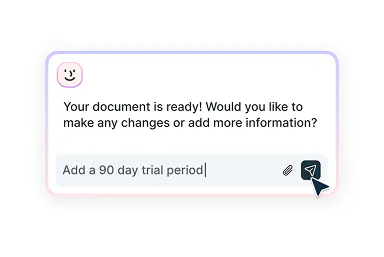
Chỉnh sửa với trợ lý thông minh
Bạn muốn điều chỉnh giới hạn trách nhiệm, thay đổi chính sách hoàn tiền hoặc thêm quy tắc hành vi người dùng? Trợ lý AI của chúng tôi sẽ giúp bạn tinh chỉnh từng phần để phù hợp với mô hình kinh doanh và đảm bảo tính hợp pháp.
- 3
Tải xuống và sử dụng
Sau khi xem xét và chỉnh sửa, bạn có thể tải xuống tài liệu đã hoàn chỉnh — được định dạng chuyên nghiệp và sẵn sàng sử dụng trên tất cả các nền tảng của bạn.
Làm điều khoản và điều kiện trở nên đơn giản
Soạn thảo, tùy chỉnh rồi triển khai mọi nền tảng của bạn

Tạo điều khoản và điều kiện toàn diện
Dễ dàng tạo bộ điều khoản phù hợp mô hình doanh nghiệp, tuân thủ quy định ngành bằng trợ lý AI thông minh, thiết kế cho doanh nhân hiện đại và các doanh nghiệp kỹ thuật số.

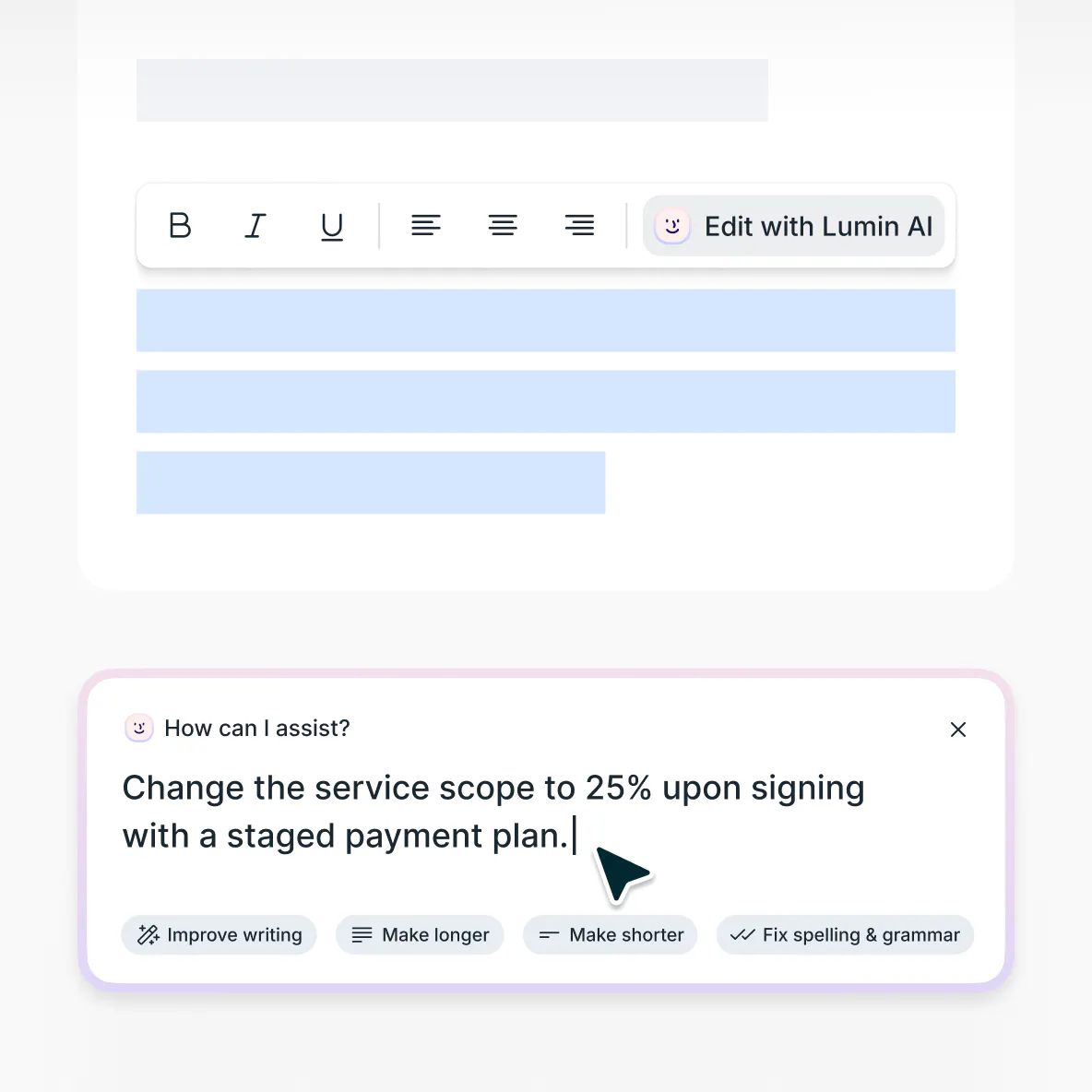
Làm rõ với gợi ý thông minh
Bạn cần định hướng ở từng điều khoản cụ thể? AI của chúng tôi cung cấp các đề xuất thông minh để củng cố điều khoản mà vẫn đảm bảo ngôn ngữ thân thiện với người dùng.

Tải xuống và chia sẻ dễ dàng
Khi điều khoản và điều kiện đã hoàn thiện, bạn có thể tải về ngay với định dạng chuyên nghiệp, tinh gọn. Đưa lên website, đính kèm bản đề xuất hoặc chia sẻ để nhận đánh giá từ nhóm của bạn.

Cập nhật điều khoản và điều kiện hiện có
Hiện đại hóa điều khoản lỗi thời bằng trình chỉnh sửa AI. Tải lên tài liệu hiện tại để chỉnh sửa thông minh cho phù hợp sự phát triển doanh nghiệp, thay đổi dịch vụ hoặc quy định mới.
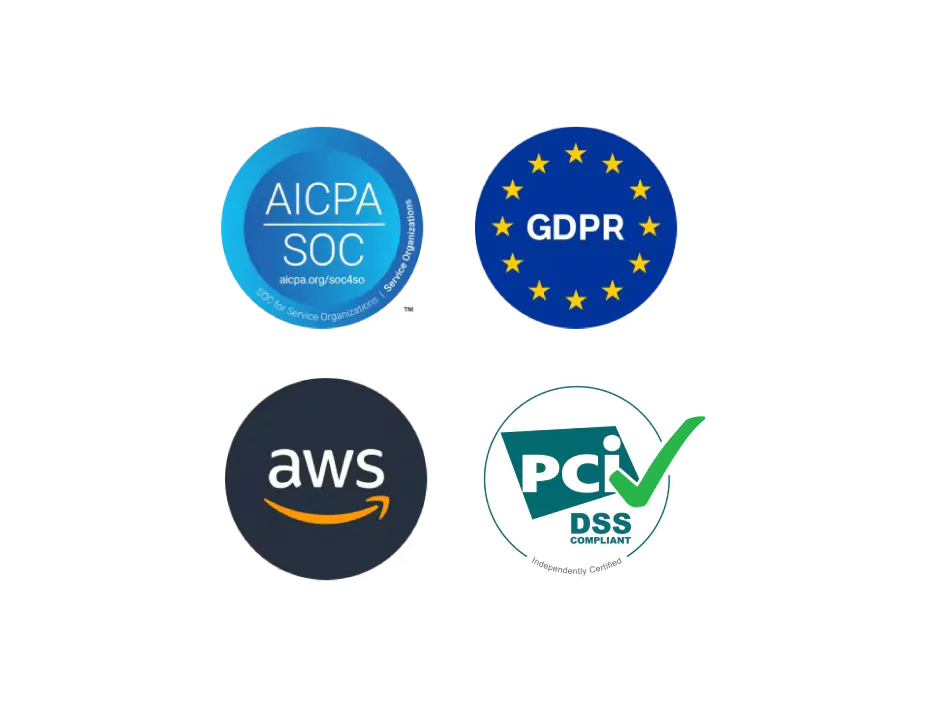
Bảo mật tài liệu chuẩn doanh nghiệp
Mọi thông tin kinh doanh nhạy cảm và dữ liệu pháp lý của bạn đều được bảo vệ tuyệt đối. Nền tảng của chúng tôi tuân thủ SOC 2 Type 1 và GDPR, đảm bảo dữ liệu của khách hàng luôn được mã hóa và an toàn trong suốt quá trình truyền tải và lưu trữ.
Giải thích về điều khoản và điều kiện
Điều khoản và điều kiện là các thỏa thuận pháp lý ràng buộc, xác lập quy tắc, yêu cầu và giới hạn trong mối quan hệ giữa doanh nghiệp với khách hàng hoặc người dùng. Dù bạn ra mắt website, phát triển ứng dụng di động hay cung cấp dịch vụ chuyên nghiệp, điều khoản và điều kiện là cần thiết để quy định trách nhiệm của người dùng, giới hạn trách nhiệm pháp lý và bảo vệ tài sản trí tuệ của bạn.
Điều khoản và điều kiện đóng vai trò như lá chắn pháp lý cho doanh nghiệp. Chúng giúp ngăn ngừa tranh chấp, đặt ra hướng dẫn sử dụng, bảo vệ doanh nghiệp trước nguy cơ kiện tụng. Đây là yếu tố cốt lõi để kiểm soát vận hành, định hướng mong đợi khách hàng, đảm bảo tuân thủ pháp luật và quy định ngành.Nhiều chủ doanh nghiệp đã tự tạo bộ điều khoản và điều kiện hiệu quả. Với hướng dẫn phù hợp, bạn cũng có thể làm được. Trình tạo điều khoản và điều kiện của chúng tôi giống như trợ lý pháp lý AI, giúp bạn nhanh chóng tạo ra bộ điều khoản chuyên nghiệp phù hợp tiêu chuẩn ngành và yêu cầu pháp luật.
Tuy không thay thế luật sư chuyên môn, công cụ này giúp bạn xây dựng nền tảng cơ bản, thuận tiện hơn cho khâu soạn thảo. Đối với các lĩnh vực đặc thù hoặc mô hình kinh doanh phức tạp, bạn vẫn nên tham khảo ý kiến luật sư chuyên về điều khoản và điều kiện trong lĩnh vực kinh doanh hoặc thương mại điện tử.Điều khoản và điều kiện có giá trị pháp lý khi được thể hiện rõ ràng, dễ dàng truy cập và được tích hợp đúng vào mối quan hệ kinh doanh. Tòa án sẽ xem xét tính hợp lý, mức độ công khai, tránh các điều khoản quá bất lợi cho một bên.
Điều khoản phải được người dùng xác nhận thông qua thao tác rõ ràng (ví dụ: tick vào ô đồng ý, click chấp nhận, hoặc thông báo khi truy cập) để tạo nên nghĩa vụ pháp lý ràng buộc.Khi soạn thảo điều khoản và điều kiện, việc bổ sung đầy đủ các nội dung là rất quan trọng cho cả bảo vệ pháp lý lẫn minh bạch vận hành. Hãy tham khảo hướng dẫn này khi nhập nội dung vào trình tạo điều khoản và điều kiện của chúng tôi.
Trách nhiệm của người dùng: Quy định chính sách sử dụng hợp lệ, các hành vi cấm và yêu cầu với người dùng.
Giới hạn dịch vụ: Nêu rõ phạm vi, tiêu chuẩn vận hành, quyền thay đổi dịch vụ/sản phẩm.
Điều khoản thanh toán: Nêu cụ thể về giá, chu kỳ thanh toán, chính sách hoàn tiền và các yêu cầu xử lý thanh toán.
Sở hữu trí tuệ: Bảo vệ nội dung, thương hiệu và dữ liệu độc quyền của bạn, đồng thời quy định quyền của người dùng.
Giới hạn trách nhiệm: Bổ sung các điều khoản miễn trừ trách nhiệm, giới hạn bồi thường giúp bảo vệ doanh nghiệp.
Bảo mật & dữ liệu: Đề cập đến chính sách thu thập dữ liệu, liên kết đến chính sách bảo mật toàn diện cho người dùng.
Thủ tục chấm dứt: Quy định lý do khóa tài khoản, chấm dứt dịch vụ và chính sách lưu trữ, xử lý dữ liệu sau khi chấm dứt.Điều khoản và điều kiện tiêu chuẩn thường bao gồm thỏa thuận người dùng, giới hạn dịch vụ, chính sách thanh toán, quyền sở hữu trí tuệ và điều khoản giới hạn trách nhiệm. Tuy nhiên, "tiêu chuẩn" lại thay đổi tùy ngành nghề – trang thương mại điện tử sẽ cần bảo vệ khác với nền tảng SaaS hay dịch vụ chuyên nghiệp.
Điều khoản hiệu quả phải phù hợp với mô hình kinh doanh đặc thù của bạn, không lấy mẫu đại trà. Trình tạo của chúng tôi sẽ tùy chỉnh điều khoản dựa trên thông tin bạn cung cấp, phù hợp từ ngành, dịch vụ tới phương thức hoạt động riêng.Không, bạn không được sao chép-dán điều khoản và điều kiện từ website khác. Điều này rất rủi ro về pháp lý, bao gồm vi phạm bản quyền vì điều khoản đó là tài sản trí tuệ và có thể vi phạm nhãn hiệu.
Các điều khoản sao chép thường chứa nội dung không phù hợp với doanh nghiệp bạn, sai khu vực pháp lý và thiếu nhiều bảo vệ cần thiết. Tòa cũng không coi trọng điều khoản lấy mẫu như vậy khi xảy ra tranh chấp.
Thay vào đó, hãy sử dụng trình tạo điều khoản của chúng tôi để tự tạo bộ tài liệu phù hợp với nhu cầu kinh doanh. Công cụ hỗ trợ bạn xây khung chuẩn và các nội dung quan trọng.
Tuy nhiên, chúng tôi KHÔNG thay thế tư vấn pháp lý chuyên nghiệp – chỉ là công cụ hỗ trợ. Nếu doanh nghiệp bạn phức tạp, rủi ro cao hoặc cần tuân thủ nghiêm ngặt, hãy xin ý kiến luật sư để đảm bảo bảo vệ đầy đủ và tuân thủ pháp luật.
Câu hỏi thường gặp
Trình tạo điều khoản và điều kiện sử dụng AI của chúng tôi hoàn toàn miễn phí. Bạn chỉ cần tạo tài khoản miễn phí để tải về tài liệu hoàn chỉnh hoặc sử dụng sau khi vượt hạn mức thao tác dành cho người dùng khách.
Chúng tôi đặt quyền riêng tư và an toàn dữ liệu của bạn lên hàng đầu. Thông tin của bạn được mã hóa bằng công nghệ AES 256 tiên tiến và lưu trữ trong cơ sở dữ liệu tiêu chuẩn doanh nghiệp. Mọi dữ liệu nhập vào đều không dùng để huấn luyện AI, chỉ xử lý để tạo điều khoản và điều kiện cho riêng bạn.
Tìm hiểu thêm về bảo mật tại Lumin hoặc đọc cam kết đạo đức AI của chúng tôi.Trình tạo điều khoản và điều kiện sử dụng công nghệ AI để tạo nội dung cá nhân hóa dựa trên thông tin bạn cung cấp về doanh nghiệp. Khi điền các thông tin chính về dịch vụ, nền tảng và mô hình kinh doanh, công cụ sẽ giúp bạn soạn thảo tài liệu phù hợp nhất.
Bạn có thể xem lại, chỉnh sửa và xác nhận tài liệu phản ánh đúng chính sách doanh nghiệp trước khi sử dụng chính thức.Bạn không cần kiến thức pháp lý để sử dụng trình tạo điều khoản này. Trợ lý AI của chúng tôi sẽ hướng dẫn dựa trên thông tin bạn cung cấp, giúp bạn tạo điều khoản rõ ràng và đầy đủ.
Dù công cụ này hỗ trợ tạo tài liệu chuẩn pháp lý, nó không thay thế tư vấn của chuyên gia. Với những ngành nghề phức tạp, rủi ro cao hoặc yêu cầu pháp luật riêng, bạn vẫn nên hỏi ý kiến luật sư chuyên về điều khoản và điều kiện.
Khám phá các sản phẩm của chúng tôi
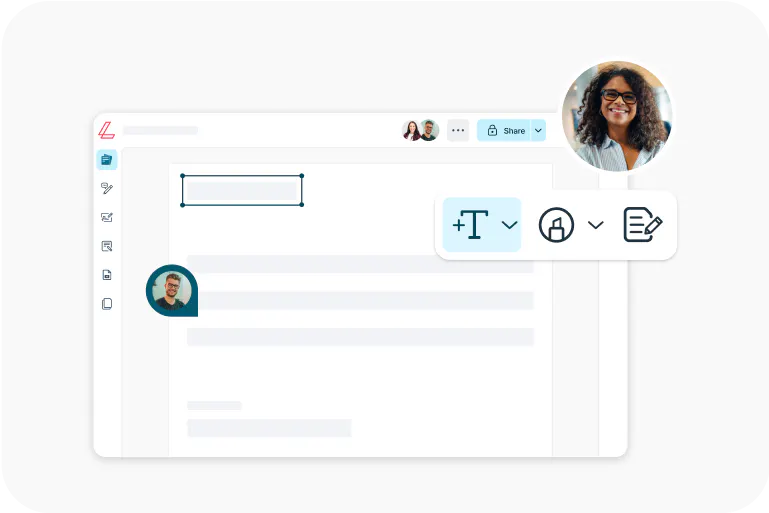
Lumin
Trình chỉnh sửa PDF dễ sử dụng, độc lập hoặc tích hợp cùng Google Workspace.
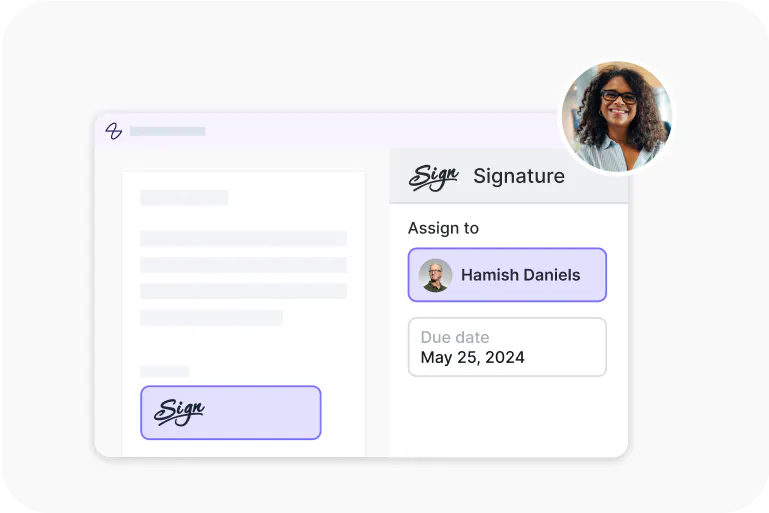
Lumin Sign
Giải pháp làm việc với chữ ký điện tử giúp hoàn tất hợp đồng bằng chữ ký hợp pháp.
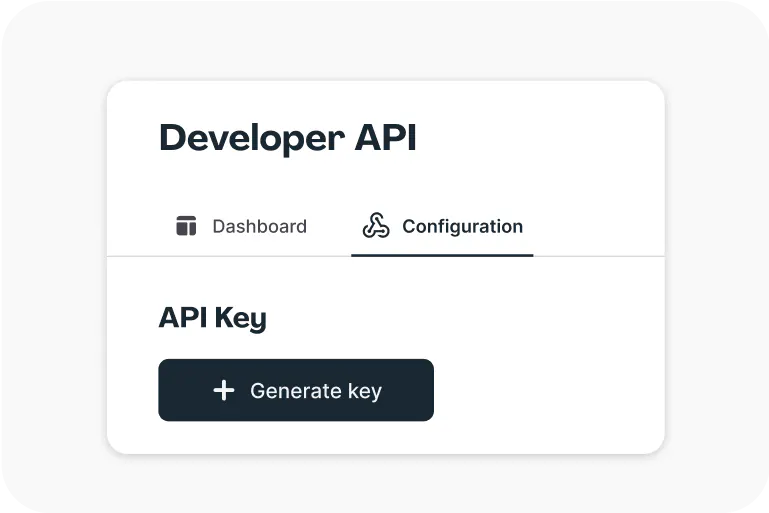
Lumin Sign API
Một API chữ ký điện tử, dễ dàng cắm vào nền tảng của bạn chỉ với vài thao tác.