
Acrobat Sign alternatives: 5 of the best options
Author
Kirk Pepi
Published
Sep 22, 2025
Categories
eSigning
Read time
7 mins
Acrobat Sign is a popular choice for eSignatures, but it isn’t the only option. We’ve compared five leading alternatives, looking at cost, features, ease of use and reviews, so you can find the platform that best fits your business.
4 [{"lang":"vi","url":"/vi/blog/giai-phap-thay-the-cho-acrobat-sign/"},{"lang":"fr-fr","url":"/fr/blog/alternatives-a-acrobat-sign/"},{"lang":"pt-pt","url":"/pt/blog/alternativas-ao-acrobat-sign/"},{"lang":"es-es","url":"/es/blog/alternativas-a-acrobat-sign/"}]Available in Vietnamese, French, Portuguese and Spanish.
Table of contents
- 1. Lumin Sign
- 2. Docusign
- 3. PandaDoc
- 4. Dropbox Sign
- 5. SignNow
- 6. How to choose the right eSignature provider
Share this post
Many businesses use Acrobat Sign from Adobe for eSignature workflow automation, but that doesn't mean it's the right fit for your team. There may be other solutions that suit you better, though it all depends on factors such as your budget and business requirements.
We've rounded up some alternatives to Acrobat Sign and compared them on features, pricing, user feedback and more. This makes it easier to see which platform aligns with your needs.
If you're exploring all your options for eSignatures, also check out our recent guide to Docusign alternatives.
Note: All prices mentioned below are for monthly subscriptions. Annual plans, where applicable, may work out cheaper.
Lumin Sign
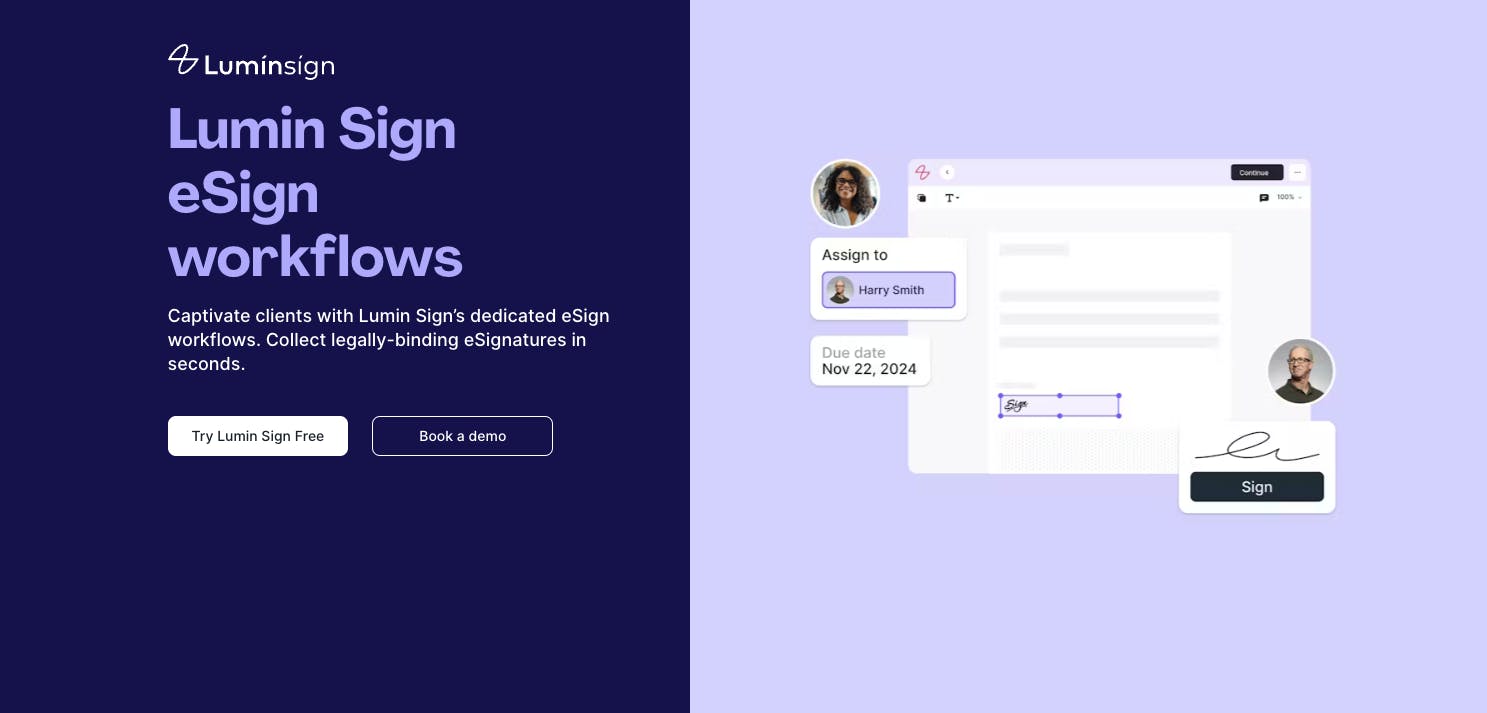
Similar to Acrobat Sign, Lumin Sign is a dedicated eSignature workflow tool that makes requesting, collecting and managing legally binding signatures easier than ever. You get standard and enterprise-level features out of the box, so you can complete contracts and other legal agreements, do deals and ensure everything's compliant in a few simple steps.
Lumin Sign has far too many features to list here, but key ones include audit trails for tracking who signed what and when, real-time notifications for signees and customizable templates for creating documents. You can also expect a user-friendly interface that makes this platform simple for any team to use, regardless of experience.
Key differences with Acrobat Sign
If you consistently use other Adobe products, such as Acrobat Reader and Creative Cloud, Acrobat Sign might have an easier learning curve than Lumin Sign. That's because the menus, navigation and overall interface will feel familiar. Acrobat Sign also integrates more easily with other Adobe tools.
If you’re not embedded in the Adobe ecosystem, however, Lumin Sign is likely to feel more intuitive and simpler to use.
The biggest difference between these tools is that Lumin Sign has a free tier, while Acrobat Sign doesn't. That means you can access basic eSignature features on Lumin Sign, such as sending five documents a month for signing, at no cost.
Also, Lumin Sign’s Pro plan is around $6 cheaper per month than Acrobat Sign’s Pro plan, which you’ll see more about below.
Price comparison
Acrobat Sign's Pro plan costs $23.99 per license per month, with each user requiring their own license. Lumin Sign's Pro plan costs $18 per user per month.
You may want to sign up for a free trial with Acrobat Sign, which lasts for 30 days. Lumin Sign offers a 7-day free trial.
How does Lumin Sign rate?
- G2: 4.5/5
- Trustpilot: 4/5 (Lumin as a whole)
- Capterra: No rating at this time
For comparison, Acrobat Sign has the following ratings:
- G2: 4.4/5
- Trustpilot: No rating at this time
- Capterra: No rating at this time
Note: Trustpilot and Capterra have ratings for Adobe and Adobe Acrobat, respectively. However, there are no ratings for Acrobat Sign specifically.
Docusign
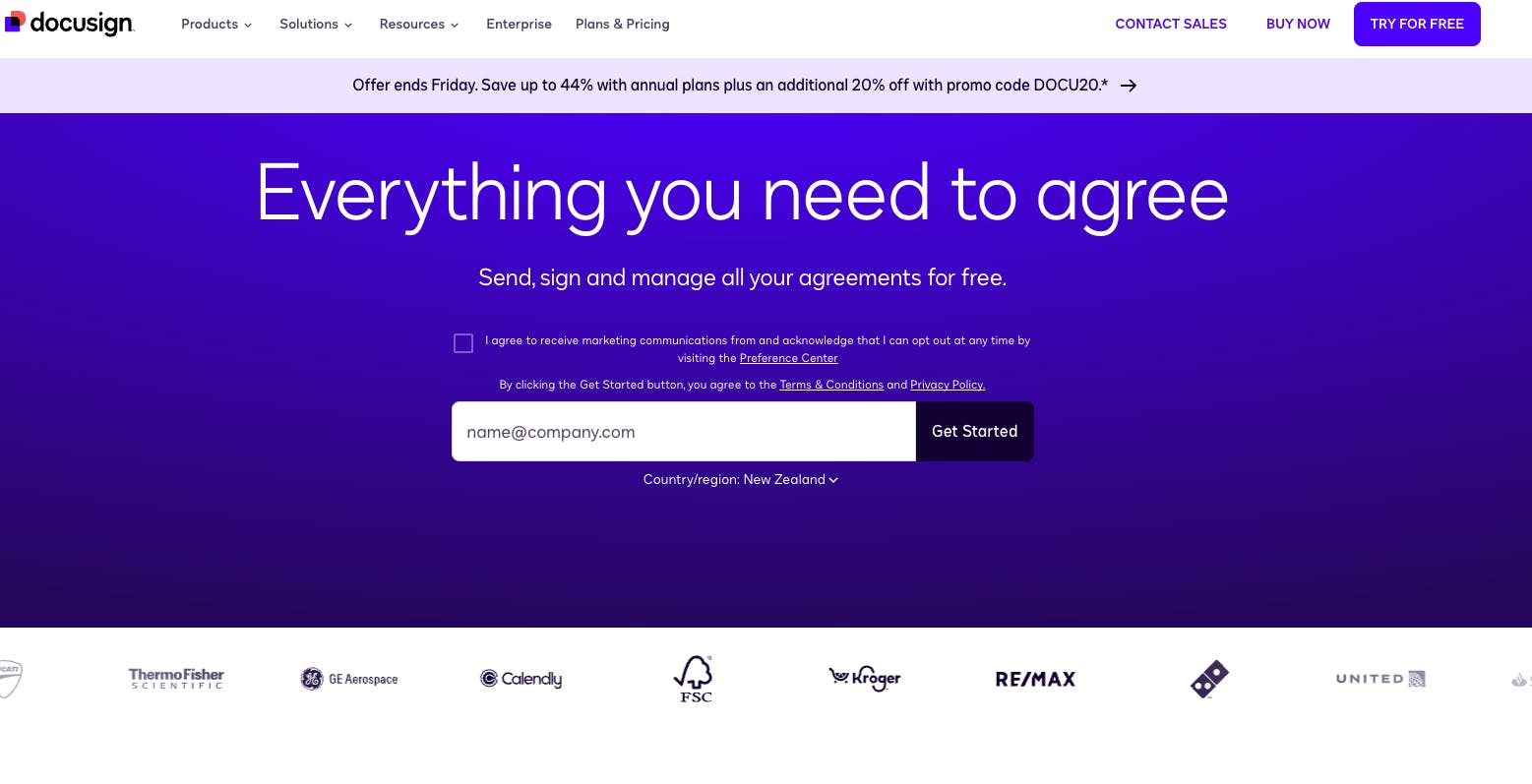
Docusign is another alternative to Acrobat Sign that you may want to consider. It offers features such as document tracking, digital invoices and data analytics, helping you automate all your eSignature workflows.
Acrobat Sign and Docusign are the most well-known tools for collecting and managing eSignatures, with smaller competitors like Lumin Sign carving out space in the market.
Key differences with Acrobat Sign
Docusign and Acrobat Sign integrate with customer relationship management (CRM) systems, project management platforms and other third-party software and apps. However, Docusign connects with more tools than Acrobat Sign (900+ vs. fewer than 100). On the flip side, Acrobat Sign is the better choice if you want to integrate eSigning into other Adobe products, as mentioned earlier.
Like Lumin Sign, Docusign offers a free option, allowing you to upload, sign and return documents without incurring any costs. However, you'll want to take out a paid subscription for more advanced features.
Price comparison
Docusign's Standard plan costs $45 per user per month, making it around $21 more expensive than Acrobat Sign's comparable plan. However, it includes some advanced eSigning features that you won't find on the latter, which may justify the cost. Quick tip: Compare both plans to see what works best for you.
You can try Docusign at no cost with a 30-day free trial.
How does Docusign rate?
PandaDoc
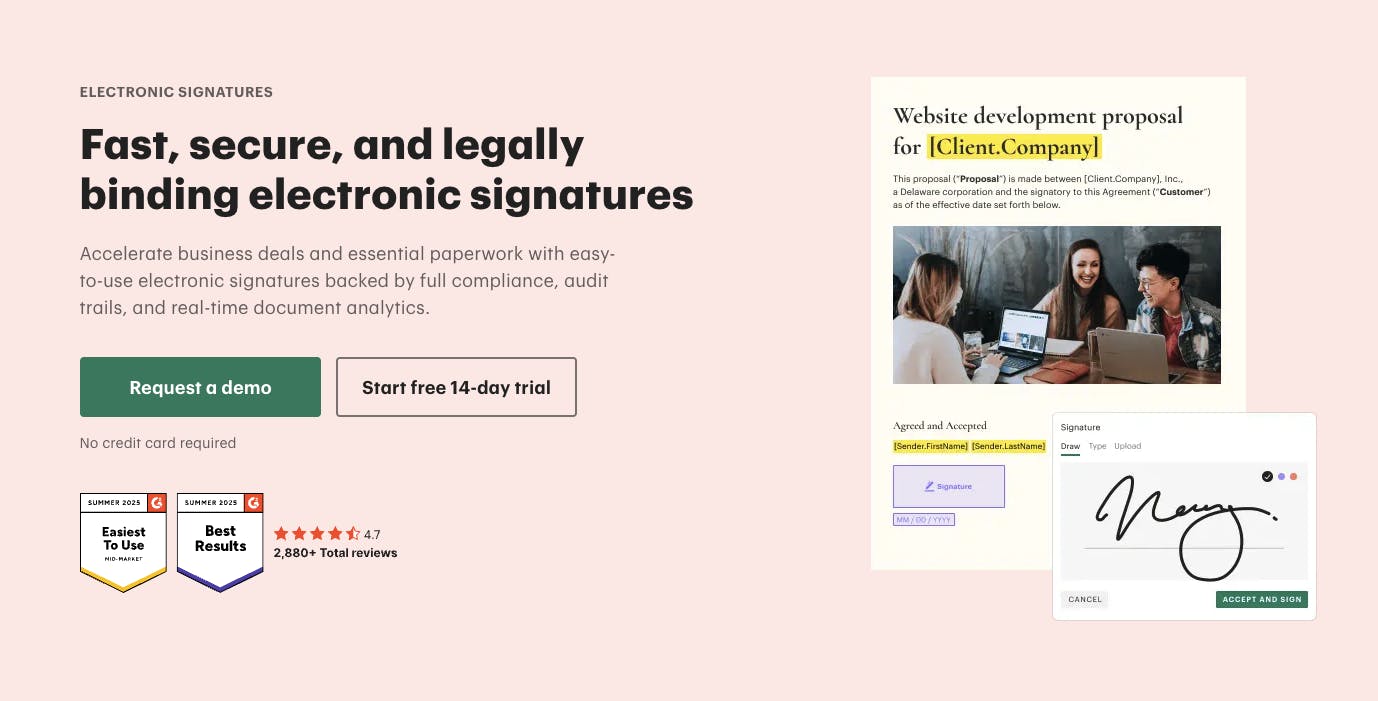
PandaDoc says it's the "one tool, one tab, one stop for all your agreements," but is that true? Like the other platforms in this guide, it lets you send documents that require signing, manage and track signees and does that all via a pretty user-friendly interface. However, it may lack certain features that you need, making something like Docusign or Lumin Sign a better option.
Key differences with Acrobat Sign
PandaDoc offers a free plan with basic eSigning features, as well as several paid tiers. Acrobat Sign, on the other hand, always requires a subscription.
Acrobat Sign also falls short when it comes to templates, which you can use to create documents for signing without starting from scratch each time. It currently only offers templates for U.S. federal government documents and a few IRS forms; PandaDoc, on the other hand, has more than 1,000 templates, including invoices, contractor forms and bills of sale.
That said, Acrobat Sign scores highly on security, benefiting from Adobe's technological infrastructure and resources.
Price comparison
PandaDoc's Business plan, which sits somewhere between Acrobat Sign's Pro and Studio plans, costs $65 per user (or 'per seat') per month. This is considerably more expensive than Acrobat Sign's tiers, which cost $23.99 and $29.99 per license per month.
If you want to try before you buy, PandaDoc offers a 7-day free trial. However, this is considerably less than Acrobat Sign's trial period.
How does PandaDoc rate?
Dropbox Sign
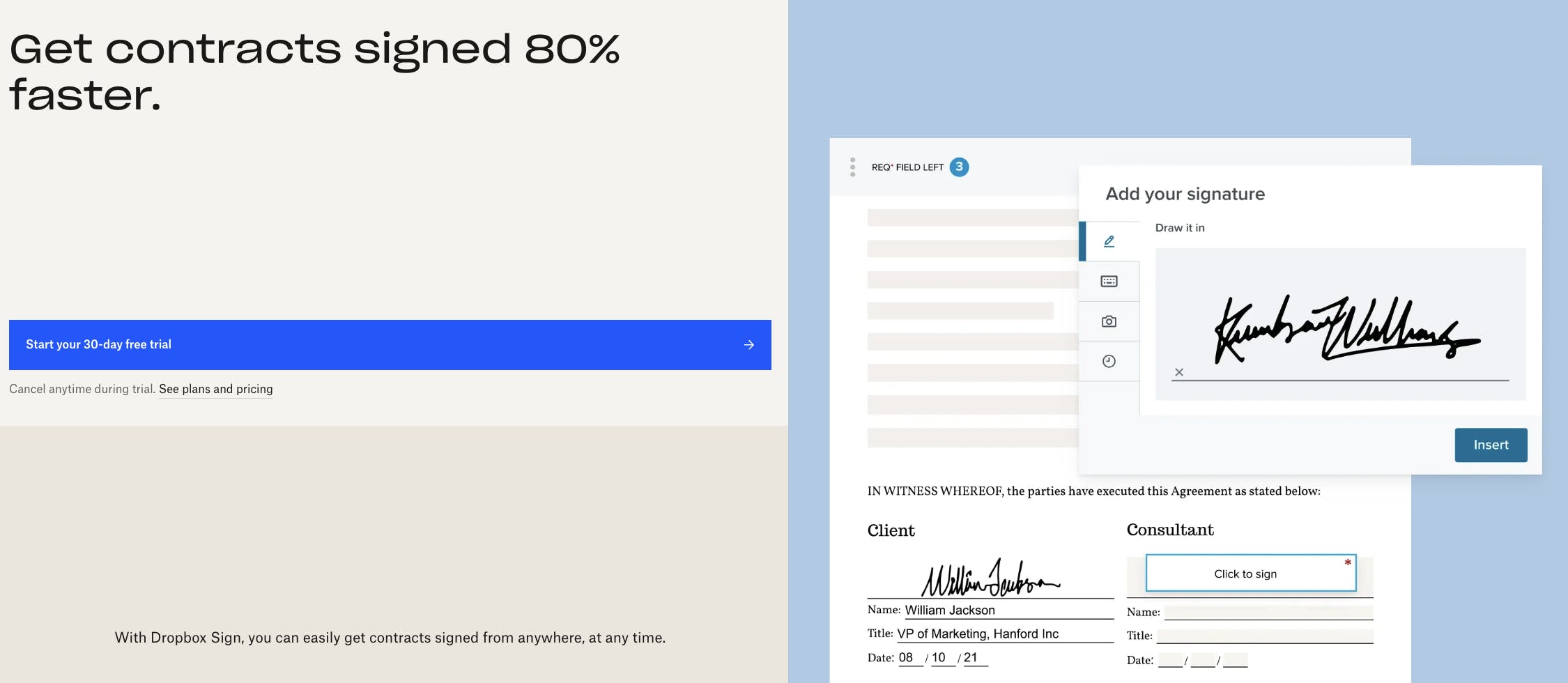
Dropbox Sign, formerly known as HelloSign, boasts multiple features for eSigning automation, including document tracking, document signing reminders and signee verification. You also get no-code integrations and reusable templates.
Another great thing is that it syncs with your Dropbox account (if you have one), so you can save signed docs securely in the cloud without any extra steps.
Key differences with Acrobat Sign
Some features overlap between Acrobat Sign and Dropbox Sign, including the ability to send unlimited documents for signing each month, regardless of the paid plan you choose. This isn't always the case with eSigning tools; Docusign, for example, limits you to 100 documents per user per year on its Standard and Premium plans.
Dropbox Sign has a limited free tier that lets you send three signature requests per month. However, Acrobat Sign has a lower entry point for its paid plans, with the cheapest tier costing $23.99 per license per month. Dropbox Sign's paid plans for business teams start from $30 per user per month (when paid monthly).
Price comparison
Dropbox Sign's Standard plan, which shares some features with Acrobat Sign's Pro plan, costs $30 per user per month (for 2-5 users). This makes it around $6 more expensive than Acrobat Sign. If you have more than five team members wanting to use Dropbox Sign, you'll need to contact the company for a custom quote for its Premium plan.
You can try Dropbox Sign for free for 30 days and decide whether you want to sign up for a paid plan.
How does Dropbox Sign rate?
SignNow
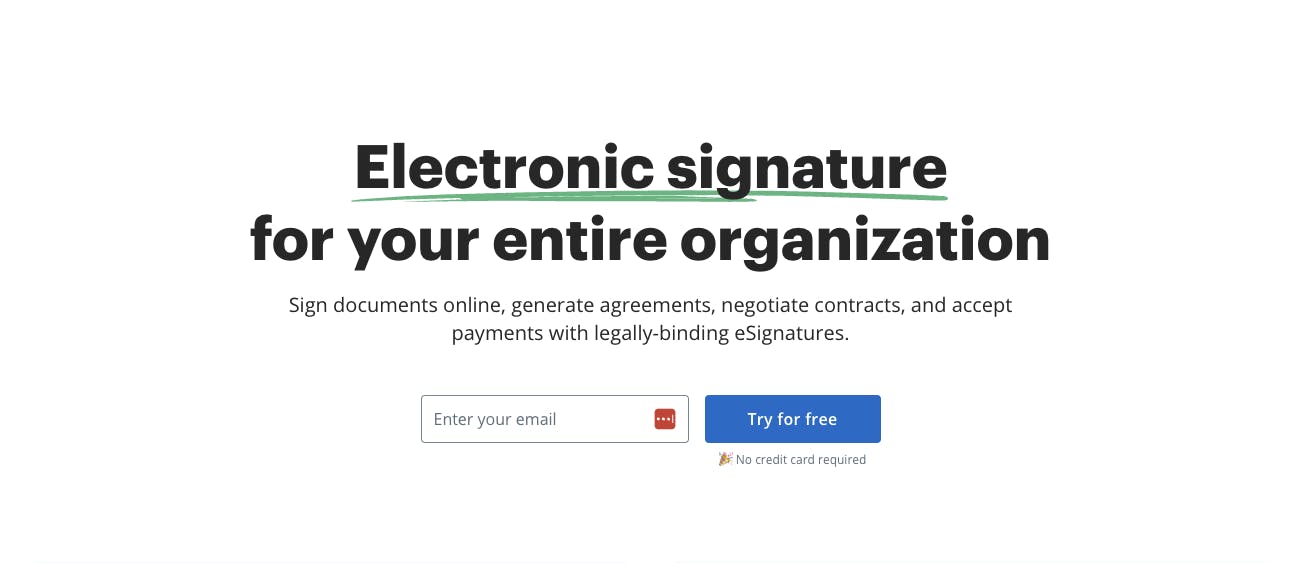
Airslate SignNow claims to collect signatures 10 times faster than other eSignature tools. It allows you to automate various components of the signing workflow, such as creating legal agreements and tracking document statuses.
While SignNow may not be as widely known as Acrobat Sign, many famous brands still use the service, including Facebook and FedEx.
Key differences with Acrobat Sign
SignNow lacks some security credentials that you'll find in Acrobat Sign. This includes CSA Star, which is a third-party independent assessment of the safety of a cloud service provider. However, it still takes security seriously, offering HIPAA compliance, two-factor authentication and other features.
If you're new to eSignature workflow automation tools, you might find SignNow a simpler platform to use than Acrobat Sign. Its interface is really easy to work with, whether you're creating new documents for signing or sending notifications to signees.
One major difference is that Acrobat Sign offers AI capabilities, such as document summaries, through Adobe's Acrobat Studio or Acrobat AI Assistant add-on. SignNow currently doesn't have any AI features, but plans to introduce them in the future via an integration with AI Works.
Price comparison
SignNow's Business Premium plan, comparable to Acrobat Sign's Pro plan, costs $30 per month for unlimited users. However, SignNow is a simpler tool and may lack features you need when collecting and tracking eSignatures. This may make Acrobat Sign the wiser investment, although it all depends on your goals.
SignNow offers a 7-day free trial, so you can play around with its different features before committing to a paid plan.
How does SignNow rate?
How to choose the right eSignature provider
Acrobat Sign is a powerful eSignature tool with lots of features, including document templates, high-level security and seamless integration with other products in the Adobe software suite. However, it may not be the right choice for your team, especially if you don't use Adobe products.
Other platforms, such as Lumin Sign and Dropbox Sign, may be a better fit for your team. We recommend comparing the features that you need across various providers and finding a solution that matches your preferences and budget. You can also try many of the tools in this list by signing up for a free trial and then deciding whether a platform aligns with your needs.
Share this post