The 5 best alternatives to Docusign
author
Kirk Pepi
published
Sep 3, 2025
categories
eSigning
read time
9
Docusign may be the market leader, but not every team works the same way. Explore the top alternatives and see which eSignature platform matches your needs (and budget) best.
You can also read this article in Português, Français, Español and Tiếng Việt.
Table of Contents
1. Lumin Sign
2. Acrobat Sign
3. Dropbox Sign
4. PandaDoc
5. SignNow
6. How to choose the right eSignature provider
- 1. Lumin Sign
- 2. Acrobat Sign
- 3. Dropbox Sign
- 4. PandaDoc
- 5. SignNow
- 6. How to choose the right eSignature provider
share this post
Docusign is one of the biggest names on the block when it comes to eSignature workflow automation. However, that doesn't mean it's the perfect match for every team. Several signing tools on the market might be a better fit, and the ideal solution depends on your needs, budget and how you like to get things done.
To save you time, we've compiled a list of Docusign alternatives based on features, pricing, user reviews and other factors. This way, you can quickly compare your options and make a decision that works best for your business.
We'll be comparing other top eSignature tools over the coming weeks too, so stay tuned for more reviews.
Note: All prices mentioned below are for monthly subscriptions. Annual plans, where applicable, may work out cheaper.
Lumin Sign
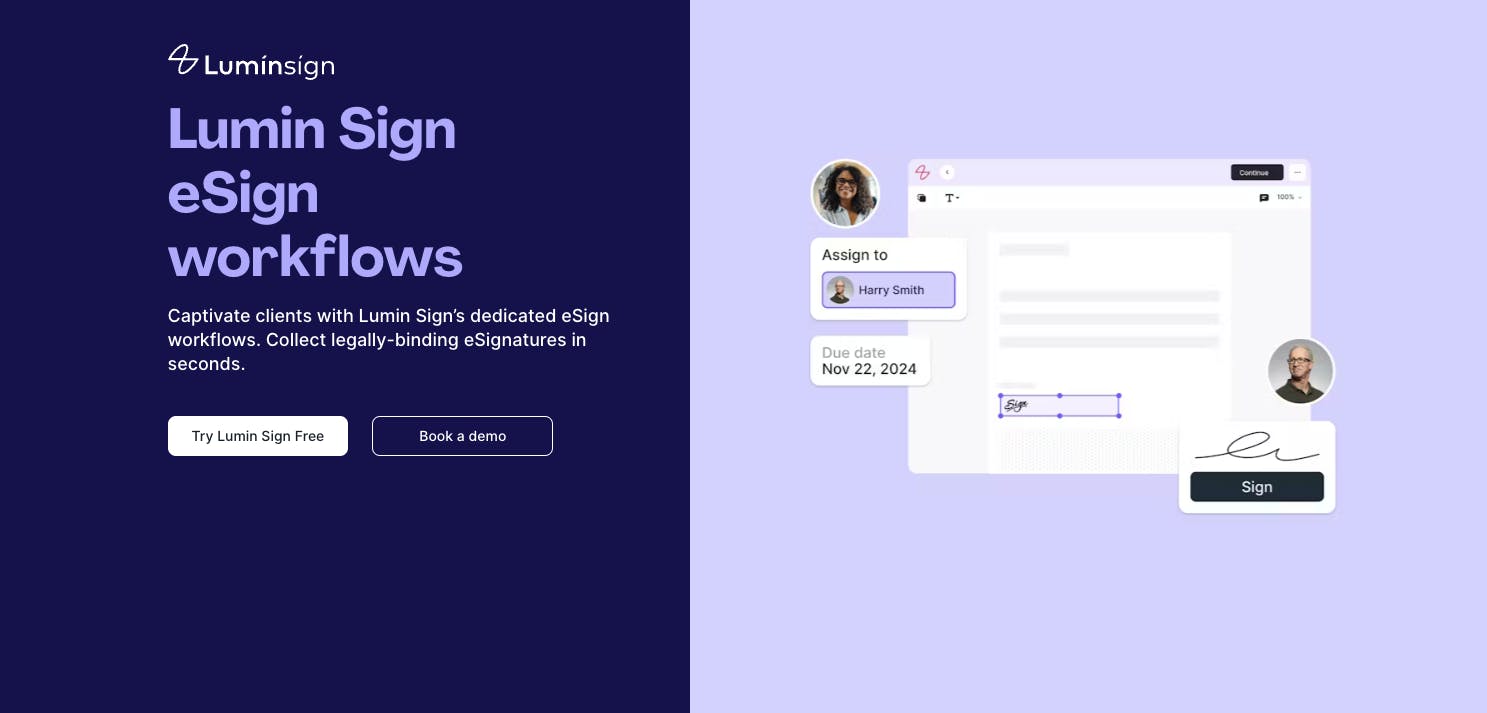
Lumin Sign takes care of eSignatures from start to finish. Whether you're sending documents for legally binding signatures to multiple people, tracking the status of those documents or reminding signees to take action, this end-to-end solution has you covered.
With Lumin Sign, you get 360-degree visibility over the entire eSignature automation process. You can ensure compliance and security with detailed audit trails, manage seriously complex workflows, keep everyone on schedule and do this all from a simple, user-friendly interface. Ultimately, you'll know who signed what and when every single time.
Key differences with Docusign
Like Lumin Sign, Docusign automates the eSignature process, letting you collect legally binding signatures, track documents and manage signees in just a few clicks. However, there are a few differences in how these products work.
One of the first things we noticed was how Lumin Sign's interface was far more user-friendly than Docusign's. It has a cleaner and more intuitive design, making it a good choice for those who have never used an eSignature tool.
Docusign can also complicate the user experience with its terminology. Case in point: Docusign calls documents for signing 'envelopes,' while Lumin Sign calls them what they are — documents.
Another standout difference is Lumin Sign’s native integration with Google Drive. Instead of switching between platforms, you can open a PDF directly from Drive, sign it and have the updated file sync back automatically. With Docusign, documents are routed out of Drive into its own system, which adds extra steps and breaks the flow.
Docusign and Lumin Sign both have free plans; however, the former is far more limited. For example, you can't send documents to multiple recipients at once unless you upgrade to a paid tier. With Lumin Sign, up to 20 people at one time can receive and sign a document - no matter what plan you choose.
Price comparison
Docusign has four premium plans, while Lumin has two. Docusign's Standard and Lumin Sign's Pro, which are similar in scope, cost $45 per user per month and $18 per user per month, respectively.
Besides being $27 cheaper, Lumin Sign's Pro allows 100 documents to be sent per workspace every month, while Docusign's Standard limits users to 100 documents per year. This means Lumin Sign provides more value for high-volume teams.
How does Lumin Sign rate?
- G2: 4.5/5
- Trustpilot: 4/5 (Lumin as a whole)
- Capterra: No rating at this time
For comparison, Docusign has the following ratings:
Acrobat Sign
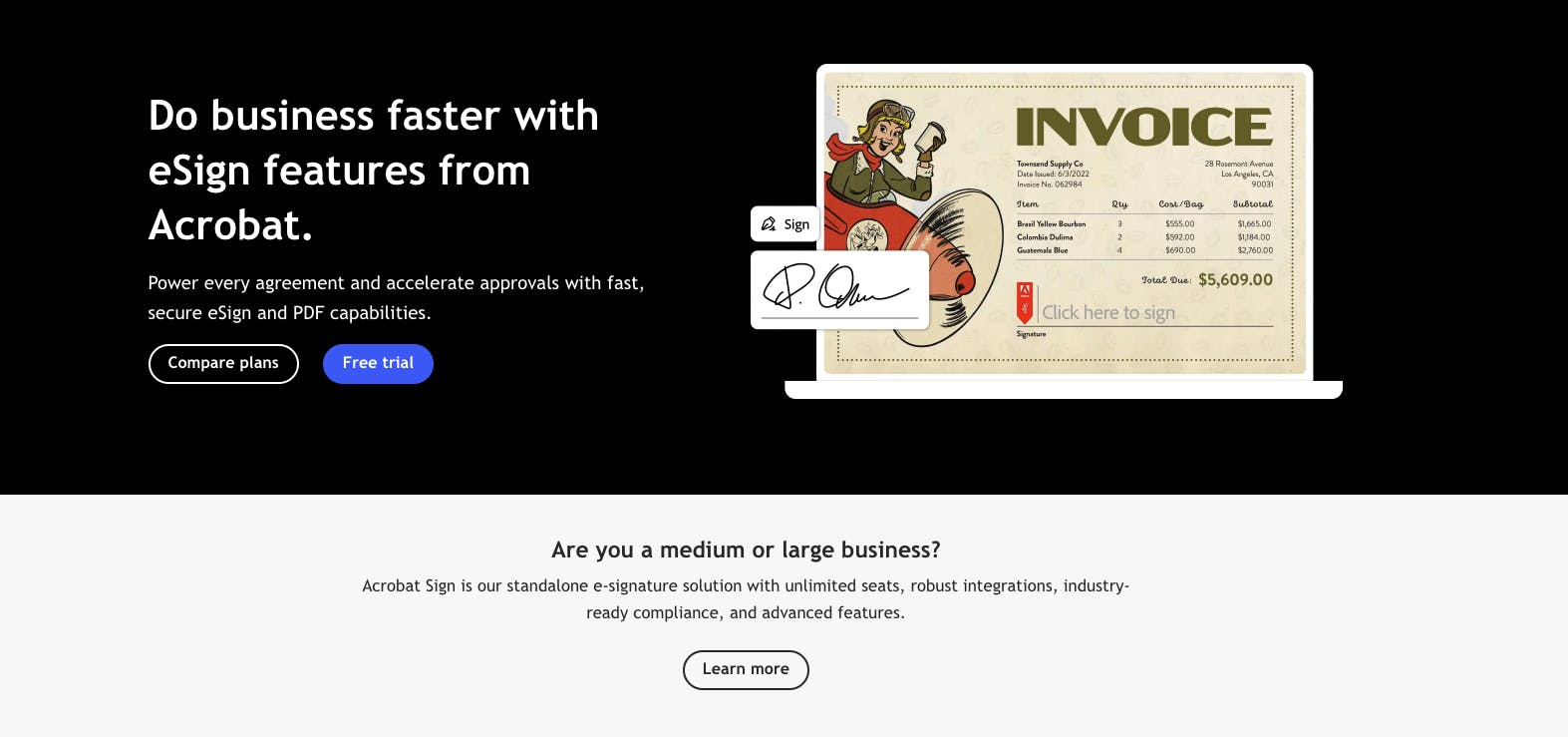
Acrobat Sign is Adobe's eSignature tool, offering standard and enterprise features that automate document signing and management. These features include document tracking, built-in data analytics and the opportunity to collect payments from signees via digital invoices.
Like Docusign, Acrobat Sign is one of the most popular signing tools on the market. Adobe Acrobat itself dates back to the early 1990s, with many of the world's biggest brands relying on it today, including Puma, Amazon and Walmart.
Key differences with Docusign
Both Docusign and Acrobat Sign integrate with third-party software and applications, letting you streamline your eSignature workflows. However, Docusign offers more integrations than Acrobat Sign (900+ vs. fewer than 100).
That said, Acrobat Sign is the better choice if you want to integrate eSigning with other Adobe products, such as Creative Cloud, Document Cloud and Experience Cloud.
Unlike Docusign, Acrobat Sign doesn't have a free tier, so you'll need a paid subscription.
Price comparison
Acrobat Sign's Standard plan costs $14.99 per license per month, while Docusign's Standard plan, as previously mentioned, costs $45 per user per month. The former's plan is designed for 2-9 users, with each user requiring their own license. This makes it a much cheaper option for small teams.
How does Acrobat Sign rate?
- G2: 4.4/5
- Trustpilot: No rating at this time
- Capterra: No rating at this time
Dropbox Sign
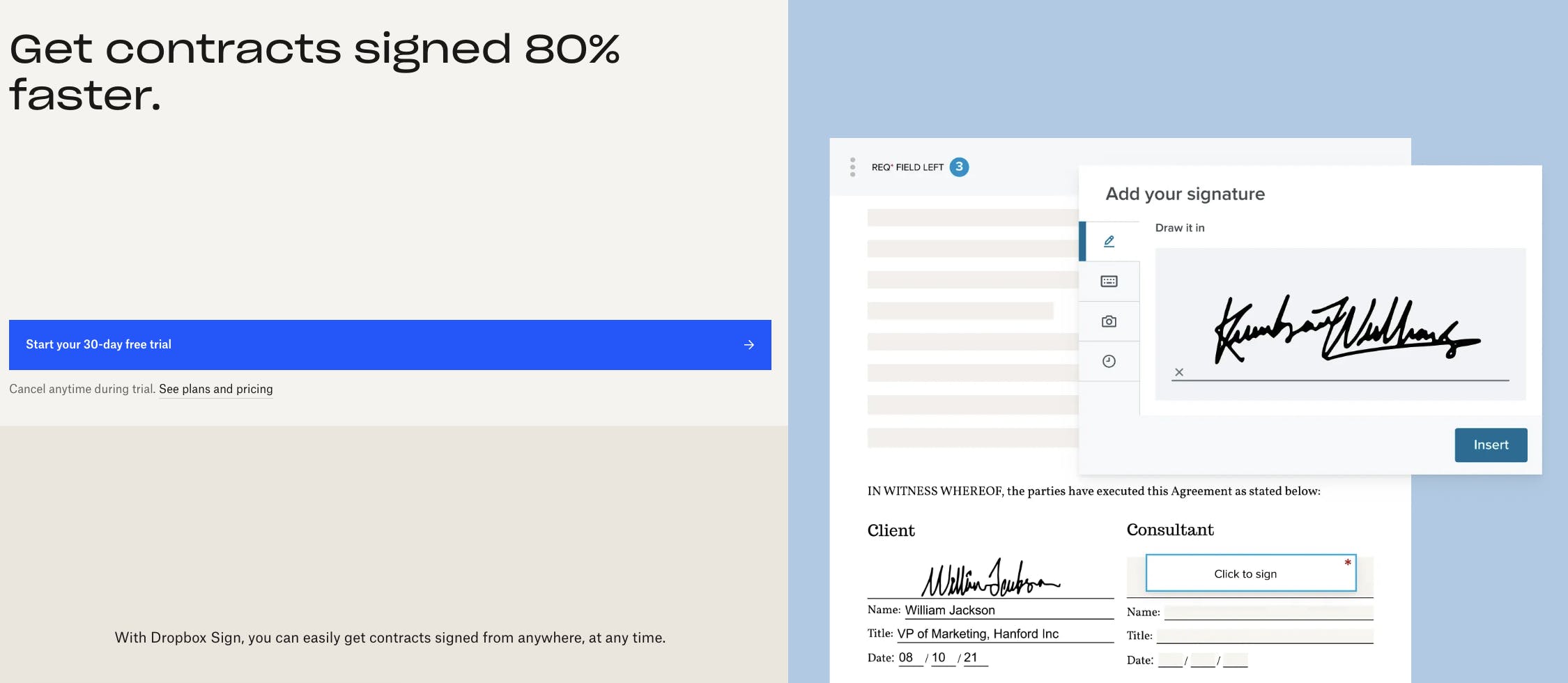
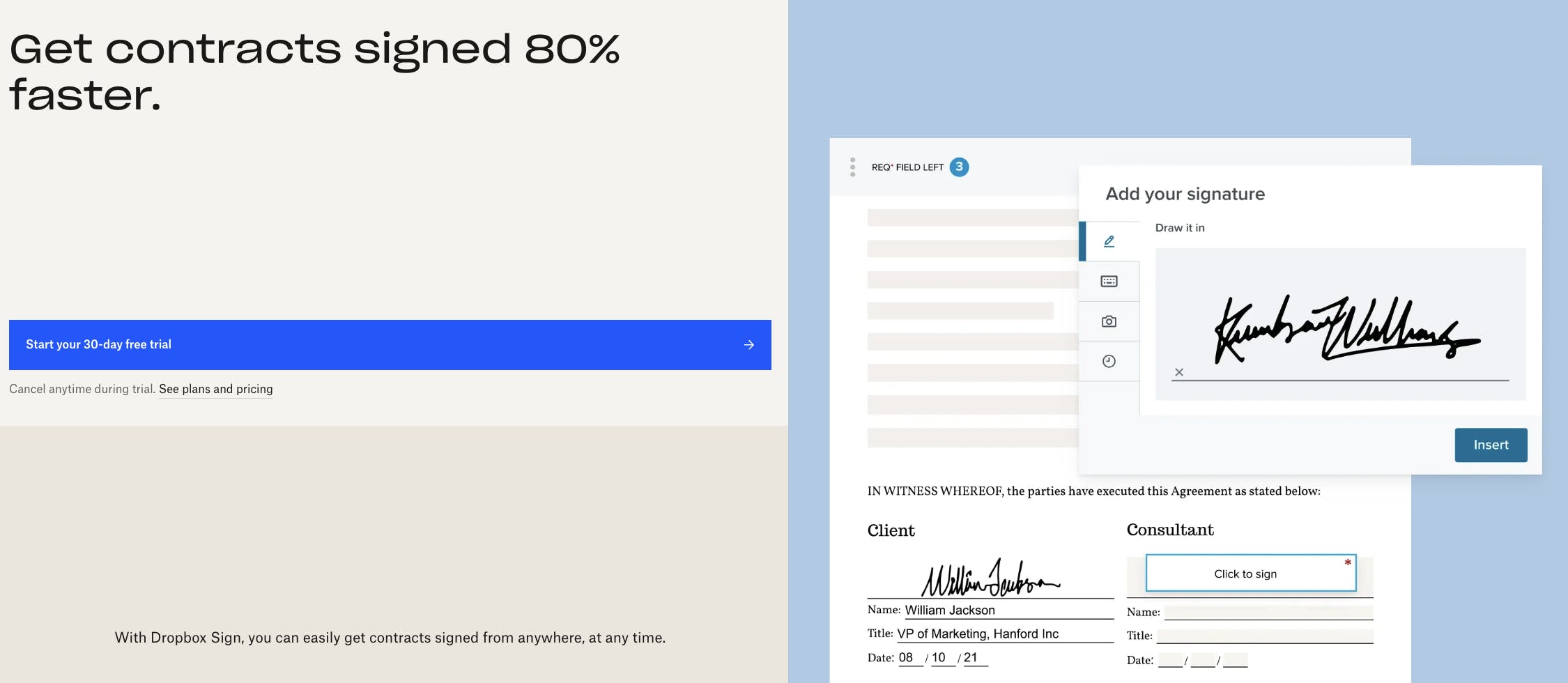
Dropbox Sign, formerly HelloSign, doesn't just let you send documents for signing. It's an all-in-one eSignature workflow automation solution that tracks documents, verifies signers and sends signing reminders.
While Dropbox Sign works independently from Dropbox, it may provide more value if you use the latter to back up files. The tool integrates with your Dropbox account, meaning you can send documents from your folders and save signed ones without having to use a separate service.
Key differences with Docusign
You can send unlimited documents for signing ('signature requests') every month on all of Dropbox Sign's paid tiers. On Docusign, you're limited to five documents per month ('envelopes') on its Personal plan and 100 documents per user per year on its Standard and Premium plans.
We also found that Dropbox Sign provides a simpler user experience than Docusign. If you're new to eSignature tools, it's easier to get started because there's no steep learning curve.
When it comes to integrations, though, Docusign definitely wins. At the time of writing, Dropbox only offers 19 integrations, including Google Drive, Microsoft Word and Slack.
Price comparison
Dropbox Sign's Standard plan, which is comparable to Docusign's Standard plan, costs $30 per user per month. This makes it $15 cheaper. Also, Dropbox Sign's unlimited signature requests might make it cost-effective for teams that want to send a lot of documents for signing every month.
How does Dropbox Sign rate?
PandaDoc
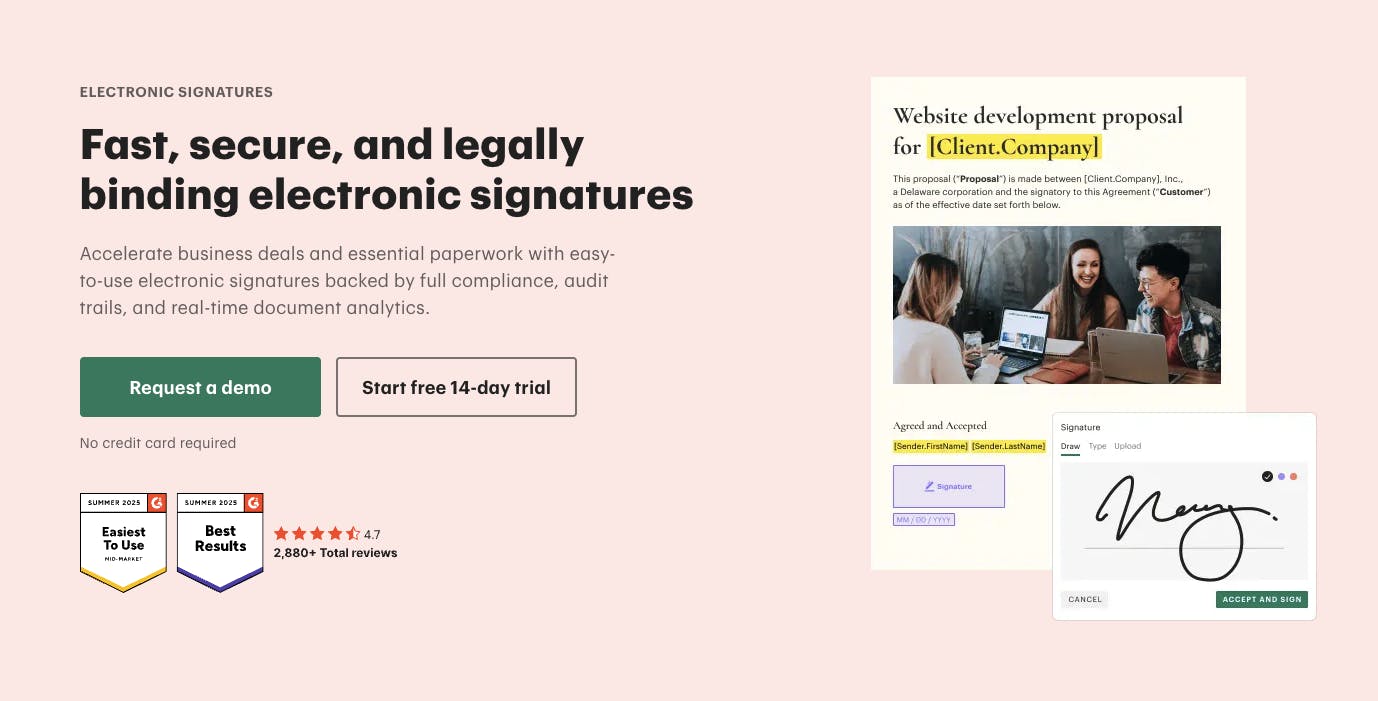
PandaDoc calls itself an 'agreement management solution' that helps teams get tasks completed faster. It lets you send, track and manage documents that require signing, similar to other tools in this guide.
The product caters to different industries, with features and workflows tailored to sales, HR, marketing, legal and other sectors. For example, sales teams may be able to close deals faster by quickly collecting signatures on contracts.
PandaDoc was founded in 2014 in Silicon Valley.
Key differences with Docusign
Like Dropbox Sign, PandaDoc lets you send unlimited documents for signing across all of its paid plans. As we said earlier, Docusign places limits on the number of documents you can send on its Personal, Standard and Premium plans, which might be a drawback for high-volume teams.
Another difference is that PandaDoc has more than 1,000 templates that can save time when creating documents for signing, such as invoices and bills of sale. Docusign also has a template library, but it's far less extensive.
Also note that PandaDoc has built-in payment collection solutions that let signees make payments directly within a document. Docusign doesn't offer this feature natively, but you can still collect payments through third-party integrations.
Price comparison
PandaDoc's Business plan, which sits somewhere between Docusign's Standard and Business Pro plans, costs $65 per user (or 'per seat') per month.
Like many of the tools in this guide, PandaDoc offers a free tier with basic features.
How does PandaDoc rate?
SignNow
SignNow, founded in 2011, offers a similar eSignature automation experience to Docusign, with standard and more enterprise-level features available depending on your team's size.
While SignNow may not be as widely known as Docusign, it still packs a mighty punch, allowing you to automate different components of your signing workflows with ease. According to its website, the tool "empowers organizations to speed up document processes, reduce errors and improve collaboration."
Key differences with Docusign
By SignNow's admission, the tool lacks many of the features that you'll find in Docusign, including the ability to verify signers, create signing groups and mark up documents. It also doesn't have some of Docusign's security credentials, such as ISO 27001 and CSA Star.
However, SignNow sometimes excels where Docusign doesn't. For instance, it requires less of a learning curve, meaning it's a good option for teams that are new to eSignature automation.
There's also a big difference when it comes to integrations, with Docusign offering significantly more options. That said, SignNow connects with many major apps and software, including Salesforce and Microsoft Dynamics 365.
Price comparison
SignNow's Business Premium plan, comparable to Docusign's Standard plan, costs $30 per month for unlimited users. This makes it the cheapest plan on this list for small teams. That said, SignNow lacks features and security credentials that you'll find in other eSignature workflow automation solutions.
How does SignNow rate?
How to choose the right eSignature provider
Docusign may be one of the major players in the world of eSignature automation tools; however, it's not the best fit for everyone.
If you're looking for an alternative, compare features with other platforms on the market like Lumin Sign, Dropbox Sign and PandaDoc to see what you can get for your money. Each one offers unique benefits that might serve your team better.
Delving deeper into user reviews can help you make the right decision. Signing up for a free trial, like this one from Lumin Sign, may also lead you to the perfect product -- one that aligns with your budget, preferences and work style.
Related guides:
share this post