Terms and conditions generator
 Create terms for a website or appCreate terms for a product-based businessCreate terms for a service-based business
Trusted by some of the world’s biggest companies







How to make your Ts&Cs
- 1

Write your prompt
Start by entering your business type, service offerings, and platform details. Our AI generator uses this information to create tailored terms and conditions that protect your business interests and comply with legal requirements.
- 2
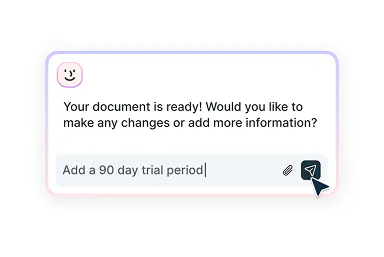
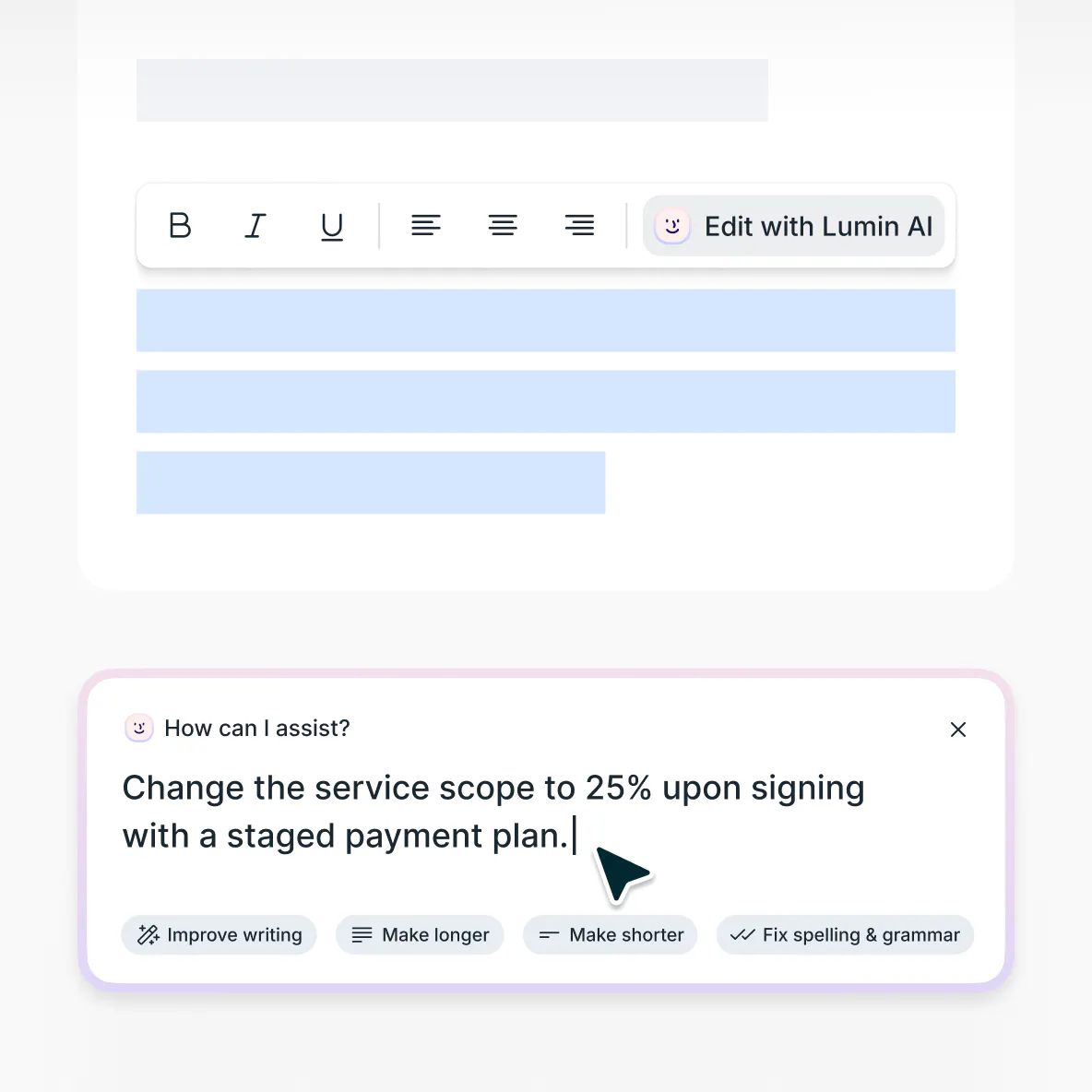
Edit with smart assistance
Want to adjust liability limitations, modify refund policies, or include specific user conduct rules? Our AI assistant helps you fine-tune every section to reflect your business model and stay legally compliant.
- 3
Download and use
After reviewing and refining your terms, download the completed document that's professionally formatted and ready for use across your platforms.
Terms and conditions made simple
Draft, customize, then implement across your platforms

Generate comprehensive terms and conditions
Create detailed terms and conditions that align with your business model and industry regulations using our intelligent AI assistant designed for modern entrepreneurs and digital businesses.

Refine with smart suggestions
Need guidance on specific clauses? Our AI provides smart recommendations to strengthen your terms and conditions while maintaining user-friendly language.

Download and share with ease
Once your terms and conditions are ready, download them instantly in a clean, professional format. Add them to your website, attach them to proposals, or share with your team feedback.
Update existing terms and conditions
Modernize outdated terms and conditions using our AI-powered editor. Upload your current document to make strategic revisions that reflect business growth, new service offerings, or evolving regulatory requirements.
Enterprise-grade document security
Your sensitive business information and legal data are fully protected. Our platform is SOC 2 Type 2 and GDPR compliant, ensuring all client information remains secure and encrypted during transmission and storage.
Terms and conditions explained
Terms and conditions are legally binding agreements that establish the rules, requirements, and limitations governing the relationship between your business and its customers or users. Whether you're launching a website, developing a mobile app, or offering professional services, terms and conditions are essential for defining user responsibilities, limiting liability, and protecting your intellectual property.
Terms and conditions function as your legal safety net. They help prevent disputes, establish usage guidelines, and protect your business from potential lawsuits. They're crucial for maintaining operational control, managing customer expectations, and ensuring compliance with consumer protection laws and industry regulations.Many business owners successfully create their own terms and conditions. With the right guidance, so can you. Our terms and conditions generator works like an AI legal assistant, helping you efficiently create professional terms and conditions that align with industry standards and legal requirements.
While it doesn't replace specialized legal counsel, it streamlines the drafting process and provides a comprehensive foundation. For industry-specific regulations or complex business models, we still recommend consulting with a qualified terms and conditions lawyer who specializes in business law or digital commerce.Enforceable terms and conditions must be clearly stated, easily accessible to users, and properly incorporated into your business relationship. Courts evaluate whether terms and conditions provisions are reasonable, prominently displayed, and don't contain unconscionable clauses that heavily favor one party.
The terms and conditions must be accepted by users through clear consent mechanisms like checkboxes, click-through agreements, or browsewrap notices to create binding legal obligations.When creating your terms and conditions, including comprehensive provisions is crucial for both legal protection and operational clarity. Use this guidance to inform your prompts when using our terms and conditions generator tool.
User responsibilities: Define acceptable use policies, prohibited activities, and user conduct requirements.
Service limitations: Establish availability, performance standards, and modification rights for your services or products.
Payment terms: Detail pricing, billing cycles, refund policies, and payment processing requirements.
Intellectual property: Protect your content, trademarks, and proprietary information while defining user rights.
Liability limitations: Include disclaimers, limitations of damages, and indemnification clauses to protect your business.
Privacy and data: Reference data collection practices and link to your privacy policy for comprehensive user protection.
Termination procedures: Establish grounds for account suspension, service termination, and data retention policies.Standard terms and conditions usually include user agreements, service limitations, payment policies, intellectual property clauses, and liability disclaimers. However, what’s considered “standard” can vary widely by industry E-commerce sites require different protections than SaaS platforms or professional services.
Effective terms and conditions should be tailored to your specific business model, not copied from a generic template. Our generator creates customized terms and conditions based on the details you provide. No matter your industry, service type, or operational needs, our AI assistant can help you build relevant and comprehensive protection.No, you cannot copy and paste terms and conditions from another website. This creates serious legal risks, including copyright infringement, since terms and conditions are protected intellectual property, and potential trademark violations.
Copied terms also typically contain irrelevant clauses that don't match your business model, incorrect legal references for your jurisdiction, and gaps in the specific protections your business needs. Courts may view copied terms as less legitimate and harder to enforce.
Instead, you can use our terms and conditions generator to create customized terms tailored to your business needs. Our generator provides a helpful starting point and assists with common clauses and structures.
However, please note that we are not a replacement for professional legal advice - we're an assistant tool. For complex businesses, unique legal situations, or high-risk industries, you should still consult with a qualified lawyer to ensure your terms provide adequate protection and comply with all applicable laws and regulations.
Frequently asked questions
Our AI terms and conditions generator is completely free. You just need to create your free account to download a completed document or to exceed the number of prompts for guest users.
We prioritize your data privacy and security above all else. Your information is safeguarded with advanced AES 256 encryption and stored in secure, enterprise-grade databases. None of your input is used to train AI models. It is only processed to generate your personalized terms and conditions.
Learn more about security at Lumin or read our AI ethics statement.The terms and conditions generator uses AI technology to create personalized terms and conditions based on the information you provide about your business. As you fill out key details about your services, platform, and business model, the tool helps draft a document tailored to your specific needs.
You can review the terms and conditions, make edits, and ensure they reflect your business policies before finalizing.No, you don't need legal experience to use this terms and conditions generator. Our AI assistant guides you through the process based on the information you provide, making it easier to create clear and comprehensive terms and conditions.
While the tool offers helpful support and creates legally informed documents, it's not a replacement for specialized legal advice. For complex business models, high-risk industries, or specific regulatory requirements, we recommend consulting a qualified terms and conditions lawyer.
Discover our products
Lumin
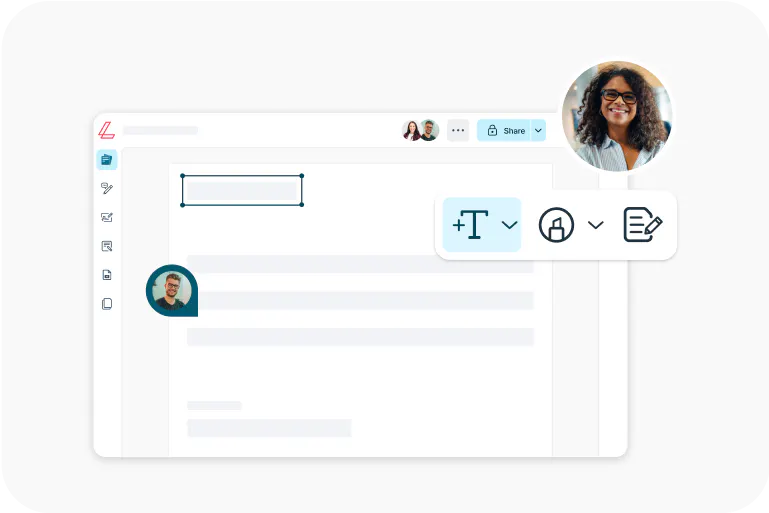
An easy-to-use PDF editor that stands alone or integrates with Google Workspace.
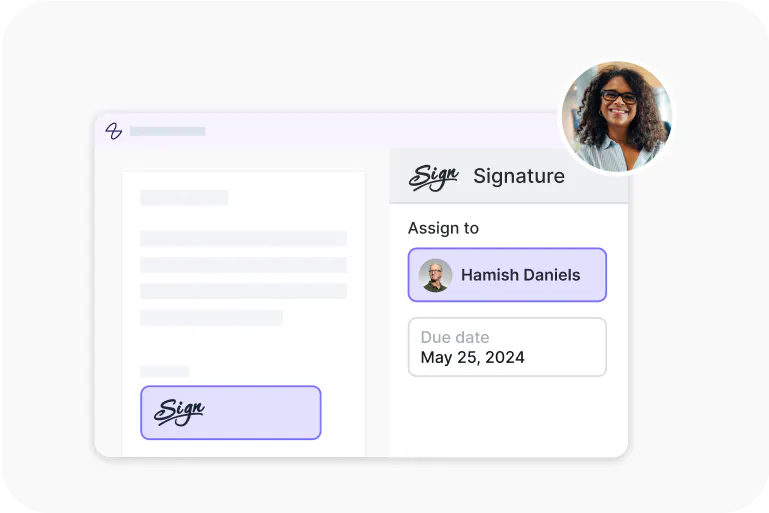
Lumin Sign
An eSignature workflow tool that seals deals with legally-compliant signatures.
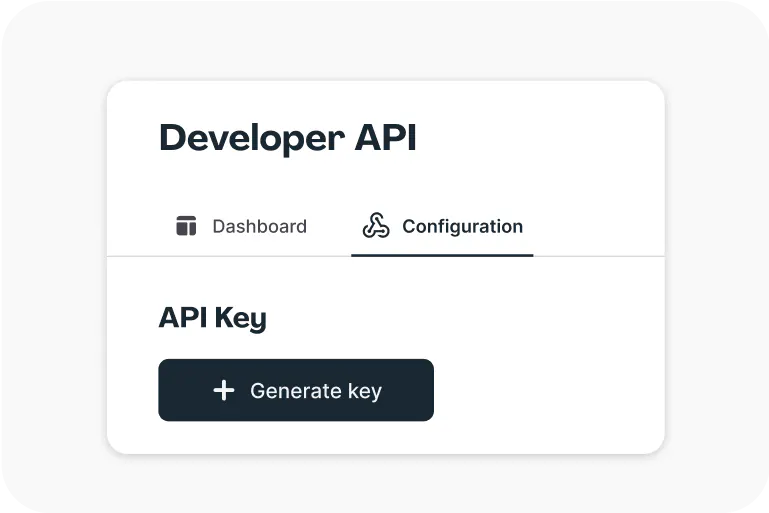
Lumin Sign API
An eSignature API made to be plugged into your platform with minimal effort.