Crop PDF pages
Crop PDF pages in seconds. Upload your document below and crop your selected pages. Free to use.One moment...

or drop your first file here
You’re in good company







How to crop a PDF
Follow these simple steps to crop a PDF.
- 1
Upload
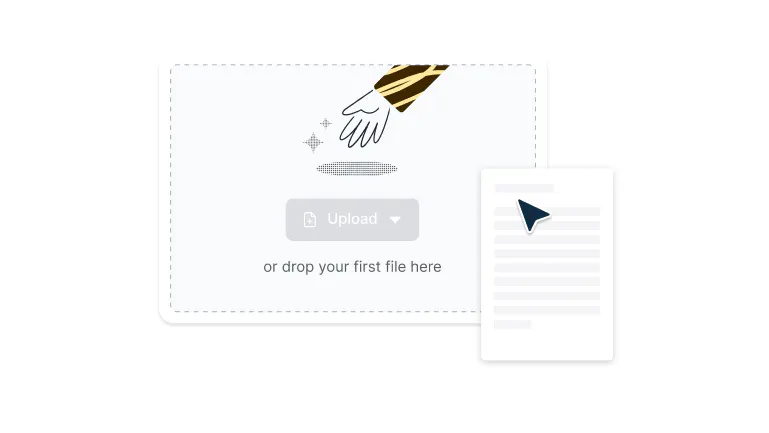
Drop a PDF file into the dropzone above or click the 'Upload' button.
- 2
Specify your crop
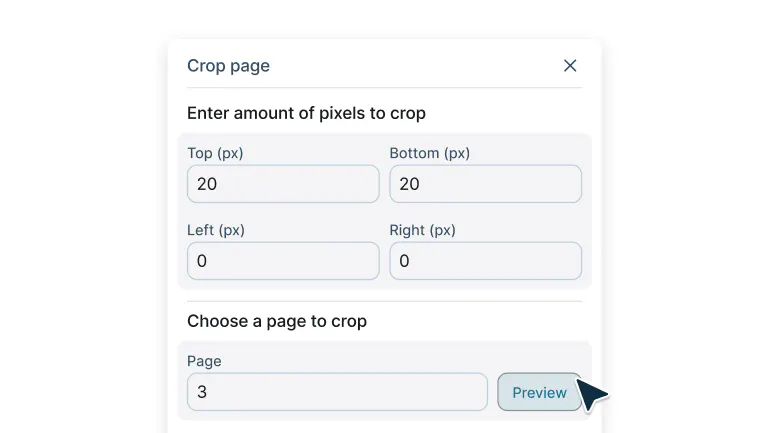
Sign-in and enter the page and the amount of pixels you want cropped then select preview.
- 3
Crop your page
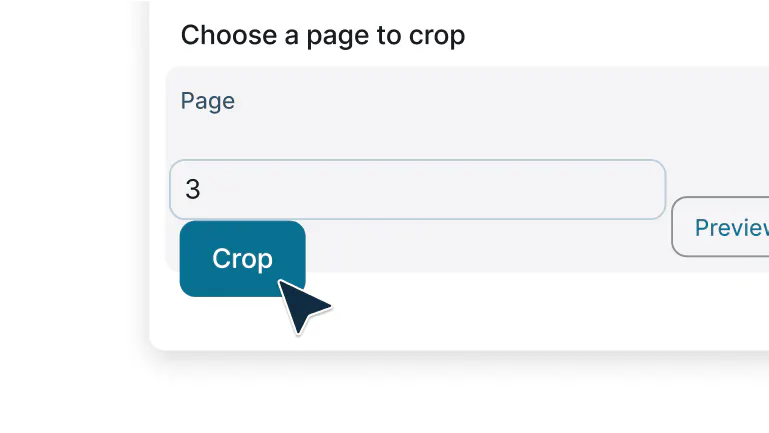
Once you're happy with your crop, select ‘Crop’ to finalize.
Cropping PDFs made easy
Crop PDF pages instantly with Lumin’s free tool. Trim margins or focus on key sections for a clean, professional document.

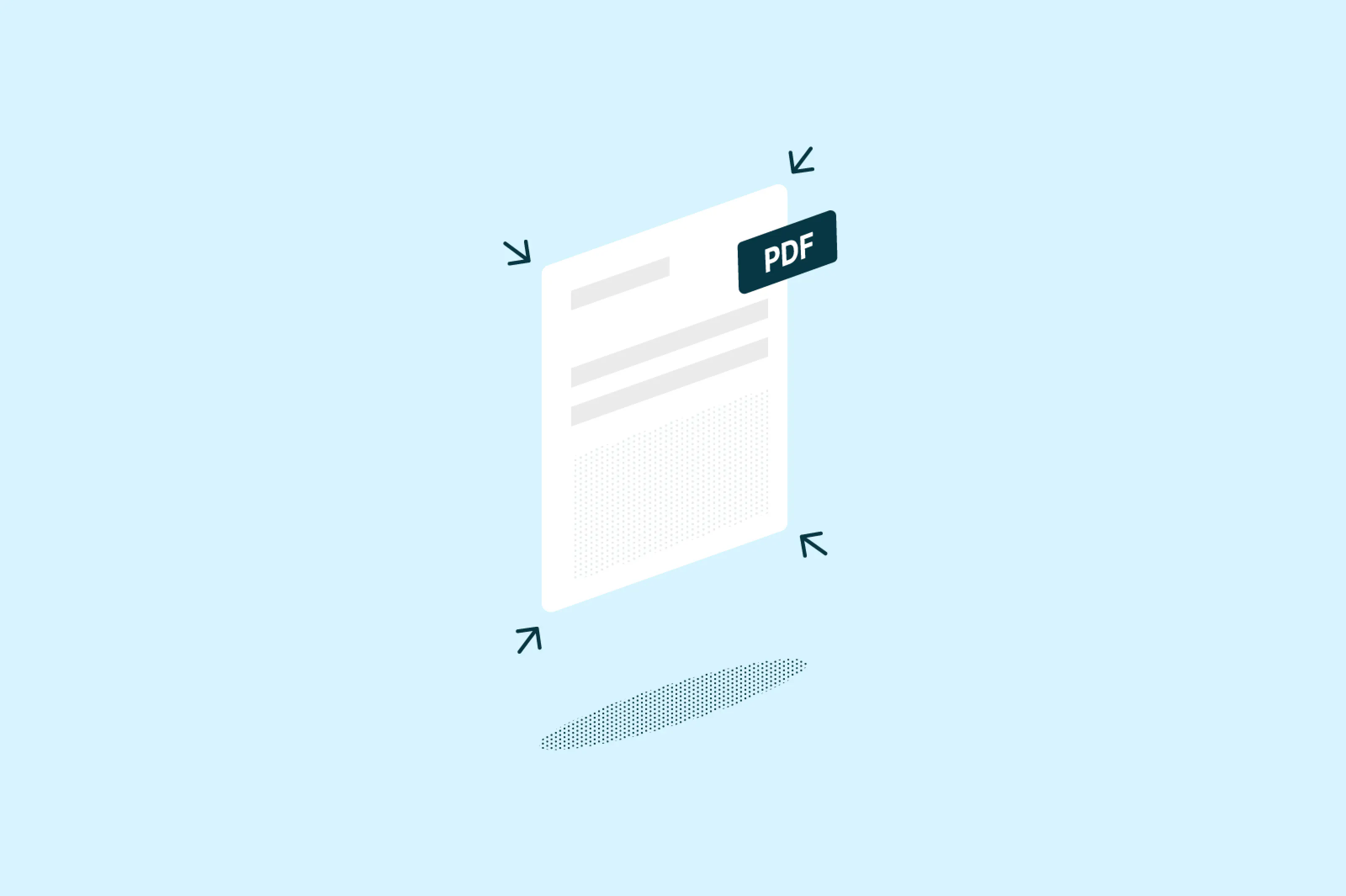
Crop PDFs in seconds
Remove unwanted margins and highlight what matters most with easy drag handles and smart crop presets. Clean up white space, trim headers or footers, and refocus your document in just a few clicks.

Crop multiple pages at once
Apply the same crop to specific pages or your entire file instantly. Save time and keep your document layout consistent without repeating manual edits.
Edit from any device
Crop PDFs seamlessly on iPhone, Android, Windows, or Mac. Work from anywhere with the same smooth, intuitive experience.

Fine-tune dimensions with precision
Adjust width and height manually or enter exact values for perfect results. Achieve professional, pixel-accurate crops for any document format.

Secure every file
Your documents are protected with enterprise-grade 256-bit AES encryption. All files stay private and secure throughout the entire cropping process.
Save and reuse crop presets
Choose from preset sizes like Letter, Legal, A4, or A5, or create your own custom presets. Reuse saved settings to keep your projects consistent and efficient.
Frequently asked questions
Lots of our tools are free. You can draw on PDFs, comment on them, add text, signatures and images; all the basics are covered.
Our paid plans expand your toolkit: you can edit PDF text, redact information, create fillable fields and much more. Discover our plans to learn which one is the right fit for you.The Lumin app works on your browser, or you can download our desktop app and keep Lumin handy on your computer. We’ve also got a mobile and tablet app which includes Lumin’s most popular features.
Cropping a PDF means trimming or cutting away unwanted portions of the page while keeping the content you need. Unlike resizing, which changes the entire page dimensions, cropping removes specific areas like excess margins, headers, footers, or any unwanted space around your content.
This helps you focus on the important parts of your document and creates cleaner, more professional-looking files.Yes, cropping a PDF with Lumin PDF doesn't affect the quality of your content. The text, images, and graphics within the cropped area remain at their original resolution and clarity.
Cropping simply defines which part of the page is visible. It doesn't compress or alter the actual content quality like some file conversions might.Your data is completely secure with Lumin PDF. We use enterprise-grade 256-bit AES encryption to protect your files during upload, processing, and storage.
Files are stored in trusted cloud services with bank-level security protocols. You maintain full control over file access, and we never share your documents with third parties. Your sensitive information stays private throughout the entire process.There are many practical reasons to crop PDFs:
° Remove unnecessary margins: Eliminate excess white space for cleaner printing or display.° Focus on specific content: Highlight important sections by removing distracting elements.
° Standardize document sizes: Ensure all pages have consistent dimensions for professional presentations.
° Prepare for printing: Adjust documents to fit specific paper sizes or remove printer marks.
° Extract specific elements: Isolate charts, images, or text blocks from larger documents.
Yes, Lumin lets you crop PDFs for free for basic edits. You can access the full range of cropping and editing tools to make quick adjustments or refine larger projects at no cost.
Cropping affects the visible area of the page, not the content itself. When you crop a PDF, you're defining which portion of the page to display. Any text, images, or graphics outside the crop area become hidden but aren't deleted.
The content within your crop area remains unchanged and fully functional. Text stays selectable, links remain clickable, and images maintain their quality.
Trusted by more than 100 million customers



Featured articles
Discover Lumin’s products
Collaborate with existing colleagues and onboard new ones with Lumin and Lumin Sign. Our innovative solutions work great on their own, but they’re even better together.


Lumin Sign