Lumin logo
  • Lumin Products
    • AgreementGen

      Your agreement drafting sidekick

    • Lumin Sign

      Simple and secure digital signing

    • Lumin PDF

      Edit, collaborate, and share PDFs

    • Lumin AI

      Supercharge your docs

    Download Apps
    API and Integrations
    • eSign API

      Seamless eSignature integration

    • Integrations

      Streamline your workflow with ease

  • AgreementGen

    • AI agreement generator

    • AI agreement editor

    • NDA generator

    • Lease agreement generator

    • Employment contract creator

    • Terms and conditions generator

    • Operating agreement generator

    • Non-compete agreement generator

    • Business plan generator

    Lumin Sign

    • Sign PDF

    Lumin PDF

    • Edit PDF

    • Edit PDF text

    • Collaboration

    • Create fillable PDF

    • Merge PDF

    • Unlock PDF

    • Integrate Google

    All tools
  • By use cases

    Streamline efficiency

    Use the cloud to reduce the burden of countless tools

    Build relationships

    Collaborate and negotiate with a few clicks

    Secure with confidence

    Comply and stay with global security standards

    Onboard from anywhere

    Automate contract admin to seal deals faster

    Accelerate collaboration

    Make teamwork seamless with a centralized suite of tools

    Work on site

    Fast-track fieldwork with offline mode for mobile

  • Discover

      Blog

      News and views on collaborative workflows

      Template Discovery

      Find, fill and sign 5,000+ free online forms

      Customer Stories

      Discover companies creating more impact with less admin

    Support

      Lumin 101

      New here?
      Learn the basics

      Help Center

      Your complete manual to Lumin and Lumin Sign

  • Enterprise
  • Pricing
  • Request a demo
Try for freeSign in
Request a demo
Sign in
Try for free

Extract PDF

Need just a few pages from a PDF? Lumin’s free tool lets you upload your file, pick the pages you need, and download a clean new PDF in seconds. Free and online.

One moment...

or drop your first file here

You're in good company

costco logo
spotify logo
salesforce logo
pinterest logo
knightFrank logo
paypal logo
uber logo
costco logo
spotify logo
salesforce logo
pinterest logo
knightFrank logo
paypal logo
uber logo
costco logo
spotify logo
salesforce logo
pinterest logo
knightFrank logo
paypal logo
uber logo

How to extract pages from a PDF

Follow these steps to quickly extract the pages you need.

  • 1

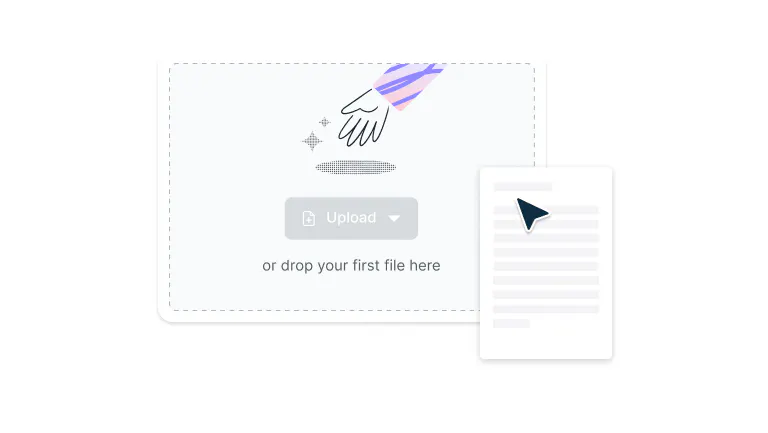
    Upload

    Drop your PDF file into the extract dropzone above or click the 'Upload' button.
  • 2

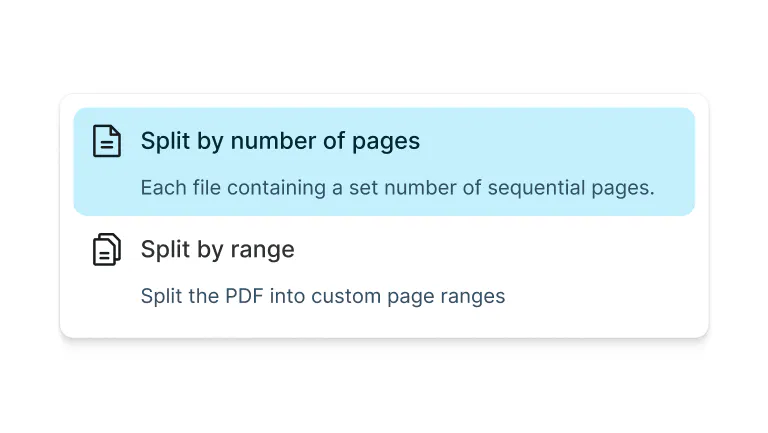
    Select pages

    Select pages by range or choose to split by number of pages.
  • 3

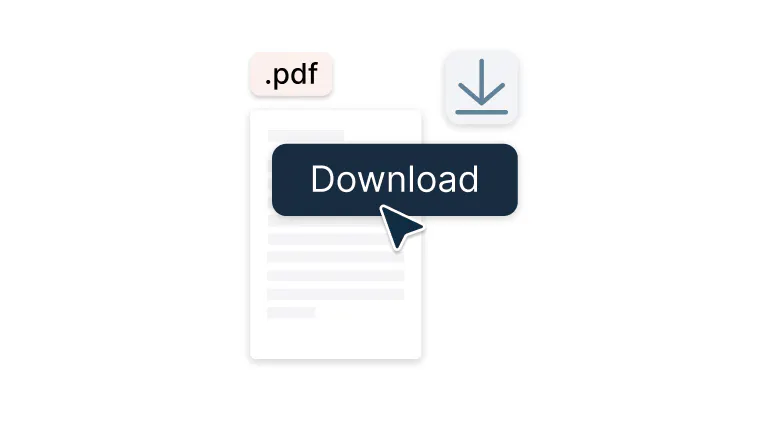
    Download

    Download your extracted file.
Fast, flexible PDF page extraction

Easily pull out the sections you need from any document. Perfect for reports, contracts, or study materials.

  • Pull pages instantly

    Select and separate specific pages from your PDF with just a few clicks. This tool is designed for saving, sharing, or reviewing only the sections you need. Enjoy fast, accurate results every time without affecting your original file.

  • Extract multiple pages at once

    Grab several pages in one go and create a clean, organized PDF without changing your original document. This is especially helpful for compiling reports, sharing project files, or keeping related pages together.

  • Custom page selection

    Split your file by page range or set the number of pages per document for flexible, precise control. You can tailor your output exactly how you want it for more efficient document management.

  • Protected with enterprise-grade security

    Once you upload your files to Lumin, they're protected with encryption and optional password protection. While stored in Lumin, your documents remain secure and under your control.

  • No software or downloads required

    Work directly in your browser with no installations, sign-ups, or extra steps needed. Get quick access anytime and start managing your PDFs in just a few seconds.

  • Accessible on every device

    Use the tool seamlessly on iPhone, Android, Windows, or Mac and enjoy the same smooth experience anywhere. Whether at home, in the office, or on the go, your PDFs are always within reach.

Frequently asked questions

  • Yes. Lumin’s PDF extraction tool is completely free to use — no hidden costs or subscriptions. You can extract pages or images from your PDF instantly, right from your browser.

  • Absolutely. When you extract pages, Lumin maintains the original resolution, formatting, and text clarity of your PDF. The extracted pages will look exactly the same as they did before — perfect for reusing, printing, or sharing individual sections without losing visual quality.

  • Yes. You can extract multiple pages at the same time by selecting a page range or choosing individual pages. 

    Once selected, you can export them as a single combined PDF or as separate files, whichever suits your needs. It’s a quick way to reorganize long reports or share only the sections that matter.

  • No software is required. Lumin’s extraction tool works entirely online, so you don’t need to download or install anything. Simply open the tool in your browser, upload your PDF, select the pages you want, and extract them instantly. It’s compatible with Windows, macOS, Linux, and all major browsers.

  • Yes. To extract pages from a PDF on your phone or tablet, just download the Lumin mobile app.

    It’s ideal for quick access and light editing while you’re away from your computer.

  • Yes. Your files are protected with 256-bit AES encryption during upload, processing, and download. As a SOC 2 Type 2 certified platform, Lumin follows strict security standards to ensure your documents stay private and protected at every step.

Trusted by more than 100 million customers

2,000+ reviews

g2trustpilotcapterra

Featured articles

A PDF being edited in Lumin

PDF editing

• Oct 9, 2025

How to remove text from a PDF

Need to delete text from a PDF? Whether you're cleaning up a document, removing sensitive information, or fixing errors, this guide shows you the quickest ways to remove text from any PDF.

Read more How to remove text from a PDF→
A person adding new pages to a PDF document

PDF editing

• Jul 24, 2025

How to add pages to a PDF

Need to add pages to a PDF? This guide shows you how to insert blank pages or merge pages from another PDF quickly and securely.

Read more How to add pages to a PDF→
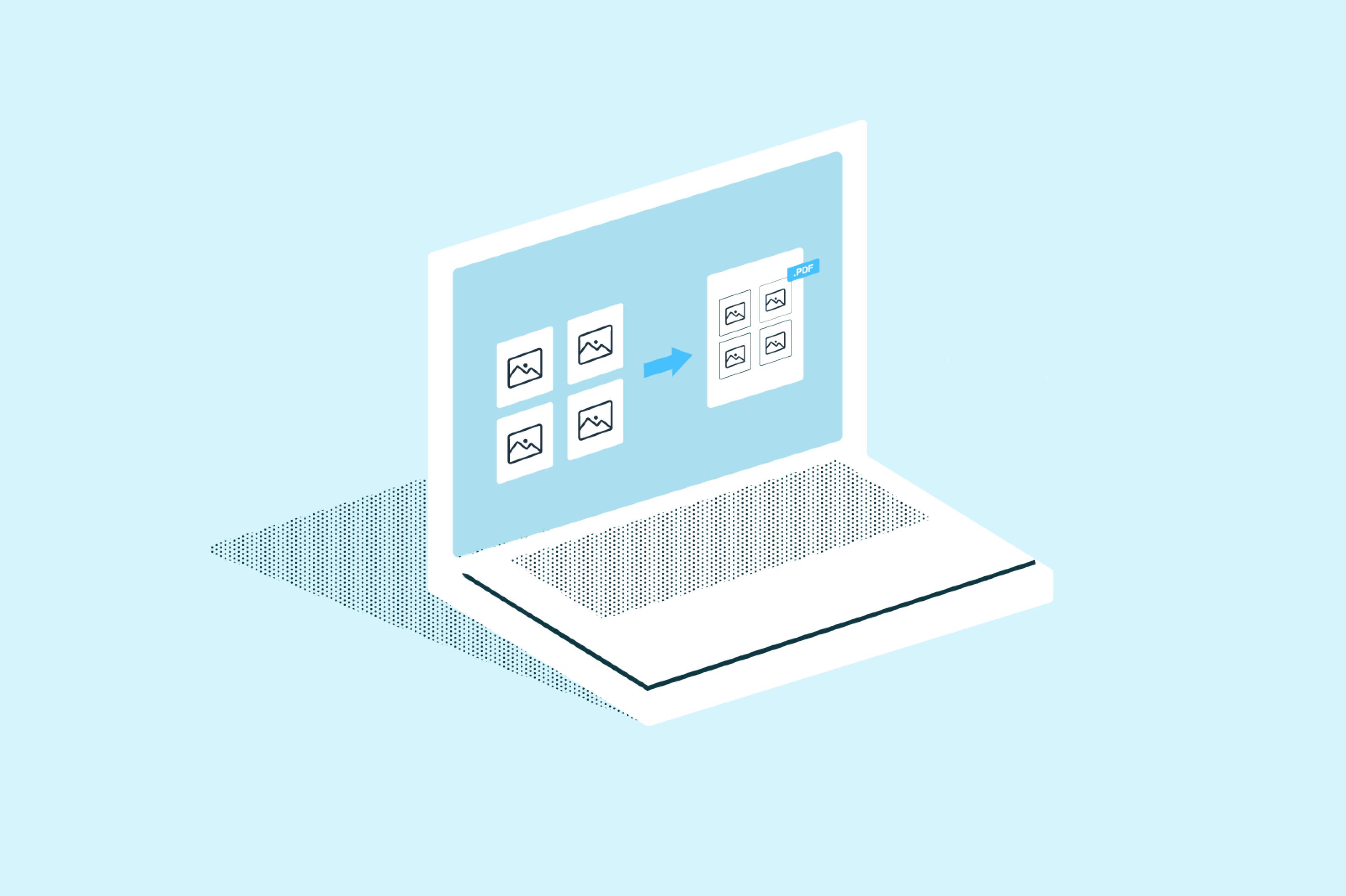
Laptop illustration showing multiple JPGs merging into a single PDF file

PDF editing

• Nov 4, 2025

How to merge multiple JPGs into one PDF

Do you need to combine several JPG images into one PDF document? Whether you're consolidating scanned receipts, creating a photo portfolio, or preparing documents for submission, merging multiple JPGs into a single PDF is a common task that should be simple.

Read more How to merge multiple JPGs into one PDF→

Discover Lumin’s products

Collaborate with existing colleagues and onboard new ones with Lumin and Lumin Sign. Our innovative solutions work great on their own, but they’re even better together.


Lumin

Lumin

An easy-to-use PDF editor that stands alone or integrates with Google Workspace.
Learn more
Lumin Sign

Lumin Sign

A digital signature workflow tool that seals deals with legally-compliant signatures.
Learn more
Lumin Sign API

Lumin Sign API

An eSignature API designed to be plugged into your platform with minimal effort.
Learn more

Lumin tools

Lumin PDF

Lumin PDF

  • Organize
    Merge PDF
    Merge PDF
    Split PDF
    Split PDF
    Delete PDF page
    Delete PDF page
    Compress PDF
    Compress PDF
    Rotate PDF
    Rotate PDF
    Organize PDF
    Organize PDF
    Extract PDF
    Extract PDF
    AI PDF
    AI PDF summarizer
    AI PDF summarizer
    Chat with PDF
    Chat with PDF
    Scan
    PDF OCR
    PDF OCR
    Scan PDF
    Scan PDF
  • Edit & annotate
    Edit PDF
    Edit PDF
    Crop PDF
    Crop PDF
    Annotate PDF
    Annotate PDF
    Edit PDF text
    Edit PDF text
    Create fillable PDF
    Create fillable PDF
    PDF reader
    PDF reader
    Redact PDF
    Redact PDF
    More
    Unlock PDF
    Unlock PDF
    Flatten PDF
    Flatten PDF
    Protect PDF
    Protect PDF
  • Convert to PDF
    PDF converter
    PDF converter
    JPG to PDF
    JPG to PDF
    PPT to PDF
    PPT to PDF
    Word to PDF
    Word to PDF
    Excel to PDF
    Excel to PDF
    PNG to PDF
    PNG to PDF
    Convert from PDF
    PDF to PNG
    PDF to PNG
    PDF to JPG
    PDF to JPG
    PDF to Word
    PDF to Word
    PDF to PPT
    PDF to PPT
    PDF to Excel
    PDF to Excel
AgreementGen

AgreementGen

  • AI agreement generator
    AI agreement generator
    AI agreement editor
    AI agreement editor
    NDA generator
    NDA generator
    Lease agreement generator
    Lease agreement generator
    Employment contract creator
    Employment contract creator
    Terms and conditions generator
    Terms and conditions generator
    Operating agreement generator
    Operating agreement generator
    Non-compete agreement generator
    Non-compete agreement generator
    Business plan generator
    Business plan generator
Lumin Sign

Lumin Sign

  • Sign PDF
    Sign PDF
  • Product

    • Lumin
    • Lumin Sign
    • AgreementGen
    • eSign API
    • Features
    • Plans & Pricing
    • Google Workspace
      Lumin for Slack
      Lumin for Chrome
      Lumin for Claude
      See all
  • Solutions

    • Streamline efficiency
    • Onboard from anywhere
    • Accelerate collaboration
    • Build relationships
    • Secure with confidence
    • Work on site
  • Learn & Discover

    • Help Center
    • Blog
    • Lumin 101
    • Customer Stories
    • Templates
    • Template categories
    • Template collections
  • Company

    • Who we are
    • Our mission
    • Careers
    • Become a partner
  • Security

    • Compliance & features
    • Personal data
    • Privacy policy
    • Terms of use
    • Status
    • Bug bounty program
  • Download

    • iOS & Android
    • Mac & Windows

    Contact

    • Support
    • Sales
    • Request a Demo
  • Contact

    • Support
    • Sales
    • Request a Demo
Google Cloud Partner

© 2014–2026 Lumin PDF Corporation | San Francisco, United States | All rights reserved

English
  • English
  • Español
  • Tiếng Việt
  • Português
  • Français