
Free Word to PDF converter
Convert your Word documents to high-quality PDFs in seconds with our free online tool. Fast, easy, and no sign-up required.Almost there, finishing the upload.

Drag and drop or click here to upload
You're in good company







How to convert a PDF
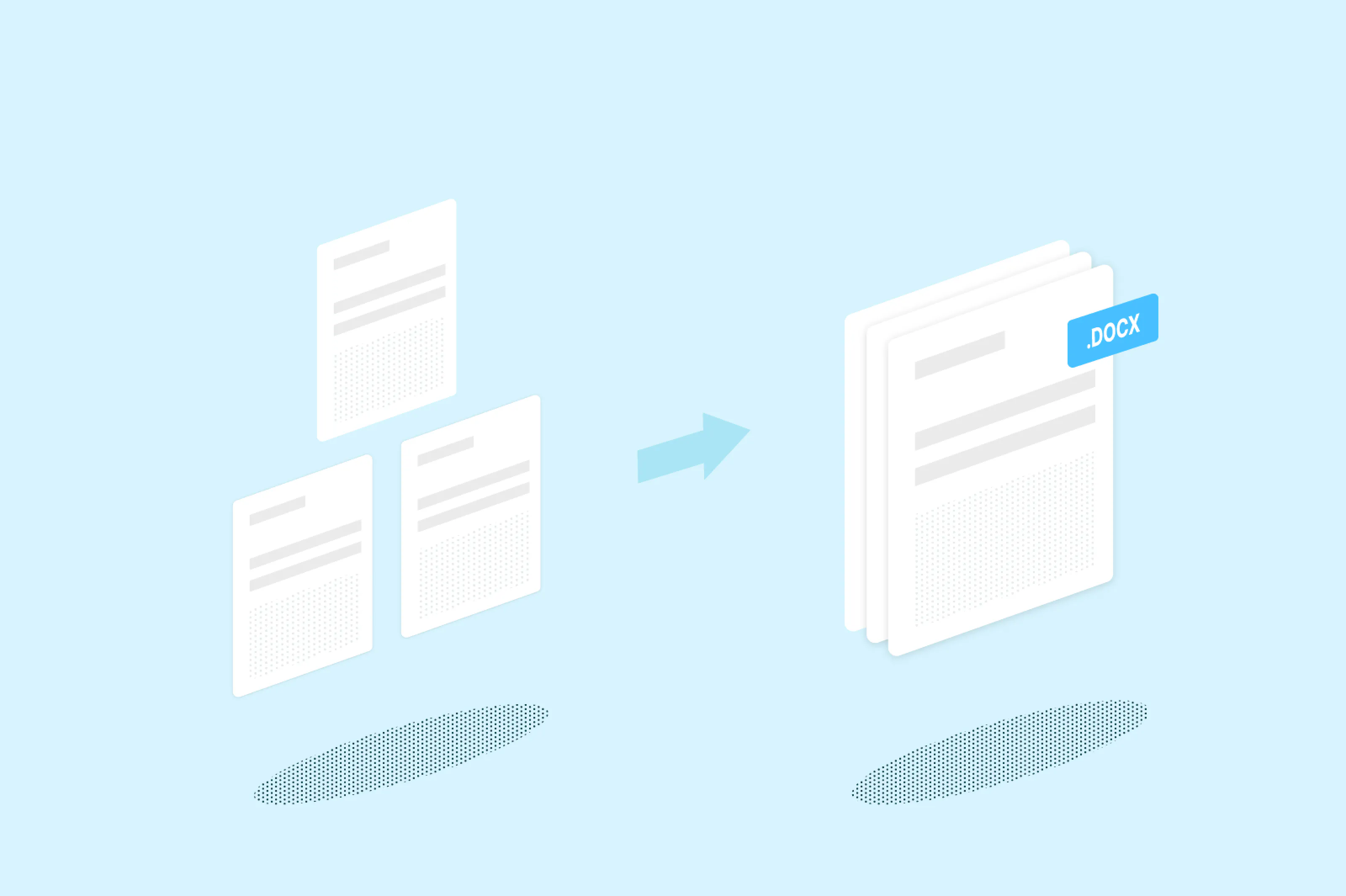
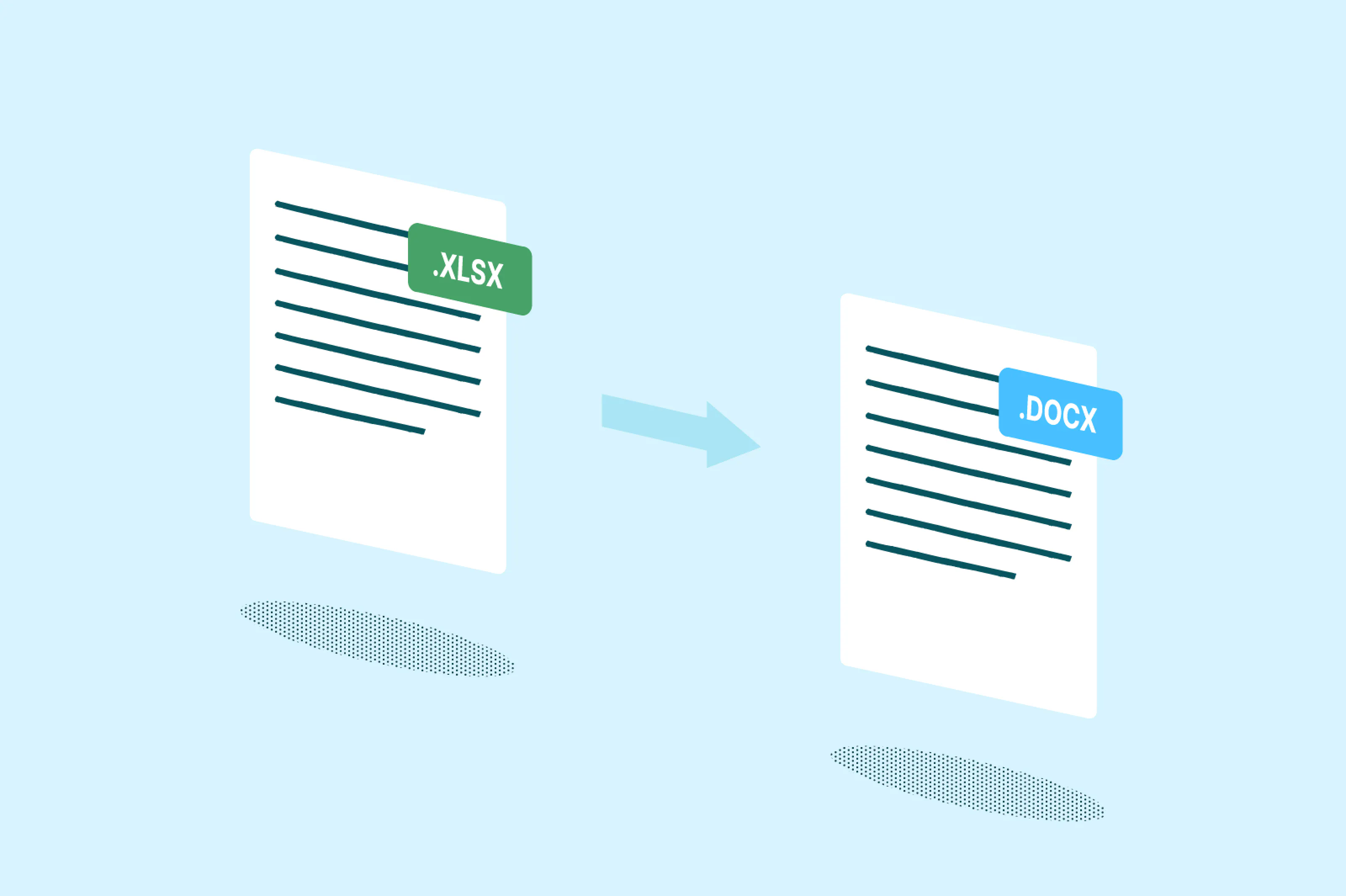
Convert Word (doc and docx) files to a PDF in seconds. Upload your Word file below, and it will be converted and opened in Lumin for editing or downloading. Easily convert Word to PDF online for free.
- 1
Sign up
Head to Lumin Tools, a sub-site of Lumin, and create a free account. Select the Convert tool.

- 2
Add files
Select which kind of file you’d like to convert, then upload your file.

- 3
Download
Once converted, download your PDF or sync it back to your storage platform of choice.

Rate your experience
Reliable Word to PDF conversion, anywhere you work
Convert Word documents into flawless PDFs in seconds.

Lightning-fast conversion that just works
Turn Word docs into polished PDFs in seconds flat. Drag, drop, and watch your formatting stay exactly where it should be. No fuss, no friction – just the conversion you need, when you need it.

Convert anywhere, on anything
Mac, Windows, iPhone, Android – our converter works wherever you do. Get the same professional results whether you're at your desk or on the move. Your documents, your device, your choice.

Your documents, your privacy
Every Word to PDF conversion is locked down with enterprise-level encryption from upload to download. Convert with confidence knowing your sensitive files are protected the entire way through.

Works seamlessly with Google Drive
Open Word files straight from Drive and convert to PDF without the download dance. Save back instantly and keep your files organized, because your workflow should flow, not frustrate.

Keep converting offline
No internet? No problem. Convert Word to PDF with our desktop app, even when you're offline. Perfect for confidential docs or when you're off the grid – because work doesn't stop when WiFi does.

Collaboration that collaborates
Transform static Word files into dynamic team documents with Lumin Workspaces. Share, edit, and annotate your PDFs in real-time. Finally, document collaboration that keeps everyone on the same page.
Frequently asked questions
Yes, on desktop, Lumin offers dedicated converters for each Microsoft Office format. While this Word to PDF converter is optimized specifically for Word documents, you'll find separate tools for Excel-to-PDF and PowerPoint-to-PDF conversions.
Each converter is tailored to preserve the unique formatting and features of its respective file type, ensuring the best possible results for your specific document needs.Absolutely! Our Word to PDF converter works seamlessly on both Mac and Windows systems. On desktop, each file type has its dedicated converter tool for optimal results.
On mobile devices (iPhone or Android), simply download the Lumin app, go to Tools, and select "Convert to PDF."
This unified feature lets you convert any file type to PDF with just a few taps. Whether you're using a Mac at home, Windows at the office, or your phone on the go, converting Word to PDF document files is always easy.Lumin gives you complete control over image quality when you convert Word to PDF. Choose high-quality settings to preserve every detail for professional presentations and print documents, or select lower quality for smaller file sizes that are perfect for email sharing and faster uploads.
Our Word to PDF file converter lets you decide the right balance between image quality and file size based on your specific needs. This flexibility ensures your converted PDFs work perfectly whether you're creating archival documents or quick-sharing files.While Google Drive doesn't offer built-in Word to PDF online conversion, Lumin integrates seamlessly with your Drive account. Right-click any Word document in Google Drive, select "Open with" > "Lumin PDF" to instantly convert Microsoft Word to PDF.
Your converted files save directly back to Drive, making our Word to PDF converter online the perfect companion for Google Workspace users.Your Word to PDF file conversions are protected with bank-level encryption from start to finish. When you use our word document to pdf converter, your files are encrypted during upload, processing, and storage.
We use secure cloud infrastructure with strict privacy protocols, ensuring your sensitive documents remain confidential. You maintain complete control over file access and sharing permissions.Yes! Lumin offers Word to PDF free conversion with essential features at no cost. Create a free account to unlock more capabilities and higher conversion limits.
Our Word to PDF converter free option includes basic conversion tools, while upgraded plans provide advanced features like batch conversion, OCR capabilities, and enhanced collaboration tools for professional use.
Trusted by more than 100 million customers



Featured articles

Discover Lumin’s products
Collaborate with existing colleagues and onboard new ones with Lumin and Lumin Sign. Our innovative solutions work great on their own, but they’re even better together.

Lumin Sign