Generador de términos y condiciones
 Crear términos para un sitio web o aplicaciónCrear términos para un negocio basado en productosCrear términos para un negocio basado en servicios
Con la confianza de algunas de las empresas más grandes del mundo







Cómo hacer tus términos y condiciones
- 1

Escribe tu prompt
Comienza ingresando el tipo de negocio, los servicios que ofreces y los detalles de tu plataforma. Nuestro generador con IA utiliza esta información para crear términos y condiciones personalizados que protegen tus intereses y cumplen con los requisitos legales.
- 2
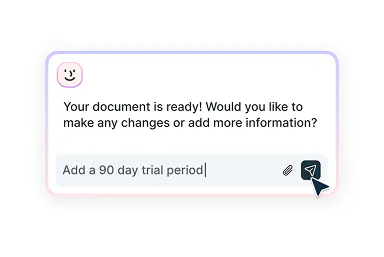
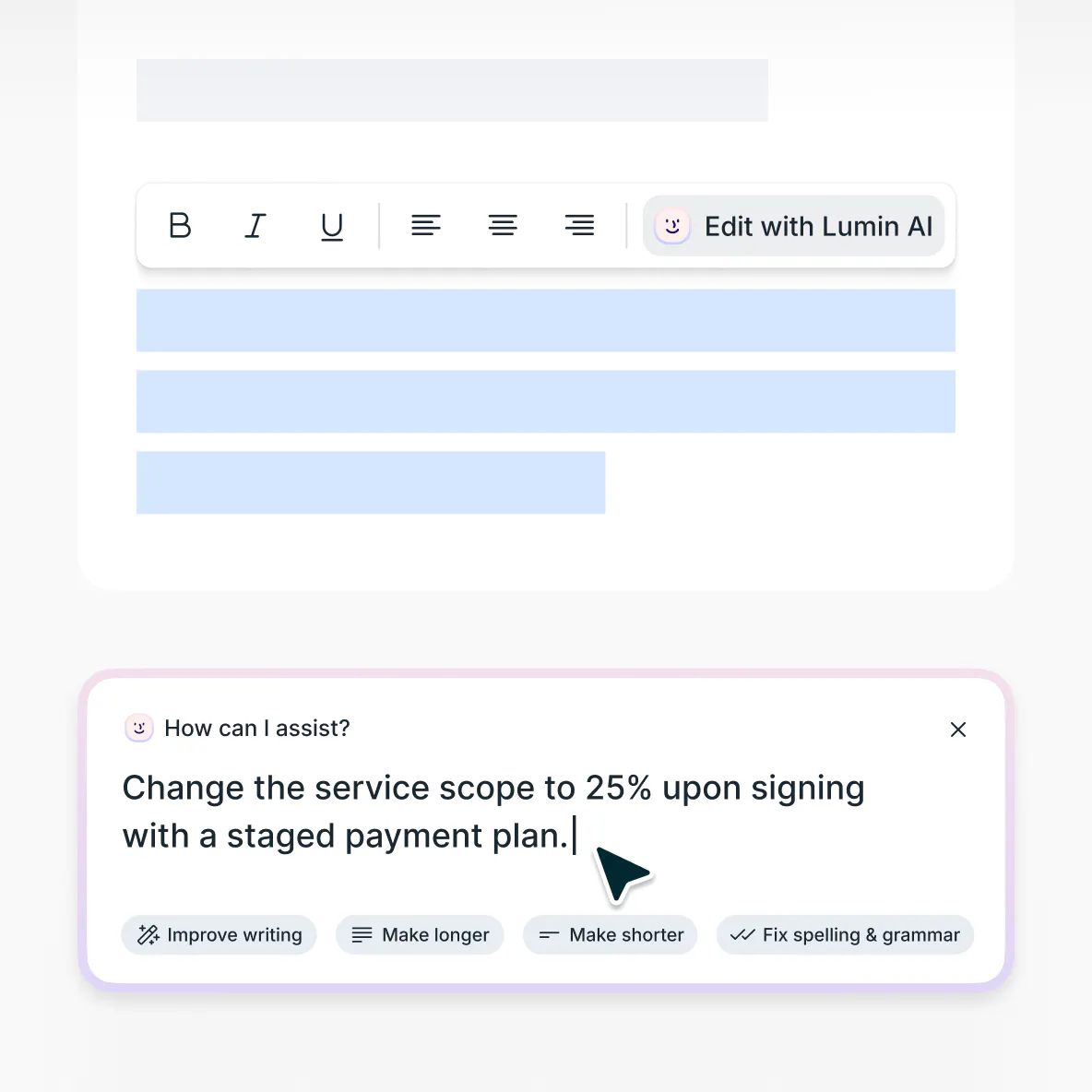
Edita con asistencia inteligente
¿Quieres ajustar las limitaciones de responsabilidad, modificar las políticas de reembolso o incluir reglas específicas de conducta del usuario? Nuestro asistente con IA te ayuda a afinar cada sección para que se adapte a tu modelo de negocio y cumpla con la normativa legal.
- 3
Descarga y usa
Una vez que hayas revisado y ajustado los términos, descarga el documento final con formato profesional, listo para usar en todas tus plataformas.
Términos y condiciones, sin complicaciones
Redacta, personaliza e implementa en todas tus plataformas

Genera términos y condiciones completos
Crea términos y condiciones detallados que se adapten a tu modelo de negocio y normativa del sector usando nuestro asistente de IA diseñado para emprendedores y negocios digitales modernos.

Perfecciona con sugerencias inteligentes
¿Necesitas orientación sobre cláusulas específicas? Nuestra IA te brinda recomendaciones inteligentes para fortalecer tus términos y condiciones manteniendo un lenguaje claro y cercano para el usuario.

Descarga y comparte fácilmente
Cuando tus términos y condiciones estén listos, descárgalos al instante en un formato profesional y limpio. Añádelos a tu web, adjúntalos a propuestas o comparte con tu equipo para revisiones.
Actualiza tus términos y condiciones existentes
Moderniza los términos y condiciones desactualizados con nuestro editor avanzado de IA. Sube tu documento actual para realizar revisiones estratégicas que reflejen el crecimiento de tu negocio, nuevas líneas de servicios o cambios regulatorios.
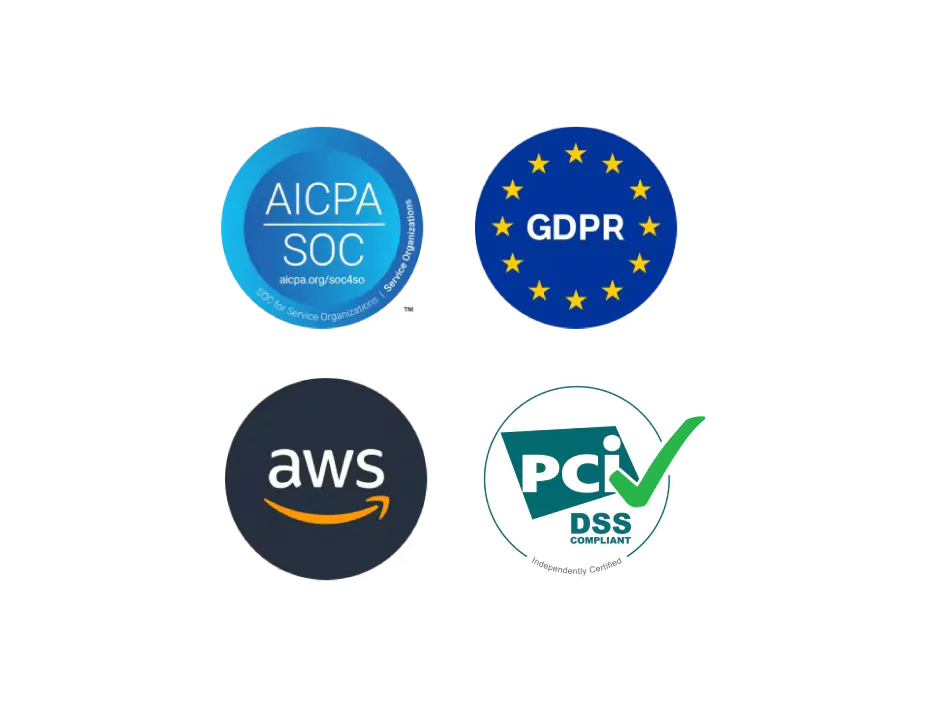
Seguridad documental de nivel empresarial
Tus datos empresariales confidenciales y legales están totalmente protegidos. Nuestra plataforma cumple con SOC 2 Tipo 1 y RGPD, garantizando la seguridad y cifrado de toda información del cliente, tanto en transmisión como en almacenamiento.
Explicación sobre términos y condiciones
Los términos y condiciones son acuerdos legalmente vinculantes que establecen las reglas, requerimientos y limitaciones que rigen la relación entre tu negocio y sus clientes o usuarios. Ya sea que lances un sitio web, desarrolles una app móvil u ofrezcas servicios profesionales, los términos y condiciones son clave para definir las responsabilidades de los usuarios, limitar la responsabilidad y proteger tu propiedad intelectual.
Los términos y condiciones actúan como red legal de protección. Ayudan a prevenir disputas, establecer pautas de uso y proteger a tu negocio de posibles demandas. Son fundamentales para mantener el control operativo, gestionar las expectativas de los clientes y asegurar el cumplimiento de la normativa de protección al consumidor y sectorial.Muchos propietarios de negocios elaboran con éxito sus propios términos y condiciones. Con la orientación adecuada, tú también puedes. Nuestro generador de términos y condiciones funciona como un asistente legal de IA, ayudándote eficazmente a crear documentos profesionales que se alinean con los estándares del sector y los requisitos legales.
Aunque no sustituye a un asesor jurídico especializado, agiliza el proceso de redacción y te proporciona una base integral. Para normativas específicas de tu sector o modelos de negocio complejos, recomendamos consultar a un abogado especializado en términos y condiciones, derecho empresarial o comercio digital.Para que unos términos y condiciones sean exigibles, deben estar redactados con claridad, ser fácilmente accesibles para los usuarios y correctamente incorporados a la relación comercial. Los tribunales evalúan si las cláusulas son razonables, visibles y no contienen disposiciones abusivas que favorecen de forma excesiva a una parte.
Los usuarios deben aceptar los términos y condiciones mediante mecanismos de consentimiento claros, como casillas de verificación, acuerdos click-through o notificaciones browsewrap, para que sean jurídicamente vinculantes.Al crear tus términos y condiciones, incluir cláusulas exhaustivas es clave tanto para la protección legal como para la claridad operativa. Utiliza esta guía para inspirar tus mensajes al usar nuestra herramienta generadora de términos y condiciones.
Responsabilidades del usuario: Define políticas de uso aceptable, actividades prohibidas y normas de conducta.
Limitaciones del servicio: Establece la disponibilidad, los estándares de rendimiento y el derecho de modificar tus servicios o productos.
Condiciones de pago: Detalla precios, ciclos de facturación, políticas de reembolso y métodos de pago.
Propiedad intelectual: Protege tus contenidos, marcas y datos confidenciales, y define los derechos de los usuarios.
Limitaciones de responsabilidad: Incluye exenciones, limitaciones de indemnizaciones y cláusulas de indemnización para proteger tu empresa.
Privacidad y datos: Describe las prácticas de recolección de datos y enlaza a tu política de privacidad para garantizar la protección integral del usuario.
Procedimientos de terminación: Establece los motivos para suspensión de cuentas, terminación del servicio y la política de retención de datos.Los términos y condiciones estándar suelen incluir acuerdos de usuario, limitaciones de servicio, políticas de pago, cláusulas de propiedad intelectual y exoneraciones de responsabilidad. Sin embargo, lo que se considera “estándar” puede variar mucho según la industria. Los sitios de comercio electrónico exigen protecciones distintas a las plataformas SaaS o a los servicios profesionales.
Unos términos y condiciones eficaces deben adaptarse a tu modelo de negocio, no copiarse de una plantilla genérica. Nuestro generador crea términos personalizados en base a la información que tú aportas. Sea cual sea tu sector, tipo de servicio o necesidades operativas, nuestro asistente de IA te ayuda a crear protecciones relevantes y completas.No, no puedes copiar y pegar términos y condiciones de otra web. Esto conlleva graves riesgos legales, como la infracción de derechos de autor —estos textos están protegidos como propiedad intelectual— y posibles violaciones de marca registrada.
Además, los términos copiados suelen incluir cláusulas irrelevantes para tu negocio, referencias jurídicas inaplicables en tu jurisdicción y carencias en la protección específica para tu actividad. Los tribunales tienden a considerar los términos copiados como menos legítimos y difíciles de hacer cumplir.
En su lugar, utiliza nuestro generador de términos y condiciones para crear documentos adaptados a las necesidades de tu empresa. Nuestro generador ofrece una base útil y te asiste con cláusulas y estructuras habituales.
Eso sí, ten en cuenta que no somos un sustituto del asesoramiento jurídico profesional: somos una herramienta de ayuda. Para negocios complejos, situaciones legales singulares o sectores de alto riesgo, consulta a un abogado cualificado que garantice la validez y cumplimiento de tus términos.
Preguntas frecuentes
Nuestro generador IA de términos y condiciones es completamente gratuito. Solo necesitas crear una cuenta gratis para descargar el documento final o si superas el límite de mensajes para invitados.
Priorizamos la privacidad y seguridad de tus datos por encima de todo. Tu información se protege con cifrado avanzado AES 256 y se almacena en bases de datos seguras de nivel empresarial. Ningún dato facilitado por ti se usa para entrenar modelos IA: solo se procesa para generar tus términos y condiciones personalizados.
Puedes saber más sobre la seguridad en Lumin o leer nuestra declaración ética sobre IA.El generador de términos y condiciones utiliza tecnología IA para redactar documentos personalizados según los datos que nos proporciones sobre tu empresa. Al completar los datos clave sobre tus servicios, plataforma y modelo de negocio, la herramienta ayuda a crear un texto adaptado a tus necesidades específicas.
Puedes revisar los términos y condiciones, editarlos y asegurarte de que reflejan las políticas de tu negocio antes de finalizar.No, no necesitas experiencia legal para usar este generador de términos y condiciones. Nuestro asistente de IA te guía por el proceso en función de la información que facilites, para que crear términos y condiciones claros y completos te resulte sencillo.
Aunque la herramienta ofrece apoyo útil y produce documentos de base legal, no sustituye el asesoramiento de un abogado especializado. Para modelos de negocio complejos, sectores de alto riesgo o requisitos normativos particulares, recomendamos consultar a un abogado experto en términos y condiciones.
Descubre nuestros productos
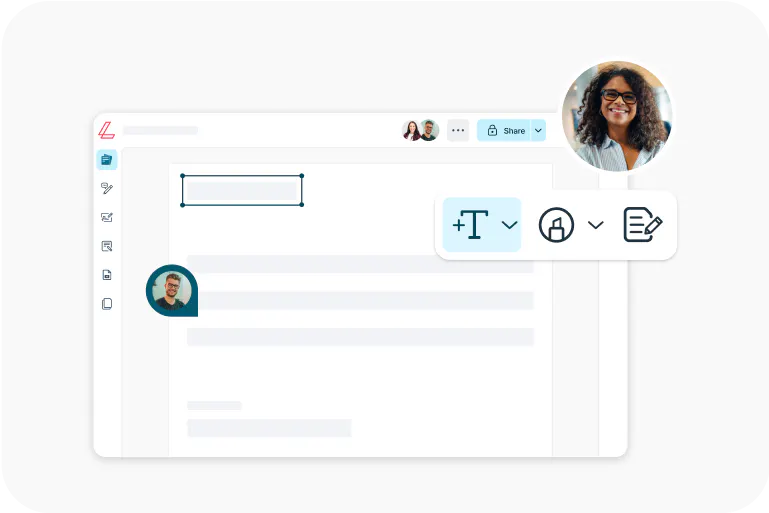
Lumin
Un editor PDF sencillo, autónomo o integrado con Google Workspace.
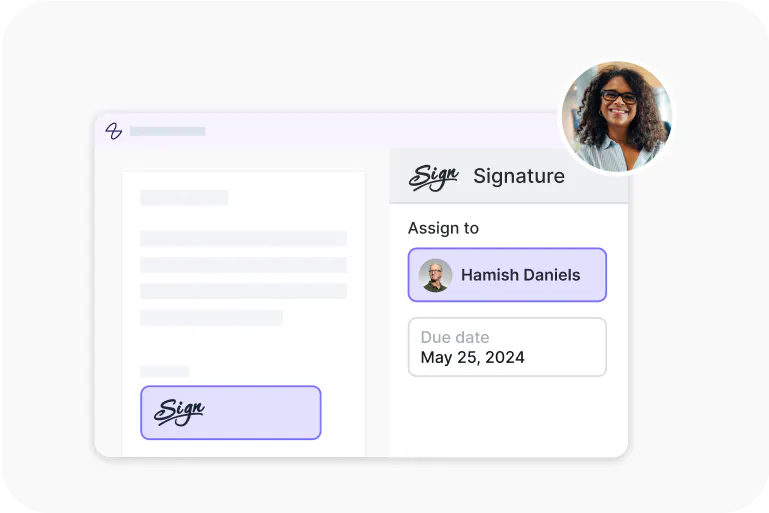
Lumin Sign
Una herramienta de flujos de firma electrónica con firmas legalmente válidas.
Lumin Sign API
Una API de firma electrónica que se integra en tu plataforma con un esfuerzo mínimo.