Resumidor de PDF con IA
Resumidor de PDF gratuito con IA para extraer al instante los puntos clave de documentos extensos. Rápido, preciso y sin esfuerzo.Almost there, finishing the upload.

Drag and drop or click here to upload
Estás en buena compañía







Cómo resumir un PDF usando IA
Sigue estos sencillos pasos para resumir tus PDFs.
- 1
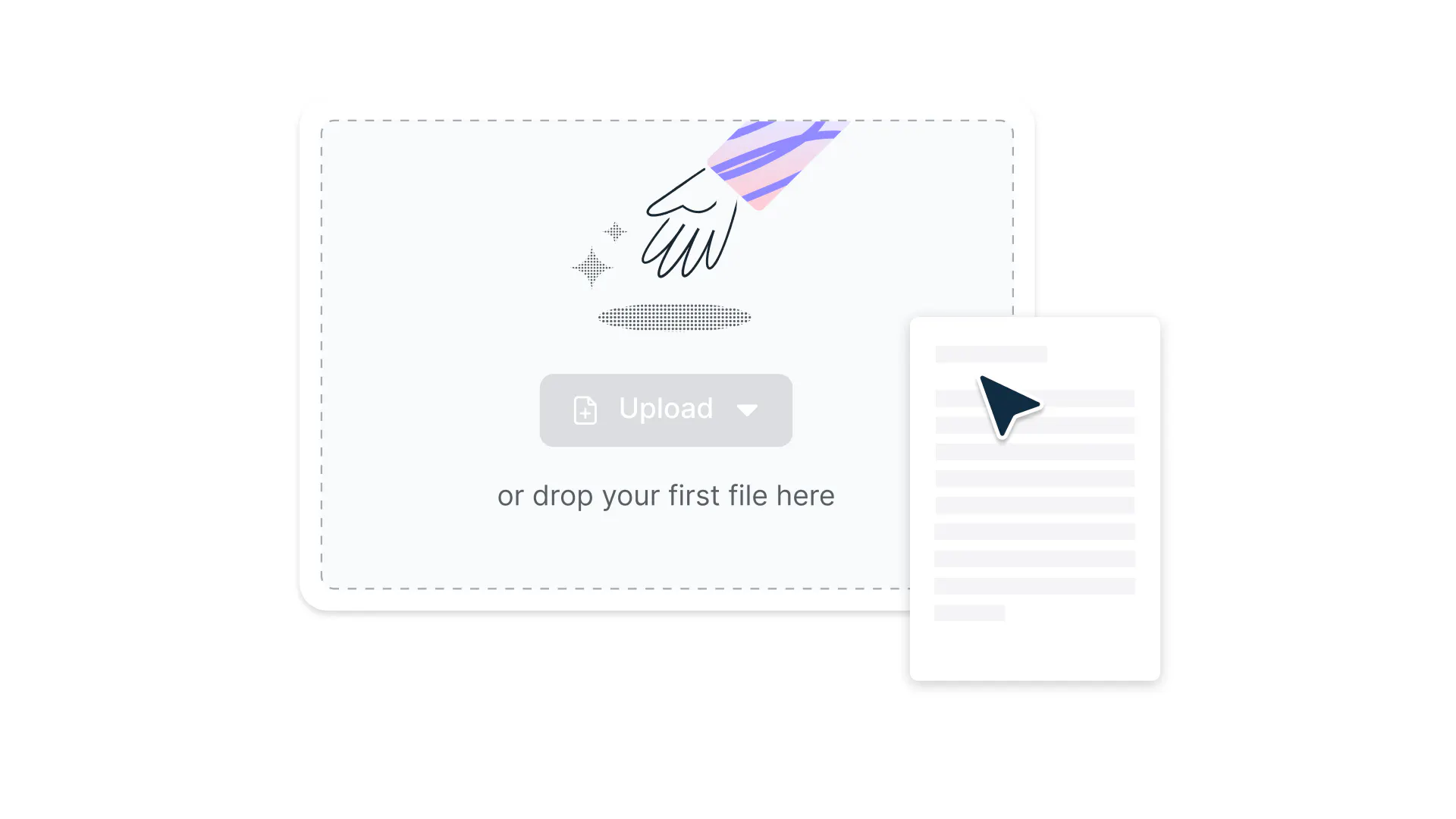
Subir
Suelta un archivo PDF en la zona indicada arriba o haz clic en el botón para seleccionar un archivo.
- 2
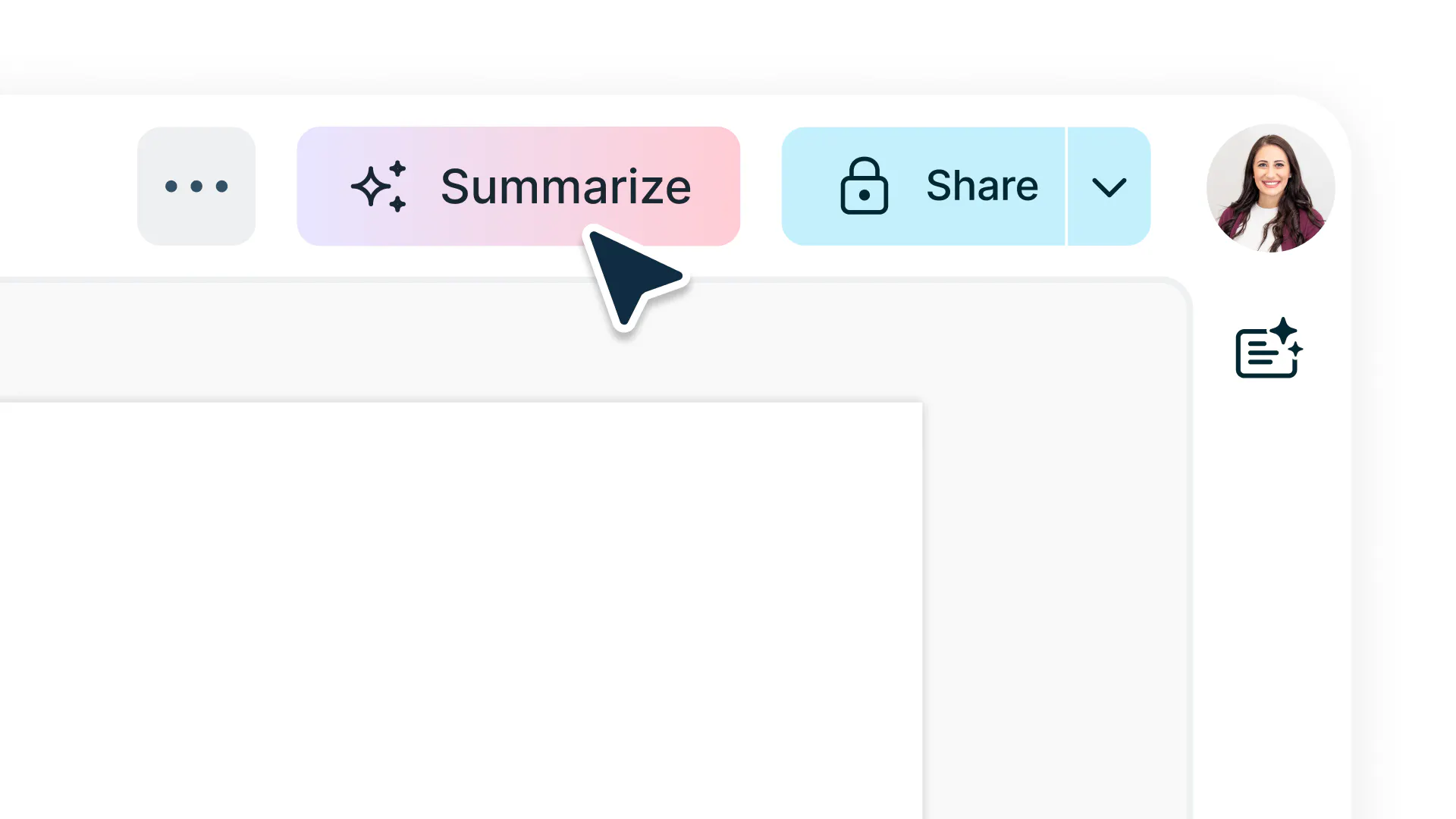
Selecciona resumir
Inicia sesión y selecciona ‘resumir’ en la barra de navegación superior del editor.
- 3
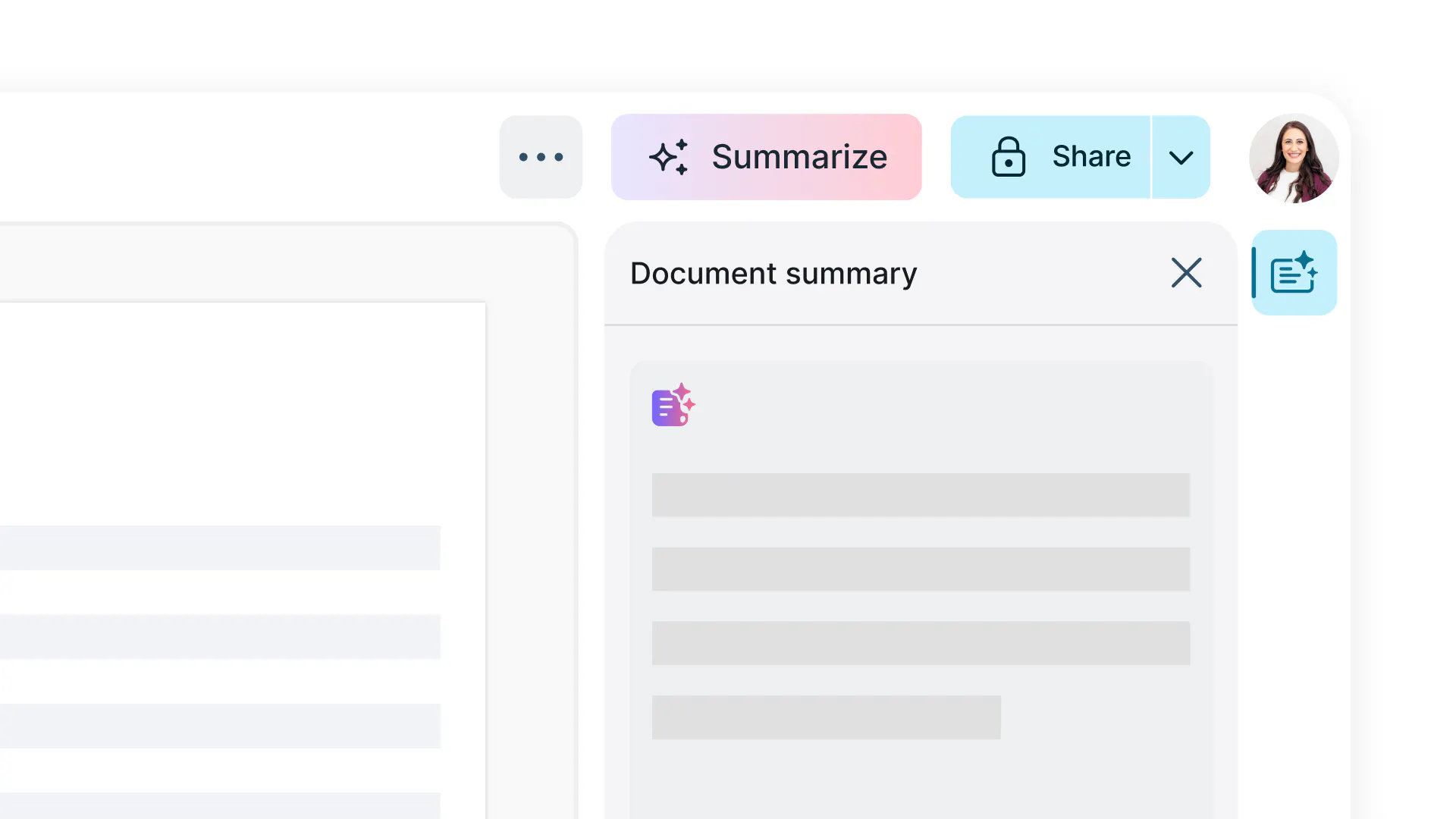
Usa IA para obtener respuestas
Recibirás un resumen de tu PDF en cuestión de segundos.
Resume tus PDF de manera sencilla
Resume PDFs al instante con IA. Sube tu archivo y deja que Lumin genere resúmenes claros y precisos que puedes editar, compartir o descargar gratis y fácilmente.

Resume PDFs en segundos
Obtén resúmenes claros y concisos al instante sin leer páginas y páginas de texto. Ideal para quienes necesitan información rápida y precisa a partir de PDFs extensos.

Regenera y ajusta los resultados
¿No te convence el primer borrador? Regenera al instante para explorar diferentes versiones y encontrar la que mejor se adapte a ti.

Tecnología OCR para PDFs escaneados
La tecnología OCR (Reconocimiento Óptico de Caracteres) incorporada de Lumin convierte automáticamente los PDFs escaneados o basados en imágenes en texto antes de generar un resumen. Esto garantiza resultados precisos, incluso para materiales impresos, notas manuscritas o archivos de contenido mixto.

Procesamiento seguro y privado
Tus archivos están protegidos con cifrado AES de 256 bits. Lumin cuenta con la certificación SOC 2 Tipo 2, lo que te aporta una mayor confianza en la seguridad de tus documentos.

Sin descargas ni configuración
Resume directamente desde tu navegador sin necesidad de instalar nada. Sube, resume y guarda tus resultados desde cualquier dispositivo.

Límites de subida generosos
Sube PDFs de hasta 20 MB, 15 páginas o 48.000 caracteres. Perfecto para artículos académicos, informes y materiales de estudio.
Preguntas frecuentes
Sí, el Resumidor de PDF con IA de Lumin es gratuito. Puedes subir tus documentos y obtener resúmenes claros y concisos sin coste alguno.
La aplicación Lumin funciona en tu navegador, o puedes descargar nuestra app de escritorio y tener Lumin siempre a mano en tu ordenador. También tenemos una aplicación móvil y para tabletas que incluye las funciones más populares de Lumin.
Nuestro resumidor de PDF con IA utiliza inteligencia artificial avanzada para analizar tu documento, identificar los puntos clave y crear un resumen conciso. Simplemente sube tu PDF, elige la longitud del resumen que prefieras y deja que nuestra IA elabore un resumen claro y preciso en cuestión de segundos.
Proteger tus datos y tu privacidad mientras usas nuestros productos con IA es nuestra prioridad. Más información sobre la seguridad en Lumin o consulta nuestra declaración de ética en IA.¡Sí! Nuestro resumidor de PDF con IA funciona en todos los dispositivos. Accede a través de tu navegador móvil o de nuestra app para móviles y resume documentos estés donde estés.
Sí, puedes regenerar fácilmente nuevas versiones de tu resumen hasta que consigas el resultado que buscas. Lumin te ofrece flexibilidad para modificar y mejorar tus resúmenes, ayudándote a encontrar la versión que mejor se adapte a tus necesidades.
Sí, puedes subir y resumir archivos protegidos con contraseña fácilmente. Simplemente introduce la contraseña cuando se te solicite y la IA procesará tu documento de forma segura sin almacenar datos sensibles.
Sí, el Resumidor de PDF con IA incluye tecnología OCR (Reconocimiento Óptico de Caracteres) que convierte los PDFs escaneados o basados en imágenes en texto antes de procesarlos. Esto garantiza resúmenes precisos incluso de notas manuscritas, documentos impresos o archivos de formato mixto.
Es una solución cómoda para investigadores, estudiantes y profesionales que trabajan con distintos tipos de documentos.Sí, el Resumidor de PDF con IA de Lumin admite PDFs de hasta 20 MB, 15 páginas o 48.000 caracteres de tamaño.
Si tu documento supera estos límites, puedes procesarlo en secciones o mejorar tu plan para acceder a una mayor capacidad.Tu seguridad y privacidad son prioridades en Lumin. Todos los archivos se cifran con protección AES de 256 bits durante la subida, procesamiento y eliminación. Los documentos se eliminan automáticamente tras su uso, y la certificación SOC 2 Tipo 2 de Lumin garantiza la seguridad de los datos a nivel empresarial para cada usuario.
La IA de Lumin proporciona resúmenes altamente precisos identificando los puntos clave, argumentos y temas de tu PDF. Usa procesamiento avanzado del lenguaje natural para conservar el sentido esencial eliminando los detalles innecesarios.
Más de 100 millones de clientes confían en nosotros



Artículos destacados
Discover Lumin’s products
Collaborate with existing colleagues and onboard new ones with Lumin and Lumin Sign. Our innovative solutions work great on their own, but they’re even better together.
Lumin Sign