AI NDA generator
 Write a mutual NDAWrite an employee NDAWrite a unilateral NDA
Trusted by some of the world’s biggest companies







How to make your NDA
- 1

Write your prompt
Describe the type of NDA you need, from mutual to unilateral. More detail results in a more tailored document.
- 2
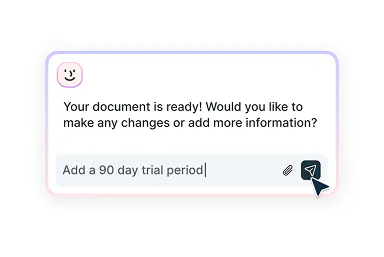
Edit with smart assistance
Refine your document by telling Lumin AI what you need or choose from its smart suggestions.
- 3
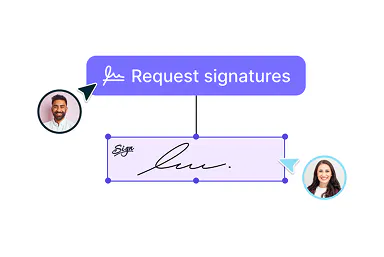
Download or send for signing
Once your NDA is ready, send it for eSignatures or download a printable PDF.
Easy NDA creation
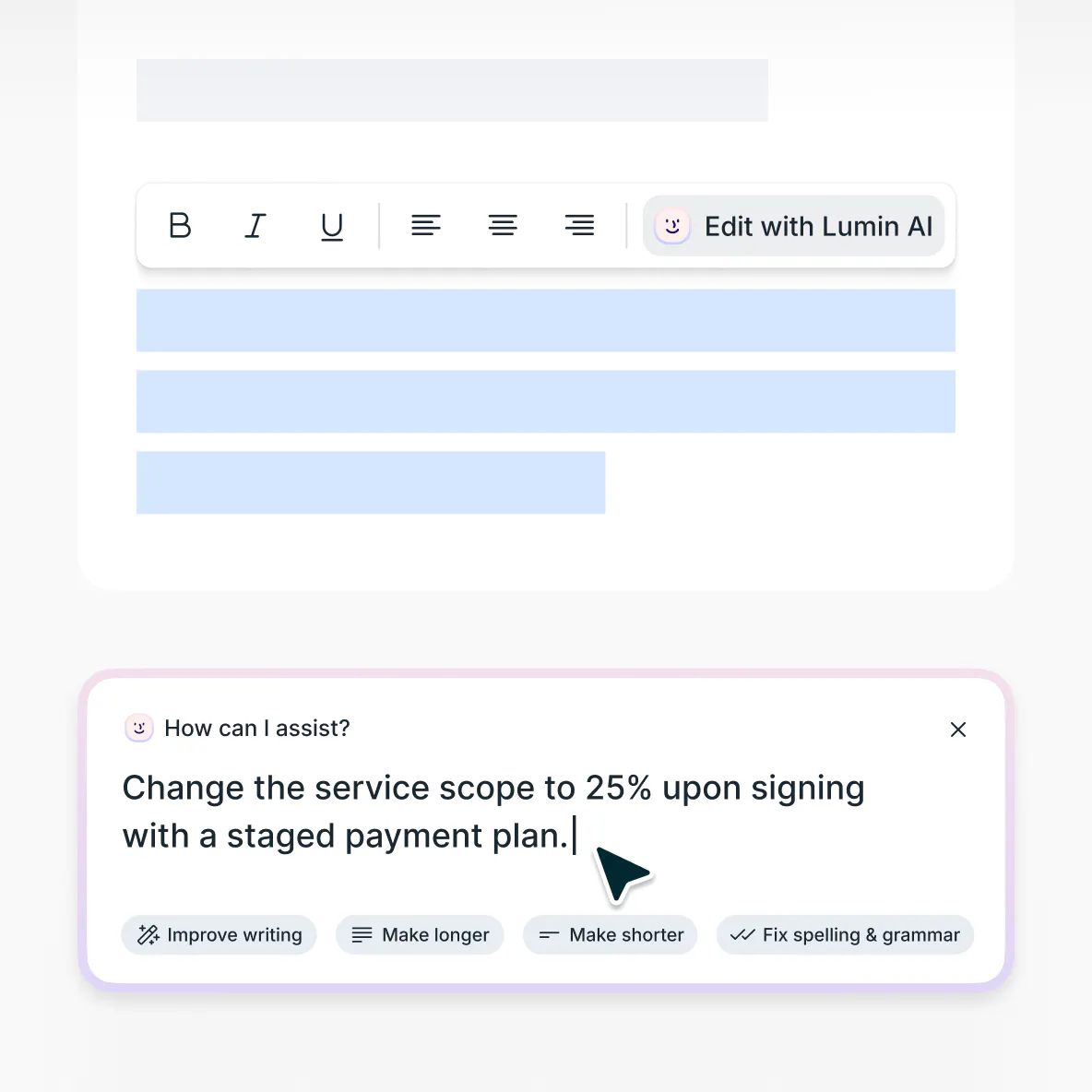
Create, refine, then send on to sign

From creation to signature
Generate and perfect an NDA that fits your needs with our AI-powered assistant.
Refine with smart suggestions
Unsure what’s needed? Lumin AI offers context-driven recommendations to help you fine-tune your NDA.

Send for signing
Send completed agreements to partners, employees, contractors, and other parties to collect legally-binding eSignatures. All managed in Lumin.
Intuitive agreement creation
Simplify your NDA drafting with Lumin AI. Simply describe your needs, and our smart assistant generates professional non-disclosure agreements in minutes.

Refresh old agreements
Transform outdated PDF and Word NDAs into flexible, dynamic documents with our AI-powered editor. Simply upload your existing agreement and make any necessary updates.
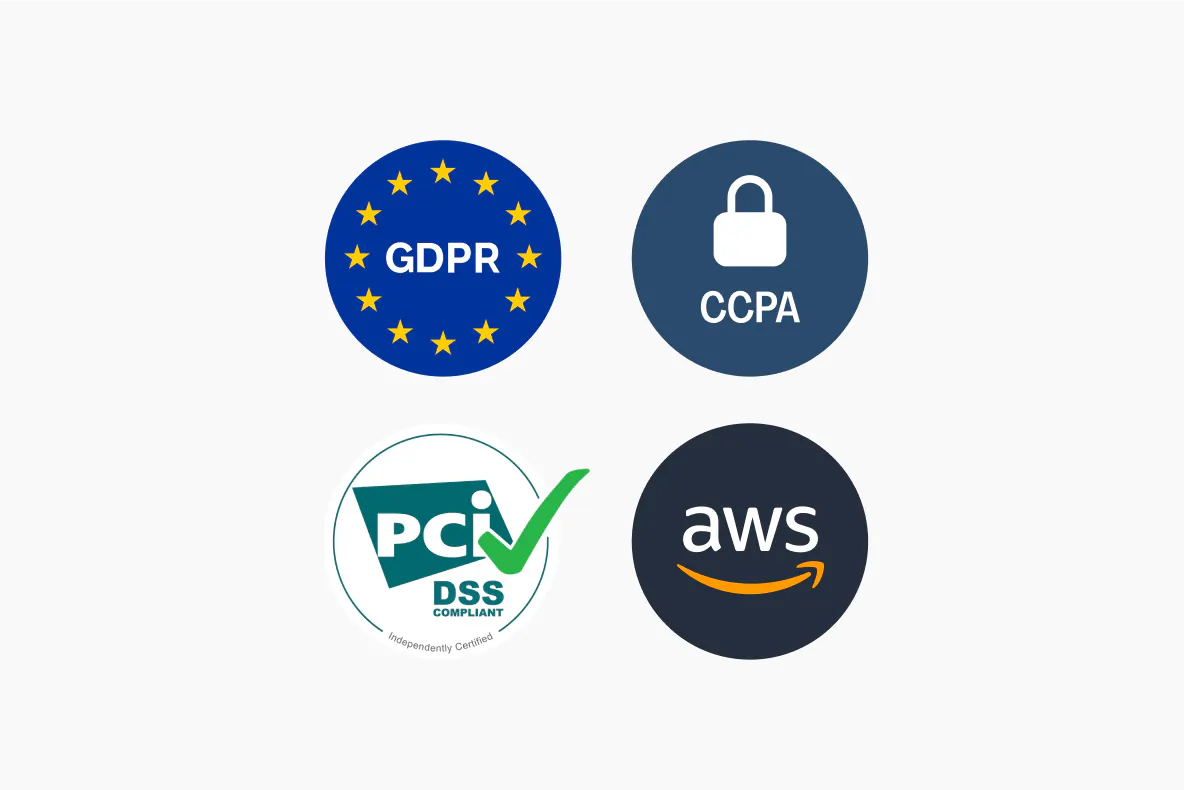
Enterprise-grade document security
Your data security and privacy are our priority. Lumin is SOC 2 Type 2 and GDPR compliant and we ensure customer data is secure and encrypted when in transit and at rest.
Non-disclosure agreements explained
A non-disclosure agreement (NDA) is a legally binding contract establishing a confidential relationship between parties. It specifies what information is to be kept confidential and restricts how that information can be used.
NDAs allow individuals and organizations to safely share sensitive information with legal protection against unauthorized disclosure. It essentially protects both parties by defining what kind of information cannot be shared and setting out the consequences if it is shared without authorization.
NDAs can vary based on the relationship between the parties involved and the type of information being protected, but having a clear, well-crafted agreement is an important step in safeguarding sensitive information and intellectual property.
Whether you're a startup protecting your business idea, an established company sharing trade secrets with a potential partner, or an employer safeguarding proprietary information, this document will be essential for maintaining confidentiality in business relationships.Yes, confidentiality agreements and non-disclosure agreements (NDAs) are essentially the same thing. They are often used interchangeably, but that doesn’t mean there aren’t some small differences between the two terms.
NDAs generally focus specifically on preventing the disclosure of confidential information to third parties.
Confidentiality agreements sometimes have a slightly broader scope and can cover points like how confidential information should be handled or stored.
But despite these differences, both types of document serve the same basic purpose: to legally protect sensitive information from unauthorized disclosure.Absolutely. Creating an NDA without specialized legal expertise is common and many businesses (especially smaller businesses like SMBs, startups, and freelancers) often draft their own confidentiality agreements.
However, there are still important factors to consider when creating your NDA.
First, be specific and clear about what information is considered confidential. Define the scope of protected information, exclusions, and the duration of confidentiality obligations. As with any kind of agreement, vague language can lead to disputes further down the line.
Plus, remember that legal requirements vary across jurisdictions. Do your research and ensure your agreement complies with local laws regarding enforceability, reasonable time limitations, and legitimate business interests.
Our AI-powered NDA generator can help you draft a tailored agreement that meets your specific needs. To get started, simply describe the type of NDA you need and work with our AI assistant to refine it by adding specific clauses, clarifying terms, and more.
If you prefer to start with a template, try one of our free NDA templates and customize it as you need.NDAs can be customized for specific situations, but they should always include these core elements:
Parties involved: Clearly identify all parties bound by the agreement, including full legal names and contact information. For companies, specify whether the NDA also covers employees, contractors, affiliates, or subsidiaries. This section sets out exactly who is responsible for maintaining confidentiality.
Definition of confidential information: An important one — define what constitutes confidential information under the agreement. This might include trade secrets, proprietary processes, customer lists, financial data, business strategies, or intellectual property. Being specific helps prevent disputes about what is and isn’t covered by the agreement.
Exclusions from confidential information: Outline information that is not considered confidential, for example, information that’s already public knowledge or information the recipient already knew before disclosure.
Obligations and restrictions: Detail the duties of the receiving party, including not disclosing information to third parties, only using information for purposes that have been specified in the agreement, and returning or destroying confidential materials when requested.
Term and termination: Specify how long the terms of the confidentiality agreement remain in effect. This could be for a specific time period (for example, 2 years) or it could even be indefinitely for certain types of information (like trade secrets). If there are any conditions under which the agreement may be terminated, include those too.
What happens if there is a breach: Outline the consequences if either party violates the agreement. This usually includes the right to seek monetary damages and other legal options.
Legal elements: Include a governing law clause specifying which state’s or country's laws will apply to the agreement. Add provisions for how disputes will be resolved, such as through litigation, arbitration, or mediation. Finally, ensure there is space for all parties to sign and date the agreement, thereby making it legally binding.
Tip: Our AI NDA generator is integrated with Lumin Sign so you can easily send your completed agreement to all parties for secure, legally binding eSignatures.No, it's usually not necessary to hire a lawyer to create an NDA, particularly for standard confidentiality situations. Many businesses create effective NDAs using tools like our AI NDA generator.
However, for complex situations involving highly valuable intellectual property, cross-border agreements, or industry-specific regulations, legal review would be a good idea.
If you’re unsure, one option would be to generate an NDA using our AI assistant or a template as a foundation, then ask a lawyer to review. This approach will allow you to save time and money while still having the confidence of legal oversight for particularly sensitive matters.
NDA templates
We have a range of NDA templates, from unilateral, patent, and state-specific NDAs. If you prefer to start your agreement with a template, we’ve got the options to help. And the best thing? They’re all free to use.
Just select your template, fill in your details, and either download your completed agreement or send it to be eSigned.
Frequently asked questions
The Lumin AI NDA generator uses AI to interpret your prompts and use that information to write and structure the agreement based on your requirements. Basically, you tell our AI assistant what you want to have in your NDA and it creates it in moments.
The assistant also offers smart suggestions on ways to improve your NDA based on your current content and the training it has received on many similar documents. Once you're happy with it, you can download it in your preferred format or send it directly to be eSigned.
You can also edit and refresh existing NDAs with our agreement editor. Simply upload your document and customize it for new relationships or to add or update terms.Of course. The AI assistant will create a first draft of the agreement following your initial prompt, but you can then go on to refine and tailor it to your specific requirements.
It's also possible to amend previously created NDAs that are in PDF format. Just upload it and make any edits you need before redownloading it or sending it on for signatures.It sure is. Our AI NDA generator is completely free to use without restrictions.
Some limits apply if you don’t have a Lumin account, but it’s entirely free to create a new account and it only takes a minute. Limits include downloading completed documents and exceeding the preset number of prompts.We have strong privacy and security measures in place to keep your data safe.
Your messages with the AI assistant are protected with advanced SHA-256 encryption before being securely stored in our enterprise-grade MongoDB database. Any documents you upload are encrypted and stored in our highly secure Amazon S3 infrastructure.
None of the data you enter is used to train the AI model. It is only processed to assist in generating your NDA and providing relevant responses.
Learn more about security at Lumin or read our AI ethics statement.
Discover our products
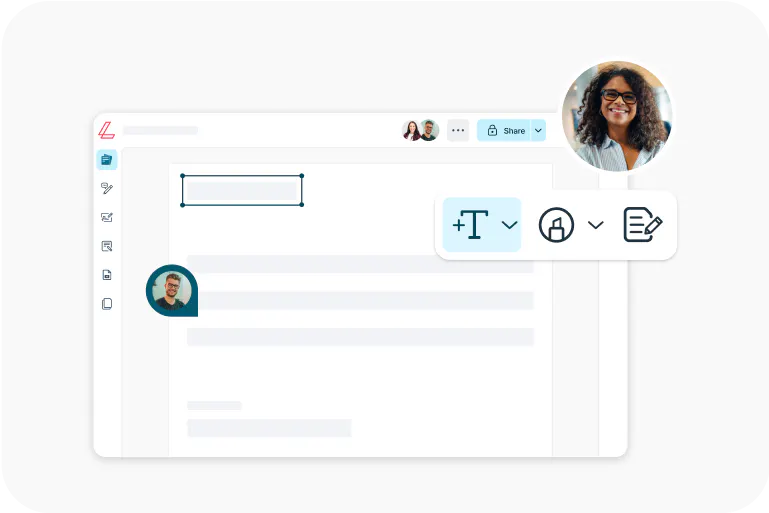
Lumin
An easy-to-use PDF editor that stands alone or integrates with Google Workspace.
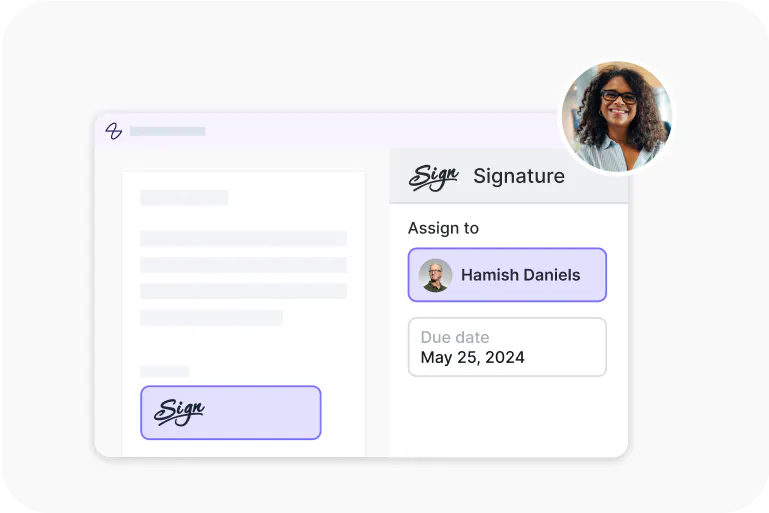
Lumin Sign
An eSignature workflow tool that seals deals with legally-compliant signatures.
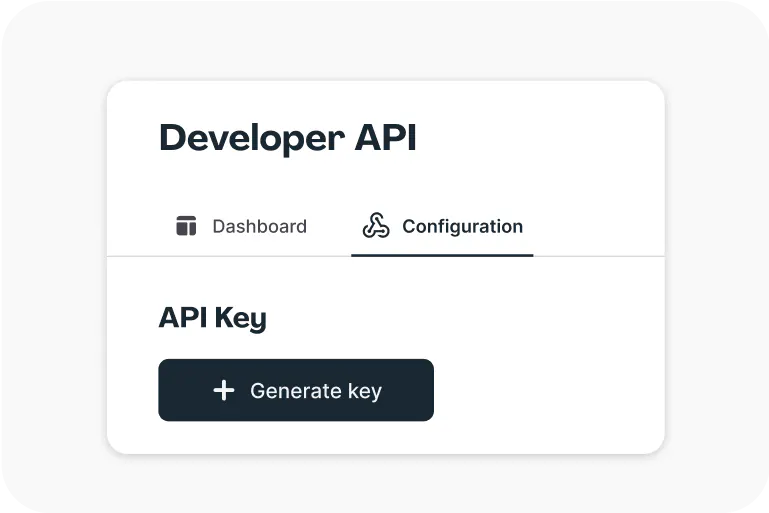
Lumin Sign API
An eSignature API made to be plugged into your platform with minimal effort.