
 Sign
SignStreamline eSign workflows
Captivate clients with Lumin Sign’s dedicated eSign workflows. Collect legally-binding eSignatures in seconds.

Trusted by over 100M professionals worldwide







Client-facing signature workflows
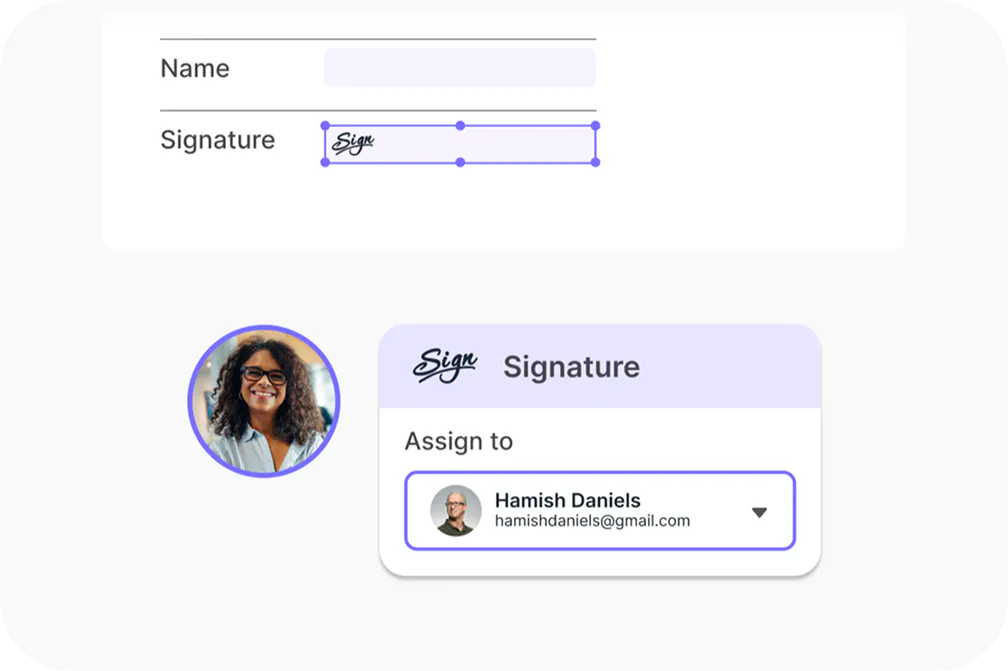
Capture signatures in seconds
Sign from any device without creating an account, so deals get done faster. Give your customers a signing experience that's quick, professional and easy to complete.
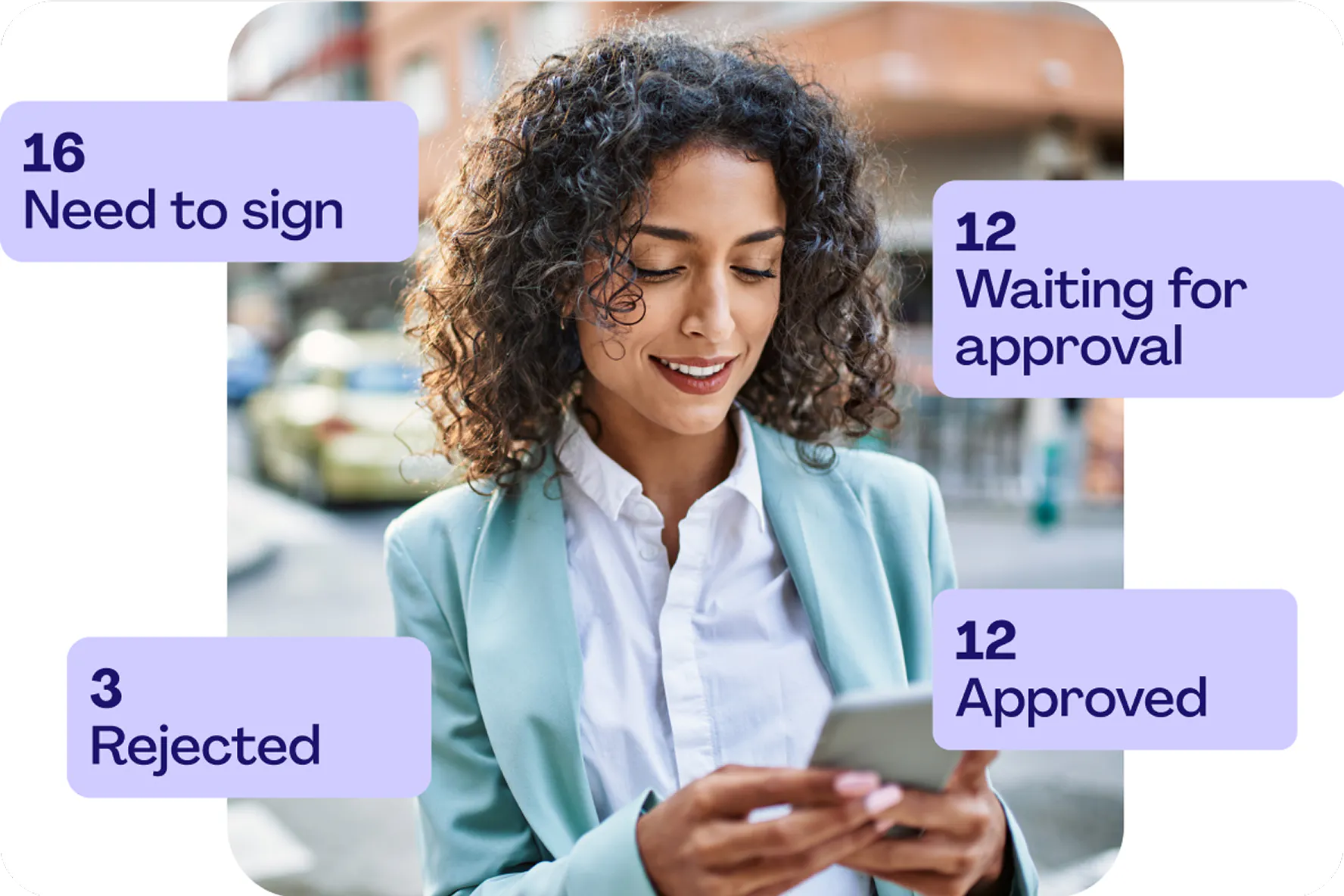
Track contracts from sent to signed
Don’t let anything slip. Lumin Sign’s eSign dashboard helps you track multiple deals from start to finish with full visibility. Set automatic notifications and reminders to stay in control and prompt clients before deadlines are reached.
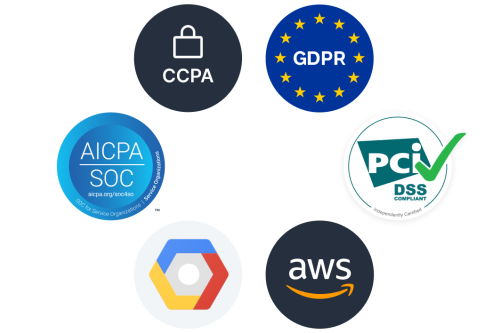
Safeguard your business
Reduce risk with legally binding signatures and enterprise-grade security. Lumin Sign holds certifications across CCPA, GDPR, AICPA, SOC 2, and more, so every signature meets current compliance standards.
Legally binding digital signatures
Lumin Sign is a secure and legally binding way to sign. We undergo third-party audits to ensure we’re offering best practice security measures, including encryption and physical security measures.
eSigning features that keep deals flowing
Streamline your workflow by sending one document to up to 20 people for signing – at one time.
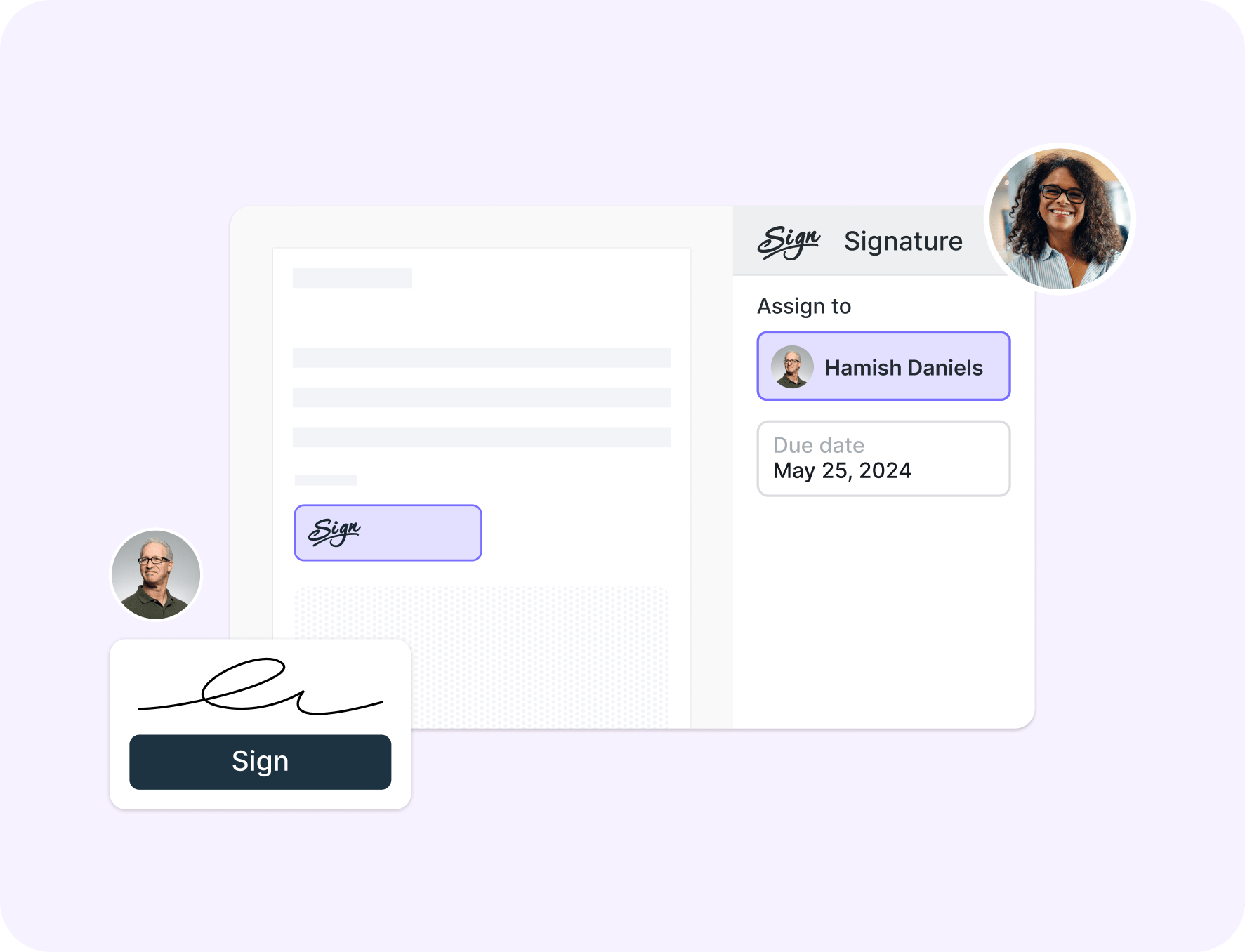
Define the order in which you'd like people to sign your contract. Let Lumin Sign do the rest.

Follow contracts from sent to signed, and set automatic reminders for everyone involved.
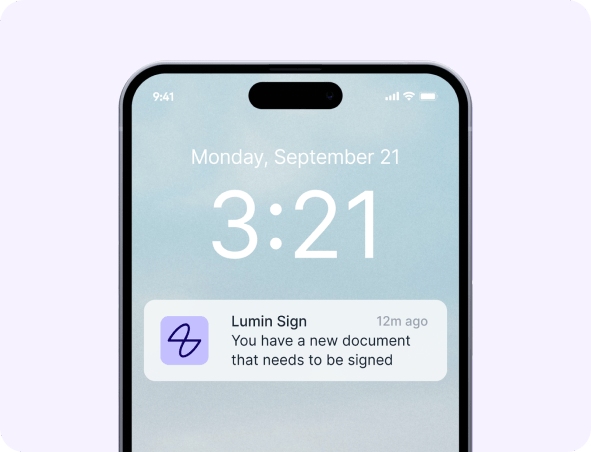
Lumin Sign works from your computer, tablet, Chromebook or phone. Sign from anywhere.
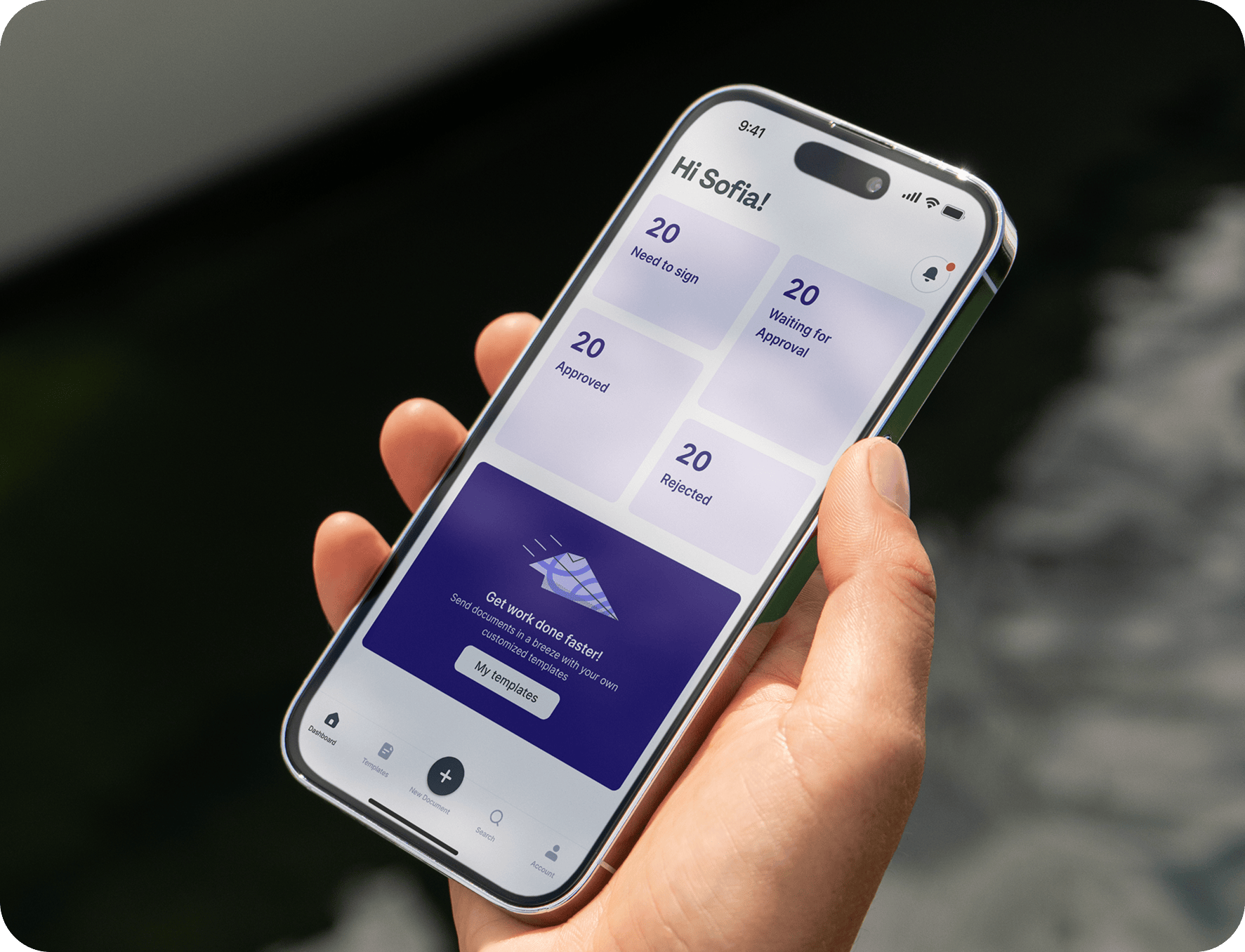
One connected workflow
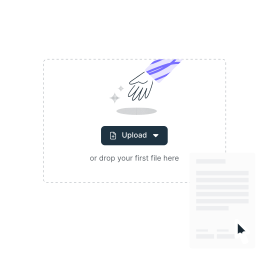
1
Upload
Choose a template or upload a form or contract

2
Invite
Invite signers and select a due date
3
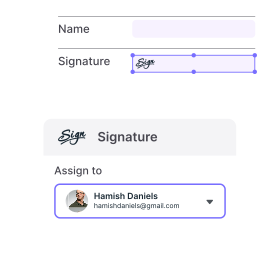
Assign
Assign signatures and initial fields
4
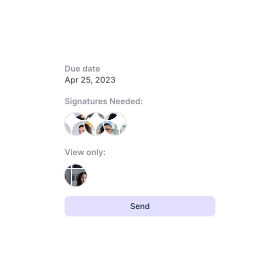
Track progress
Send, track and set reminders to stay in control of your Agreements with Lumin Sign.
Find a template
Go from discovery to done with our library of forms and templates. We’ve got what you need to tackle any task: tax forms, contract templates, health and safety checklists, onboarding forms and much more.
Browse all templatesLumin Sign reduced onboarding from a week to an hour”
168x
Faster client onboarding time
90%
Time saved on agreements

Lumin lets our staff work with each other in real time”
60+
Minutes saved per employee daily
99%
Reduction in staff training time

Enterprise-grade security without enterprise complexity”
15x
Faster document workflows
93%
Faster agreement processing

Lumin Sign reduced onboarding from a week to an hour”
168x
Faster client onboarding time
90%
Time saved on agreements
Lumin lets our staff work with each other in real time”
60+
Minutes saved per employee daily
99%
Reduction in staff training time
Enterprise-grade security without enterprise complexity”
15x
Faster document workflows
93%
Faster agreement processing
Frequently asked questions
Yes! Lumin Sign is free to use for up to five contracts a month, allowing you to send legally compliant signatures and streamline your workflows; all the basics are covered.
Our paid plan is designed to help you send efficient and secure contracts at scale. View outstanding contract status, send automated email reminders and scale your business.
An eSignature, also known as a dry signature, represents a person's handwritten signature and is a legally binding way to digitally sign documents.
To digitally sign a PDF, you should use a reputable platform like Lumin Sign or DocuSign. Upload your document, and then you can create an eSignature using a stylus, an image of your signature or by typing in your name and converting it to a nice font.
In the US, two acts recognize eSignatures as equivalent to wet ones in terms of legal status: the Uniform Electronic Transactions Act (UETA) and the Electronic Signatures in Global and National Commerce Act (perfectly acronymed as ESIGN).
Other countries have similar legal recognitions include: Europe, Canada, UK, India, New Zealand, Australia and Singapore.
Yes, there is a Lumin Sign app. Send, sign and track documents while on the go. The Lumin Sign mobile app keeps work moving with you across your phone or tablet. You can download the app from the Apple and Google Play stores for free.

Verified Digital Signing
Verified digital signing ensures every agreement is backed by genuine human identity, eliminating the uncertainty that slows down business and the vulnerabilities that put it at risk.
Discover our products
Collaborating with our team and new members is key to success.
Lumin and Lumin Sign provide innovative solutions that work well together, boosting productivity and simplifying processes for everyone.
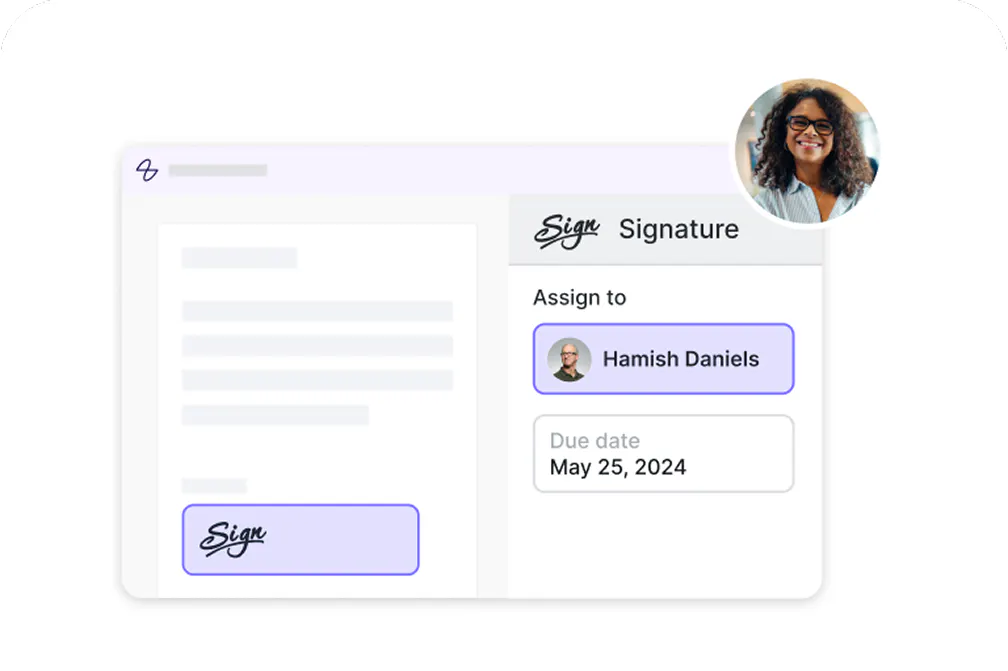
Lumin PDF
An easy-to-use PDF editor that stands alone or integrates with Google Workspace.
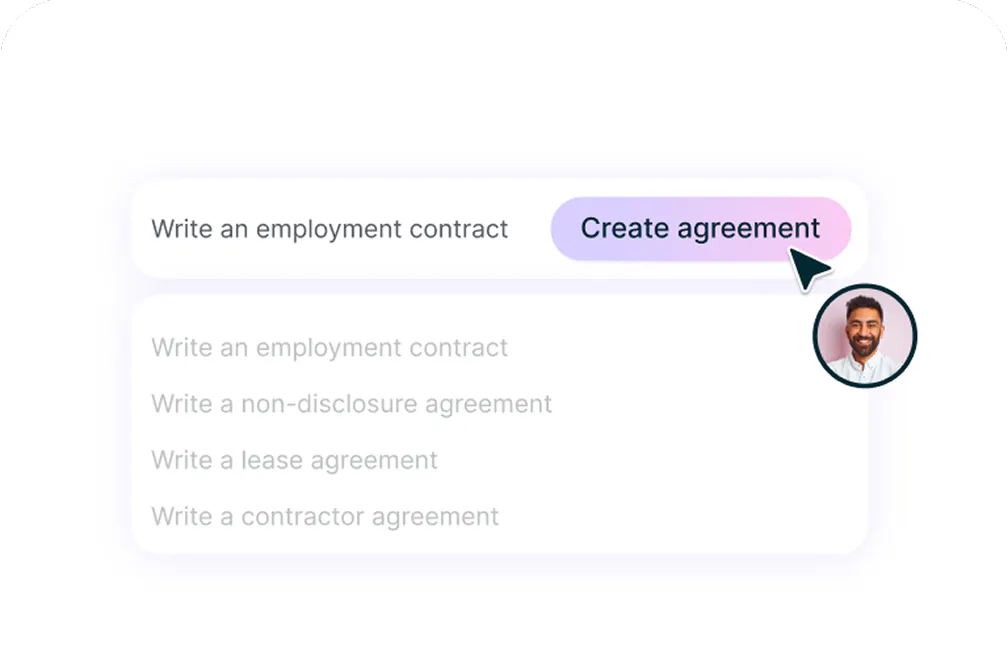
AgreementGen
An easy-to-use PDF editor that stands alone or integrates with Google Workspace.
Lumin Sign API
A digital signature workflow tool that seals deals with legally-compliant signatures.