
Free PDF to DOCX Converter
Convert PDFs to editable DOCX documents in seconds. Just upload your file and open it in Lumin to edit, share, or download — free and easy.Almost there, finishing the upload.

Drag and drop or click here to upload
You’re in good company







How to convert PDF to DOCX
Follow these simple steps to convert your PDFs to Word documents.
- 1
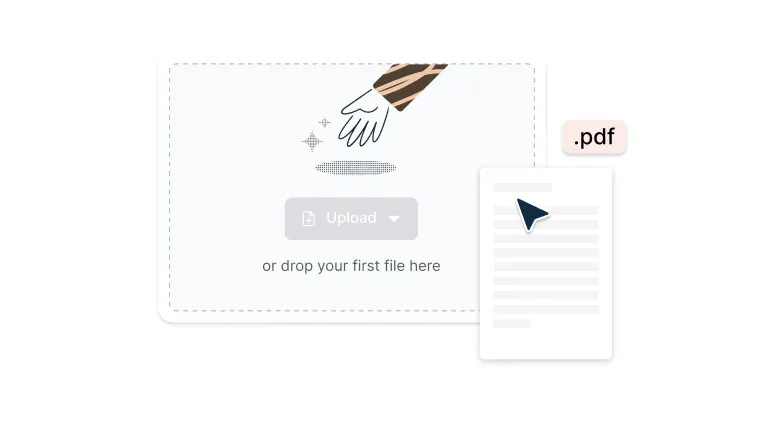
Upload
Drop your PDF file into the dropzone above or click the 'Upload' button.
- 2
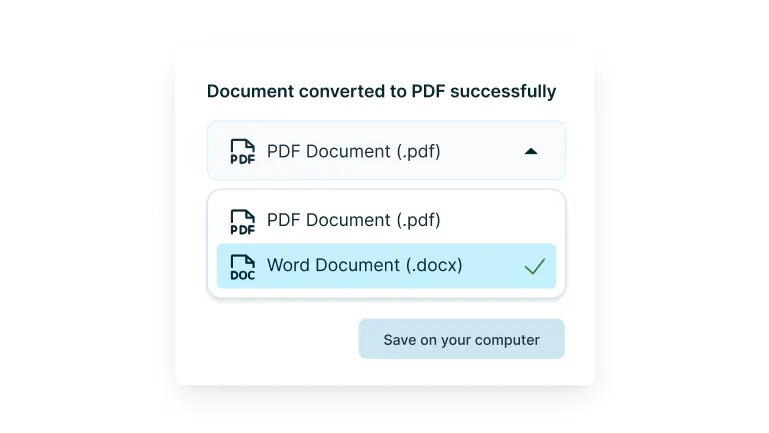
Convert
Sign-in and select ‘Word Document’ from the drop-down.
- 3
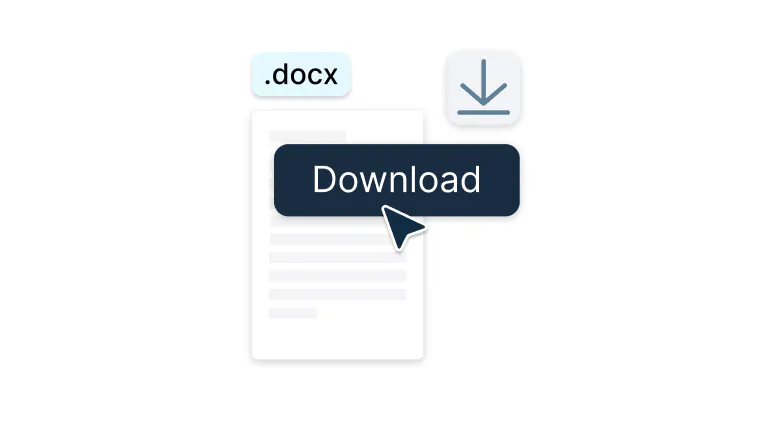
Download or edit
Click ‘Save to Google Drive’ or ‘Save to computer’ to save your .docx file.
Convert PDFs to Word with ease
Turn static PDFs into fully editable Word documents in seconds. Secure, accurate, and built for everyone.

Instant transformation
Upload any PDF and watch it become a fully editable Word document in seconds. No more retyping content or wrestling with formatting; everything transfers seamlessly. Simply drag and drop to start editing immediately.

Secure your files
Your documents are protected with enterprise-grade encryption from upload to download. We don't store your files, and your sensitive data remains completely private. Enterprise-level security without the complexity.

Preview first
See exactly how your document will look before you convert. Check formatting, verify text accuracy, and ensure everything's perfect. Convert with confidence knowing there won't be any surprises.

Built for teams
Share converted documents and collaborate in real time with your entire team. Multiple people can edit, comment, and build on the same document simultaneously. No more version conflicts or confusion.

Sync your documents with Google Drive
Right-click any PDF in Google Drive and convert it without leaving your workspace. The DOCX file saves back automatically to the same folder, keeping everything organized. Skip the download-upload dance and work directly in your cloud.

Edit before converting
Make changes to your PDF before turning it into Word. Update text, fix typos, or adjust layouts directly in the editor so your converted file is polished and ready to use.
Frequently asked questions
DOCX is the modern Microsoft Word file format, introduced with Office 2007. It's an XML-based format that's more compact, secure, and feature-rich than the older DOC format.
DOCX files can contain text, images, tables, charts, and advanced formatting while remaining smaller in size and less prone to corruption.Lots of our tools are free. You can draw on PDFs, comment on them, add text, signatures and images; all the basics are covered.
Our paid plans expand your toolkit: you can edit PDF text, redact information, create fillable fields and much more. Discover our plans to learn which one is the right fit for you.The Lumin app works on your browser, or you can download our desktop app and keep Lumin handy on your computer. We’ve also got a mobile and tablet app which includes Lumin’s most popular features.
Converting PDF to DOCX format is simple with our online converter. Upload your PDF file to our converter, wait a few seconds for processing, and download your editable DOCX document.
Converting PDF to DOCX allows you to edit and modify your document content freely in Microsoft Word or other word processors.
Select any PDF in your Google Drive and select "Open with > Lumin PDF." Once opened, use our conversion tool to transform it into a DOCX file.
The converted document saves directly back to your Drive in the same folder, maintaining your file organization. No downloads, no uploads—just seamless conversion within your existing workflow.Pros: DOCX files are fully editable, support rich formatting and multimedia, work seamlessly with Microsoft Word and Google Docs, compress better than DOC files, and allow real-time collaboration. They're the standard for business documents worldwide.
Cons: DOCX files can lose formatting when opened in different word processors, aren't as universally viewable as PDFs (require compatible software), and may display differently across devices. They're also easier to accidentally modify than PDFs.Choose DOCX when you need to edit content, collaborate with others, create templates for reuse, or work with dynamic content that changes frequently.
Use PDF when you need to preserve exact formatting, share final versions, ensure universal viewing, or prevent unauthorized edits. Think of DOCX as your working format and PDF as your sharing format.Your documents are protected with bank-level encryption throughout the entire process. Files are encrypted during upload, conversion, and download using SSL/TLS protocols. We don't store your files longer than necessary for conversion, and our servers are secured with enterprise-grade protection. Your confidential documents remain confidential.
Learn more about how we keep your data secure.Yes, you can convert a PDF to DOCX for free with Lumin. PDF conversions are unlimited at no cost.
Absolutely! Your converted DOCX file is fully editable immediately after conversion. Edit text, adjust formatting, add images, and create tables. Everything can be done in Word or Google Docs. You can even edit directly in your browser using Lumin's built-in editor, no software installation required.
Yes. Lumin PDF works seamlessly on Mac, letting you convert any PDF into an editable DOCX file straight from your browser. No downloads or extra software needed.
You can also install the Lumin app for Mac if you prefer quick offline conversions with the same secure process.
Trusted by more than 100 million customers



Featured articles

Discover Lumin’s products
Collaborate with existing colleagues and onboard new ones with Lumin and Lumin Sign. Our innovative solutions work great on their own, but they’re even better together.

Lumin Sign