Employment contract generator
 Write a full-time employment contractWrite a part-time employment contractWrite a contractor agreement
Trusted by some of the world’s biggest companies







How to create your employment contract
- 1

Write a prompt
Just type in the type of employment contract you need to get started. Adding details will produce a more customized document.
- 2
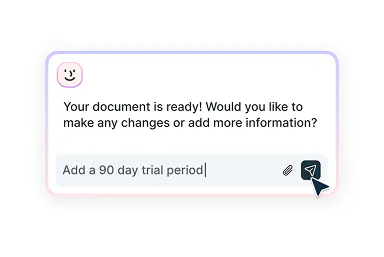
Edit with smart assistance
Fine-tune your contract with simple instructions to Lumin AI, or select from intelligent recommendations tailored to your specific situation.
- 3
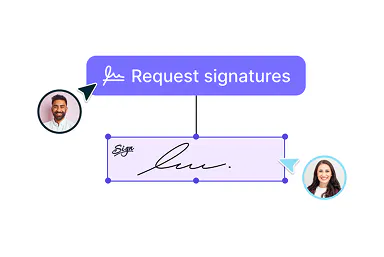
Download or send for signing
Once your employment contract is ready, send it for eSignatures or download it as a printable PDF.
Employment contract creation made easy
Create, refine, then send on to sign

From creation to signature
Quickly create and customize an employment contract perfectly aligned with your requirements using our intuitive AI assistant.

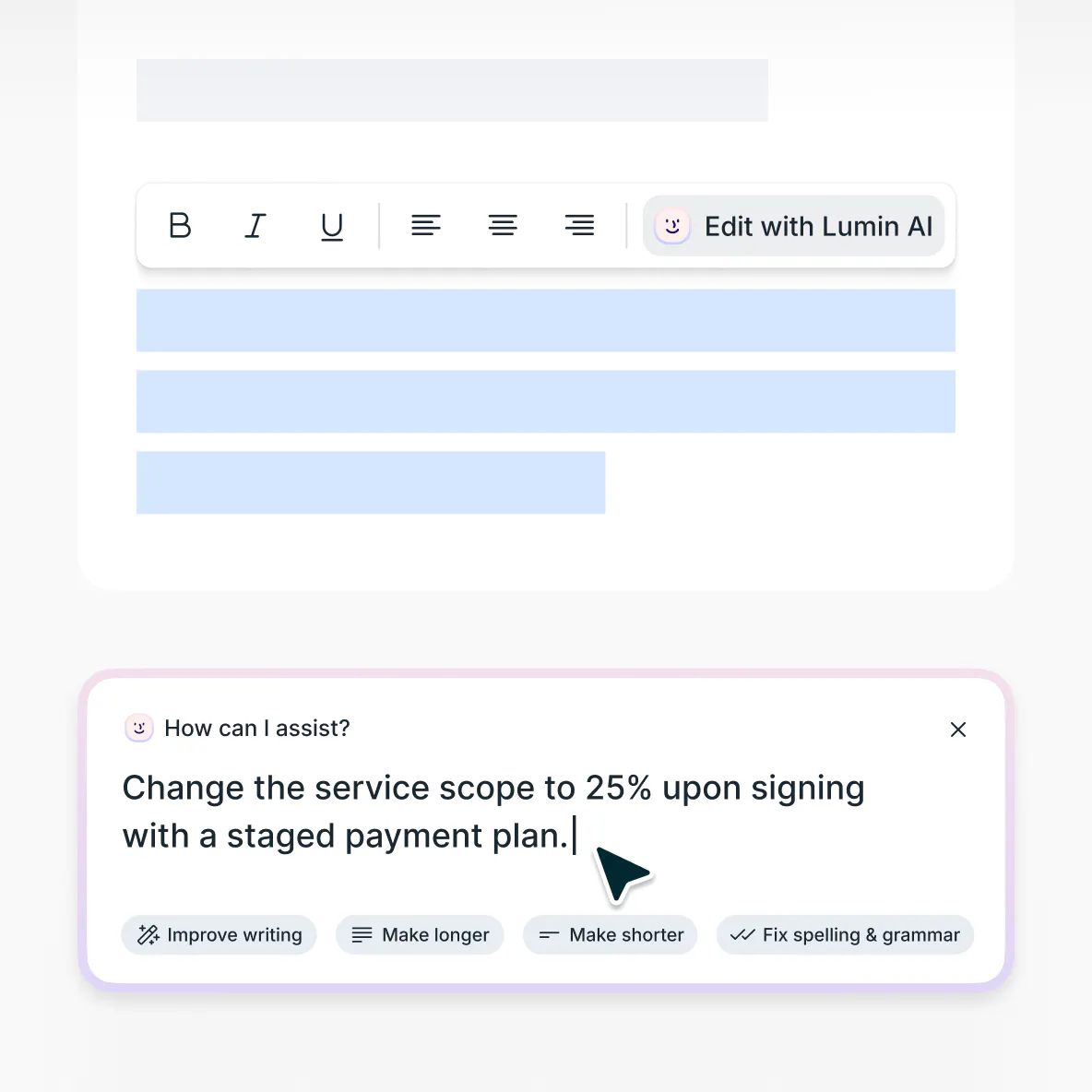
Refine with smart suggestions
Lumin AI analyzes your contract and requirements and suggests relevant clauses and terms to strengthen your employment contract.

Send for signing
Share finalized contracts with employees and contractors to gather secure, legally-binding eSignatures — all seamlessly managed within the Lumin platform.
Intuitive contract creation
Simplify your employment contract drafting with Lumin AI. Describe your needs, and our smart assistant will generate a professional employment agreement in moments.

Refresh old agreements
Transform outdated PDF employment contracts into flexible, dynamic documents with our AI-powered editor. Upload your existing agreement and make any necessary updates.
Enterprise-grade document security
Your data security and privacy are our priority. Lumin is SOC 2 Type 2 and GDPR compliant and we ensure customer data is secure and encrypted when in transit and at rest.
Employment contracts explained
An employment contract is a legally binding agreement between an employer and an employee that sets out the terms and conditions of employment. In brief, it outlines the rights, responsibilities, and obligations of both parties throughout the employment relationship.
Employment contracts specify details such as the job duties of the employee, the compensation they will receive, work hours, benefits, leave policies, and termination conditions. They are important documents in that they provide clarity and protection for both employers and employees by setting expectations and minimizing the potential for misunderstandings (and possibly disputes).
These agreements can vary based on employment type (whether the employee is full-time, part-time, or a contractor), industry standards, and applicable labor laws. A well-crafted employment contract creates a solid foundation for a professional relationship and ensures that both parties understand what is expected and what protections are in place.
Whether you’re a business owner hiring your first employee, an HR professional onboarding new team members, or a manager bringing on specialized talent, having a clear, comprehensive employment contract is essential for establishing productive and legally compliant working relationships.Sure. Creating an employment contract without specialized legal expertise is fairly common, especially for small and medium-sized businesses and startups.
But that doesn’t mean there aren’t things to watch out for when drafting your own employment contract.
First, be sure to include all essential elements such as job description, compensation, work hours, and benefits. This will help you avoid issues further down the line.
Remember that employment laws vary significantly by country, state, and even city. Your agreement must comply with local regulations regarding minimum wage, overtime, paid leave, termination notice, and other employment standards.
If you prefer to start with a template, try one of our free employment contract templates and customize it as needed:- Employment contract template
Employment contracts can differ for different roles, but they all typically include these elements:
Parties involved: Clearly identify the employer (company name and address) and employee (full name and address), establishing who is bound by the agreement.
Job details: Outline the job title, description, responsibilities, reporting structure, and performance expectations. This sets clear expectations about the role and how success will be measured.
Employment terms: Specify whether the position is permanent, temporary, full-time, part-time, or contract-based. Include the start date and, if applicable, end date for fixed-term contracts.
Compensation and benefits: Detail the salary or wage rate, payment frequency, overtime rates, bonuses, commission structures, and benefits package (health insurance, retirement plans, paid time off, and so on).
Work schedule: Define the working hours, breaks, flexible arrangements, remote work policies, and overtime expectations.
Probationary period: If you have one, specify the length of the probationary period and the assessment criteria.
Termination conditions: Outline the circumstances under which employment can be terminated, notice periods required from both parties, and any severance provisions.
Signatures: Include space for both parties to sign and date the agreement, making it legally binding. Tip: Our AI employment contract generator is integrated with Lumin Sign so you can easily send your completed agreement to all parties for secure, legally binding eSignatures.As with any contract, an employee agreement is legally binding if drafted correctly. When both you and your employee sign an employment contract, it becomes a legally binding agreement. Think of it as a promise that both sides need to keep.
For your employment contract to stand up legally, it needs a few key ingredients:
Offer and acceptance: A clear job offer with specific terms that the employee has accepted.
Consideration: Both parties exchange something of value. This this case this is compensation from the employer and labor from the employee.
Legal capacity: Both the employer and the employee must be legally able to enter into contractual agreements.
Lawful purpose: All terms must comply with applicable employment laws and regulations.
It’s worth noting that no employment contract can overrule the fundamental rights employees have by law. For example, you can’t use a contract to pay below minimum wage or bypass workplace safety regulations (even if an employee agrees to it).
While verbal agreements can technically be binding (yes, that job offer you made over coffee could count!), they’re incredibly difficult to prove if disagreements pop up later on.
If someone doesn't stick to their side of the contract, there are legal options available, though these vary depending on where you're located. Getting the contract right from the start with our AI assistant helps avoid these headaches altogether.Employment relationships can come in many forms and it’s important to use the right type of contract for each situation. Here are the main types of employment contracts you might need:
Permanent (indefinite) contracts: The most common type and have no fixed end date. They typically include a notice period for termination and can be full-time or part-time.
Fixed-term contracts: Set for a specific time period or until a particular project is completed. These contracts have a defined end date and automatically terminate when that date is reached unless renewed. They’re ideal for seasonal work, specific projects, or covering staff on leave.
Zero-hours contracts: These provide flexibility as employees work only when needed, with no guaranteed minimum hours. While offering scheduling flexibility for both parties, these arrangements must still comply with minimum wage laws and may include provisions for benefits eligibility based on hours worked.
Casual employment contracts: These are similar to zero-hours arrangements, but they’re usually more informal. Employees work on an “as-needed” basis with no obligation from either party to offer or accept work. These are more common in industries like hospitality and retail.
Part-time contracts: For employees working fewer hours than full-time staff. These contracts specify the exact hours or days to be worked and provide the same employment rights as full-time contracts on a pro rata basis.
Independent contractor agreements: These aren’t technically employment contracts as they are a business-to-business relationship rather than an employer-employee one. They outline the scope of services, payment terms, and clarify that the contractor is responsible for their own taxes and insurance.
Internship agreements: Used for training positions that combine learning with practical experience. These should specify whether the internship is paid or unpaid, the learning objectives, supervision arrangements, and duration.
Probationary contracts: Often included as a clause within permanent contracts, these establish an initial evaluation period (typically 3-6 months) during which either party can terminate the relationship more easily if it’s not working out.
When using our employment contract generator, you can specify which type of contract you need, and our AI assistant will create an appropriate document with all the necessary clauses and provisions.Lots of businesses create solid employment contracts without legal help, especially for standard roles.
For more complex situations, like executive positions, specialized roles with unique compensation, or international hires, having a lawyer review your contract is still a good idea.
If you’re unsure or want to user a lawyer but need a more cost-effective approach, use our AI assistant to generate a comprehensive base contract first, then have a legal professional review only the final document. This gives you the best of both worlds: efficiency and affordability upfront, with the confidence of legal validation where it matters most.
Employment contract templates
If you prefer to edit an existing template, we have a broad range of employment-related contract templates to get you started. They are all totally free to use and simple to edit and update.
Just pick the right template, fill in your details, and either download your completed agreement or send it for eSignatures.
Frequently asked questions
The Lumin AI employment contract generator transforms your instructions into professionally structured agreements tailored to your specific needs. Just describe what you’re looking for, and our intelligent assistant crafts your contract in seconds.
As you review your document, the AI suggests relevant improvements based on industry standards and best practices. When everything looks perfect, download your contract in your preferred format or send it directly for legally binding eSignatures.
Need to update an existing contract? Our powerful AI agreement editor makes it simple. Upload your current document and easily modify it for new employees or changing requirements — no starting from scratch required.Of course. Our AI assistant generates a comprehensive first draft based on your instructions, then puts you in control to customize every detail to perfectly match your specific needs.
Already have employment contracts in PDF format? No problem. Upload your existing documents to transform them into editable agreements, make your updates, then download the revised version or send it directly for signatures — all within the Lumin platform.Yes, our AI employment contract generator is completely free to use without restrictions.
Some limits apply if you don't have a Lumin account, but it's entirely free to create a new account and only takes a minute. Limitations include downloading completed documents and exceeding the preset number of prompts.We implement robust privacy and security measures to protect your data.
Your interactions with the AI assistant are protected with advanced SHA-256 encryption before being securely stored in our enterprise-grade MongoDB database. Any documents you upload are encrypted and stored in our highly secure Amazon S3 infrastructure.
None of the data you enter is used to train the AI model. It is only processed to assist in generating your employment contract and providing relevant responses.
Learn more about security at Lumin.
Discover our products
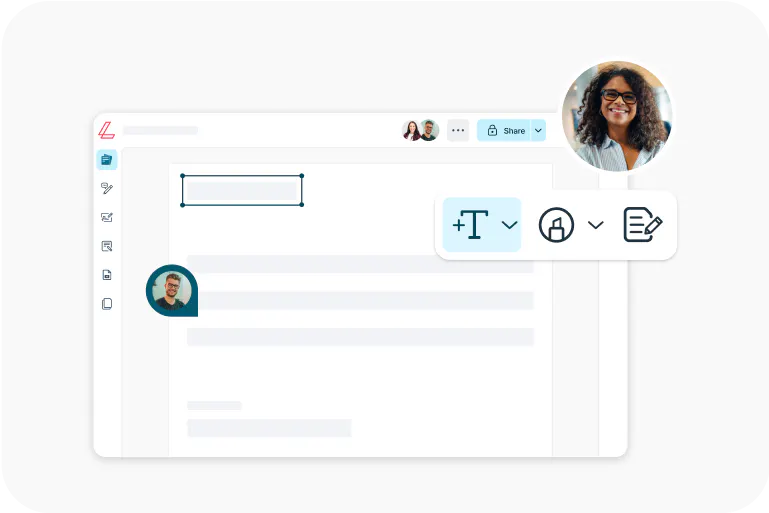
Lumin
An easy-to-use PDF editor that stands alone or integrates with Google Workspace.
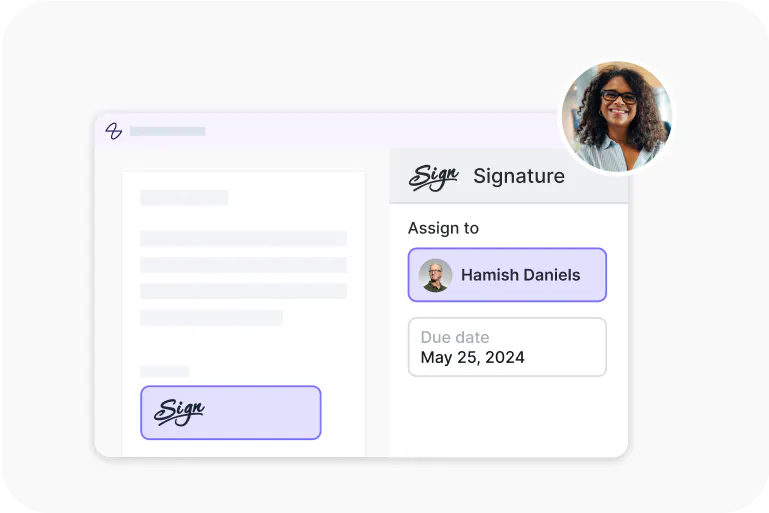
Lumin Sign
A eSignature workflow tool that seals deals with legally-compliant signatures.
Lumin Sign API
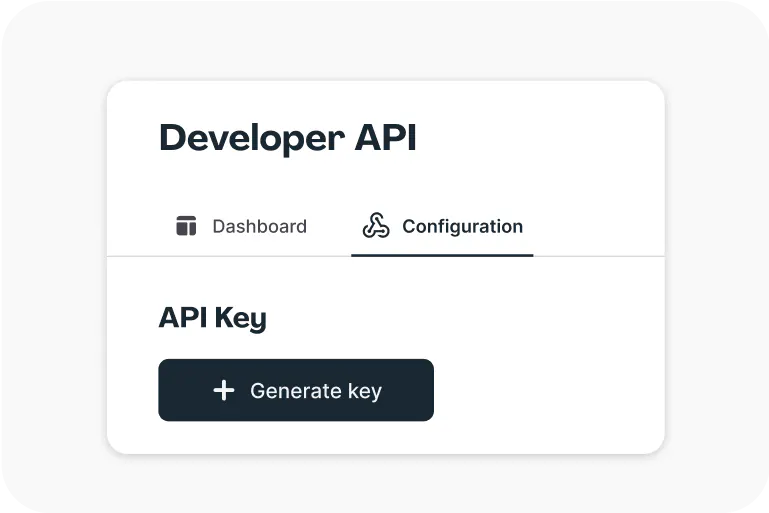
An eSignature API made to be plugged into your platform with minimal effort.