
How to fill out Form 1099-NEC
Author
Regine Dy
Published
Feb 13, 2026
Categories
Small business
Read time
4 mins
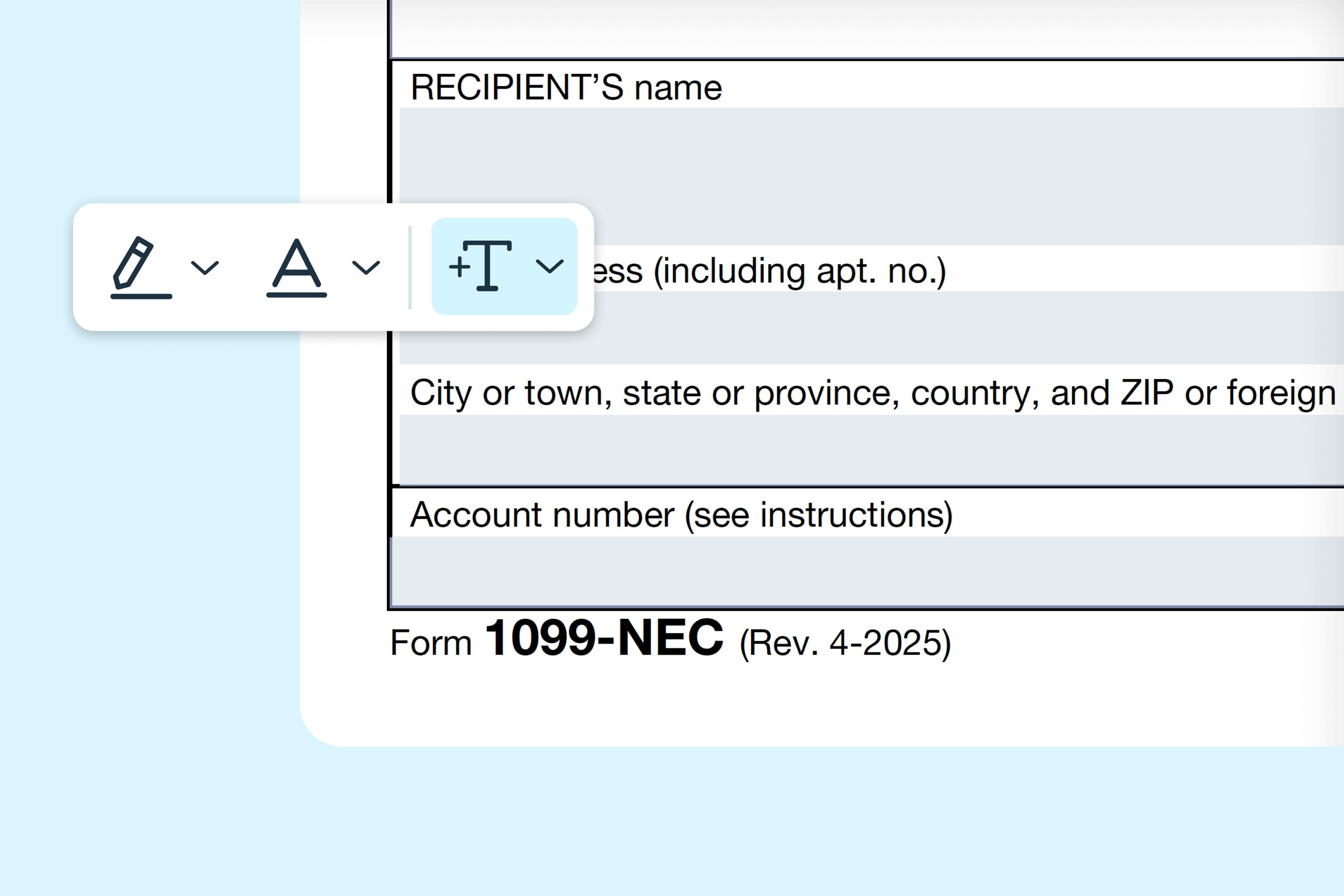
Our step-by-step guide explains how to fill out Form 1099-NEC correctly, including who needs to file, what information to report, and how to submit copies to the IRS and recipients.
Table of contents
- 1. What is Form 1099-NEC?
- 2. Who should fill out Form 1099-NEC?
- 3. Step-by-step instructions for filling out Form 1099-NEC
- 4. Where to download Form 1099-NEC
- 5. Filling out Form 1099-NEC online
- 6. How to submit Form 1099-NEC
- 7. Common mistakes to avoid
- 8. Tips for a successful filing
Share this post
Form 1099-NEC is used by businesses to report nonemployee compensation, such as payments made to independent contractors, freelancers or other service providers. Filing Form 1099-NEC ensures that the IRS receives accurate records of payments made to nonemployees and helps recipients report their income correctly on their tax returns.
What is Form 1099-NEC?
Form 1099-NEC, also known as “Nonemployee Compensation,” reports payments made to individuals who are not your employees. This includes independent contractors, freelancers, consultants and other service providers. The form is filed with the IRS and provided to the recipient to report their income. Filing Form 1099-NEC correctly helps avoid penalties and ensures compliance with U.S. tax laws.
Who should fill out Form 1099-NEC?
You should complete Form 1099-NEC if you:
- Paid $600 or more to a nonemployee for services during the tax year.
- Made payments to individuals who are not your employees, such as contractors or freelancers.
- Are required to report income paid to nonemployee service providers to the IRS.
Note: Do not file Form 1099-NEC for employees — use Form W-2 instead.
Step-by-step instructions for filling out Form 1099-NEC
Follow these steps to complete Form 1099-NEC accurately. Make sure all information matches your records and payment documentation.
Step 1: Enter your business information
Provide your business name, address and Employer Identification Number (EIN). This identifies the payer to the IRS.
Step 2: Enter recipient information
Provide the recipient’s name, address and Taxpayer Identification Number (TIN), such as their Social Security Number (SSN) or EIN. Accuracy is crucial to avoid IRS mismatches.
Step 3: Report nonemployee compensation
Enter the total amount you paid to the recipient for services. Include any fees, commissions or other compensation for services performed during the tax year.
Step 4: Include any federal or state tax withholding
If you withheld federal income tax under backup withholding rules, report the amount in the designated federal withholding field. Include any state tax withheld in the appropriate state reporting sections if applicable.
Step 5: Review and verify amounts
Double-check all amounts, names, TINs and addresses. Mistakes can delay processing or result in IRS penalties.
Step 6: Distribute copies
- Copy B: Provide to the recipient by January 31. This copy is printed in black and may be downloaded from the IRS website for distribution.
- Copy A: File with the IRS by January 31 (whether paper filing or e-file). Do not print Copy A from the IRS website for filing; it is not scannable. Use official IRS forms or e-file to avoid penalties.
- Copy C: Retain for your records. Keep it for at least 3 years in case of IRS questions or audit.
Step 7: Sign and file
Sign the form if required, and submit Copy A to the IRS either electronically or by mail. Make sure your submission is complete and accurate to prevent delays or penalties.
Where to download Form 1099-NEC
You can access Form 1099-NEC and fill it out using Lumin. Complete the form digitally, download it and provide the necessary copies to your recipients.
Note: The Lumin Form 1099-NEC can be used for recipient copies only. For IRS submission, you must either use the official IRS Form 1099 for mailing or submit electronically via an IRS-approved e-file service.
Filling out Form 1099-NEC online
Filling out Form 1099-NEC online with Lumin is fast and convenient. Here are the following steps to fill out Form 1099-NEC on Lumin:
- Visit the Form 1099-NEC page in Lumin’s Template Discovery section and click “Use Template.”
- Sign in or create a free Lumin account.
- Enter all required business and recipient information.
- Download the completed form and review all entries carefully.
- Distribute copies to your recipients and submit Copy A to the IRS using official IRS forms or an IRS-approved e-file service.
How to submit Form 1099-NEC
Form 1099-NEC is submitted to the IRS and recipients. Filing options include:
Option 1: Electronically (E-file)
Submit Form 1099-NEC through the IRS Filing Information Returns Electronically (FIRE) system. Electronic filing is secure, reduces errors and speeds up processing.
Option 2: Mail
Attach Form 1099-NEC Copy A to Form 1096 and mail it to the IRS. Provide Copy B to the recipient by January 31. Certified mail is recommended for tracking.
Option 3: Tax professional submission
CPA or tax preparer can complete and submit Form 1099-NEC on your behalf, ensuring accuracy and compliance.
Common mistakes to avoid
- Incorrect recipient information: Verify names, addresses and TINs.
- Incorrect amounts: Double-check nonemployee compensation and withheld taxes.
- Late filing: Provide recipient copies by January 31 and file with the IRS by the deadline.
- Failing to include backup withholding when applicable.
Tips for a successful filing
- Keep detailed records of payments and invoices.
- Confirm TINs for all recipients using IRS TIN matching if possible.
- Consult a tax professional if your reporting situation is complex.
- Save copies of all submitted forms for at least four years.
By following this guide, you’ll be prepared to complete Form 1099-NEC accurately and report nonemployee compensation correctly. Lumin provides ready-to-use fillable tax forms to make the filing process faster and more reliable.
Share this post