
Edit text within a PDF
Directly edit the text in any PDF, in seconds. Drop your PDF file below, and start editing. Easily edit PDF files online.Almost there, finishing the upload.

Drag and drop or click here to upload
You’re in good company







How to edit text within a PDF
Follow these simple steps to edit PDF text online.
- 1
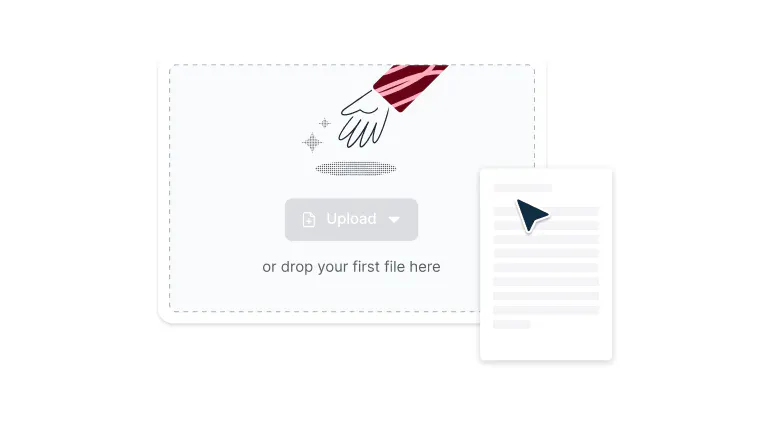
Upload
Drop a PDF file into the dropzone above or click the 'Upload' button.
- 2
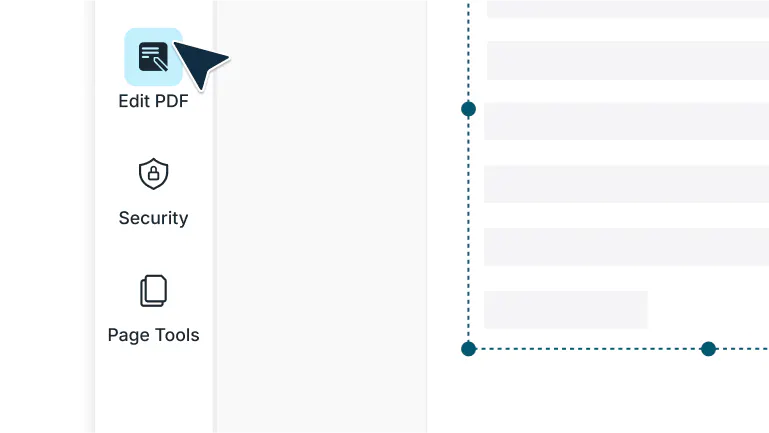
Select ‘Edit PDF’
Sign-in and select ‘Edit PDF’ in the left navigation bar of the editor.
- 3
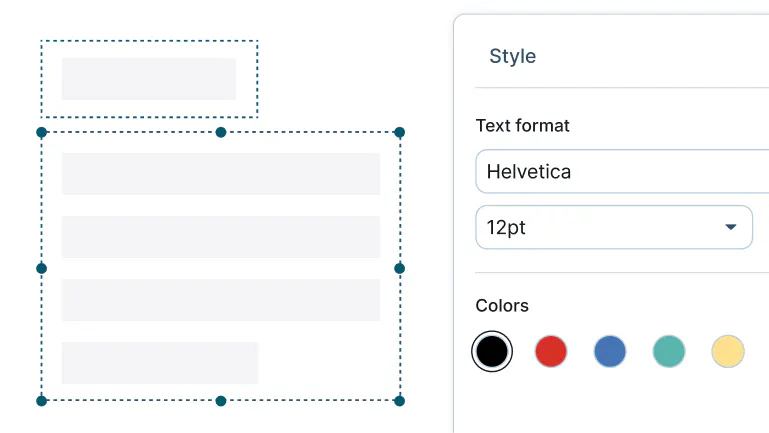
Edit your PDF text
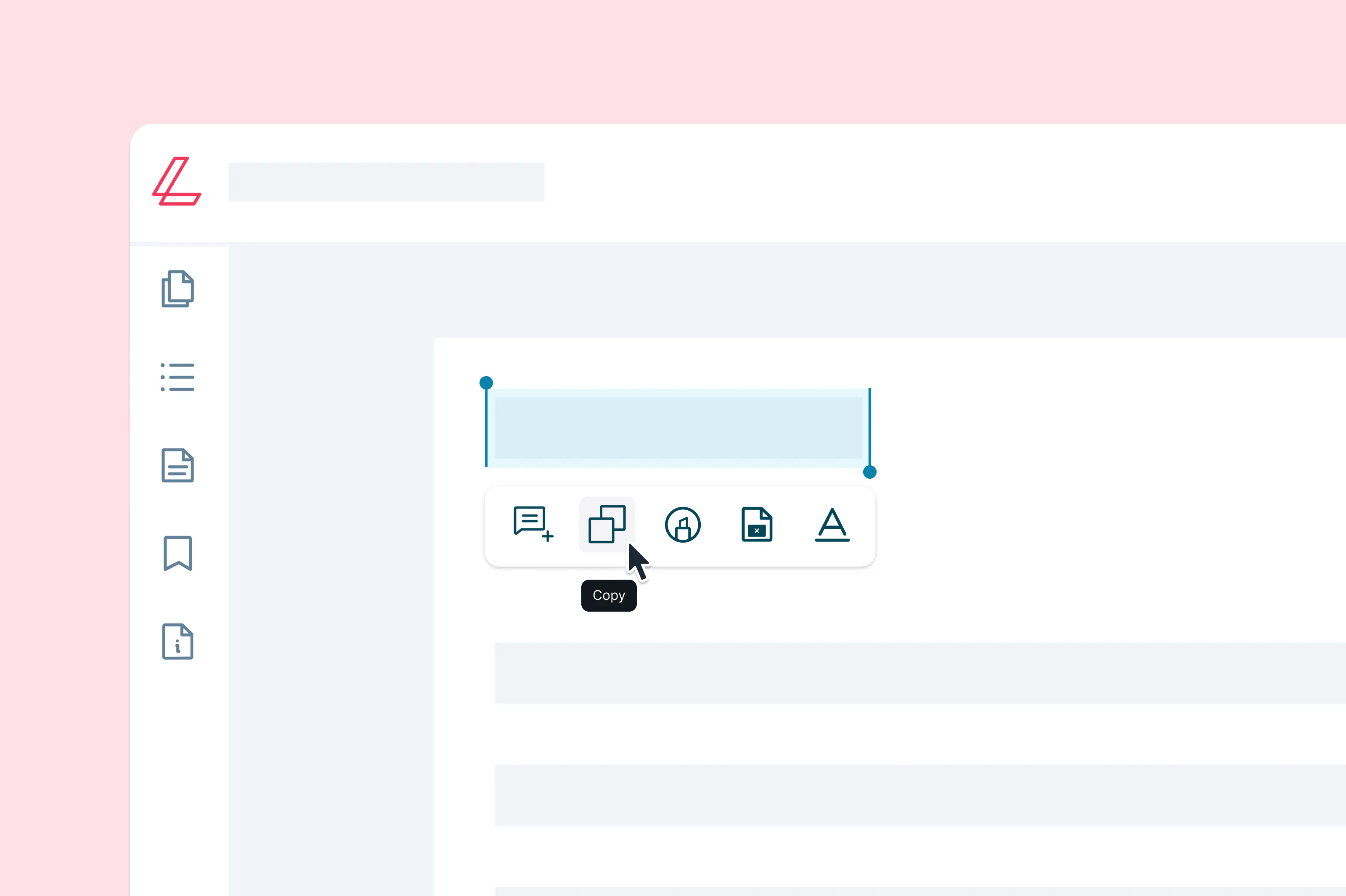
From here, you can select text to edit and stylize.
Edit PDF text easily and quickly
Correct mistakes, update content, or redact sensitive details directly in your PDF.

Fix mistakes fast
Make quick corrections, update outdated details, or completely rework sections without leaving your PDF. There is no need to convert to Word or jump between different tools. Everything happens right where you are. With instant editing, you save time and keep your documents accurate and professional.
Edit text anywhere, on any device
Update a contract on your Mac, fix a typo on Windows, or rewrite sections on Linux or Chromebook. Whatever desktop you use, just open your PDF in the browser and start editing. The experience is fast, consistent, and distraction-free.

Protect sensitive information
Keep your private information secure by removing it permanently from your PDF. Once text is redacted, it is gone for good and cannot be recovered. This gives you peace of mind when sharing documents that contain personal, financial, or business-critical data.

Collaborate in real time
Transform static PDFs into interactive workspaces that bring people together. Highlight important passages, drop sticky notes, and add comments that spark clear conversations. Collaboration becomes faster, smoother, and easier when everyone works on the same file in real time.

Keep your documents safe
Your files are protected with enterprise-grade encryption from the moment you upload them until you are finished. Every signature, annotation, and edit is locked down with bank-level security. With Lumin, your confidential information stays safe wherever you work.

Stay connected with Google Drive
Open your PDFs straight from Google Drive with just a couple of clicks. Make edits, save them back automatically, and see updates appear instantly in your Drive. It feels seamless, like Lumin was built directly into your Google Workspace.
Frequently asked questions
Lots of our tools are free. You can draw on PDFs, comment on them, add text, signatures and images; all the basics are covered.
Unfortunately, Edit Text is not a free tool. You will need to be on the Pro or Business plan to edit PDF text directly. Discover our plans to learn which one is the right fit for you.Lumin works on your browser, or you can download our desktop app and keep Lumin handy on your computer. We’ve also got a mobile and tablet app which includes our most popular features
Text selection is quick and precise. Just click and drag to highlight the text you want. Smart detection makes it easy by automatically capturing full words and paragraphs. On mobile, tap and hold for half a second, then drag. The selection handles will appear instantly.
Yes, multiple people can edit a PDF at the same time. Changes appear instantly, so there is no waiting for refreshes or updates. Everyone sees edits as they happen, making collaboration seamless and efficient.
It’s simple. Just right-click your PDF in Drive and select “Open with Lumin PDF.” Your file opens instantly, and any changes you make are saved back to Drive automatically. This makes editing feel like a natural part of your Google Workspace.
Yes, you can start editing a PDF for free with Lumin. No credit card is required to begin.
The free plan includes fast text editing, annotations, and essential tools, and you can upgrade anytime for access to more advanced features.Lumin takes security seriously. We work with independent auditors to maintain a SOC 2 Type 2 report, certifying our controls for data security.
• CCPA compliance: Our practices and certifications ensure full compatibility with the California Consumer Privacy Act.• GDPR compliance: We are compliant with European data protection laws, supported by a detailed privacy policy.
• PCI-DSS compliance: Payment card transactions and related data are secured under the Payment Card Industry Data Security Standard.
No, you don’t need to do that. You can edit a PDF’s text without converting the file – just upload it to Lumin, let our software scan the document for text, and then start editing.
Featured articles
Discover our products
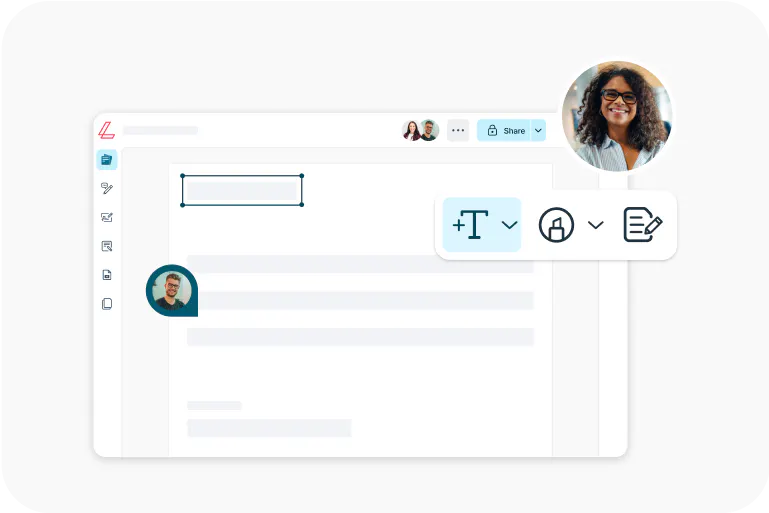
Lumin
An easy-to-use PDF editor that stands alone or integrates with Google Workspace.
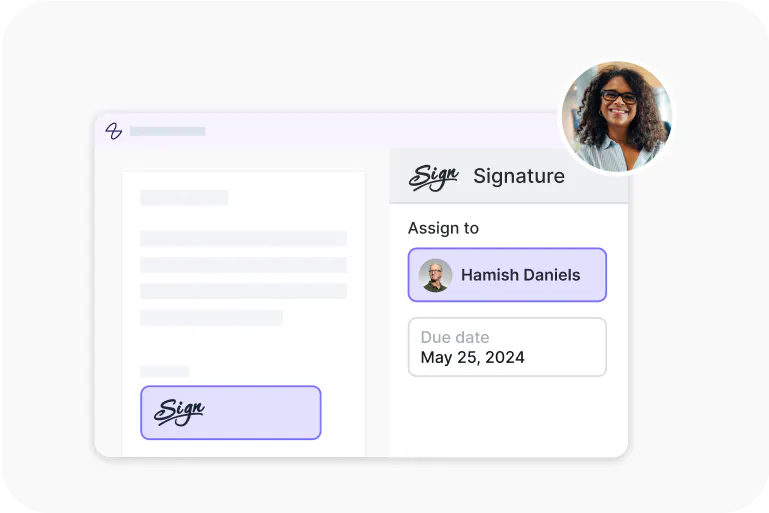
Lumin Sign
A digital signature workflow tool that seals deals with legally-compliant signatures.

Lumin Sign API
An eSignature API made to be plugged into your platform with minimal effort.