
Your online PDF editor
Edit PDFs with ease using our free online PDF editor. Edit text, add comments, annotate, fill & sign forms and then sync it all back to the cloud.One moment...

or drop your file here
You’re in good company







How to edit PDFs with Lumin
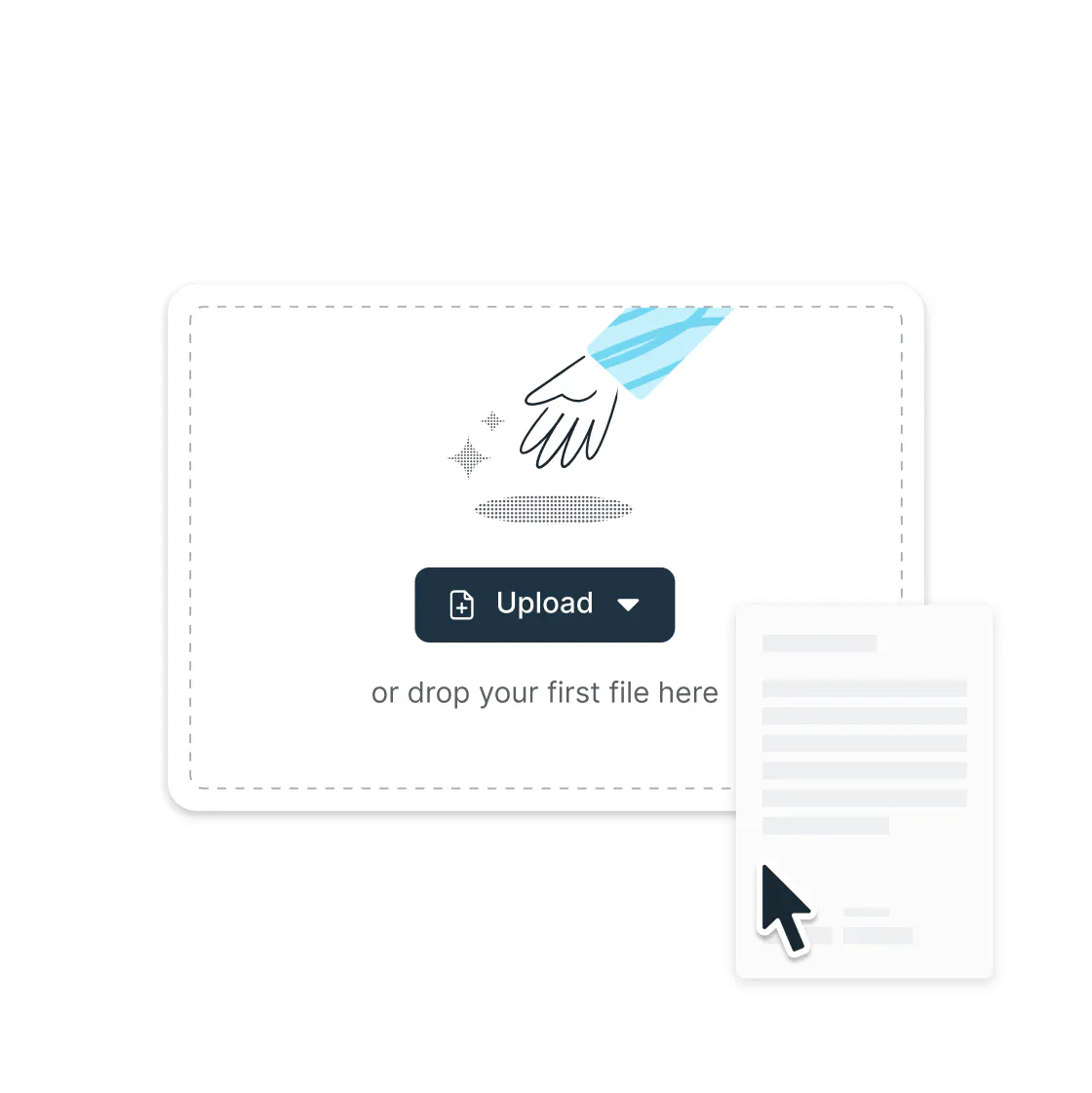 1.
1.Upload
Click the ‘Upload your PDF’ button below, or sign up using the ‘Try for free’ button in the top right.
 2.
2.Open
Your PDF will open inside the Lumin editor. From here, you can select the tool you’re looking for.
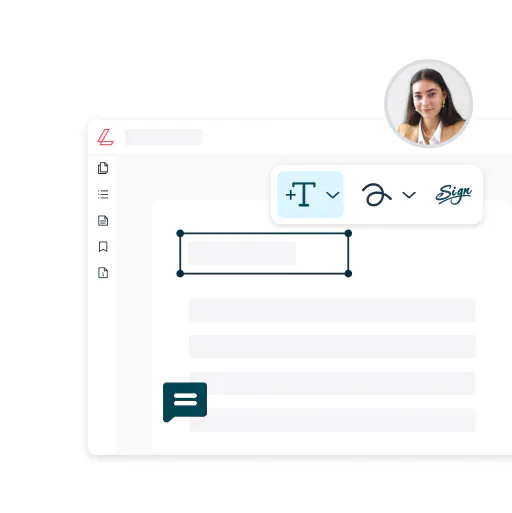 3.
3.Edit
Make your edits: freehand draw, highlight, comment, edit PDF text and much more – all for free!
 4.
4.Save & share
Share your working document via Lumin, sync it to Google Drive, print it or save to your computer.
Powerful PDF editing, made simple
All the tools you need, right in your browser. Edit text and images, build forms, collaborate live, and keep every page under control, without downloads or fuss.

Edit anything, instantly
Click, type, done. Fix a typo, refresh the details, or rewrite whole sections without breaking the flow. Drop in images exactly where you want them and watch your PDF adapt in seconds.

Work anywhere
Mac, Windows, Linux, Chromebook — it doesn’t matter. Open your PDF in the browser you already use and start editing straight away. Whether you’re on your desktop at work, your laptop on the go, or even a tablet, the experience stays fast, familiar, and consistent.

Collaborate in real time
Work together without the email back-and-forth. Share a PDF, and your team can edit, comment, and review live in the same document. Everyone stays aligned, decisions get made faster, and projects actually get finished on time.

Build smart forms in seconds
Turn any PDF into a dynamic, fillable form. Add text fields, checkboxes, dropdowns, or whatever the task calls for. From contracts to customer applications, you can create forms that work exactly the way you need in just a few clicks.

Integrated with Google Drive
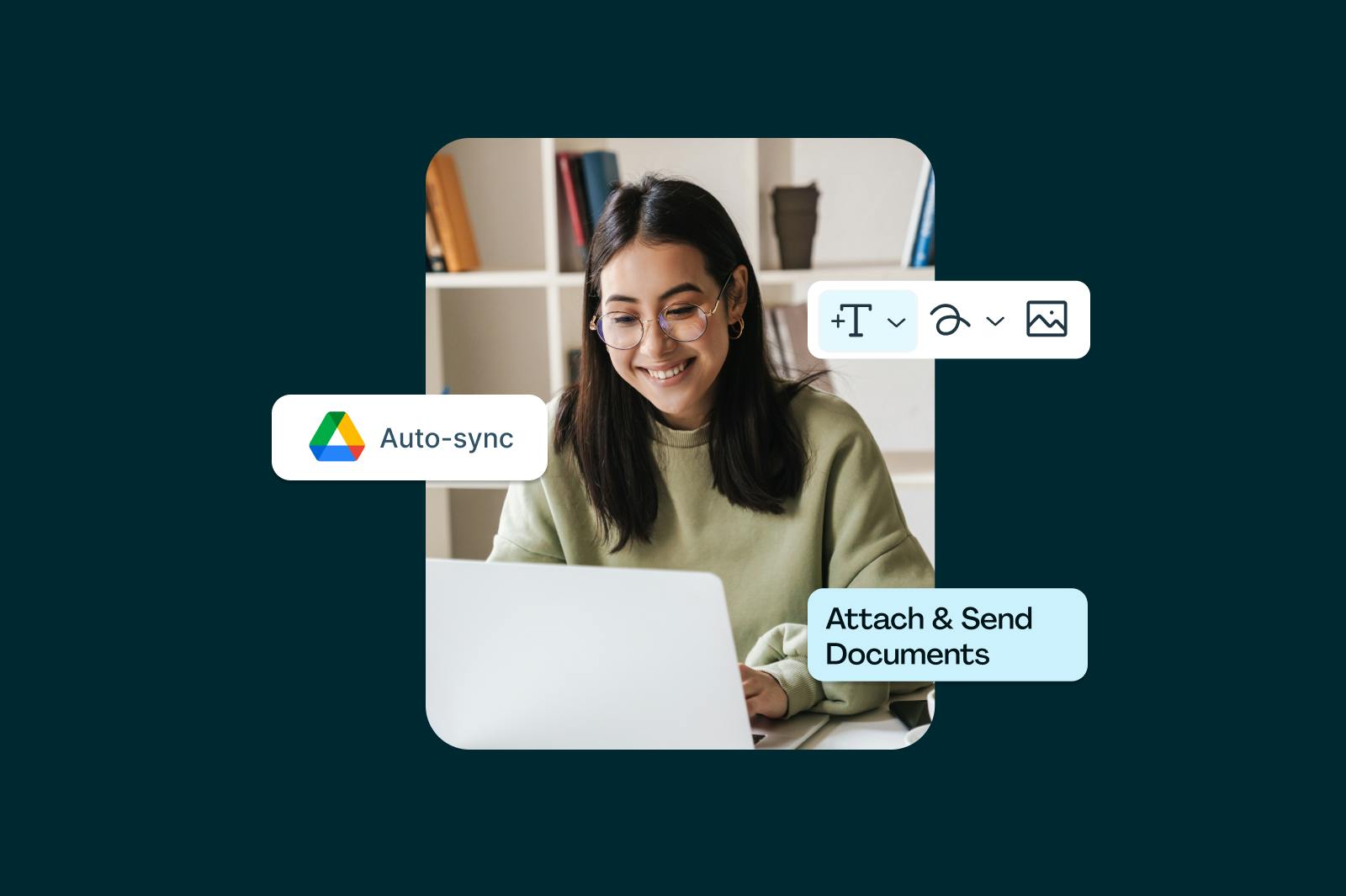
Your workflow stays connected. Open, edit, and save PDFs right from Google Drive with changes syncing instantly across your workspace. No more duplicate files or endless uploads.

Control every page
Rearrange your PDF like it’s second nature. Add, remove, or shuffle pages until it’s exactly how you need it. Pull in content from other files and keep every edit locked in place for total control, zero stress.
Frequently asked questions
Sure is! Lots of our tools are free. You can draw on PDFs, comment on them, add text, signatures and images; all the basics are covered.
Our paid plans expand your toolkit: you can edit PDF text, redact information, create fillable fields and much more. Discover our plans to learn which one is the right fit for you.Yes, Lumin PDF offers free PDF editing. You can edit text, add annotations, manage pages, and save your changes without any cost.
Creating a free Lumin account unlocks the full editing suite along with tools for signing, merging, and converting PDFs. Premium features are available for power users who need advanced capabilities.Yes, Lumin PDF supports real-time collaborative editing. Share your document with team members, and everyone can make edits simultaneously. You'll see changes as they happen, with each person's edits appearing instantly. It works just like Google Docs but for PDFs, eliminating the back-and-forth of email attachments.
Absolutely. Lumin PDF runs entirely in your web browser, so there's nothing to download or install. Just open your browser, upload your PDF, and start editing immediately. It works on any computer with internet access, saving you storage space and IT headaches.
However, Lumin PDF apps are also available for Mac, Windows, Android, and iOS. Download the Lumin app for your device.Our Google Drive integration is seamless. Right-click any PDF in your Drive and select "Open with > Lumin PDF" to start editing. Your changes are saved directly to Drive without requiring a download or re-upload. It also works with shared drives, maintaining all your Drive permissions and folder structures.
Yes! We have a Convert tool that allows you to turn other Word, PPT, Excel and JPG files into PDFs.
Yes. Lumin PDF works perfectly on Mac — all you need is your web browser. Upload your PDF and start editing text, images, or pages straight away, with no downloads or extra software required. If you prefer, you can also install the Lumin app for Mac for quick offline access and the same full suite of editing tools.
We use enterprise-grade encryption for all file transfers and storage. Your PDFs are encrypted during upload, throughout the editing process, and when saved. We're SOC 2 Type 2 certified and GDPR compliant, with secure data centers and regular security audits to protect your sensitive documents.
Learn more about how we keep your data secure.
One platform for all your PDF tools
Bring work to life with our comprehensive suite of PDF editing tools. Share, edit and comment on documents in the cloud.

Edit PDF text
Edit PDF text directly without converting your document

eSign PDF
Create a unique eSignature for quick signing

Create a fillable PDF
Build fillable forms to make paperwork easy

Merge PDF files
Combine multiple documents to create a single PDF

Collaborate
Share feedback, action items and edit documents in real-time

Unlock a PDF
Remove passwords from PDFs in just a few clicks

Annotate PDFs
Draw, add shapes, text, highlights, images and more

PDF OCR
Make scanned text readable and searchable with OCR

Scan PDF
Capture clear PDFs using just your phone's camera.

PDF reader
Open PDF documents on your browser, desktop, mobile or tablet

Crop a PDF
Crop the pages in your document to any size

Flatten PDF
Remove interactive elements and make your PDF uneditable

Split PDF files
Split and extract information into multiple PDF files

Delete PDF page
Delete unwanted pages from your PDF

Compress a PDF
Reduce the size of your file for easy sending

AI PDF Summarizer
Use AI to summarize your PDF in seconds

Rotate PDF
Upload and rotate your PDF for free.

Organize PDF
Rearrange, rotate, or manage PDF pages.

Extract PDF
Pick the pages you need and download a clean PDF.

Chat with PDF
Ask questions and get clear answers from your PDF.

Redact PDF
Remove sensitive information from your PDFs permanently.

Protect PDF
Protect your sensitive PDF documents.

PDF converter
Convert your Word, Excel, JPG or PPT files into PDFs
JPG to PDF
Convert your JPG file to a PDF file
PPT to PDF
Convert your PPT file to a PDF file
PDF to DOCX
Convert your PDF file to a DOCX file
PDF to Word
Convert your PDF file to a Word doc file
Excel to PDF
Convert your Excel file to a PDF file
Word to PDF
Convert your Word document into a PDF file

PDF to PNG
Convert PDFs to PNG image files
PDF to JPG
Convert PDF to JPG image files.
PPT to PDF
Convert PowerPoint PPT files to PDFs
PNG to PDF
Convert PNG image files to PDFs
PDF to Excel
Convert PDFs to Excel files
Templates
Go from discovery to done with our library of forms and templates. We’ve got what you need to tackle any task: tax forms, contract templates, health and safety checklists, onboarding forms and much more.
PDF editing for everyone

Teachers and students
Seamlessly share and review lesson plans and learning resources.

Professionals
Use advanced formatting tools and edit text directly to fast-track processes.

C-suites
Level up productivity with executive-level tools, unlimited seats and a dedicated success manager.
Featured articles



Trusted by more than 100 million customers



Discover Lumin’s products
Collaborate with existing colleagues and onboard new ones with Lumin and Lumin Sign. Our innovative solutions work great on their own, but they’re even better together.


Lumin Sign
