
 PDF
PDFThe smart PDF editor
Lumin’s tools are designed to work seamlessly with any PDF. Discover a digital toolkit that makes paperwork modern.

Trusted by over 100M professionals worldwide







More impact, less admin
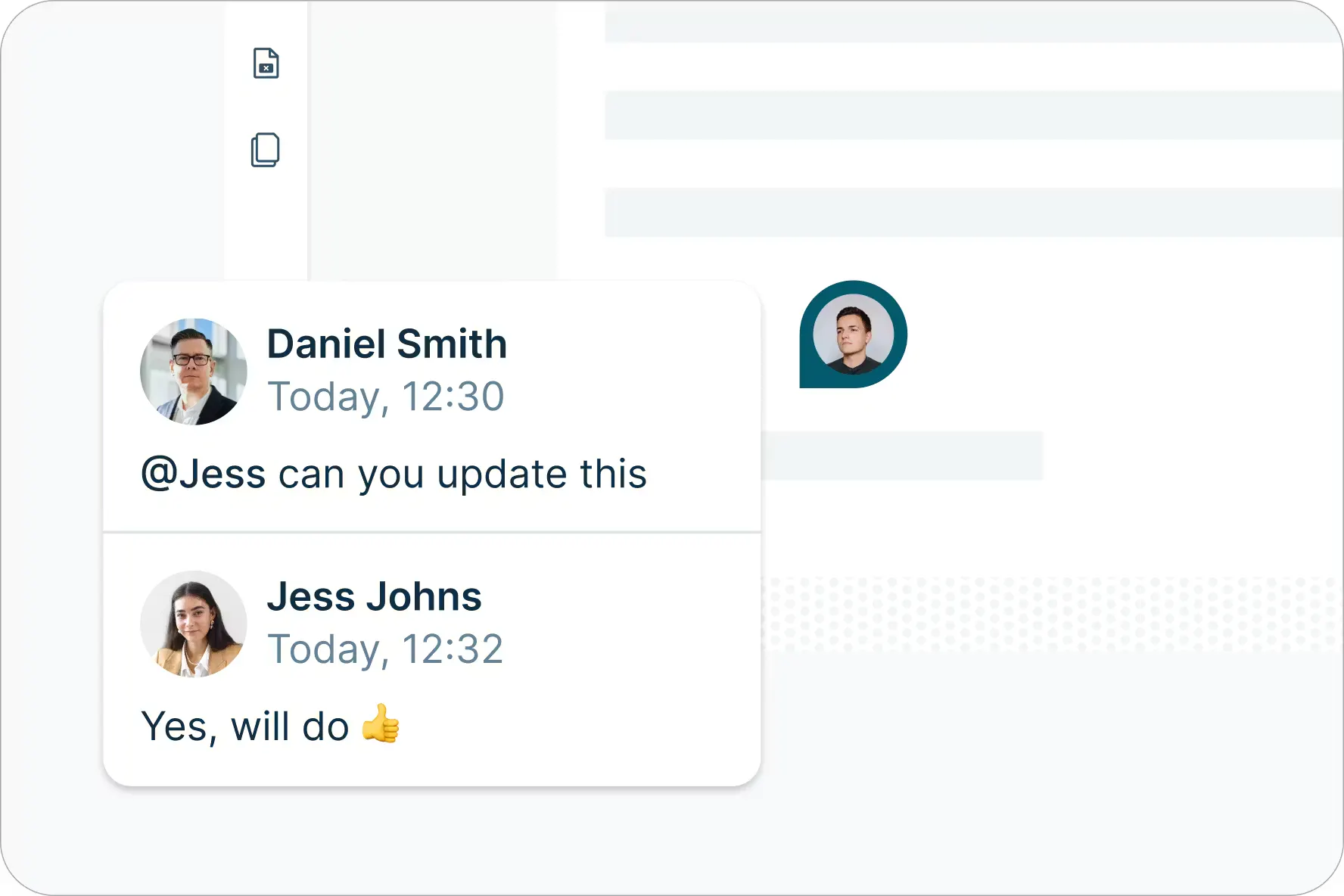
Make internal work seamless
Collaborate live in a shared digital workspace where you can tag teammates, leave comments, and create Spaces to keep internal work organized and moving smoothly.
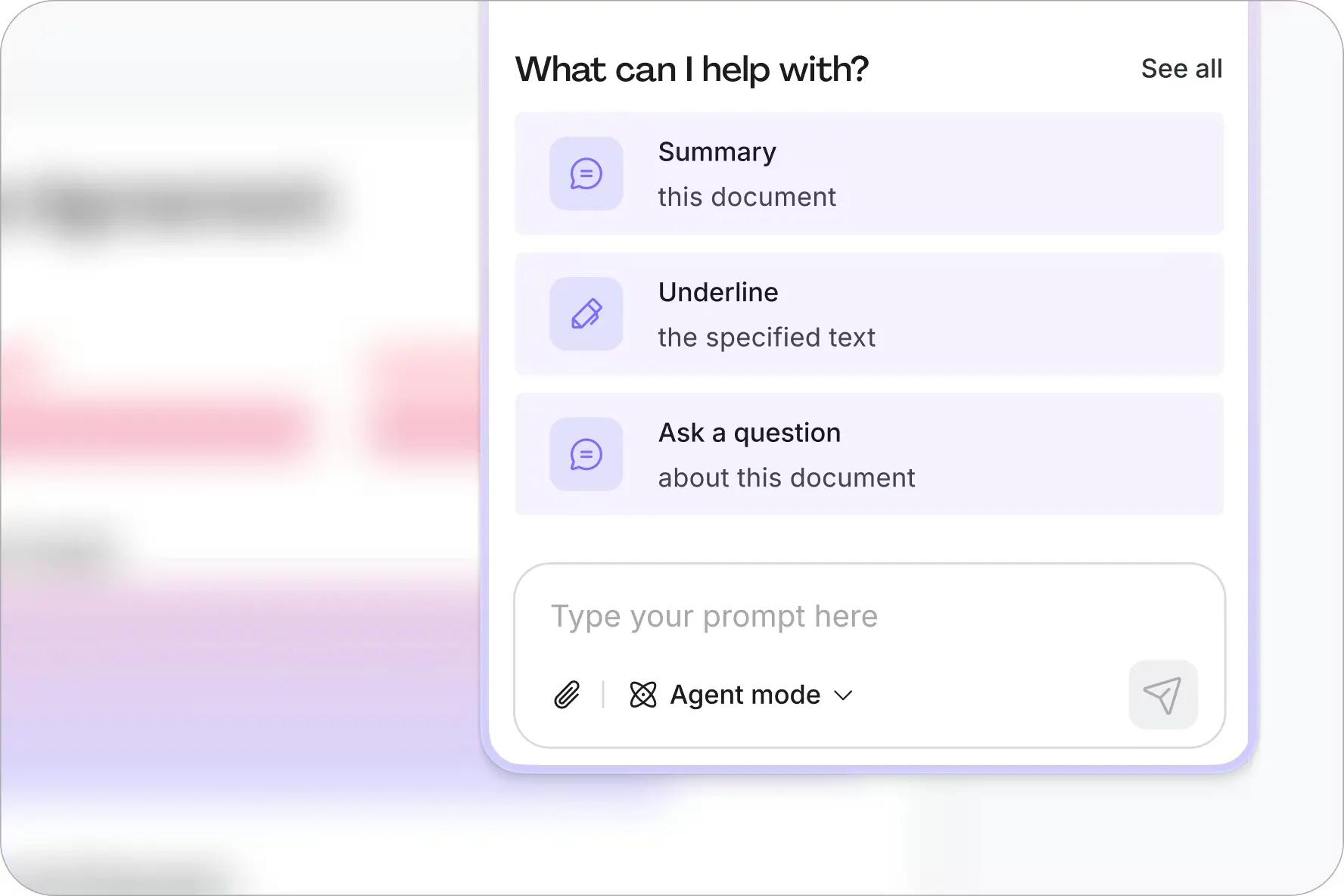
Consolidate the admin with Lumin AI
Leave repetitive admin behind. Use Lumin AI to analyze and update your docs, from replacing keywords and redacting information to splitting pages, summarizing content, and answering document questions.
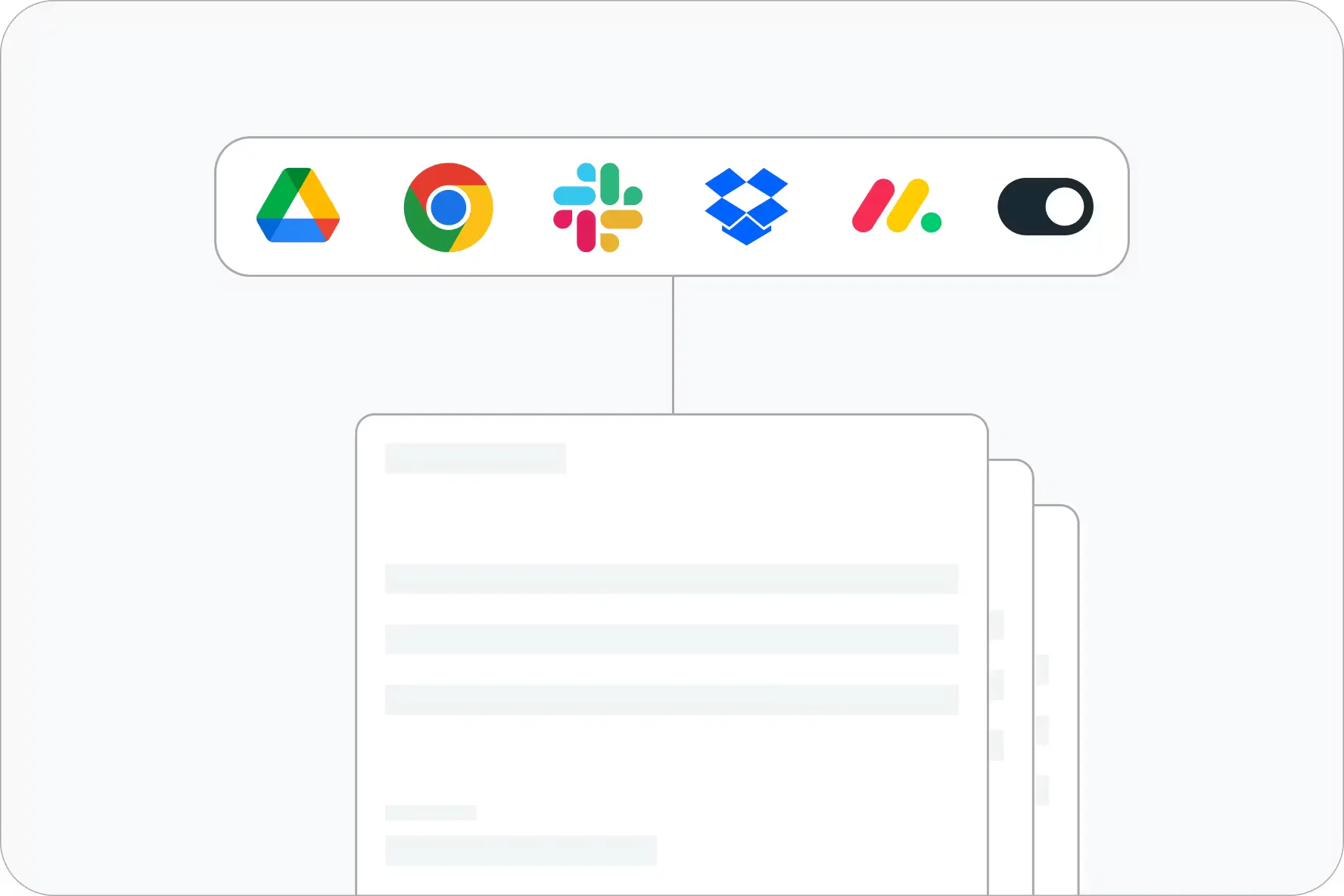
Work within tools you love
Easily integrate Lumin with Google Workspace, Dropbox, and more to edit documents seamlessly and sync changes back to their original storage location.
Tools to get the job done
Invite coworkers to your Lumin workspace to securely share and edit documents, and create Spaces to keep work focused and private.
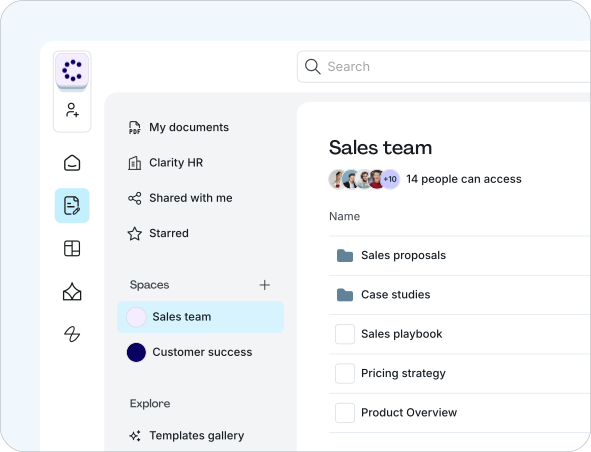
Bring work to life with our comprehensive suite of PDF editing tools. Share, edit and comment on documents in the cloud.
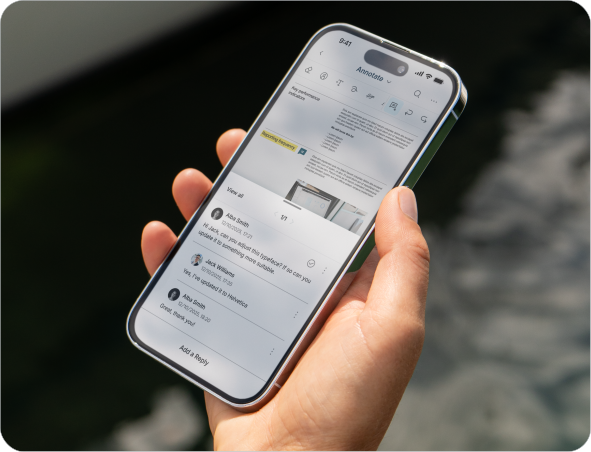
Our cloud-based software lets you work from any device without disruption. Use Lumin from your computer, tablet or mobile device.
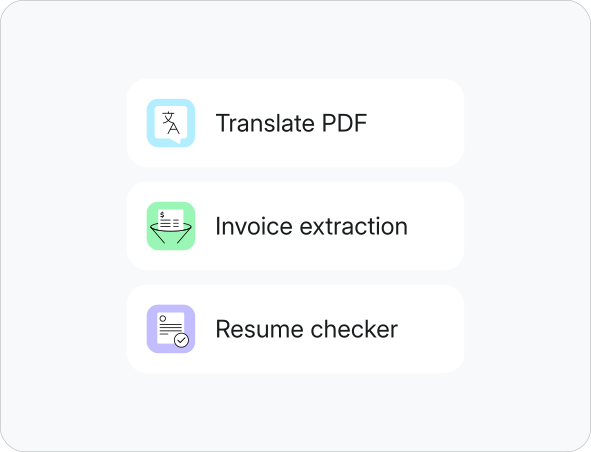
Use Lumin apps directly within the editor to streamline workflows like invoice extraction, resume analysis, and PDF translation.
One platform for all your PDF tools
Bring work to life with our comprehensive suite of PDF editing tools. Share, edit and comment on documents in the cloud.

Edit PDF text
Edit PDF text directly without converting your document

eSign PDF
Create a unique eSignature for quick signing

Create a fillable PDF
Build fillable forms to make paperwork easy

Merge PDF files
Combine multiple documents to create a single PDF

Collaborate
Share feedback, action items and edit documents in real-time

Unlock a PDF
Remove passwords from PDFs in just a few clicks

Annotate PDFs
Draw, add shapes, text, highlights, images and more

PDF OCR
Make scanned text readable and searchable with OCR

Scan PDF
Capture clear PDFs using just your phone's camera.

PDF reader
Open PDF documents on your browser, desktop, mobile or tablet

Crop a PDF
Crop the pages in your document to any size

Flatten PDF
Remove interactive elements and make your PDF uneditable

Split PDF files
Split and extract information into multiple PDF files

Delete PDF page
Delete unwanted pages from your PDF
Find a template
Go from discovery to done with our library of forms and templates. We’ve got what you need to tackle any task: tax forms, contract templates, health and safety checklists, onboarding forms and much more.
Browse all templatesLumin Sign reduced onboarding from a week to an hour”
168x
Faster client onboarding time
90%
Time saved on agreements

Lumin lets our staff work with each other in real time”
60+
Minutes saved per employee daily
99%
Reduction in staff training time

Enterprise-grade security without enterprise complexity”
15x
Faster document workflows
93%
Faster agreement processing

Lumin Sign reduced onboarding from a week to an hour”
168x
Faster client onboarding time
90%
Time saved on agreements
Lumin lets our staff work with each other in real time”
60+
Minutes saved per employee daily
99%
Reduction in staff training time
Enterprise-grade security without enterprise complexity”
15x
Faster document workflows
93%
Faster agreement processing
Frequently asked questions
Lots of our tools are free. You can draw on PDFs, comment on them, add text, signatures and images; all the basics are covered.
Unfortunately, Edit Text is not a free tool. You will need to be on the Pro or Business plan to edit PDF text directly. Discover our plans to learn which one is the right fit for you.Lumin works on your browser, or you can download our desktop app and keep Lumin handy on your computer. We’ve also got a mobile and tablet app which includes our most popular features
Text selection is quick and precise. Just click and drag to highlight the text you want. Smart detection makes it easy by automatically capturing full words and paragraphs. On mobile, tap and hold for half a second, then drag. The selection handles will appear instantly.

Looking to streamline client workflows?
Verified digital signing ensures every agreement is backed by genuine human identity, eliminating the uncertainty that slows down business and the vulnerabilities that put it at risk.
Discover our products
Collaborating with our team and new members is key to success.
Lumin and Lumin Sign provide innovative solutions that work well together, boosting productivity and simplifying processes for everyone.
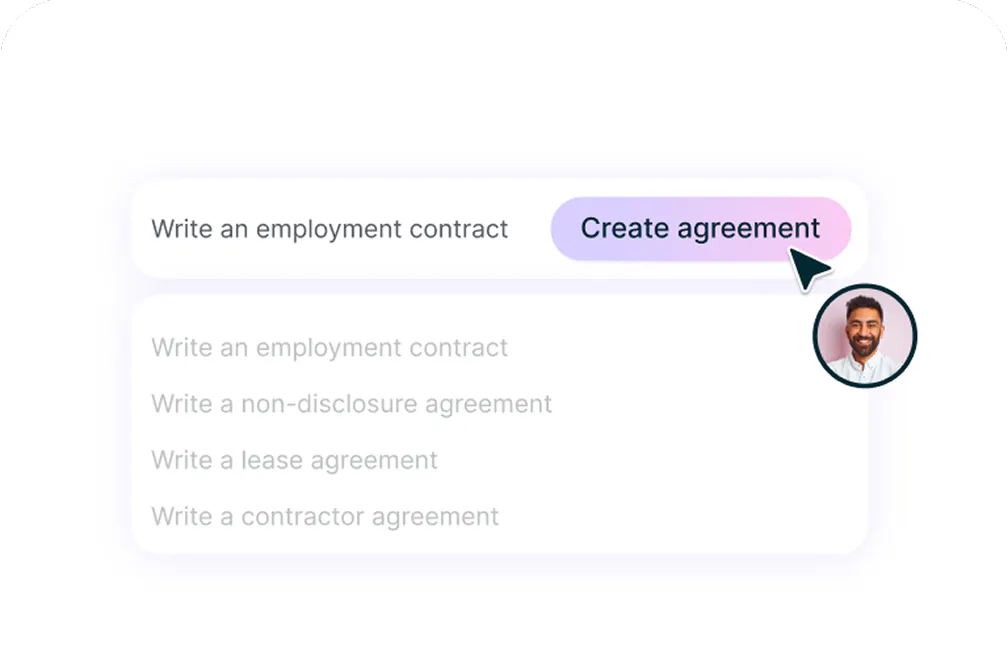
AgreementGen
An easy-to-use PDF editor that stands alone or integrates with Google Workspace.
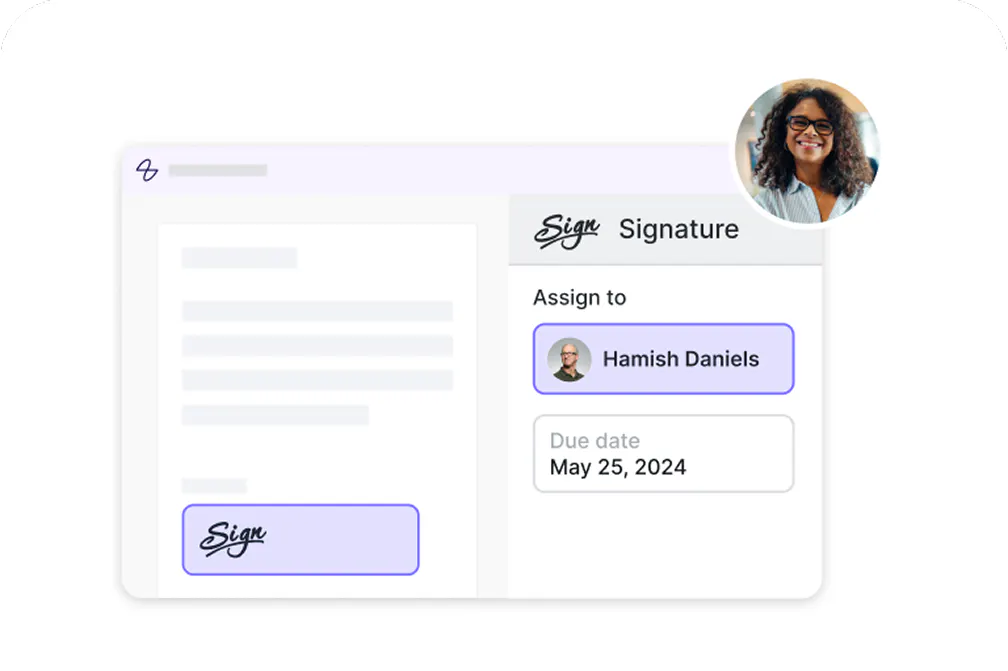
Lumin Sign
A digital signature workflow tool that seals deals with legally-compliant signatures.
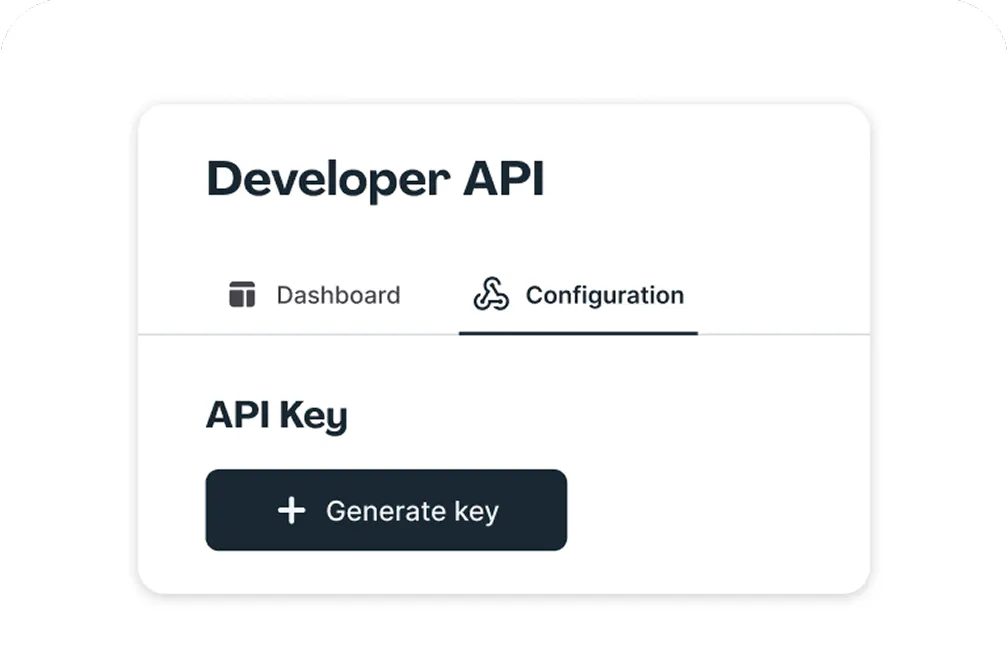
Lumin Sign API
A digital signature workflow tool that seals deals with legally-compliant signatures.