
Merge PDF files
Select multiple files, arrange their positions, and merge them in seconds. Easily combine PDF files online for free.- 1Upload files
- 2Arrange file positions

Drag and drop or click here to upload
You're in good company







How to merge PDF files online
Follow these simple steps to combine your PDF documents into a single file:
- 1
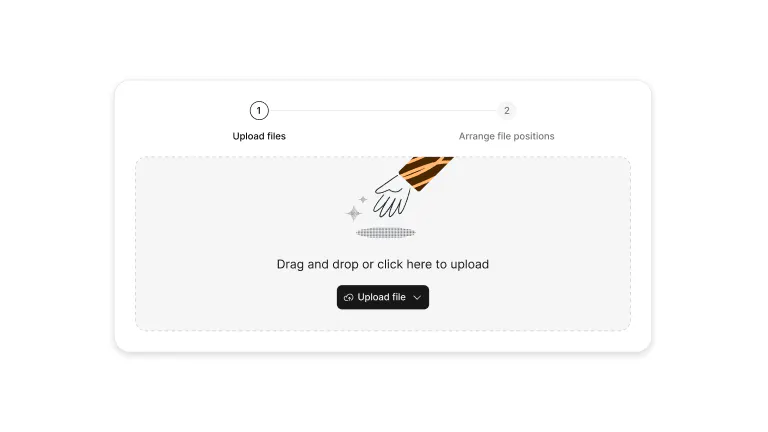
Upload
Select the PDF files to upload from the computer.
- 2
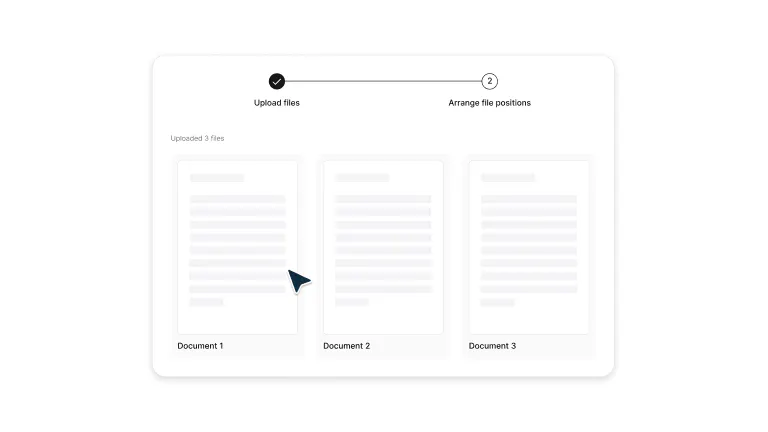
Arrange files
Drag and drop the files to arrange them in the desired order directly in the dropdown.
- 3
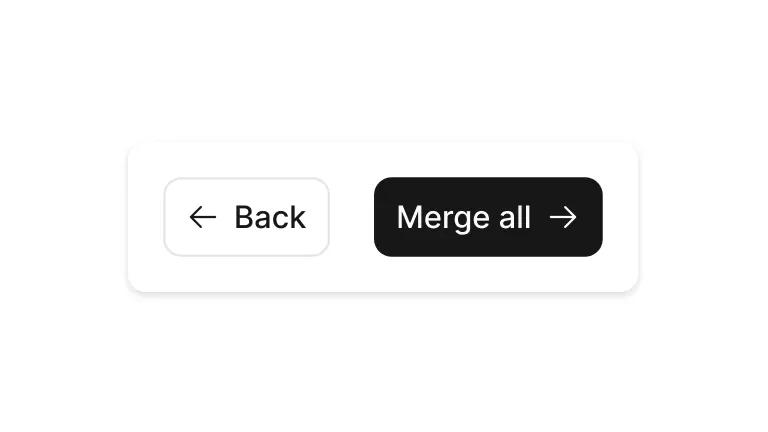
Merge PDFs
Select Merge All to combine the files into a single PDF.
- 4
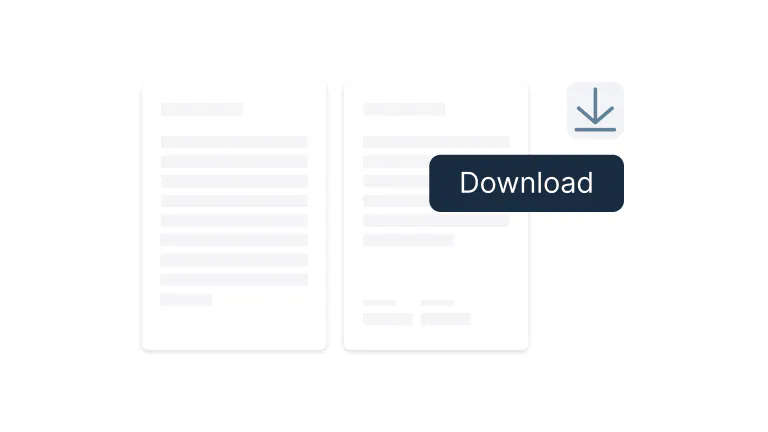
Edit and download
After merging, the app will open the web browser. Sign in to Lumin to continue editing the merged PDF or download it.
Merging PDFs made simple
Merge PDFs effortlessly with Lumin’s free tool. Combine multiple files into one organized document in just a few clicks.

Combine PDFs in seconds
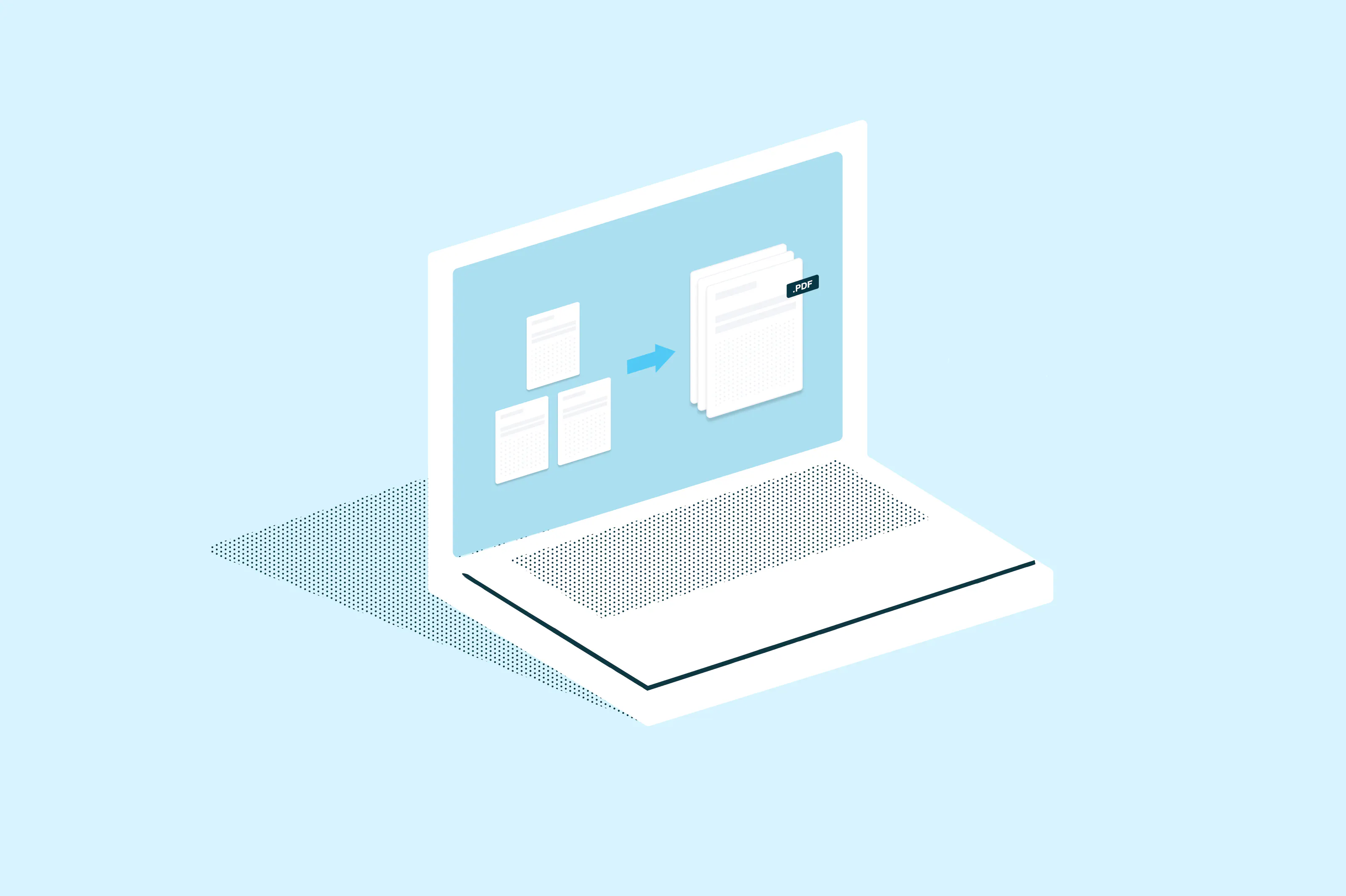
Drag and drop multiple files, arrange them directly in the dropdown, and merge everything into a single PDF in seconds. Keep documents organized and ready to share with a fast, hassle-free workflow.

Works seamlessly with Google Drive
Import files straight from Google Drive, merge them, and save back instantly. Stay productive without leaving your workspace. Access and combine documents from your cloud storage with seamless Google Workspace connectivity.

Enterprise-level security for your files
Your documents stay safe with enterprise-grade encryption. Every file is protected and automatically deleted after processing. Industry-standard security protocols ensure your sensitive information remains confidential throughout the merging process.

Merge PDFs on any device
Combine multiple PDFs into a single, organized file on Mac, Windows, Android, IPhone or Linux — all from your browser. No matter which system you use, you can merge files instantly and keep everything in one easy-to-share document.

Full control over your pages
Take control of your PDFs. Rearrange pages, split large files, or rotate pages to create the perfect document order. Fine-tune your merged documents with precision page management tools for professional results.

Works online or offline
No internet? No problem. Merge and edit PDFs offline, and your changes will sync when you reconnect. Continue working seamlessly whether you're connected or not, with automatic synchronization when you're back online.
Frequently asked questions
Yes, Lumin offers free PDF merging. Simply drag and drop or upload multiple PDF files, then arrange them directly in the dropdown before merging. Files can be combined instantly using Lumin's desktop app, with free access to basic PDF merging features.
Lumin works on your browser, or you can download our desktop app and keep Lumin handy on your computer. We’ve also got a mobile and tablet app which includes our most popular features.
Yes. Download the Lumin mobile app and sign in. Open Lumin, go to Tools, and select Merge Files. Add the PDFs to combine, then arrange them in the desired order. Once the files are merged, pages can be rearranged, reordered or edited before finalizing the document.
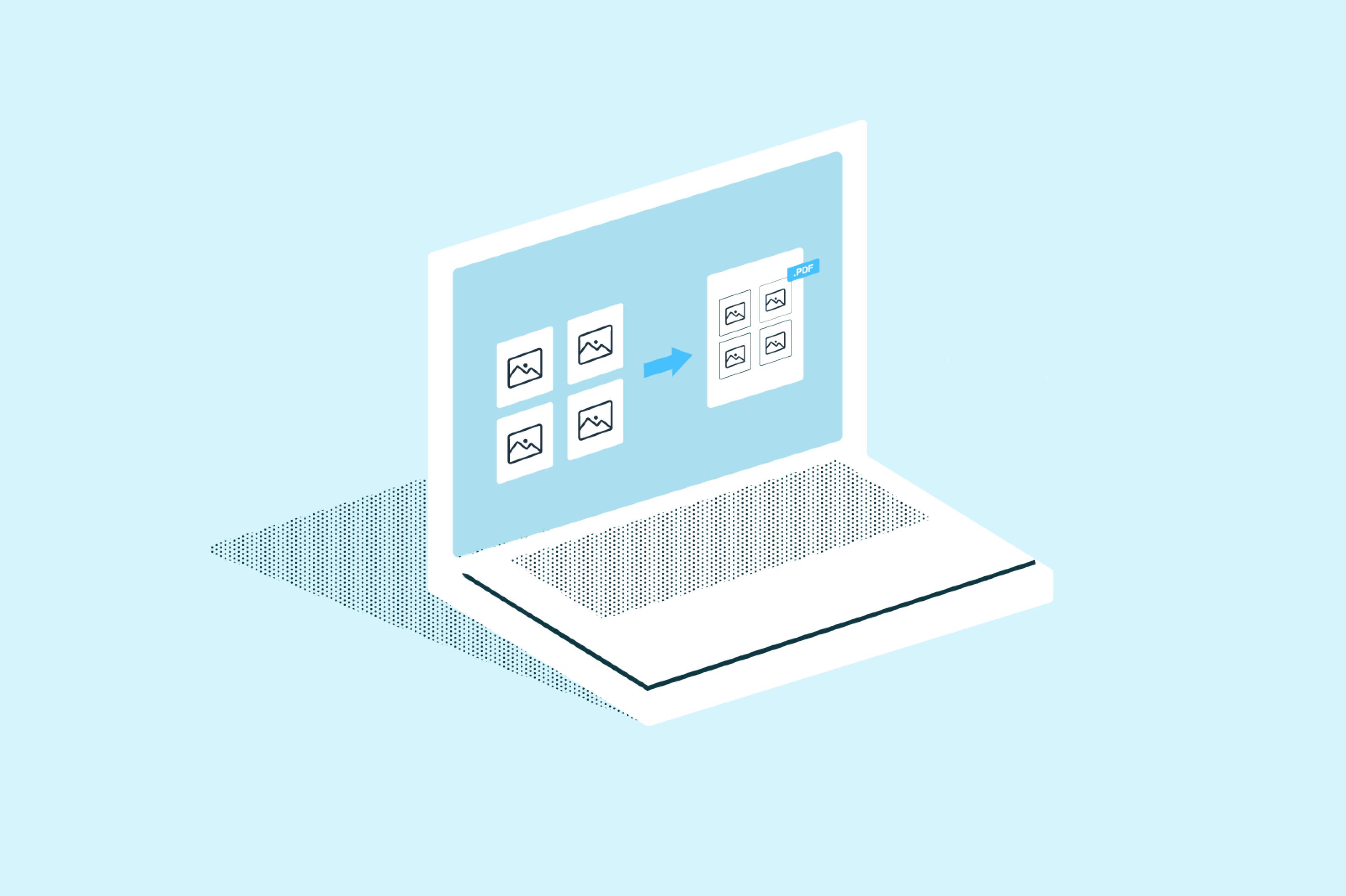
Yes, you can combine JPG files into a PDF using Lumin on your phone or desktop. On mobile, open the Lumin app for iOS or Android, tap Tools, and then choose Merge to upload and arrange your images before merging them into a single PDF. You can also use the desktop app to drag and drop multiple files, organize them, and combine them into a single document.
After uploading a PDF document, you can easily delete and reorder pages by dragging and dropping them into their placement. Simply hover over the page thumbnail to delete, reorder or rotate pages.
Yes, you can merge a JPG with a PDF using the Merge tool. However, when you download the merged file from Lumin it will be a PDF - you may need to convert it back to JPG.
Yes. Your merged PDF retains all original formatting, fonts, images, and layouts from each source document.
Lumin preserves file integrity throughout the merge process, ensuring that text remains sharp, images stay clear, and all formatting elements appear exactly as they did in the originals.Lumin connects directly with Google Drive through the desktop app or web interface. Open Lumin, go to Page Tools, and select the Merge tool.
When prompted to upload files, choose Google Drive and select the PDFs you want to combine. The files will merge into Lumin, where you can then rearrange pages, adjust the order, or make changes before finalizing your document.
Trusted by more than 100 million customers



Featured articles


Discover Lumin’s products
Collaborate with existing colleagues and onboard new ones with Lumin and Lumin Sign. Our innovative solutions work great on their own, but they’re even better together.


Lumin Sign