
Lumin for Claude
Turn a Claude chat into a signed agreement
Draft documents with Claude and send them for signatures without leaving the chat.
Your AI-powered agreement workflow
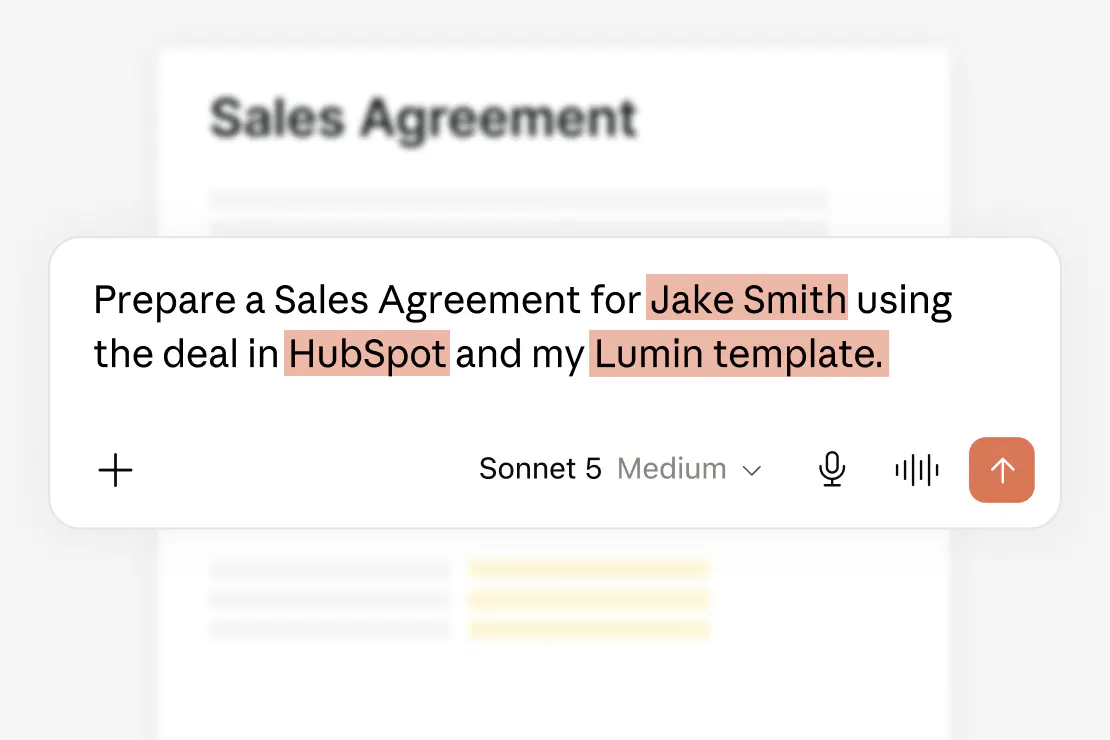
Consistency made simple
Agreements built from your Lumin templates keep your approved wording every time. For one-off deals, draft it directly with Claude.
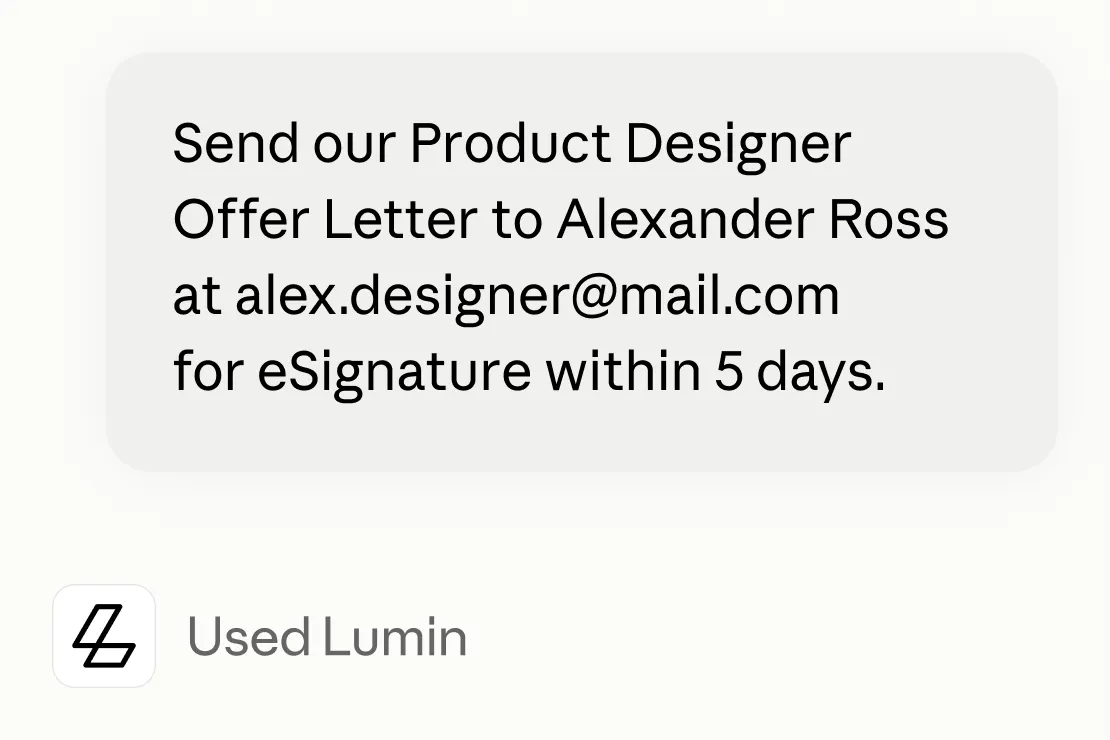
Get agreements sent sooner
Send the agreement as soon as the terms are settled, while the deal is still moving. Keeping it in one chat leaves less room for delays.
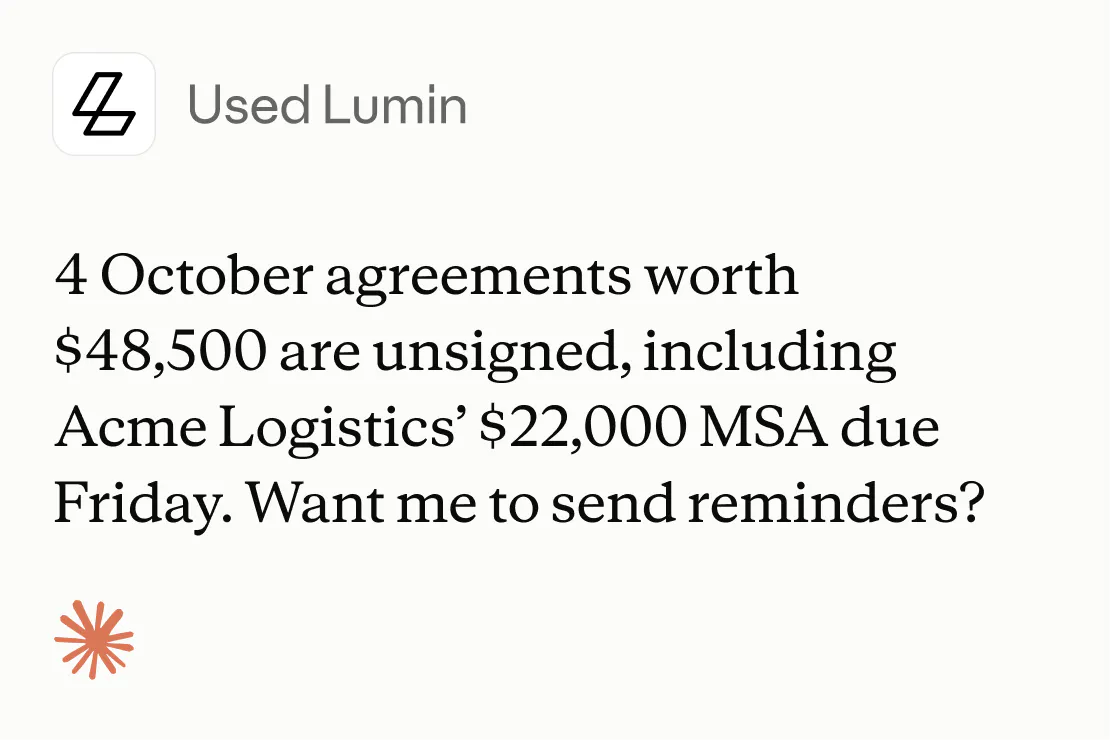
Keep deals moving
Check signing status in Claude and act on it in the same conversation. Unsigned agreements are identified and addressed early.
Your agreement workflow in Claude
Create, send and track every agreement in Claude. Fewer tools and fewer handoffs.

Build agreements your way
Draft the agreement with Claude from a description or your notes. You can also start from one of your Lumin templates or upload an existing file from a link.

Send for signature from the conversation
Tell Claude who needs to sign and by when. It creates the signature request in Lumin and checks with you before anything goes out.
Try in Claude
Check an agreement's status
Ask “Who still hasn’t signed?” and Claude pulls the latest status. You see which signers have completed it and when and each signature is logged in an audit trail.

Works wherever you use Claude
Use the connector in Claude on web, desktop and mobile, or in Claude Code. Connect it once and it's ready in every chat.
Reduce risk with smarter contract reviews
Catch costly terms before you sign and stay on top of what you've committed to. Claude shows you where every answer comes from, so you can act on it with confidence.
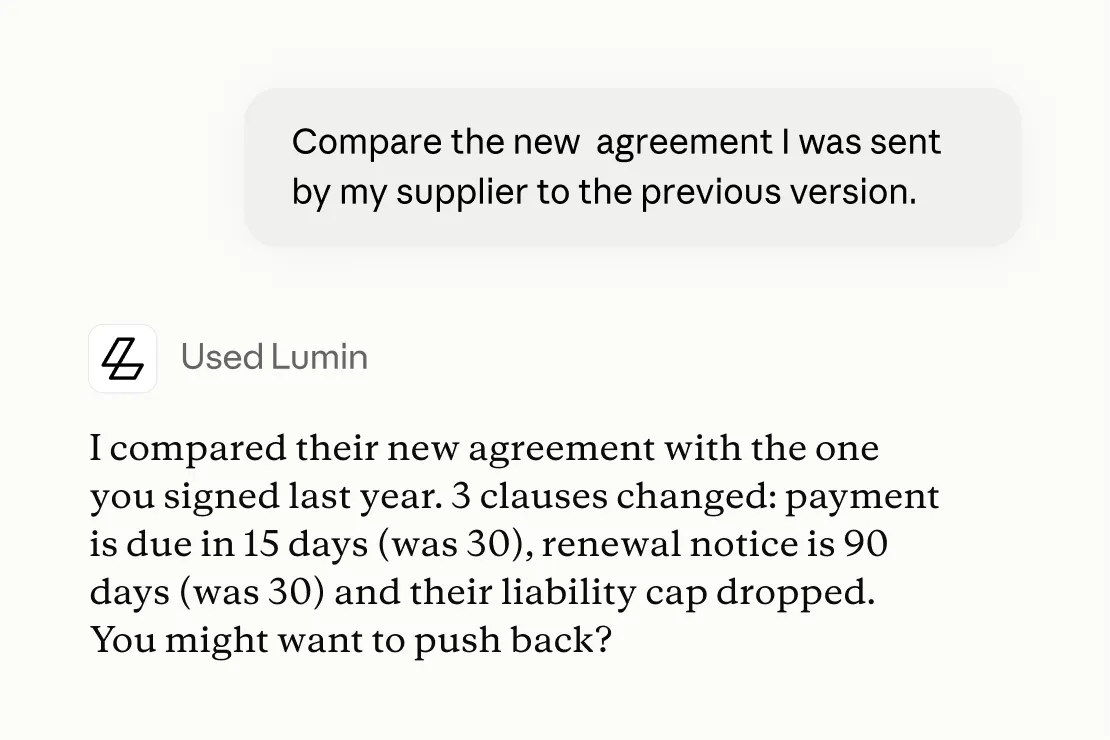
See what's changed
Claude compares a new agreement with the previous version and highlights every clause that's changed. You go into signing knowing exactly what's different.
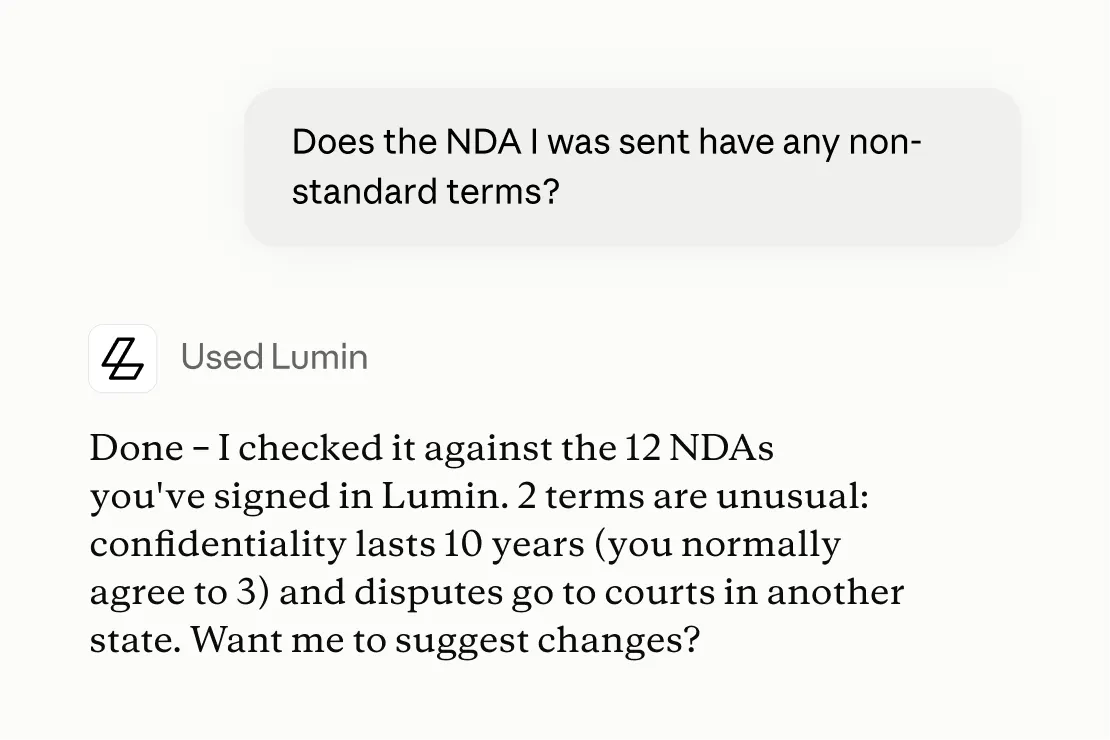
Spot non-standard terms
Know when a contract strays from what you normally agree to, before it costs you.
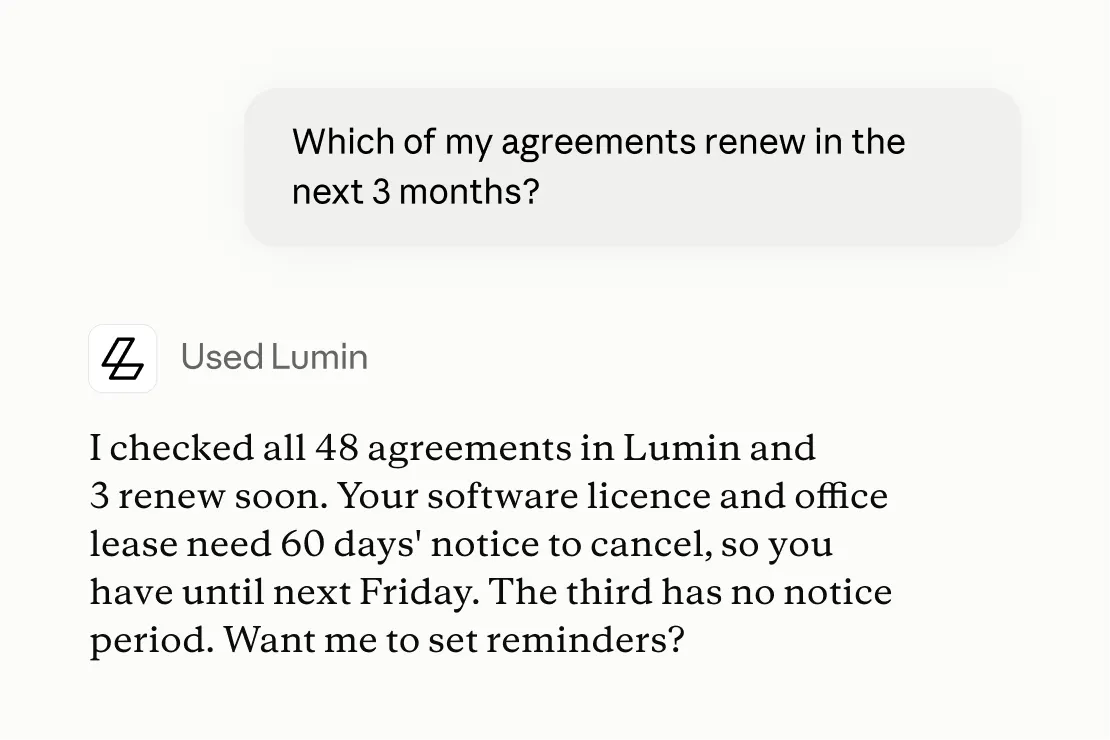
Find your obligations
Know your notice periods, renewal dates and commitments without digging through old files. Ask once and Claude checks every agreement you have in Lumin.
How to get started with Lumin for Claude
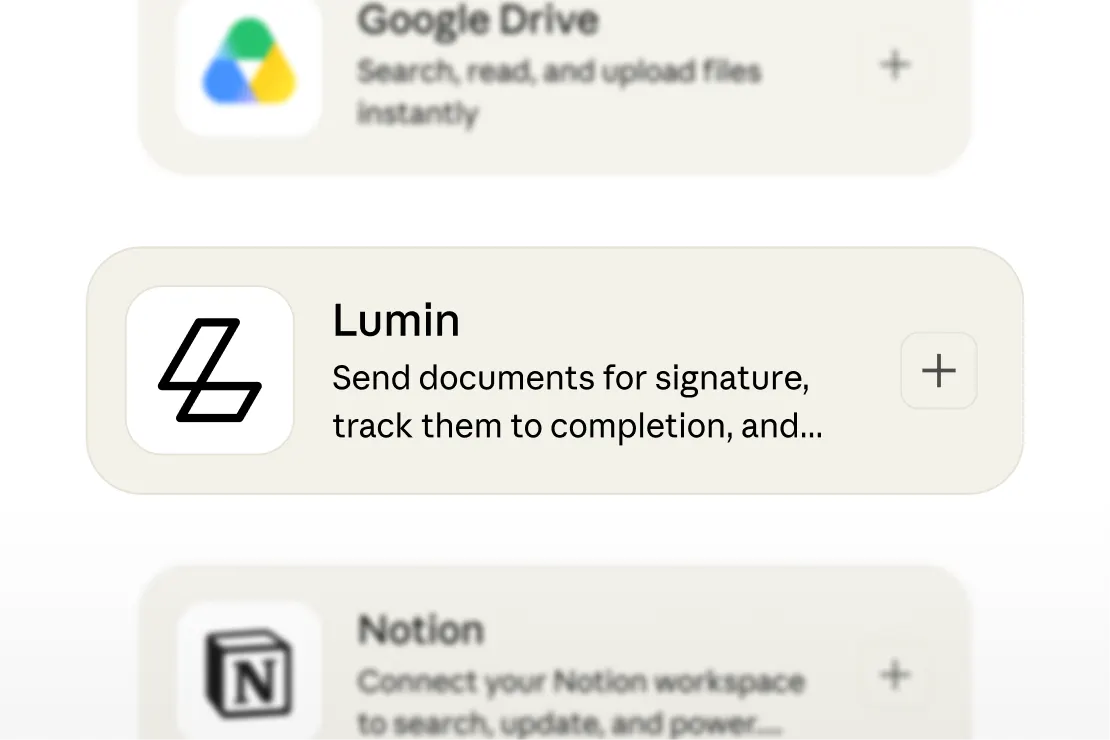
Step 1
In Claude, go to Customize > Connectors and find Lumin.
Step 2
Sign in to your Lumin account or create one. Claude then works inside your workspace with your permissions.
Step 3
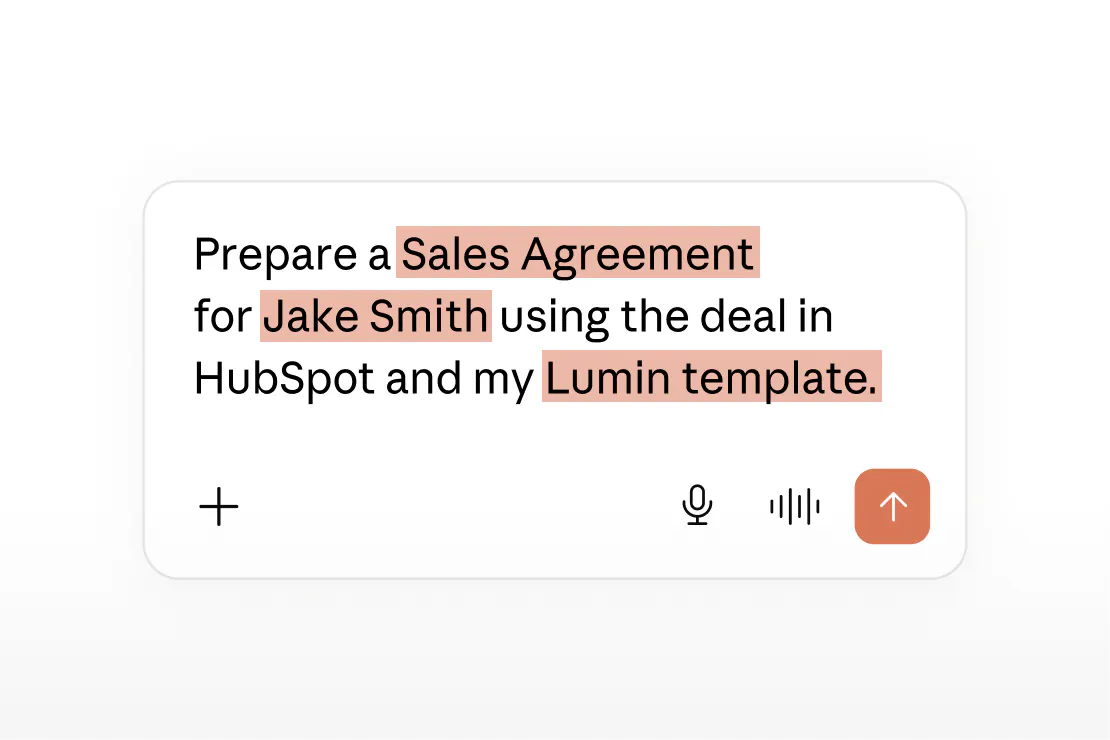
Describe the agreement you need and who has to sign it. Claude handles the steps and checks with you before it sends.
Try Lumin in Claude
Join 9K+ happy customers streamlining their agreement workflows
Frequently asked questions
Lumin's official connector for Claude, built by Lumin and listed in Claude's connector directory. Once you connect it, Claude can create documents in your Lumin account, send them for signature and check their status.
Yes. Tell Claude which template to use and give it the details. It fills in the fields and prepares the agreement for signature.
Yes. Share a link to the PDF in your Claude chat and Claude uploads it to your Lumin account for use. Then tell Claude who needs to sign and it sends the signature request. Your signers see the document with its original layout and content.
Yes. Ask Claude to cancel it and confirm when prompted. To fix a mistake, cancel the request and send a corrected version.
Claude only accesses the Lumin workspace and documents your account can access. Anything you share in a Claude chat is also covered by Anthropic's terms for your Claude plan. Read more about how we keep your data secure.