Welcome to
the Lumin
Help Center
Your one-stop destination for support. Explore guides, troubleshoot issues, and find answers to your questions about Lumin, Lumin Sign, plans, billing, and more.

How can we help?

I need help using Lumin
Find tutorials, FAQs, and tips to get the most out of Lumin's features. Whether you're editing, annotating, or collaborating, we’ve got you covered with easy-to-follow guides

I need help using Lumin Sign
Find tutorials, FAQs, and tips to get the most out of Lumin's features. Whether you're editing, annotating, or collaborating, we’ve got you covered with easy-to-follow guides

Plans and Billing
Access detailed information on Lumin’s pricing, payment methods, and billing cycles. Discover which plan best fits your needs and easily manage your subscription
Get started with Lumin

How do I connect the Lumin PDF app to Google Drive?
Click the ‘Upload your PDF’ button below, or sign up using the ‘Try for free’ button in the top right.
How do I add a signature to a PDF document?
There are four easy ways to add an electronic signature: draw it in Lumin; or write it using a Lumin signature style.
How can I edit my PDF?
If you need to make changes to your PDF document such as editing text, click below to discover how to do this in Lumin.
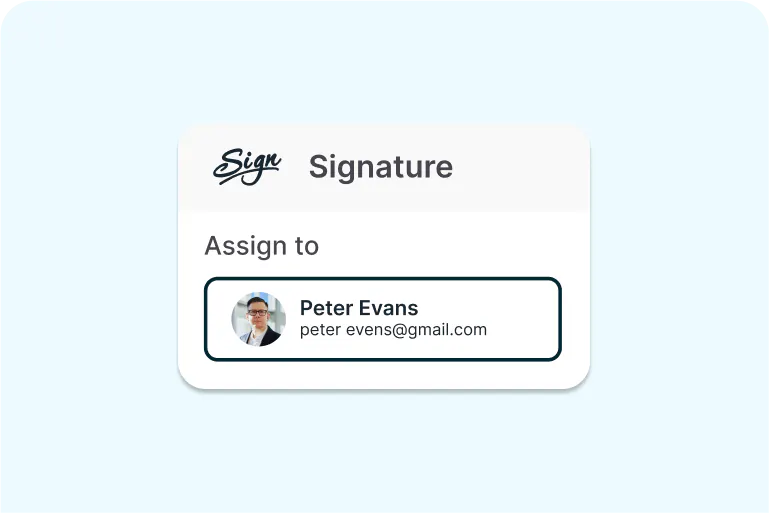
How do I collect signatures with Lumin and Lumin Sign?
Read on to find out how users can collect signatures with Lumin Sign after editing the file in Lumin.
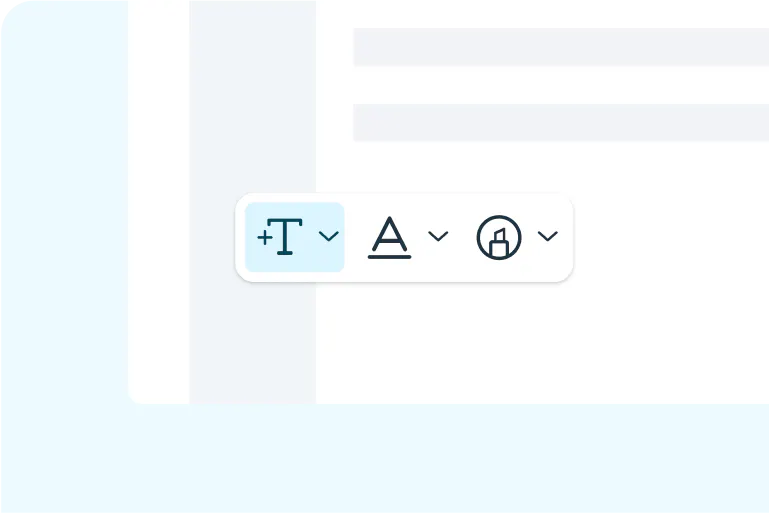
How do I write text on a document?
Using Lumin's Free Text tool allows you to add and style inserted text anywhere within your documents.

How do I merge PDF documents?
Use the Lumin merge tool to combine multiple PDF documents into one with ease.
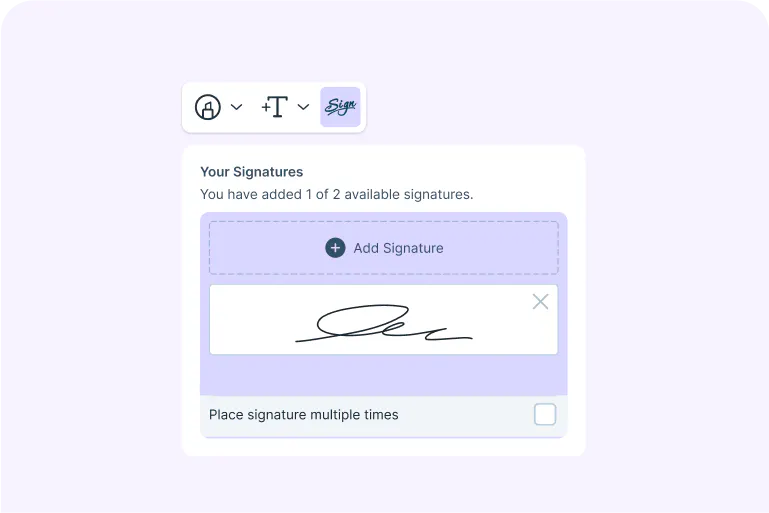
How do I create a signature in Lumin Sign?
One of the main features Lumin Sign has is e-signing contracts; read on to find out how you can easily create signatures.
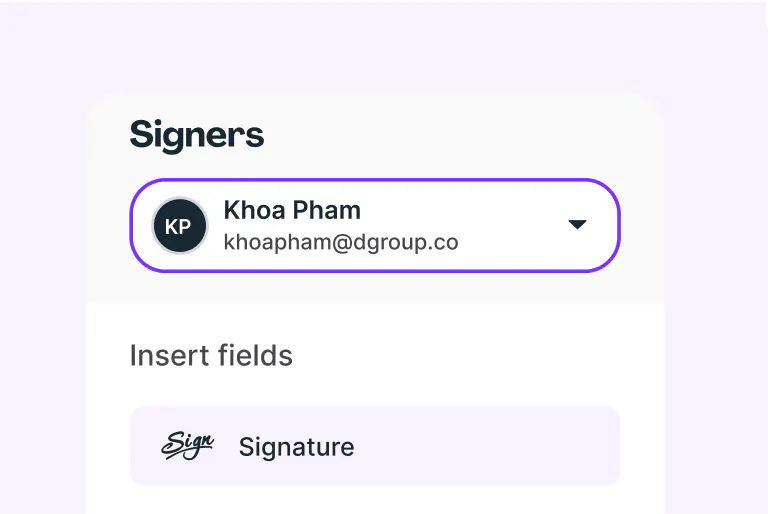
How do I prepare my document for signing?
To ensure a successful document signing, it is crucial to properly prepare your document.

How do I send a document for signature with Lumin Sign?
This article talks about how you can easily send a document for signature with Lumin Sign.
Got a Question? We're Here!
Can't find what you're looking for? Submit your issue below, and our support team will get back to you as soon as possible to help resolve your problem.
Explore our blog