Lumin for Chrome: Edit and view PDFs
Power up your browser and meet the extension that actually extends. Open, view, and edit PDFs straight from Chrome using Lumin.
You’re in good company







The PDF editor built for Chrome
Stop doing things the long way and let Lumin come to you. Lumin’s Chrome extension opens your PDFs in a click so you can take a shortcut from PDF to perfect.
Read PDFs instantly
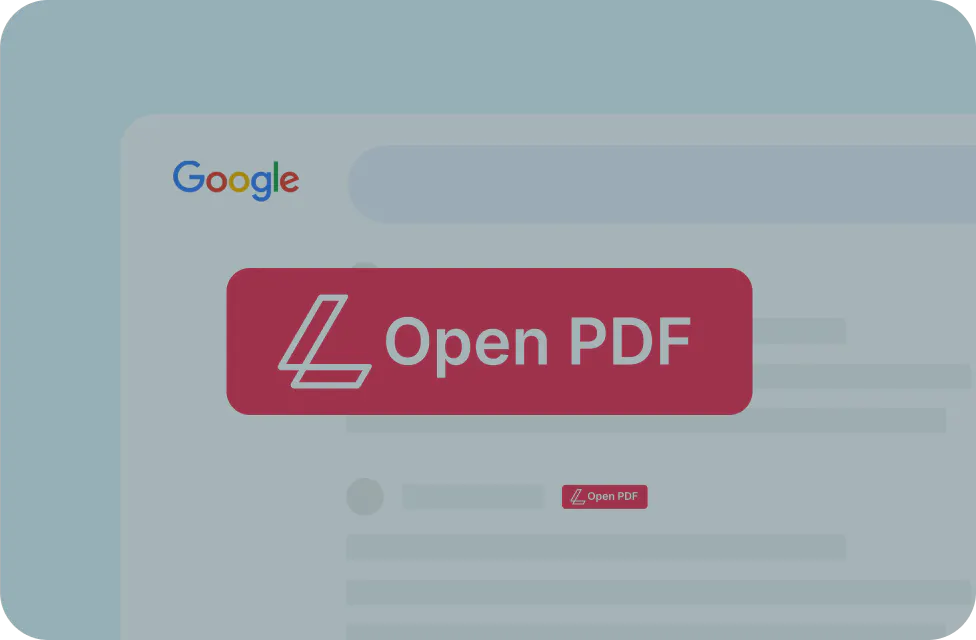
Turn your browser into a comprehensive PDF reader. Open and view PDFs immediately by drag-and-dropping them into Chrome.
Download free
Use your favorite PDF tools
Your PDF editor is now your browser. Merge, unlock and create fillable forms with a couple of clicks from the Lumin extension for Chrome.
Download free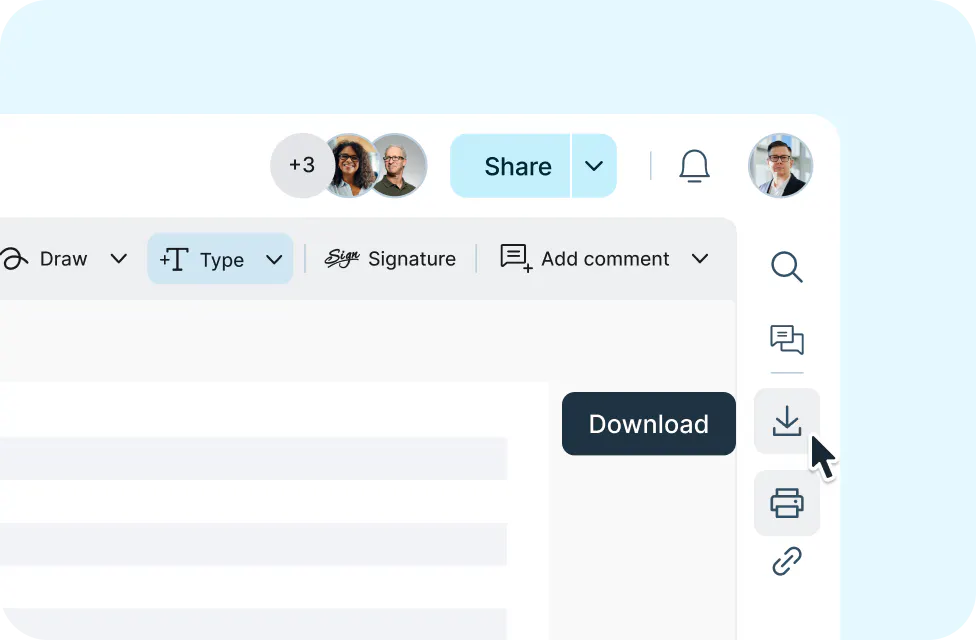
Print from your browser
Let Chrome take your PDFs to the printer. Our extension gives Chrome a power-up by enabling print and download functions on any PDF.
Download free
Sign and request signatures
eSign your PDFs or send for signing all from your browser. Experience secure and efficient eSignature solutions powered by Lumin Sign.

Frequently asked questions
You can download Google Chrome extensions from the Chrome Web Store. Access the store by either clicking on the Chrome side menu or by searching for it on Google.
Lumin's Chrome extension provides quick access to PDF editing tools directly from your browser. Once you have downloaded the extension from the Chrome Web Store, simply open a PDF document in your browser and start editing.
By installing the Lumin for Chrome extension, you can automatically open PDFs in your Chrome browser. From there, you can edit, highlight, and even sign your PDFs directly in Chrome.
The Lumin for Chrome extension allows you to access all your PDF editing tools, including merge, sign, and highlight, without leaving your webpage.
Yes, you can! The Lumin for Chrome extension allows you to highlight PDFs directly in Chrome.
Lumin’s Chrome extension is integrated with Lumin Sign, allowing users to digitally sign PDFs with legally binding signatures directly in Chrome.
Get started
today