
How to fill out a W-4 online
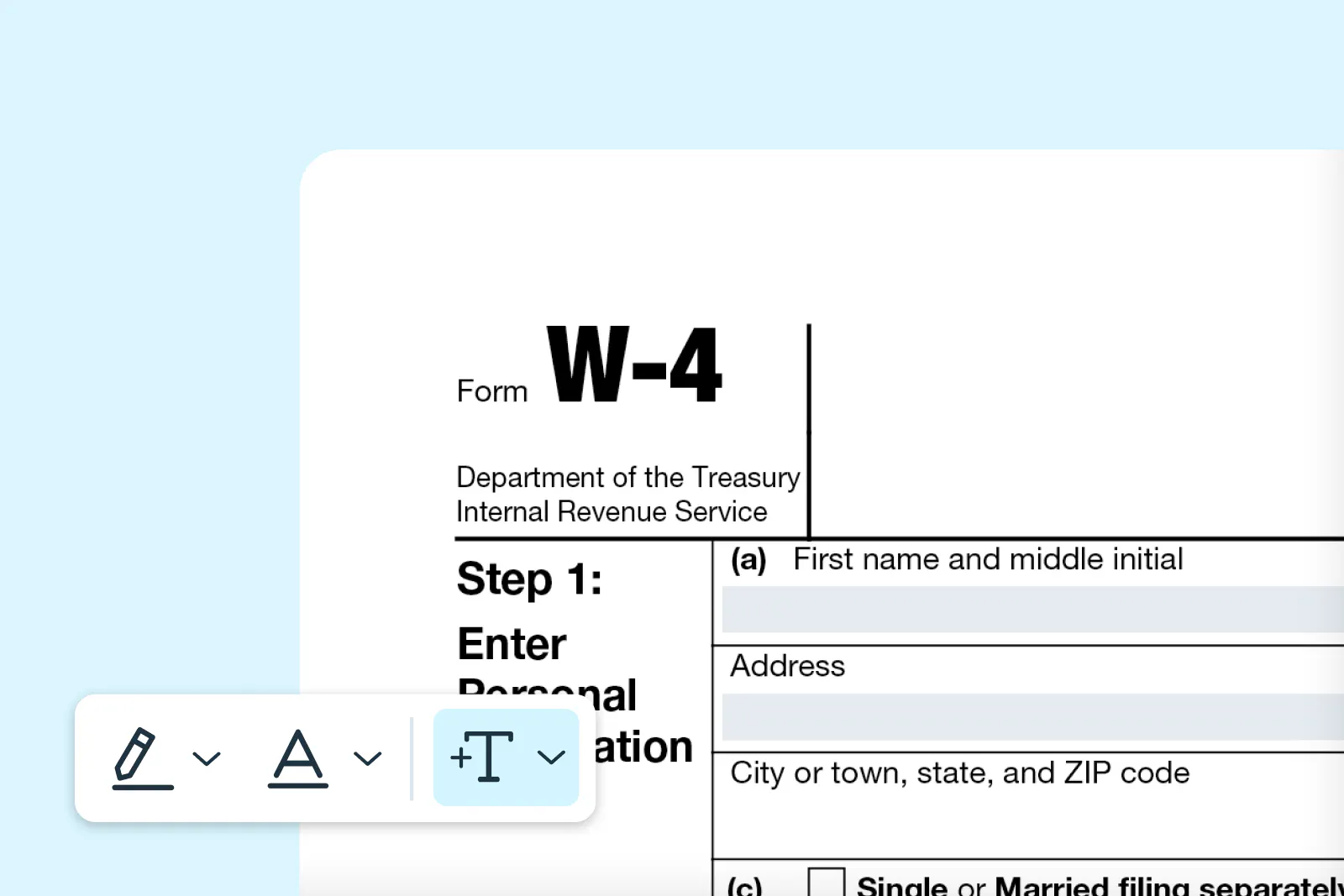
Check tax paperwork off your to-do list with a fillable W-4 form. We explain how to find, fill and send a W-4 online in just a few easy clicks.
Table of contents
- 1. What is a W-4 form?
- 2. Who should fill out the W-4 form?
- 3. Step-by-step instructions for filling out the form
- 4. Where can you download the W-4 form?
- 5. Filling out a W-4 form online
- 6. How to submit a W-4
Share this post
There’s nothing worse than paying too much – or too little – tax. Getting it wrong can result in a substantial bill later on.
We all know the best way to get it right is to fill in a W-4 form for your new employer. What you may not know is that this extremely important task doesn't have to be difficult. Here's how to find, fill and sign a W-4 online – quickly!
What is a W-4 form?
Form W-4, Employee's Withholding Certificate, tells employers how much federal income tax to withhold from an employee's paycheck. The form uses a five-step process to determine withholding amounts based on your filing status, income sources and deductions.
Unlike older versions that used withholding allowances, the current W-4 directly calculates your tax withholding. This change makes the form more accurate and easier to understand for most employees.
Who should fill out the W-4 form?
All employees must complete Form W-4 when starting a new job. You should also update your W-4 whenever your personal or financial situation changes significantly.
Common situations requiring a new W-4 include:
- Having a child
- Starting a new job
- Purchasing a home
- Getting married or divorced
- Beginning or ending a second job
- Experiencing significant income changes
The IRS recommends completing a new Form W-4 each year and when your personal or financial situation changes. Regular updates help ensure accurate withholding throughout the year.
Step-by-step instructions for filling out the form
Form W-4 is divided into several steps that guide you through entering your personal information and selecting your withholding preferences. Completing each step carefully helps ensure accurate tax withholding.
Step 1: Enter personal information
Provide your name, address, Social Security number and filing status (Single, Married filing jointly or Head of household).
Step 2: Account for multiple jobs or a working spouse
If you have more than one job or your spouse also works, follow the instructions in this section to adjust withholding. This step helps prevent under-withholding.
Step 3: Claim dependents
If you have qualifying children or other dependents, enter the total credit amount to reduce withholding.
Step 4: Make other adjustments (Optional)
Use this section to request extra withholding, report other income not from jobs or claim deductions.
Step 5: Sign and date the form
Sign and date the W-4 to certify that the information is accurate. Submit the completed form to your employer, not the IRS.
Where can you download the W-4 form?
You can find and fill in Form W-4 on the Lumin website. The platform allows you to complete the form online and download it for submission to your employer.
Filling out a W-4 form online
Filling out the W-4 form online is quick and easy with Lumin. You can complete the form digitally without printing or handwriting anything, review each section as you go and make changes before submitting.
Once finished, you can sign electronically and save a copy for your records. Below are the step-by-step instructions to guide you through the process.
- Search for the “W-4 Form" in Template Discovery on Lumin and click Use Template.
- Log in or sign in to your Lumin account.
- Fill out all required fields in the form.
- Click “Signature” and choose to draw, upload an image or type your signature.
- Drag and drop your signature into the signature field, then complete the rest of the form.
How to submit a W-4
Form W-4 must be submitted directly to your employer, not to the IRS. There are several submission methods available depending on your employer's preferences.
Paper submission
Traditional paper submission remains a common method. Complete the form by hand or type your information, then submit the signed form to your employer's human resources or payroll department. Employers must put revised W-4 forms into effect no later than the first payroll period ending on or after the 30th day from receipt.
Electronic submission
Many employers now accept electronic W-4 submissions through their payroll systems. Employers may establish electronic systems to receive Forms W-4 from employees. Employers must implement changes no later than the first payroll period ending on or after the 30th day from receipt.
For any other tax-related or administrative forms, such as W-7, W-9, and W-2, explore Template Discovery on Lumin, which offers thousands of curated, fillable forms to make paperwork easy. These ready-to-use templates can help make completing paperwork faster.

Share this post