
How to fill out a W-2 form
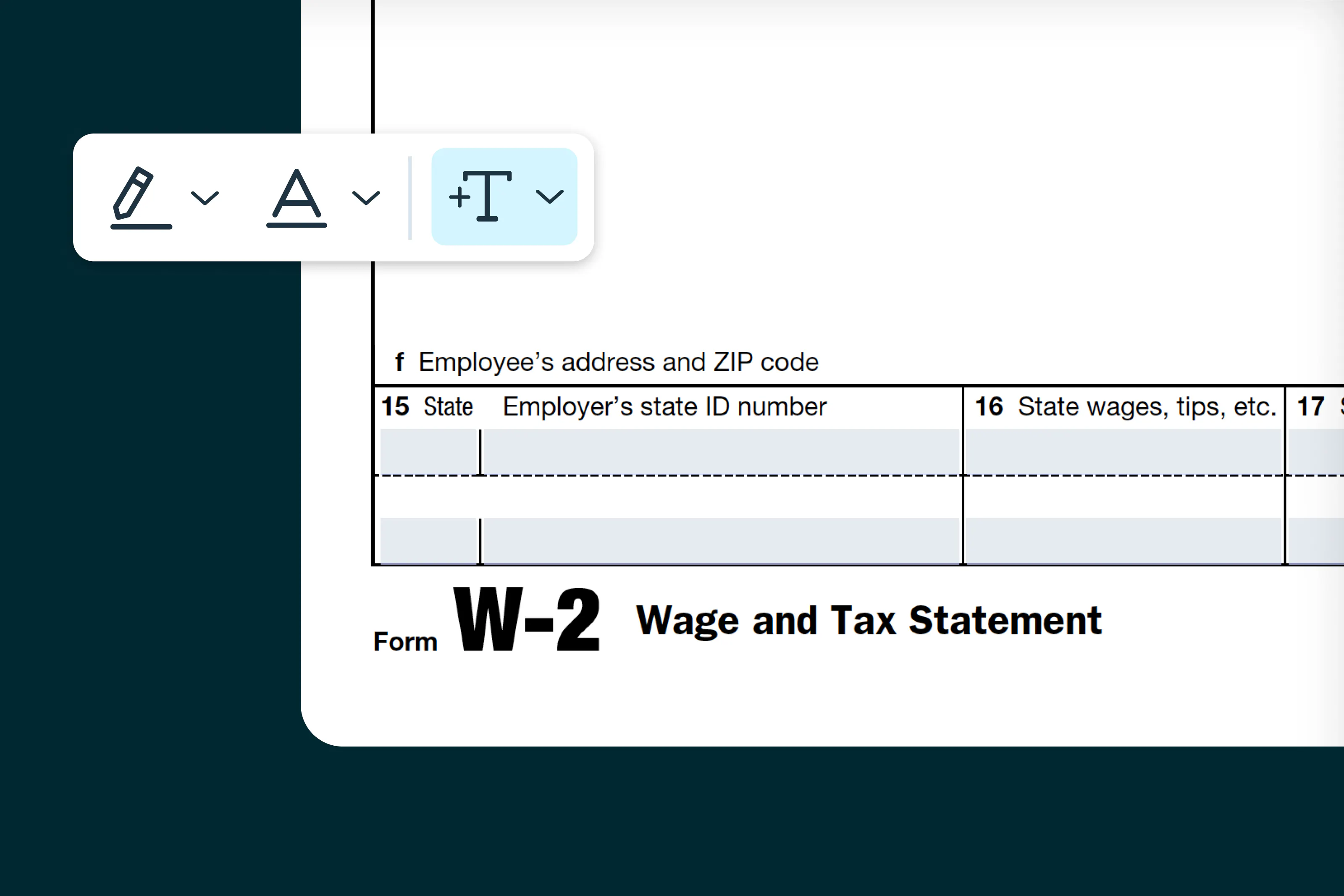
Our step-by-step guide explains how to fill out Form W-2 correctly, including who needs to file, what wage and tax information to report, and how to submit copies to employees and the Social Security Administration.
Table of contents
- 1. What is Form W-2?
- 2. Who should fill out Form W-2?
- 3. Step-by-step instructions for filling out Form W-2
- 4. Where to download Form W-2
- 5. Tax tip
- 6. Filling out Form W-2 online
- 7. How to submit Form W-2
- 8. Common mistakes to avoid
Share this post
This guide was created in partnership with Fariba Mehdian of Mehdian CPA. Fariba is a tax expert with substantial experience helping US small and medium-sized businesses navigate federal tax requirements and reporting obligations.
Form W-2 is used by employers to report wages paid to employees and the taxes withheld during the year. Filing Form W-2 ensures employees receive accurate income information for their tax returns and allows the IRS to verify payroll tax reporting. Employers must prepare a W-2 for each employee who received wages, tips or other compensation.
What is Form W-2?
Form W-2, also known as the “Wage and Tax Statement,” reports an employee’s annual earnings and the federal, state and local taxes withheld from their pay. Employers file the form with the Social Security Administration and provide copies to employees. Employees use the information on Form W-2 to complete their personal tax returns.
Who should fill out Form W-2?
You should complete Form W-2 if you:
- Paid wages, tips or other compensation to an employee during the tax year.
- Withheld federal income tax, Social Security tax or Medicare tax from employee wages.
- Reported employee earnings and payroll taxes to the SSA and IRS.
Note: Do not use Form W-2 for independent contractors. Payments to nonemployees are reported using Form 1099-NEC.
Step-by-step instructions for filling out Form W-2
Follow these steps to complete Form W-2 accurately. Ensure all payroll records and employee details are correct before filing.
Step 1: Enter employer information
Provide your business name, address and Employer Identification Number (EIN). This identifies the employer to the SSA and IRS.
Step 2: Enter employee information
Enter the employee’s full name, address and Social Security Number (SSN). Accuracy is critical, as errors can cause processing delays or penalties.
Step 3: Report wages and compensation
Enter the employee’s total wages, tips and other compensation paid during the year. This includes salary, bonuses and taxable benefits. If the Employer offers benefits under a cafeteria plan that qualifies under Section 125 of the Internal Revenue Code, employee contributions made on a pre-tax basis are excluded from taxable wages and therefore are not included in Box 1 of the form.
Step 4: Report federal tax withholdings
Enter the amount of federal income tax withheld from the employee’s wages. Also report Social Security wages, Medicare wages and the corresponding taxes withheld in the appropriate boxes.
Step 5: Include state and local tax information
If applicable, enter state wages, state income tax withheld and local wages and taxes. Make sure the state employer identification number is correct.
Step 6: Review and verify all entries
Double-check names, SSNs, wage amounts and tax withholdings. Mistakes can result in rejected filings or employee tax issues.
Step 7: Distribute copies
- Copy B: Provide to the employee by January 31 for federal tax filing
- Copy C: Provide to the employee for their personal records
- Copy A: File with the Social Security Administration by January 31
- Copy D: Retain for employer records
Where to download Form W-2
You can access Form W-2 and fill it out using Lumin. Complete the form digitally, download it and provide copies to your employees as needed.
Note: The Lumin Form W-2 can be used for employee copies. For filing with the SSA, you must use official SSA-approved forms or submit electronically through an authorized system.
Tax tip
“Under the One, Big, Beautiful Bill, workers may be eligible for new deductions for tax years 2025 through 2028 if they received qualified tips or overtime. While employers are not required to report cash tips or overtime for the year ended 2025, the IRS has guidance for employees on how to determine their deductions without receiving a separate accounting form from their employers.
"Employees are encouraged to familiarize themselves with the guidance and consult with their tax preparers.”
Fariba Mehdian, CPA, CFF, CCIFP, CGMA
Filling out Form W-2 online
Filling out Form W-2 online with Lumin is quick and convenient. Here are the steps to complete Form W-2 on Lumin:
- Visit the Form W-2 page in Lumin’s Template Discovery section and click “Use Template.”
- Sign in or create a free Lumin account.
- Enter all required employer and employee information.
- Review wage and tax withholding entries carefully.
- Download the completed form and distribute copies to employees. File Copy A with the SSA using approved forms or electronic submission.
How to submit Form W-2
Form W-2 must be submitted to both employees and the Social Security Administration. Filing options include:
Option 1: Electronic filing
Submit Form W-2 electronically through the SSA’s Business Services Online system. Electronic filing reduces errors and speeds up processing.
Option 2: Mail
Mail Copy A of Form W-2 along with Form W-3 to the SSA. Ensure you use scannable official forms. Certified mail is recommended for tracking.
Option 3: Payroll or tax professional submission
A payroll provider or tax professional can prepare and submit Form W-2 on your behalf to ensure compliance and accuracy.
Common mistakes to avoid
- Incorrect employee names or SSNs
- Mismatched wage or tax withholding amounts
- Missing state or local tax information
- Late distribution to employees or late filing with the SSA
Tips for a successful filing
- Maintain accurate payroll records throughout the year.
- Reconcile payroll totals before preparing W-2 forms.
- Verify employee information before filing.
- Retain copies of all W-2 forms for at least four years.
By following this guide, you’ll be prepared to complete Form W-2 accurately and meet employer payroll reporting requirements. Lumin provides fillable tax forms to help you prepare employee tax documents efficiently and with confidence.
About Fariba Mehdian, CPA, CFF, CCIFP, CGMA
Fariba Mehdian is a CPA and construction-focused business advisor with deep experience supporting closely held companies across tax, accounting, and strategic planning. She helps clients strengthen financial visibility and long-term value.
Visit the Mehdian CPA website to learn more, or connect with Fariba on LinkedIn.

Share this post