
How to fill out Form 8962
Author
Regine Dy
Published
Feb 12, 2026
Categories
Small business
Read time
4 mins
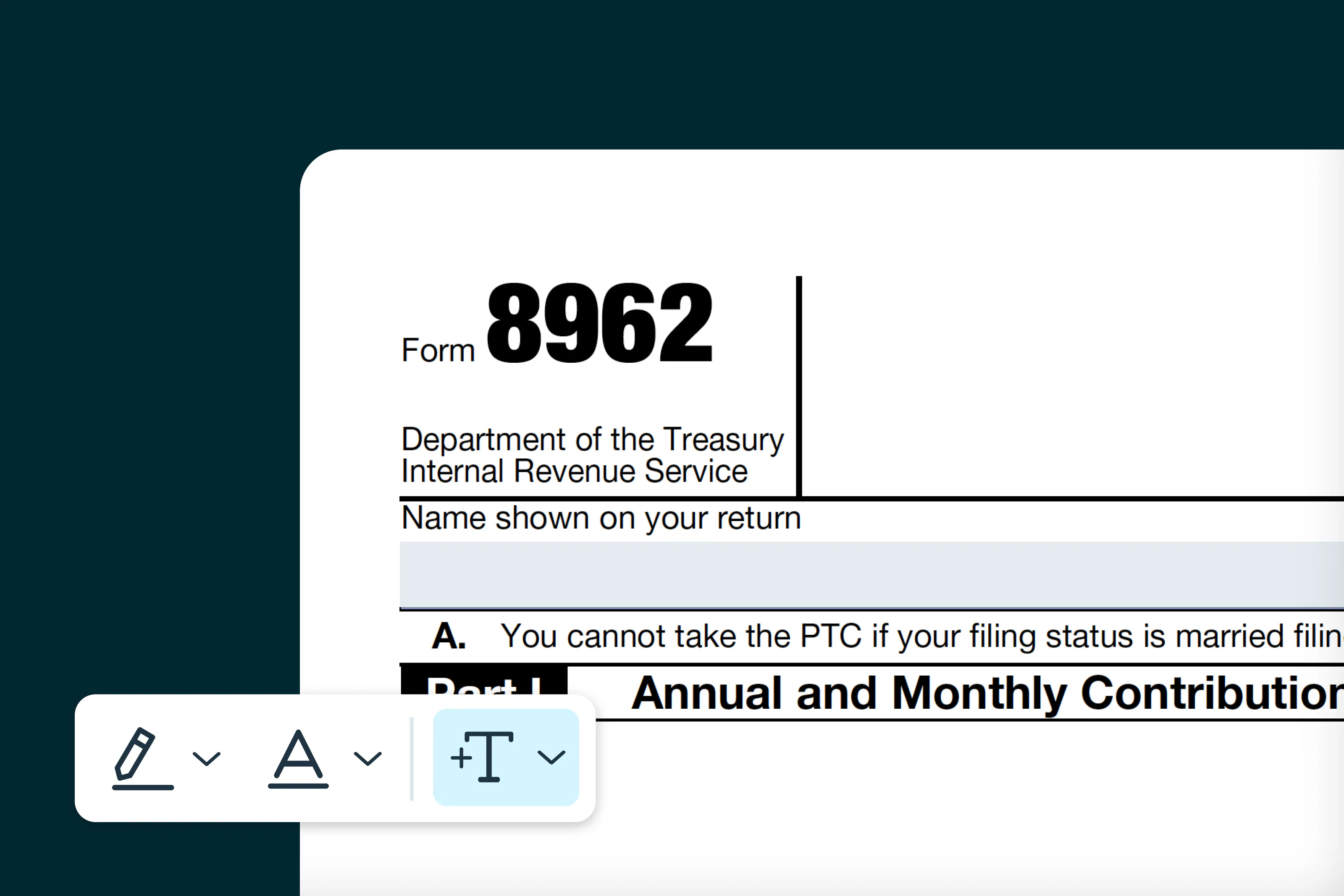
Form 8962 is used by taxpayers to determine their Premium Tax Credit (PTC), which helps individuals and families with low to moderate income afford health insurance purchased through the Health Insurance Marketplace.
0 []Table of contents
- 1. What is Form 8962?
- 2. Who should fill out Form 8962?
- 3. Step-by-step instructions for filling out Form 8962
- 4. Where to download Form 8962
- 5. Filling out Form 8962 online
- 6. Steps to fill out Form 8962 on Lumin:
- 7. How to submit Form 8962
- 8. Common mistakes to avoid
- 9. Tips for a successful filing
Share this post
Filing Form 8962 ensures that taxpayers receive the correct amount of tax credit and helps reconcile any advance payments of the PTC made during the year.
What is Form 8962?
Form 8962, also known as "Premium Tax Credit," is filed with your Form 1040 to report health insurance coverage purchased through the Marketplace and to reconcile any advance payments of the Premium Tax Credit (APTC).
The form determines if you are eligible for additional credit or if you must repay excess advance payments. Filing Form 8962 accurately ensures compliance with U.S. tax laws, helps avoid penalties and ensures you receive the correct tax credit for your health insurance coverage.
Who should fill out Form 8962?
You should complete Form 8962 if you:
- Purchased health insurance through the Health Insurance Marketplace.
- Received advance payments of the Premium Tax Credit (APTC).
- Want to claim the Premium Tax Credit when filing your tax return.
- Need to reconcile any excess or underpaid APTC from the prior year.
Note: Do not file Form 8962 if you did not use Marketplace coverage or receive advance payments, unless you are claiming the credit for the first time.
Step-by-step instructions for filling out Form 8962
Follow these steps to fill out Form 8962 accurately. Ensure all information matches your Form 1095-A and other supporting records.
Step 1: Enter your personal information
Provide your name and Social Security Number (SSN) or Individual Taxpayer Identification Number (ITIN). Note that your filing status will affect whether you can claim the Premium Tax Credit (PTC).
Step 2: Complete household and income information
Report your tax family size, household income and the income of any dependents. Enter your modified adjusted gross income (AGI) and determine your household income as a percentage of the federal poverty line. These figures are used to calculate your PTC.
Step 3: Enter information from Form 1095-A
Use the Form 1095-A provided by your Health Insurance Marketplace to report:
- Monthly premiums for your plan.
- Second Lowest Cost Silver Plan (SLCSP) premium.
- Advance Premium Tax Credit (APTC) amounts paid on your behalf.
If you have multiple policies or policy allocations, enter them in Part IV of the form.
Step 4: Calculate your Premium Tax Credit
Follow the IRS instructions to calculate your annual and monthly PTC. Compare your household income and applicable premiums to determine the allowable credit for each month.
Step 5: Reconcile advance payments
If you received advance PTC payments, calculate any excess or shortfall. Enter excess payments to be repaid or additional credits you are eligible to claim.
Step 6: Enter the Premium Tax Credit on Form 1040
Report your calculated PTC or repayment on your Form 1040. This will adjust your total tax refund or the amount you owe.
Step 7: Sign and attach
Sign your Form 1040 and include Form 8962 when submitting your tax return to the IRS.
Where to download Form 8962
You can easily access and fill out Form 8962 using Lumin’s platform. Complete the form digitally, download it and include it with your federal tax return.
Filling out Form 8962 online
Filling out Form 8962 online with Lumin is fast and convenient. You can:
- Complete the form digitally without printing or handwriting.
- Review each section and make changes before submission.
- Sign electronically and save a copy for your records.
Steps to fill out Form 8962 on Lumin:
- Search for “Form 8962” in Lumin’s Template Discovery and click Use Template.
- Sign in or create a free Lumin account.
- Enter all required personal and household information.
- Download the completed form and review all entries.
- Attach Form 8962 to your Form 1040 for filing.
How to submit Form 8962
Form 8962 is submitted as part of your federal income tax return (Form 1040). Filing options include:
Option 1: Electronically (E-file)
Submit Form 8962 with your e-filed Form 1040. Electronic filing is secure, reduces errors and speeds up processing.
Option 2: Mail
Attach Form 8962 to your paper Form 1040 and mail it to the IRS address listed in the instructions. Certified mail is recommended for tracking.
Option 3: Tax professional submission
A CPA or tax preparer can complete and submit Form 8962 on your behalf, ensuring the Premium Tax Credit is calculated correctly and reported accurately.
Common mistakes to avoid
- Incorrect personal or household info: Ensure names, SSN/ITIN and household members match your records.
- Incorrect Form 1095-A data: Double-check premiums, SLCSP and APTC amounts.
- Misreporting income: Use the correct modified adjusted gross income for calculations.
- Calculation errors: Reconcile advance payments carefully to avoid repayment errors.
- Late filing: Submit Form 8962 with your Form 1040 by the IRS deadline to avoid penalties.
Tips for a successful filing
- Keep all Form 1095-A documents for your records.
- Review IRS instructions for Premium Tax Credit calculations.
- Consult a tax professional if your household situation is complex.
- Save copies of all submitted documents.
By following this guide, you’ll be prepared to complete Form 8962 accurately and claim the correct Premium Tax Credit. Lumin provides ready-to-use fillable forms to make the filing process faster and simpler.
Share this post