Lumin logo
  • Lumin Products
    • AgreementGen

      Your agreement drafting sidekick

    • Lumin Sign

      Simple and secure digital signing

    • Lumin PDF

      Edit, collaborate, and share PDFs

    • Lumin AI

      Supercharge your docs

    Download Apps
    API and Integrations
    • eSign API

      Seamless eSignature integration

    • Integrations

      Streamline your workflow with ease

  • AgreementGen

    • AI agreement generator

    • AI agreement editor

    • NDA generator

    • Lease agreement generator

    • Employment contract creator

    • Terms and conditions generator

    • Operating agreement generator

    • Non-compete agreement generator

    • Business plan generator

    Lumin Sign

    • Sign PDF

    Lumin PDF

    • Edit PDF

    • Edit PDF text

    • Collaboration

    • Create fillable PDF

    • Merge PDF

    • Unlock PDF

    • Integrate Google

    All tools
  • By use cases

    Streamline efficiency

    Use the cloud to reduce the burden of countless tools

    Build relationships

    Collaborate and negotiate with a few clicks

    Secure with confidence

    Comply and stay with global security standards

    Onboard from anywhere

    Automate contract admin to seal deals faster

    Accelerate collaboration

    Make teamwork seamless with a centralized suite of tools

    Work on site

    Fast-track fieldwork with offline mode for mobile

  • Discover

      Blog

      News and views on collaborative workflows

      Template Discovery

      Find, fill and sign 5,000+ free online forms

      Customer Stories

      Discover companies creating more impact with less admin

    Support

      Lumin 101

      New here?
      Learn the basics

      Help Center

      Your complete manual to Lumin and Lumin Sign

  • Enterprise
  • Pricing
  • Request a demo
Try for freeSign in
Request a demo
Sign in
Try for free

Safeguard your business with compliant eSigning

Lumin’s products are enforced with a rigorous and up-to-date security system. We work hard to deliver specialized security solutions alongside industry-standard compliance.

Talk to sales

Compliance certifications and standards

Our certifications reflect our commitment to a global standard of security. We have industry-accepted certifications and meet current industry compliance standards and regulations.

  • SOC 2 Type 2 Attestation

    Lumin works with independent auditors to maintain a SOC 2 report. This report certifies our controls to ensure the ongoing security of customers’ data.

    Learn more

  • California Consumer Privacy Act

    Our certifications, business practices and compliance standards mean Lumin is fully compatible with CCPA regulations.

    Learn more

  • GPDR compliance

    Lumin is compliant with European data protection and privacy law. We have a comprehensive privacy policy available here.
  • PCI-DSS compliance

    Lumin complies with the Payment Card Industry Data Security Standard, meaning your credit, debit, and cash card transactions and associated information are protected.

  • AWS security standards

    Data in Lumin is stored with Amazon Web Services, which utilizes state-of-the-art security at a large scale. We are confident in AWS’s high standards.

  • eDIAS Certification

    eIDAS certification standards ensure that electronic signatures meet the highest levels of security and legal compliance across the EU.
  • BYO signing certificates

    BYO signing certificates offers businesses flexibility and enhanced security by allowing you to manage and utilize your own digital certificates for eSignatures.

Data security features

All Lumin’s products are built with modern and robust security features.

  • Secure cloud hosting

    Lumin uses Amazon Web Services for hosting. We routinely undergo penetration tests and AWS meets major international security compliances.
  • SSO with Google Workspace

    Require Google Workspace SSO for your Lumin workspace, so employees must sign in with Google. Control and verify Lumin users from your Workspace.
  • Encryption for data in transit

    We use Transport Layer Security 1.2 or higher to encrypt data in transit. This helps to ensure your data is secure no matter where in the world you are.
  • Encryption for data at rest

    Lumin encrypts your data at rest using AES 256, currently considered one of the most robust encryption standards.
  • Secure SDLC

    We take pride in our Software Development Life Cycle. Every line of code is peer-reviewed and tested before it’s released into Lumin’s products.

  • Vulnerability management

    We actively monitor and remediate vulnerabilities reported. We conduct regular penetration tests and run a bug bounty program to encourage reporting.

  • Internal security

    We have strong access controls on our production systems. Access is restricted to a small number of senior employees and requires MFA.

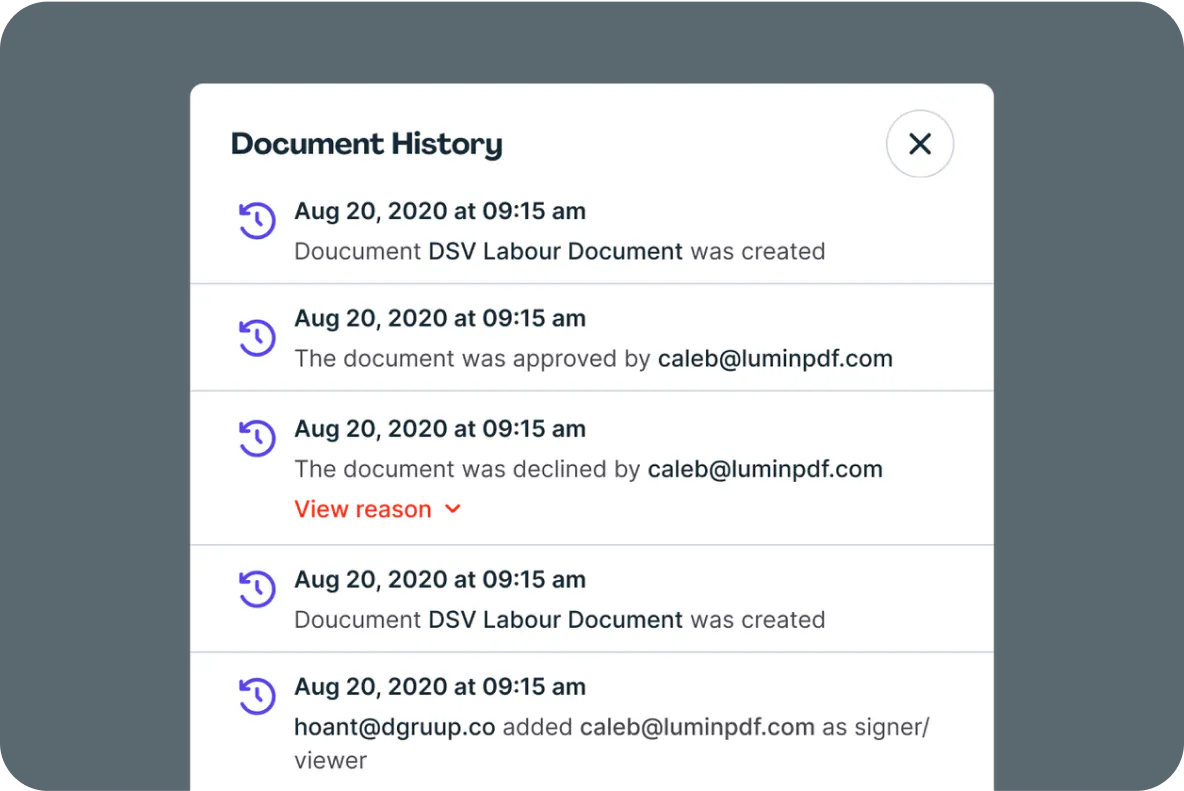
Audit trails

Signature requests generate an audit trail for the document, ensuring you know who signed what and when. We also verify document actions with comprehensive tracking and time stamping, ensuring secure, defensible proof of document activities.
Our commitment to security
  • Customer payment details

    Lumin Sign uses a secure third-party for payment processing.
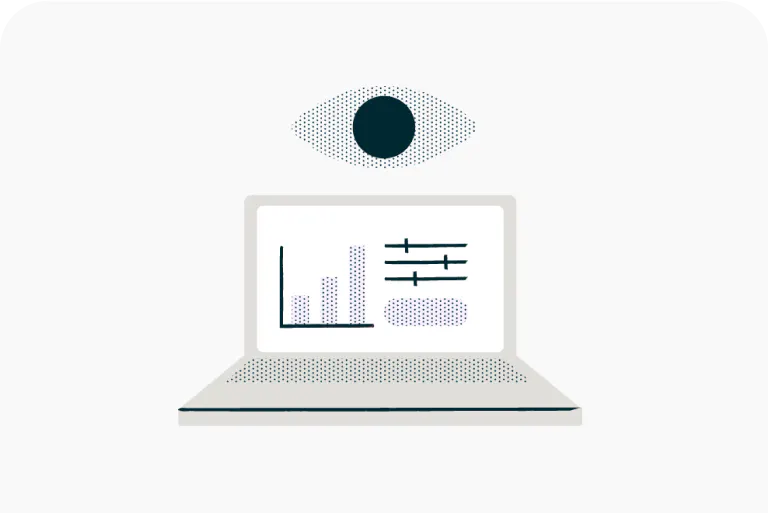


  • System monitoring

    We provide frequent monitoring of our customer environment and underlying infrastructure to ensure our tools work as expected.
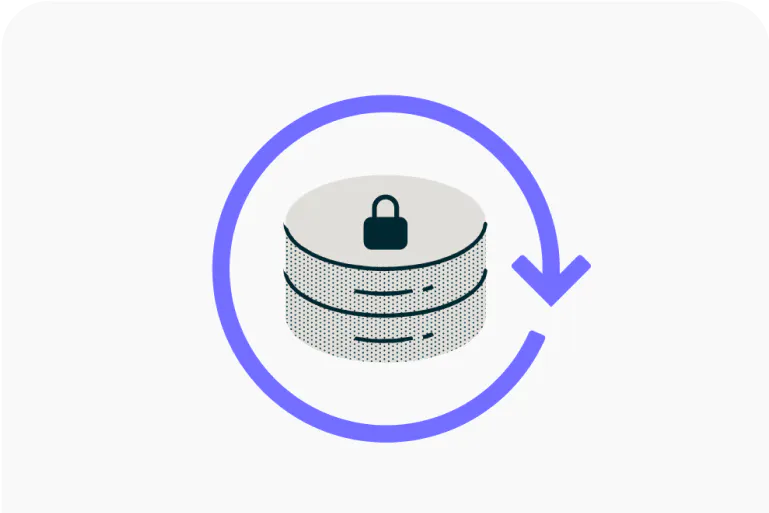
  • Reliability & data backups

    We use auto-scaling, load balancing, rolling deployments and more to keep Lumin reliable. We perform daily encrypted backups of all databases.

Bug bounty program

Find security issues in Lumin and get a reward.

Learn more

Documents signed in minutes, not days

Get startedBook a demo

Lumin tools

Lumin PDF

Lumin PDF

  • Organize
    Merge PDF
    Merge PDF
    Split PDF
    Split PDF
    Delete PDF page
    Delete PDF page
    Compress PDF
    Compress PDF
    Rotate PDF
    Rotate PDF
    Organize PDF
    Organize PDF
    Extract PDF
    Extract PDF
    AI PDF
    AI PDF summarizer
    AI PDF summarizer
    Chat with PDF
    Chat with PDF
    Scan
    PDF OCR
    PDF OCR
    Scan PDF
    Scan PDF
  • Edit & annotate
    Edit PDF
    Edit PDF
    Crop PDF
    Crop PDF
    Annotate PDF
    Annotate PDF
    Edit PDF text
    Edit PDF text
    Create fillable PDF
    Create fillable PDF
    PDF reader
    PDF reader
    Redact PDF
    Redact PDF
    More
    Unlock PDF
    Unlock PDF
    Flatten PDF
    Flatten PDF
    Protect PDF
    Protect PDF
  • Convert to PDF
    PDF converter
    PDF converter
    JPG to PDF
    JPG to PDF
    PPT to PDF
    PPT to PDF
    Word to PDF
    Word to PDF
    Excel to PDF
    Excel to PDF
    PNG to PDF
    PNG to PDF
    Convert from PDF
    PDF to PNG
    PDF to PNG
    PDF to JPG
    PDF to JPG
    PDF to Word
    PDF to Word
    PDF to PPT
    PDF to PPT
    PDF to Excel
    PDF to Excel
AgreementGen

AgreementGen

  • AI agreement generator
    AI agreement generator
    AI agreement editor
    AI agreement editor
    NDA generator
    NDA generator
    Lease agreement generator
    Lease agreement generator
    Employment contract creator
    Employment contract creator
    Terms and conditions generator
    Terms and conditions generator
    Operating agreement generator
    Operating agreement generator
    Non-compete agreement generator
    Non-compete agreement generator
    Business plan generator
    Business plan generator
Lumin Sign

Lumin Sign

  • Sign PDF
    Sign PDF
  • Product

    • Lumin
    • Lumin Sign
    • AgreementGen
    • eSign API
    • Features
    • Plans & Pricing
    • Google Workspace
      Lumin for Slack
      Lumin for Chrome
      Lumin for Claude
      See all
  • Solutions

    • Streamline efficiency
    • Onboard from anywhere
    • Accelerate collaboration
    • Build relationships
    • Secure with confidence
    • Work on site
  • Learn & Discover

    • Help Center
    • Blog
    • Lumin 101
    • Customer Stories
    • Templates
    • Template categories
    • Template collections
  • Company

    • Who we are
    • Our mission
    • Careers
    • Become a partner
  • Security

    • Compliance & features
    • Personal data
    • Privacy policy
    • Terms of use
    • Status
    • Bug bounty program
  • Download

    • iOS & Android
    • Mac & Windows

    Contact

    • Support
    • Sales
    • Request a Demo
  • Contact

    • Support
    • Sales
    • Request a Demo
Google Cloud Partner

© 2014–2026 Lumin PDF Corporation | San Francisco, United States | All rights reserved

English
  • English
  • Español
  • Tiếng Việt
  • Português
  • Français