

Other authors




63 results
PDF editing
 Read more
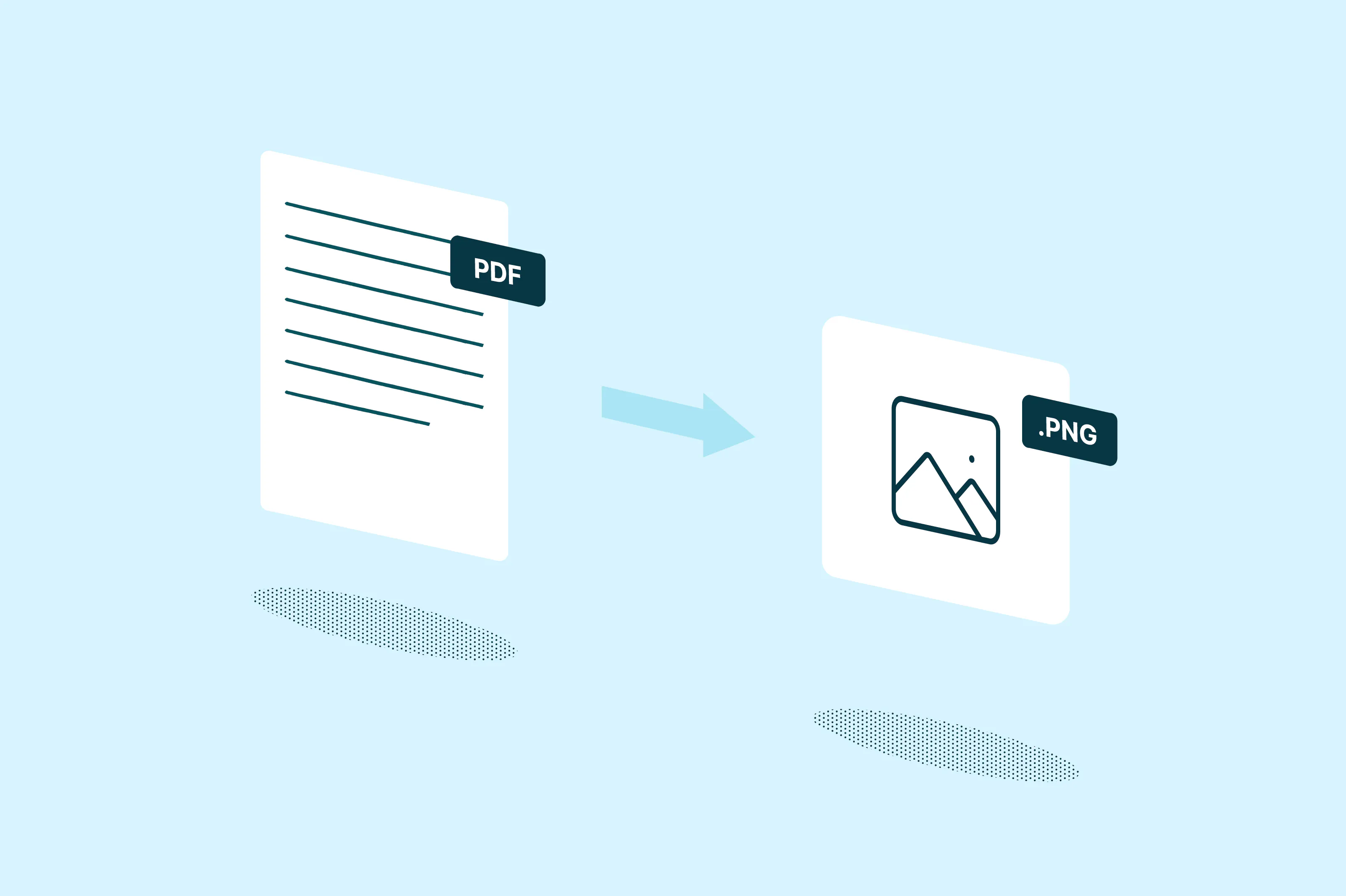
How to convert a PDF to PNG
Jun 11, 20263 mins
PDFs are great for sharing documents, but they aren't always the best format for every situation. If you need to embed a page in a presentation, upload an image to a website or share a quick visual on social media, a PNG file is often the better choice. PNG files are widely supported, easy to preview and maintain sharp image quality with transparent background support.
PDF editing
 Read more
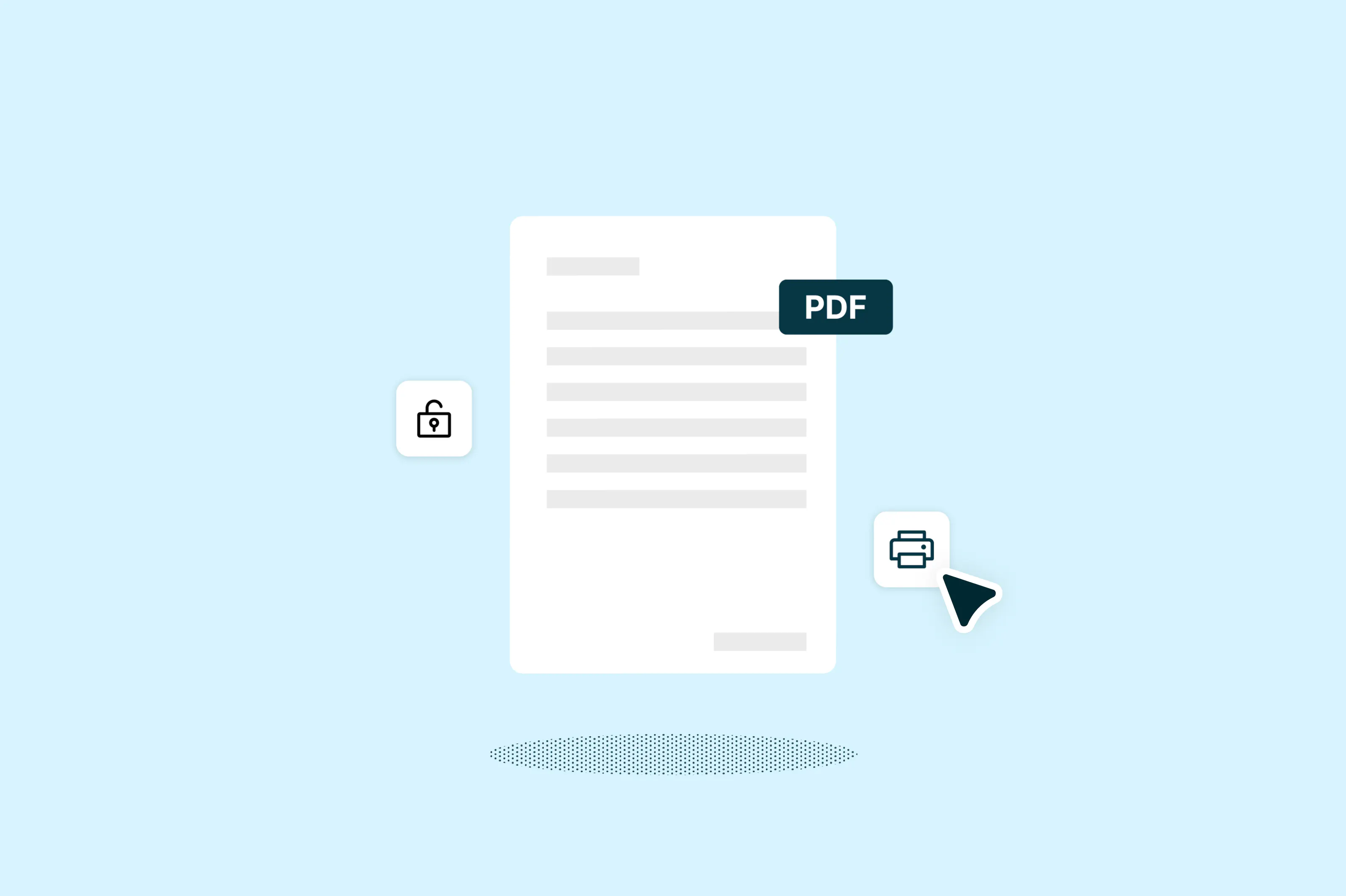
How to print a protected PDF
Jun 11, 20265 mins
You've downloaded a PDF, opened it up and hit print, only to find the option is disabled. This is a common frustration, and it usually means the document creator has applied permission restrictions to prevent printing, copying or editing.
PDF editing
 Read more
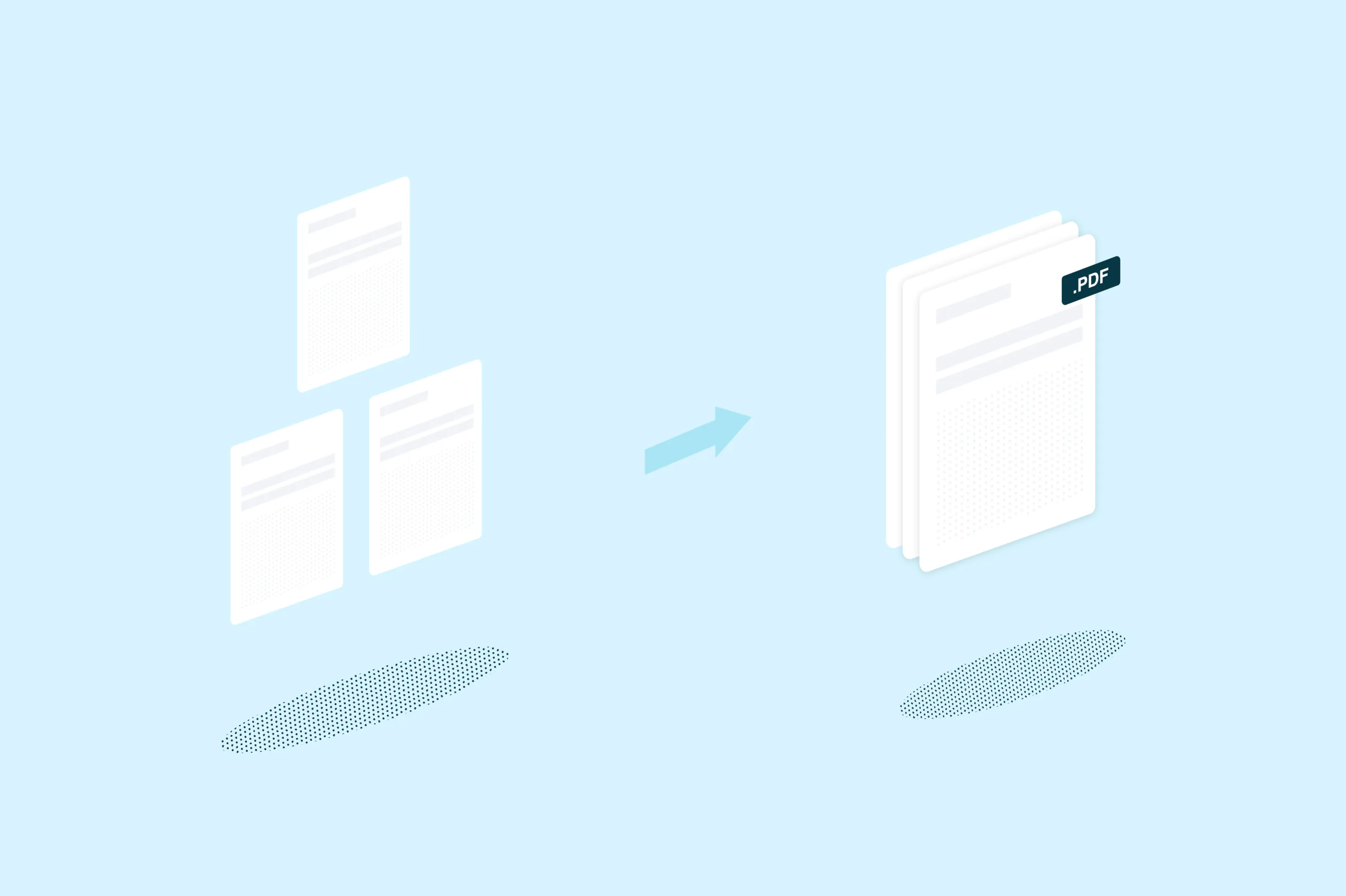
How to merge PDFs
Jun 3, 20264 mins
Need to combine multiple PDFs into one document? This guide covers three simple methods to merge your PDF files, whether you're working online, on a Mac or on Windows.
PDF editing
 Read more
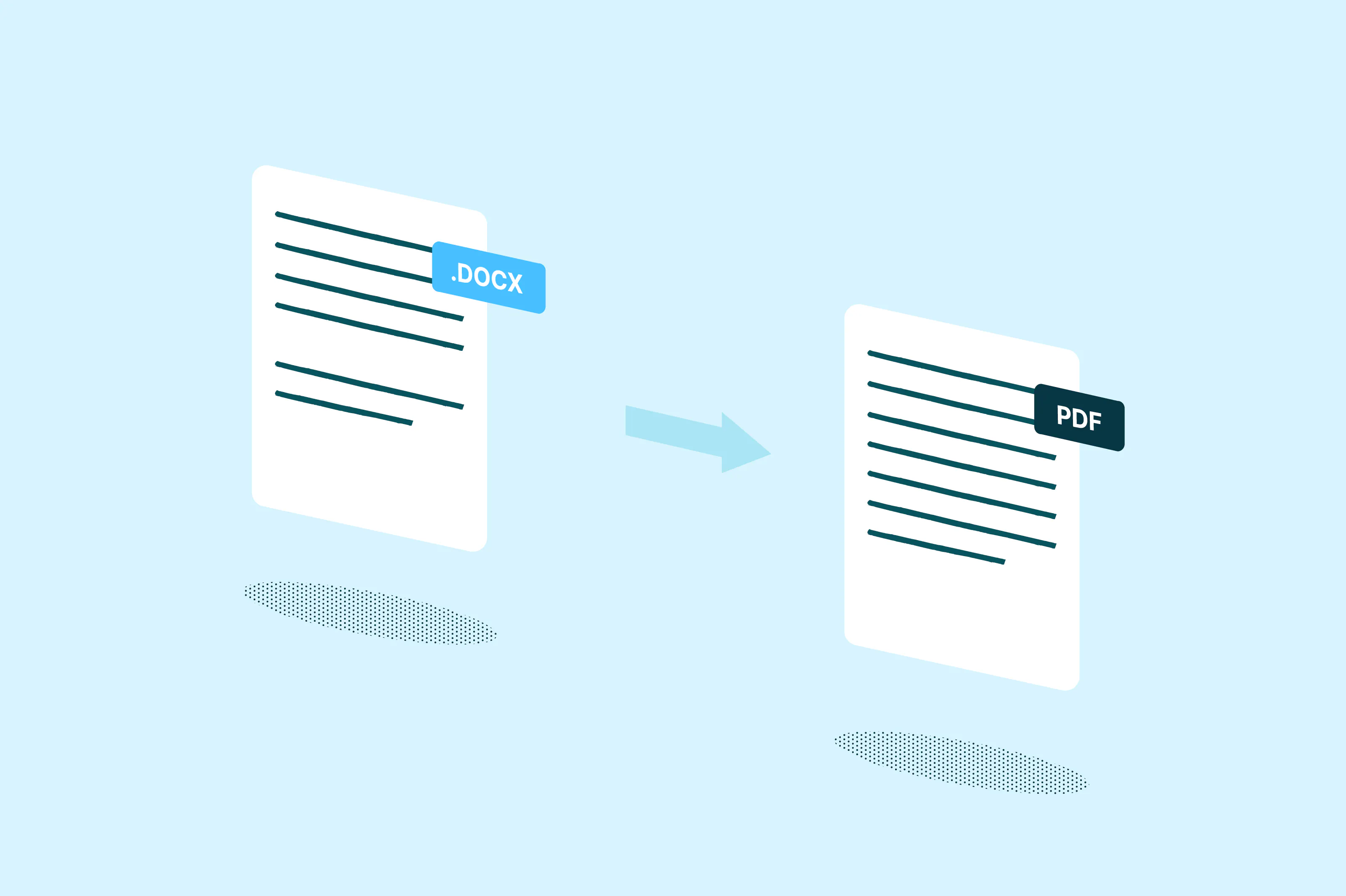
How to convert Word to PDF
Jun 2, 20264 mins
Converting a Word document to PDF is one of the most common file tasks there is. PDFs lock in your formatting so the document looks the same on every device, making them ideal for sharing contracts, resumes, reports and other professional files.
PDF editing
 Read more
How to convert PDF to Excel
May 26, 20263 mins
PDF files are great for sharing documents because they preserve formatting across devices. However, editing tables or working with data inside a PDF can be difficult. Converting the file to Excel makes it easier to sort information, calculate totals and update data for reports or presentations.
PDF editing
 Read more
How to convert Excel to PDF
May 26, 20264 mins
Do you need to share a spreadsheet as a polished, print-ready file? Converting Excel to PDF is one of the easiest ways to preserve your formatting and make your file accessible across different devices.
PDF editing
 Read more
How to scan a PDF
May 22, 20264 mins
Scanning a document to PDF is one of the most common tasks for anyone dealing with paperwork. You might need to digitize a contract, archive receipts or send a signed form by email. The good news is you don't need a bulky scanner to do it.
PDF editing
 Read more
How to convert PNG to PDF
May 15, 20263 mins
PNG files are great for high-quality images, but they're not always the best format for sharing or printing. Converting a PNG to PDF makes your file easier to send, more professional to present and universally viewable on any device.
PDF editing
 Read more
How to edit a password protected PDF
May 15, 20263 mins
You've received a PDF that needs updating, but when you try to edit it, nothing happens. The file is password protected, and you're stuck. This is a common problem with contracts, forms and shared documents where the original creator has restricted editing access.
PDF editing
 Read more
How to split a PDF
May 14, 20264 mins
Splitting a PDF is one of those tasks that sounds simple but can be surprisingly tricky without the right tool. Maybe you need to pull a few pages from a long report, separate a contract into sections or send someone just one part of a larger document.
Other authors