
Choose your plan
Gives you access to
Free
For casual users trying out Lumin
$0 USD
$0 USD

- Basic PDF editing
- Basic eSignatures
- Annotate up to 3 docs
- Mobile & desktop apps
Pro
For sole-traders and freelancers
$19 USD
per month per team
$19 USD
per month per team
- 200 docs per month, team-wide
- Advanced PDF editing
- Document collaboration
- 5 agreements per month
Business
For busy teams & cross-company collaboration
$99 USD
per month per team
$99 USD
per month per team
- 200 docs per month team wide
- Member access control
- Secure your workspace with domain control
- Enforce sign-in with Google
- Connectors: Slack, Drive, OneDrive and more
- Priority customer support

Lumin AI
Free during beta
- Query and summarize your docs
- Redact, replace keywords and perform basic tasks on your docs
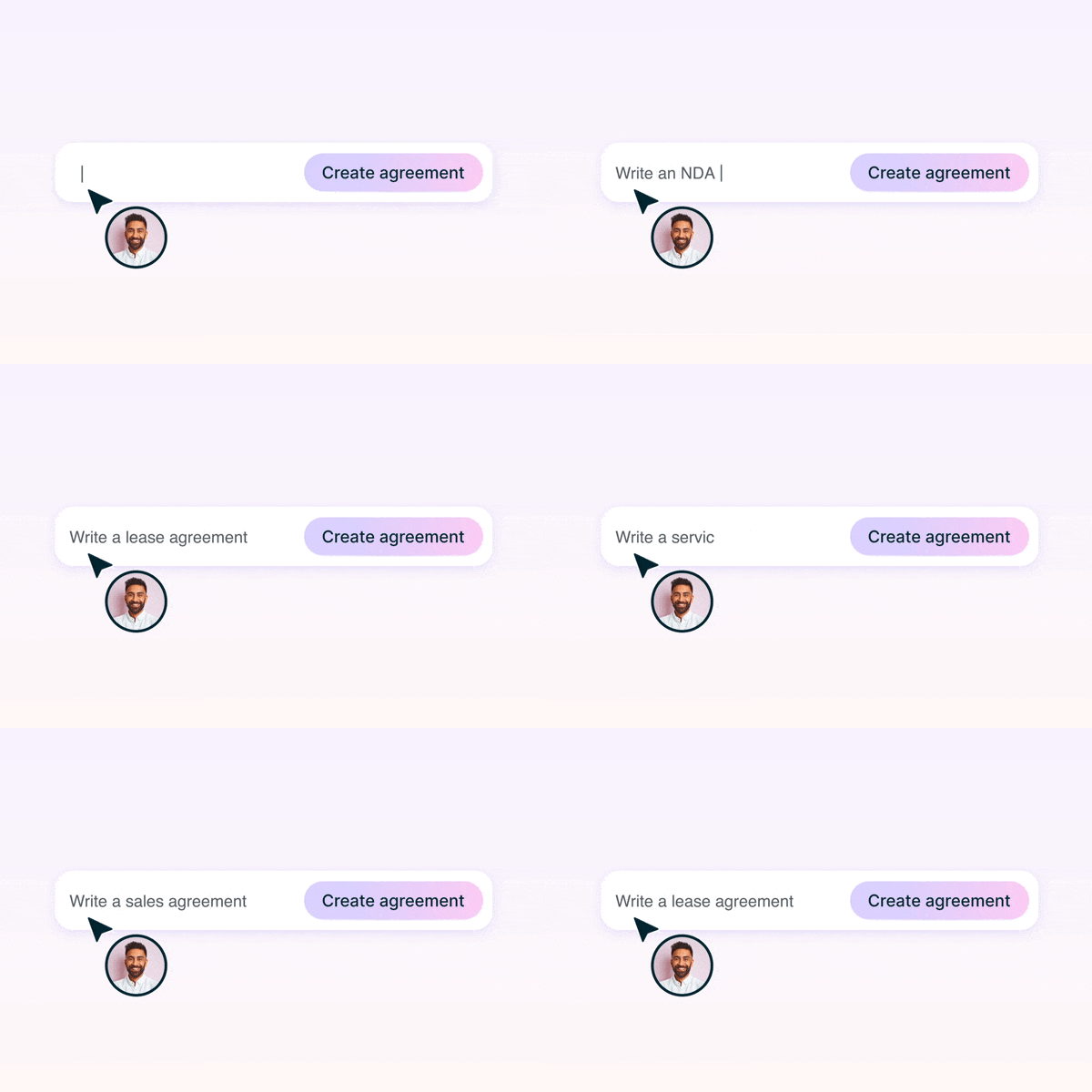
- Generate agreements
- Early access to Lumin AI-2
Enterprise
For organizations with advanced security & compliance needs
Get a solution tailored to your needs
Get a solution tailored to your needs
- Control storage options
- Single workspace for your domain
- Enterprise SSO integration
- Microsoft integration
- Premium onboarding
- Tailored pricing
- Dedicated customer success manager
Lumin AI
Free during beta
- Query and summarize your docs
- Redact, replace keywords and perform basic tasks on your docs
- Generate agreements
- Early access to Lumin AI-2
Trusted by over 0M professionals worldwide







Transform work with Lumin AI

Scalable AI designed to enhance the speed and precision of your workflows across all our products.

Starter Plan - The student essential
Just $9 per month for the tools you need to tackle assignments and research without breaking your budget

Lumin for non-profits
We offer discounts for non-profit organisations. We believe good software should be accessible to everyone.
Talk to salesFrequently asked questions
Do I have to pay to use Lumin?
No – we have a free plan with all the PDF editing basics. If you’re just looking to edit a couple of PDFs, this is a great option.
If you want more than the basics, our paid plans offer modern tools at a competitive price. We offer free 7 day trials of all our plans. Cancel your free trial any time within those 7 days using the admin settings in Lumin.How many people can I collaborate with?
You can add as many people as you like to your Workspace, and collaborate on as many documents as you like within it.
If you share a document with someone outside your Workspace it will count as completed – but only once! You can go back-and-forth with that person as many times as you like without it counting toward your doc limit again (within a 1-month period).Which plan is right for me?
You could choose a plan based on how many documents you think you’ll use each month, or based on a specific tool. For example, if you expect to complete between 10 and 30 docs per month, a Starter plan looks right for you. If you want to redact information, a Business plan might be better.
Our friendly sales team is always on hand to give advice and walk you through the products.What is a doc stack?
This is the number of documents you can complete each month. You complete a document by sharing, printing, syncing or downloading it. If you reach the limit, we’ll automatically add another block of documents to your stack. Don’t worry, admins can turn auto-renew off in your billing settings.
Click your profile icon (top right of your screen) and the drop-down menu will show your doc stack usage to date.Can I use Lumin while offline?
Can I edit PDFs with Lumin?
Yes! That’s what we do best. You can add text or images, draw or highlight on pages, edit PDF text directly and much more. You can even use our Page Tools to edit the structure of PDFs: split, merge, extract and rearrange pages any way you like.