
How to fill out Schedule C (Form 1040)
Author
Regine Dy
Published
Feb 12, 2026
Categories
Small business
Read time
3 mins
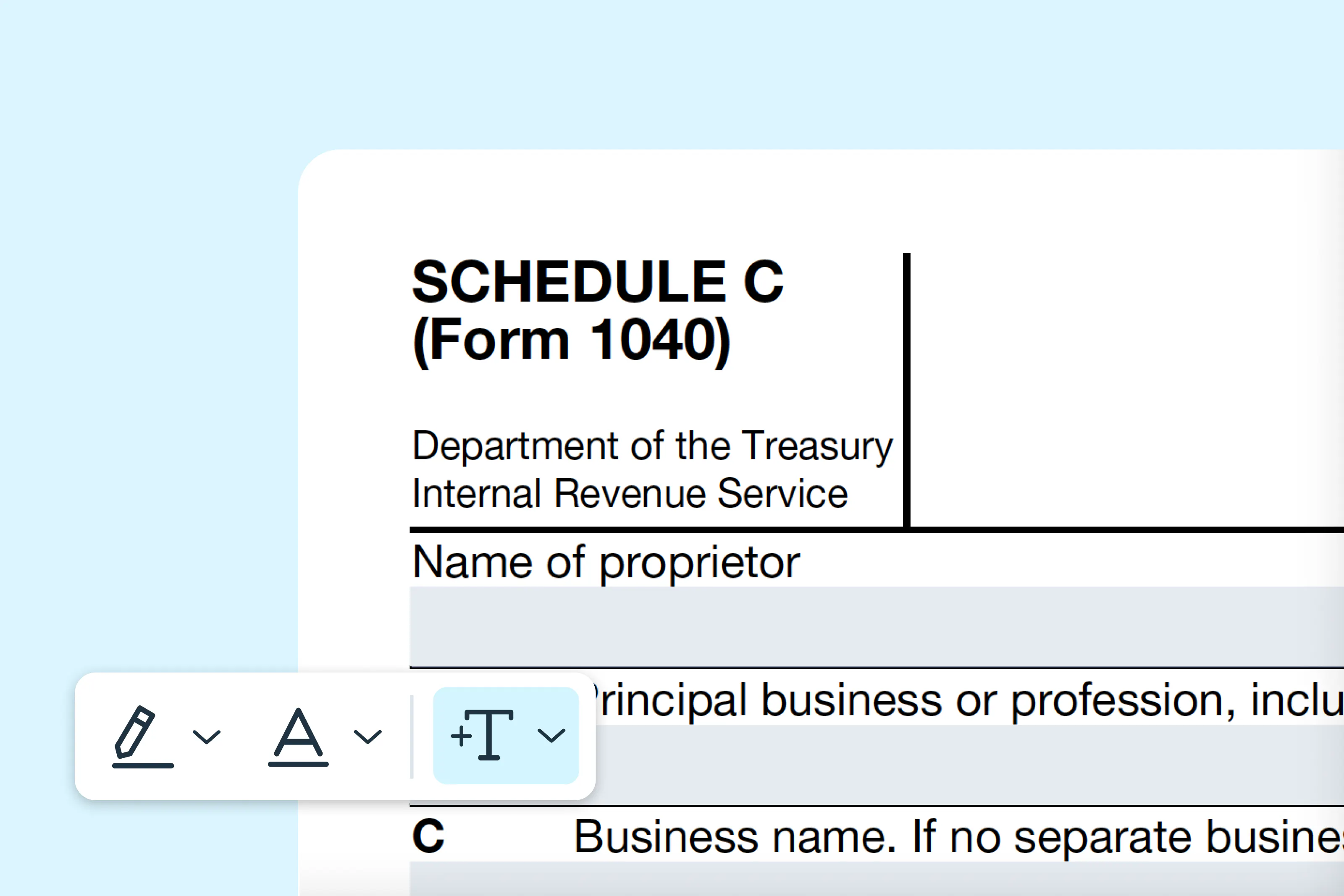
Schedule C (Form 1040) is an essential tax document used by sole proprietors and single-member LLCs to report income and expenses from their business. This guide explains each step of the form for small business owners, freelancers and independent contractors.
0 []Table of contents
- 1. What is Schedule C (Form 1040)?
- 2. Who should fill out Schedule C?
- 3. Step-by-step instructions for filling out Schedule C
- 4. Where to download Schedule C
- 5. Filling out Schedule C online
- 6. How to submit Schedule C
- 7. Common mistakes to avoid
Share this post
What is Schedule C (Form 1040)?
Schedule C, officially titled as "Profit or Loss from Business," is filed along with your Form 1040 to report your business income and deductible expenses to the IRS. The information on this form determines your net profit or loss, which is then included in your personal income tax return.
Filing Schedule C accurately is crucial to comply with U.S. tax laws and to avoid penalties, audits or errors in your tax return.
Who should fill out Schedule C?
You should complete Schedule C if you:
- Operate a sole proprietorship or single-member LLC.
- Work as an independent contractor or freelancer.
- Earn income from a side business that isn’t reported on a W-2.
- Want to claim business expenses such as supplies, equipment or home office deductions.
Note: Remember, if you operate as a corporation or partnership, you will generally file other business tax forms instead.
Step-by-step instructions for filling out Schedule C
Follow the steps below to fill out Schedule C accurately. Ensure all information matches your records to prevent processing delays.
Step 1: Enter your business information
Provide your name, Social Security Number (SSN) or ITIN, business name (if different) and business address.
Step 2: Describe your business
Specify your principal business activity, product or service and business code as listed in the IRS instructions.
Step 3: Report your income
Include all gross receipts or sales, returns and allowances. Subtract any returns or allowances to calculate your total income.
Step 4: List your expenses
Deduct ordinary and necessary business expenses, including:
- Advertising.
- Car and truck expenses.
- Contract labor.
- Supplies.
- Rent or lease payments.
- Utilities and wages.
Step 5: Calculate your net profit or loss
Subtract total expenses from total income. Report the net amount on both Schedule C and Form 1040.
Step 6: Complete other sections if applicable
These include:
- Cost of goods sold (if you sell products).
- Vehicle information (if claiming business use of a car).
- Home office deduction.
- Other expenses not listed elsewhere.
Where to download Schedule C
You can easily access and fill out Schedule C using Lumin’s intuitive platform. Complete the form digitally, download it and include it with your federal tax return.
Filling out Schedule C online
Filling out Schedule C online with Lumin is fast and convenient. You can:
- Complete the form digitally without printing or handwriting.
- Review each section and make changes before submission.
- Sign electronically and save a copy for your records.
Follow these steps to accurately fill out your Schedule C on Lumin:
- Open the “Schedule C (Form 1040)” in Lumin’s Template Discovery and click “Use Template.”
- Sign in or create a free Lumin account.
- Enter all required business and income information.
- Add your business expenses accurately.
- Finally, download and print the form on letter-size paper, then review for accuracy.
Note: Do not forget to attach your signed Form 1040 for filing.
How to submit Schedule C
Schedule C is submitted as part of your federal income tax return (Form 1040). You have three main filing options:
Option 1: Electronically (E-file)
Submit Schedule C with your e-filed Form 1040. Electronic filing is fast, secure and reduces errors.
Option 2: Mail
Attach Schedule C to your paper Form 1040 and mail it to the IRS address listed in the instructions. Certified mail is recommended for tracking purposes.
Option 3: Tax professional submission
A CPA or tax preparer can complete and submit Schedule C on your behalf, ensuring deductions are maximized and forms are accurate.
Common mistakes to avoid
- Incorrect business info: Make sure your name, SSN/ITIN and business name match official records.
- Missing expenses: Keep receipts and documentation for all deductions.
- Misreporting income: Include all gross receipts, including 1099 income.
- Calculation errors: Double-check totals to avoid errors that trigger audits.
- Late filing: Submit Schedule C with Form 1040 by the IRS deadline to avoid penalties.
Tips for a successful filing
- Keep organized records of income and expenses throughout the year.
- Review IRS instructions for business codes and special deductions.
- Consult a tax professional for complex businesses or unusual expenses.
- Save copies of all submitted documents.
By following this guide, you’ll be prepared to complete Schedule C accurately and report your business income and expenses with confidence. Lumin provides ready-to-use fillable IRS tax forms to support a smooth tax filing process.
Share this post