
How to fill out a W-7 form
Author
Regine Dy
Published
Feb 11, 2026
Categories
Small business
Read time
5 mins
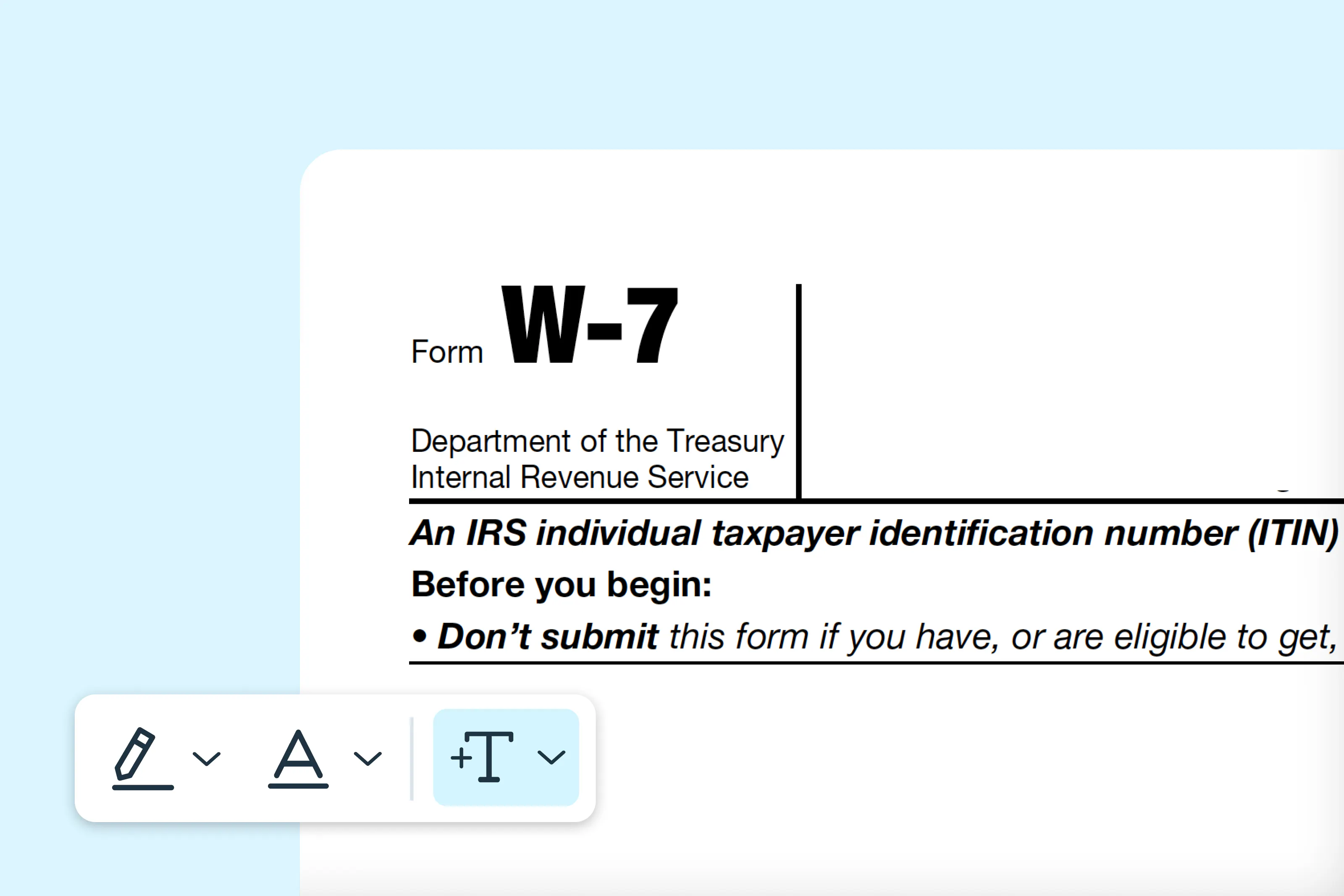
Form W-7 is one of the important tax documents used to apply for an Individual Taxpayer Identification Number (ITIN) from the IRS. This guide explains each step of the application process for foreign investors, international students and dependents of US taxpayers.
0 []Table of contents
- 1. What is Form W-7?
- 2. Who should fill out Form W-7?
- 3. Step-by-step instructions for filling out Form W-7
- 4. Where to download Form W-7
- 5. Filling out a W-7 form online
- 6. How to submit Form W-7
- 7. Common mistakes to avoid
- 8. Tips for a successful application
Share this post
What is Form W-7?
Form W-7, officially titled "Application for IRS Individual Taxpayer Identification Number," is the document used to apply for an ITIN. An ITIN is a nine-digit tax processing number issued by the IRS to individuals who need a US taxpayer identification number but don't qualify for a Social Security Number (SSN).
The ITIN is used strictly for federal tax purposes and allows individuals to comply with U.S. tax laws. It doesn't authorize work in the United States or provide eligibility for Social Security benefits.
Who should fill out Form W-7?
You should complete Form W-7 if you fall into any of these categories:
- Nonresident alien required to file a US federal tax return
- US resident alien (based on days present in the United States) filing a US tax return
- Dependent or spouse of a US citizen or resident alien
- Dependent or spouse of a nonresident alien visa holder
- Nonresident alien claiming tax treaty benefits
- Nonresident alien student, professor or researcher filing a US tax return or claiming an exception
Remember that if you're eligible for a Social Security Number, you cannot obtain an ITIN. The ITIN is specifically for those who need to comply with US tax obligations but don't qualify for an SSN.
Step-by-step instructions for filling out Form W-7
Follow the instructions below to complete Form W-7 accurately. Make sure the information you enter matches your supporting documents to avoid processing delays.
Step 1: Select your reason for applying
Choose the option that best explains why you need an ITIN. Provide any extra information if the form requires it.
Step 2: Enter your name
Provide your legal name exactly as it appears on your passport or other official ID.
Step 3: Provide your mailing address
Enter a complete address where you can receive mail from the IRS.
Step 4: Enter your foreign address (if applicable)
If you have a permanent address outside the U.S., provide it here.
Step 5: Enter your birth information
Include your country, state or province, date of birth and gender. Make sure it matches your supporting documents.
Step 6: Provide additional information
Include your citizenship, foreign tax ID (if any), U.S. visa type (if applicable) and any previous ITINs.
Step 7: Sign and date the form
Sign and date the form. If someone else signs for you (like a parent), indicate their relationship.
Where to download Form W-7
Easily find and complete Form W-7 on the Lumin website using its intuitive interface. Once you’ve filled in the necessary information, you can download the form and submit it as required.
Filling out a W-7 form online
Filling out the W-7 form online with Lumin is a fast and convenient process. You can complete the form digitally without printing or handwriting, review each section and make changes before submitting. Once finished, you can sign electronically and save a copy for your records.
- Search for the “W-7 Form” in Template Discovery on Lumin and click Use Template.
- Sign in or create a free Lumin account to access the form.
- Fill out all required fields, including your personal information, reason for applying and any supporting details.
- Download the completed form and print it on standard letter-size paper. Review all entries to ensure the information is accurate and complete.
- Sign and date the form by hand using wet ink in the designated signature field, then submit it to the appropriate agency or include it with your tax filing as instructed.
How to submit Form W-7
You have three main submission options, each with specific advantages:
Option 1: By mail
Send your completed Form W-7, tax return (if required) and supporting documents to:
Regular mail:
Internal Revenue Service
ITIN Operation
P.O. Box 149342
Austin, TX 78714-9342
Private delivery service (FedEx, UPS, DHL):
Internal Revenue Service
ITIN Operation
3651 S. Interregional Hwy 35
Austin, TX 78741-0000
When mailing, consider using certified mail with a return receipt requested. This provides proof of delivery and helps track your application.
Option 2: Through a Certified Acceptance Agent (CAA)
CAAs are authorized by the IRS to help you complete your application and verify your documents. The main advantage is that CAAs can authenticate your original documents, so you don't need to mail them to the IRS.
Benefits of using a CAA include:
- Document verification without sending originals
- Professional assistance with form completion
- Reduced the chance of errors or rejections
- Faster processing in many cases
To find an authorized CAA, visit the IRS website's acceptance agent program page.
Option 3: In person at an IRS Taxpayer Assistance Center
Certain IRS locations accept Form W-7 applications by appointment. Staff can verify your documents on-site and return originals immediately.
To use this option:
- Schedule an appointment through the IRS website.
- Bring all required documents.
- Allow sufficient time for the appointment.
- Confirm the location offers ITIN services.
Not all IRS offices provide ITIN application services, so verify availability before visiting.
Common mistakes to avoid
Preventing these frequent errors will help ensure smooth processing:
Incomplete or incorrect information
- Double-check that all fields are completed accurately.
- Ensure names match supporting documents exactly.
- Verify dates are in the correct format (MM/DD/YYYY).
Documentation issues
- Never send expired documents.
- Don't submit photocopies unless certified by the issuing agency.
- Include certified translations for foreign-language documents.
Missing tax return
Most applicants must attach a federal tax return with Form W-7. Exceptions are limited and specific.
Wrong mailing address
Verify you're using the current IRS address for ITIN operations. Using outdated addresses causes significant delays.
Signature problems
- Forgetting to sign the form
- Using electronic signatures on paper submissions
- Not specifying the relationship when signing for someone else
Selecting multiple reasons
Choose only one reason for applying. Selecting multiple boxes will result in rejection.
Tips for a successful application
Follow these best practices to maximize your chances of approval:
- Start early: Begin the application process well before tax deadlines.
- Be meticulous: Triple-check names, dates and numbers.
- Keep copies: Save copies of all submitted documents.
- Use tracking: Send via certified mail or trackable delivery.
- Consider professional help: Consult a tax professional or CAA if unsure.
- Respond promptly: Address any IRS requests immediately.
By following this guide, you'll be prepared to complete Form W-7 accurately. For additional tax or administrative documents, Template Discovery on Lumin provides access to a large collection of fillable forms designed to support a smoother paperwork experience. These templates are ready to use and help reduce the time spent completing forms.
Share this post