
Professional workflows for volunteer movement
Women in AI cut document processing from 30 minutes to 2 minutes with Lumin Sign. 200 volunteers across 150 countries coordinated.


Coordinating volunteers across 150 countries
NDAs lived with regional leads in different versions. Volunteers printed Word documents, signed them, scanned them back, and sent them via email. No central access. No version control. Just chaos.
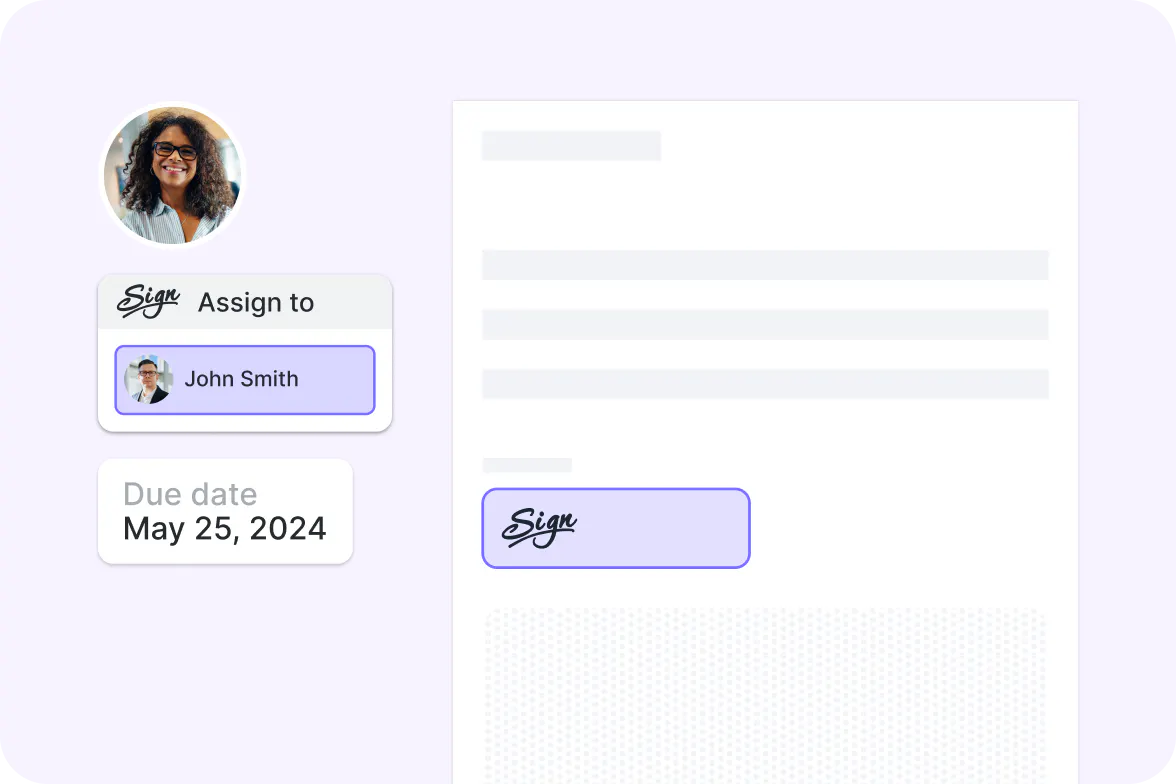
Simple and secure tools for busy volunteers
Women in AI needed something volunteers could use without spending hours learning it. Lumin Sign gave them drag-and-drop simplicity with centralized storage and compliance-ready security.
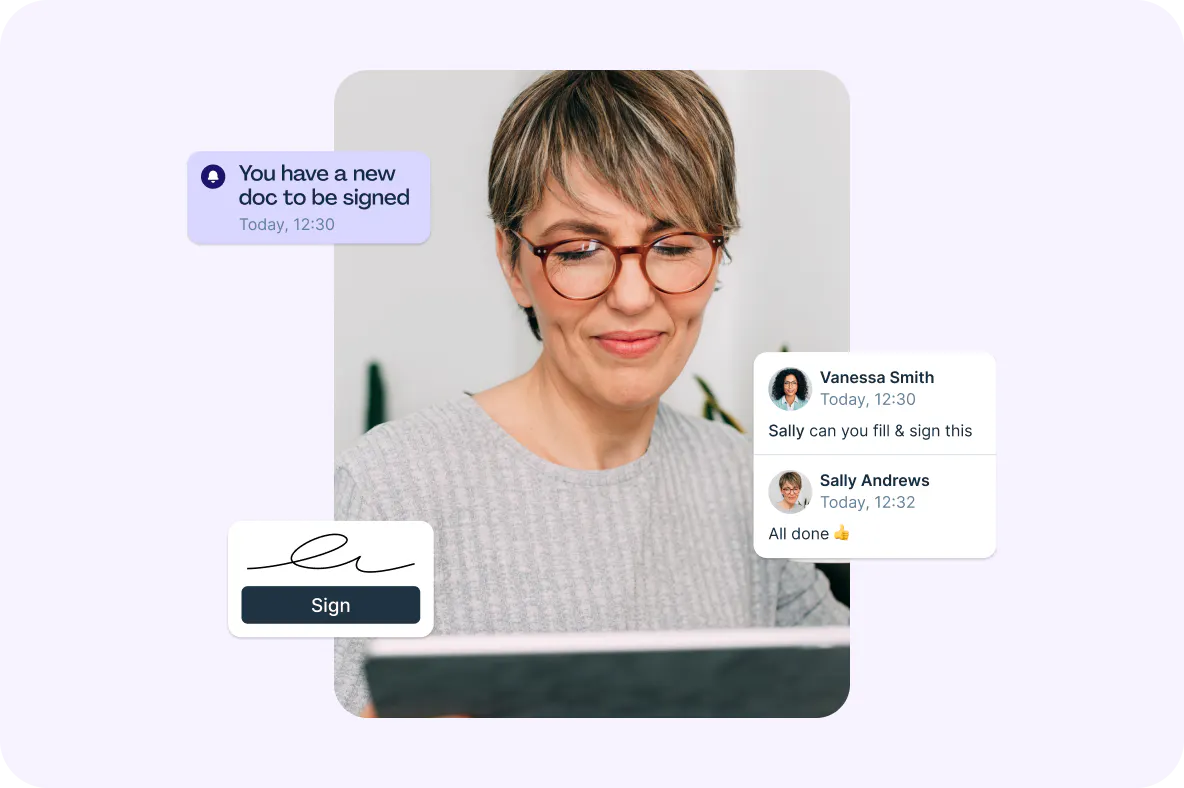
From thirty minutes to two minutes per document
Document processing dropped from half an hour to two minutes. That time went back to volunteers for mentoring sessions, networking events, and building pathways into AI careers.
You're in good company







From chaos to coordination
Lisel Engelbrecht explains how 200 volunteers across 150 countries went from scattered NDAs to streamlined document workflows.
Yes! Lumin Sign is free to use for up to five contracts a month, allowing you to send legally compliant signatures and streamline your workflows; all the basics are covered.
Our paid plan is designed to help you send efficient and secure contracts at scale. View outstanding contract status, send automated email reminders and scale your business.
An eSignature, also known as a dry signature, represents a person's handwritten signature and is a legally binding way to digitally sign documents.
To digitally sign a PDF, you should use a reputable platform like Lumin Sign or DocuSign. Upload your document, and then you can create an eSignature using a stylus, an image of your signature or by typing in your name and converting it to a nice font.
In the US, two acts recognize eSignatures as equivalent to wet ones in terms of legal status: the Uniform Electronic Transactions Act (UETA) and the Electronic Signatures in Global and National Commerce Act (perfectly acronymed as ESIGN).
Other countries have similar legal recognitions include: Europe, Canada, UK, India, New Zealand, Australia and Singapore.
Yes, there is a Lumin Sign app. Send, sign and track documents while on the go. The Lumin Sign mobile app keeps work moving with you across your phone or tablet. You can download the app from the Apple and Google Play stores for free.