Guess the tees & win a luxury escape!
Thanks for visiting our booth at Dreamforce. Guess how many tees are in the jar and go in the draw to win a luxury escape.


The prize
Win an overnight stay at a US Omni Resort location of your choice. Choose between any of the beach, mountain or desert locations.
Complete the experience with your choice of dining, spa treatments, golf, and a range of other resort amenities.
Take your guess!
Make your guess, and you could win big. The winner will be announced November 1st via provided contact details.
Lumin Sign for Salesforce
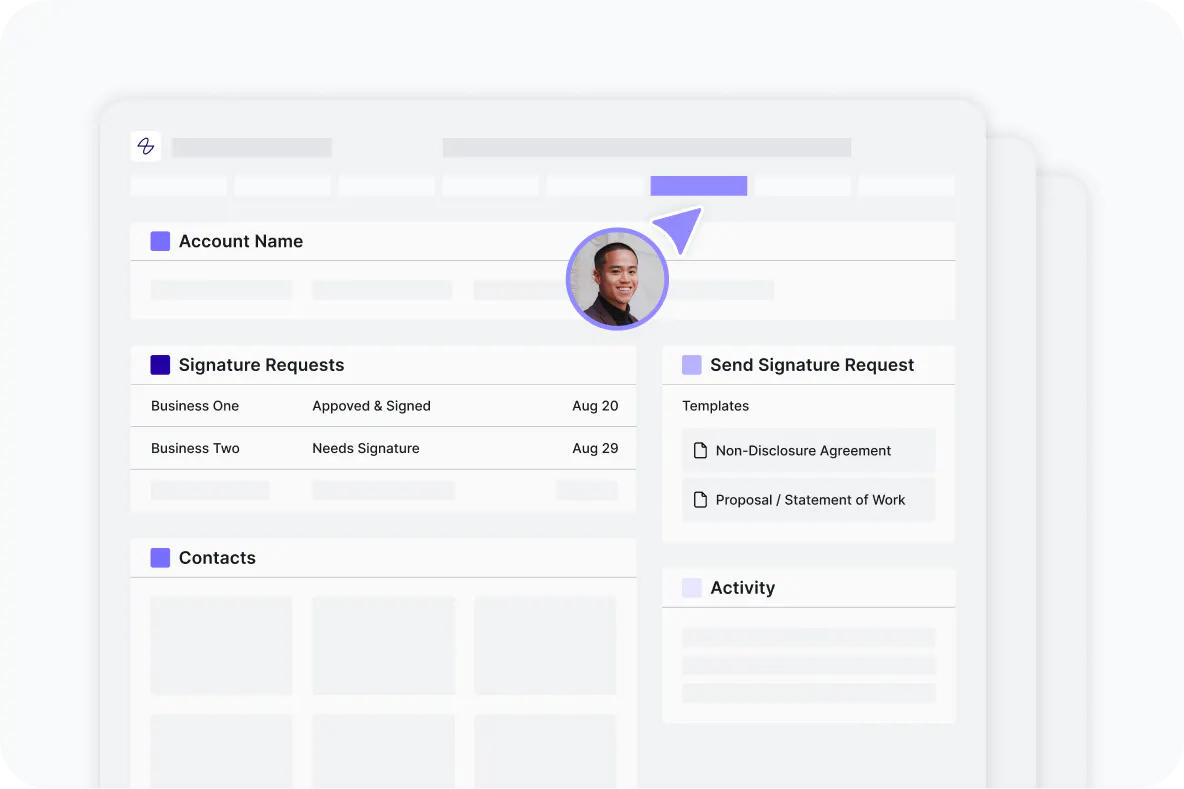
Eliminate platform switching and delays
Stay in your Salesforce workflow where deals live. No more losing time switching between tools. Generate contracts, send for signature, and close deals 40% faster, all without leaving Salesforce.

Auto-populate contracts with zero errors
One quick setup connects your Salesforce data to your contract templates forever. Customer details flow instantly — no more manual data entry, no copy-paste, no delays.
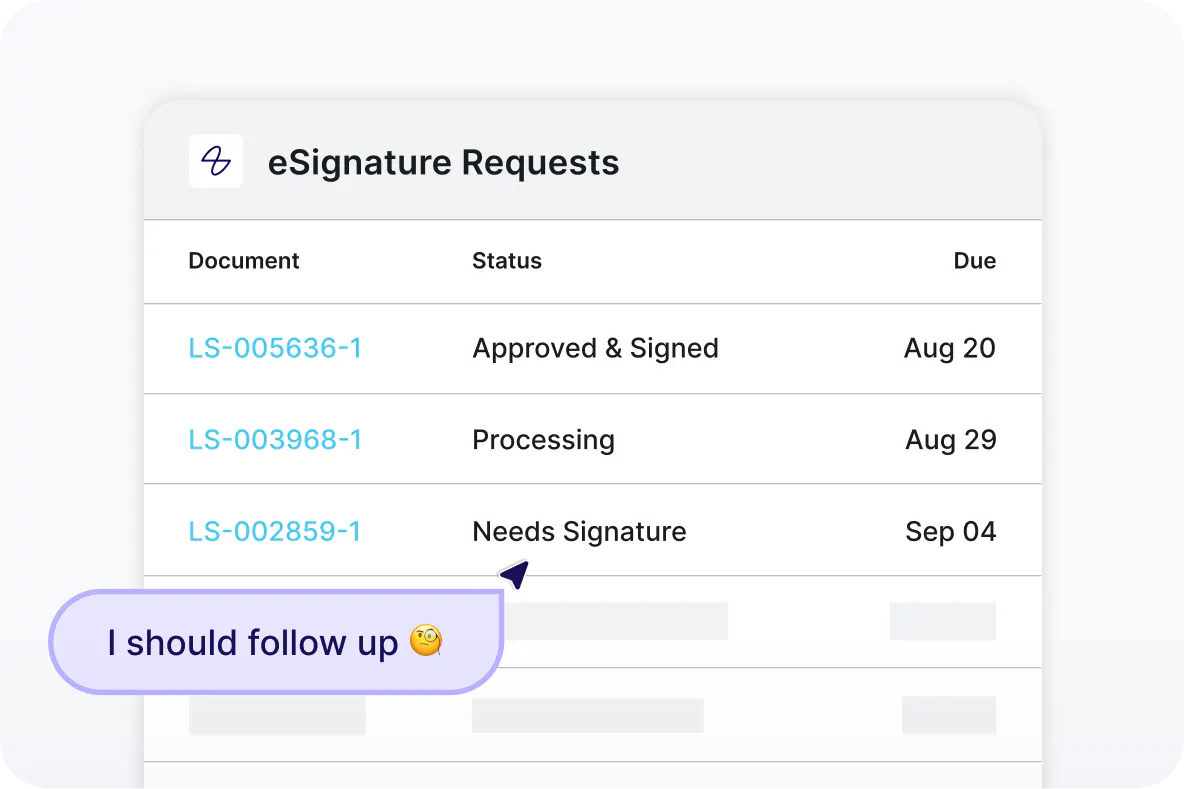
Track and manage with complete visibility
Track signatures in real time and see precisely when deals close. Signed documents sync to Salesforce with audit trails for complete visibility
How to get started with Lumin Sign for Salesforce
Step 1
Contact our sales team to learn more about Lumin Sign for Salesforce. Already a customer? Reach out to your Lumin representative for setup.
Step 2
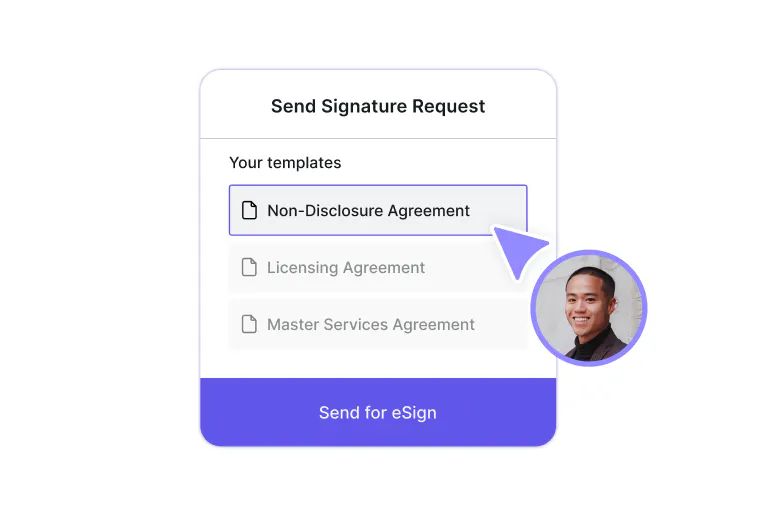
Create new or publish existing templates in Lumin Sign.
Step 3
Head to Salesforce AppExchange and follow setup steps to install Lumin Sign for Salesforce.
Enterprise functionality at startup prices
Get started with Lumin Sign for Salesforce for just $18 USD per month