Lumin logo
  • Lumin Products
    • AgreementGen

      Your agreement drafting sidekick

    • Lumin Sign

      Simple and secure digital signing

    • Lumin PDF

      Edit, collaborate, and share PDFs

    • Lumin AI

      Supercharge your docs

    Download Apps
    API and Integrations
    • eSign API

      Seamless eSignature integration

    • Integrations

      Streamline your workflow with ease

  • AgreementGen

    • AI agreement generator

    • AI agreement editor

    • NDA generator

    • Lease agreement generator

    • Employment contract creator

    • Terms and conditions generator

    • Operating agreement generator

    • Non-compete agreement generator

    • Business plan generator

    Lumin Sign

    • Sign PDF

    Lumin PDF

    • Edit PDF

    • Edit PDF text

    • Collaboration

    • Create fillable PDF

    • Merge PDF

    • Unlock PDF

    • Integrate Google

    All tools
  • By use cases

    Streamline efficiency

    Use the cloud to reduce the burden of countless tools

    Build relationships

    Collaborate and negotiate with a few clicks

    Secure with confidence

    Comply and stay with global security standards

    Onboard from anywhere

    Automate contract admin to seal deals faster

    Accelerate collaboration

    Make teamwork seamless with a centralized suite of tools

    Work on site

    Fast-track fieldwork with offline mode for mobile

  • Discover

      Blog

      News and views on collaborative workflows

      Template Discovery

      Find, fill and sign 5,000+ free online forms

      Customer Stories

      Discover companies creating more impact with less admin

    Support

      Lumin 101

      New here?
      Learn the basics

      Help Center

      Your complete manual to Lumin and Lumin Sign

  • Enterprise
  • Pricing
  • Request a demo
Try for freeSign in
Request a demo
Sign in
Try for free

eSign PDFs securely

Digitally sign PDF documents in seconds. Drop your PDF file below, invite signers, add a due date, assign eSignatures and track the progress. Free document signing.

One moment...

or drop your first file here

You're in good company

costco logo
spotify logo
salesforce logo
pinterest logo
knightFrank logo
paypal logo
uber logo
costco logo
spotify logo
salesforce logo
pinterest logo
knightFrank logo
paypal logo
uber logo
costco logo
spotify logo
salesforce logo
pinterest logo
knightFrank logo
paypal logo
uber logo

How to eSign a PDF

Follow these simple steps to eSign your PDFs.

  • 1

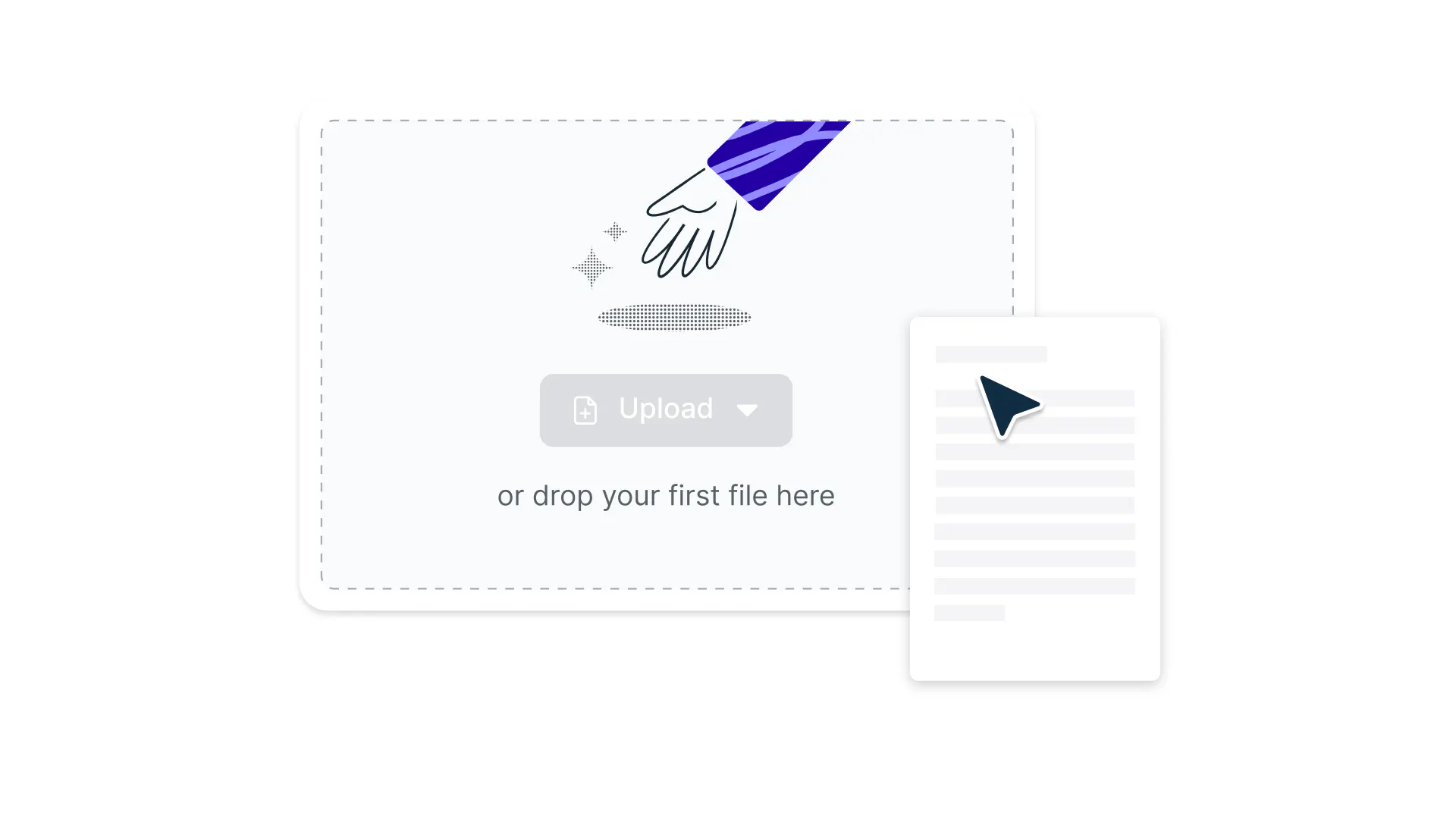
    Upload

    Drop a PDF file into the dropzone above or click the 'Upload' button.
  • 2

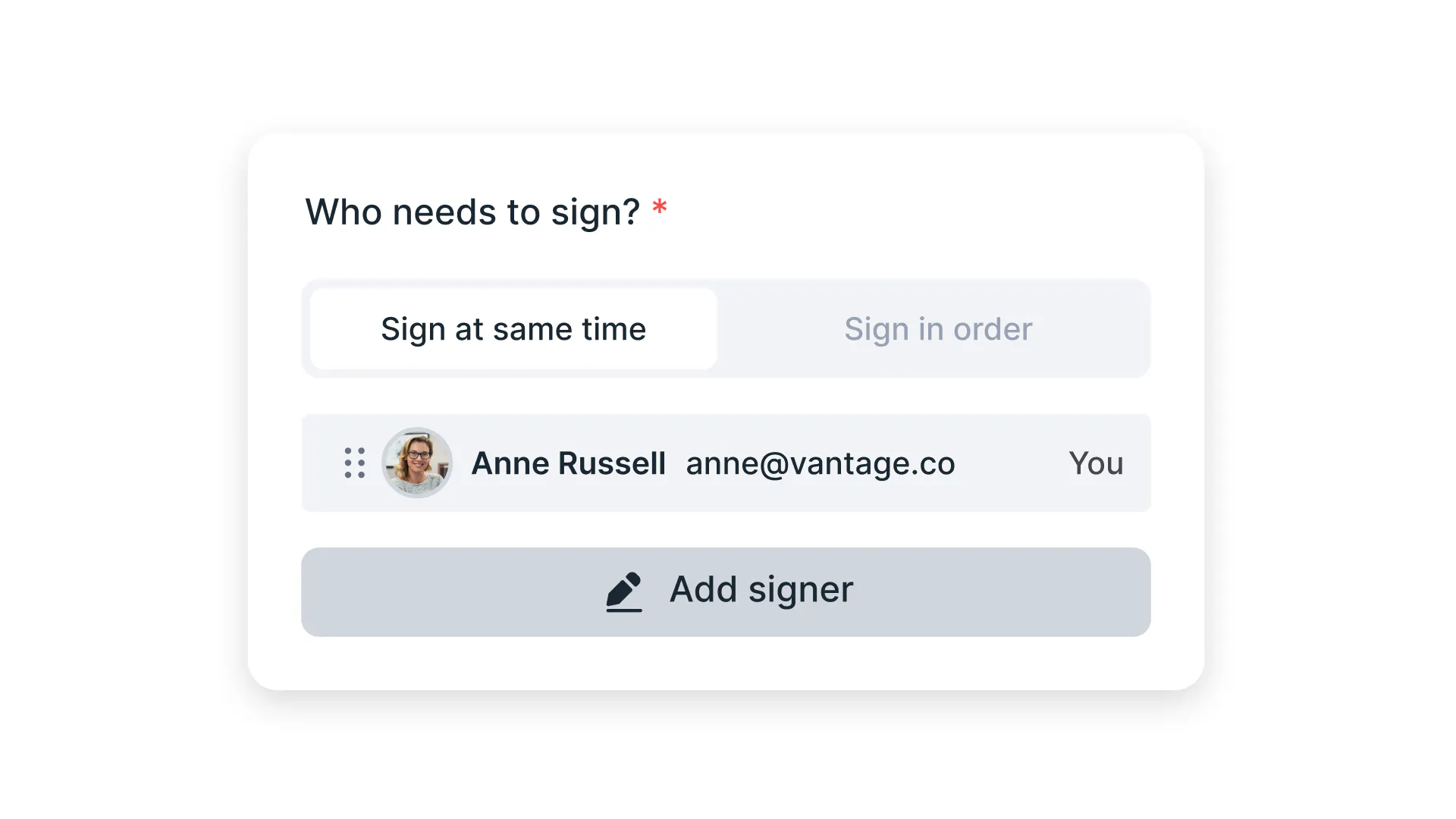
    Invite to sign

    Sign-in, select who needs to eSign the document then add signers & viewers.
  • 3

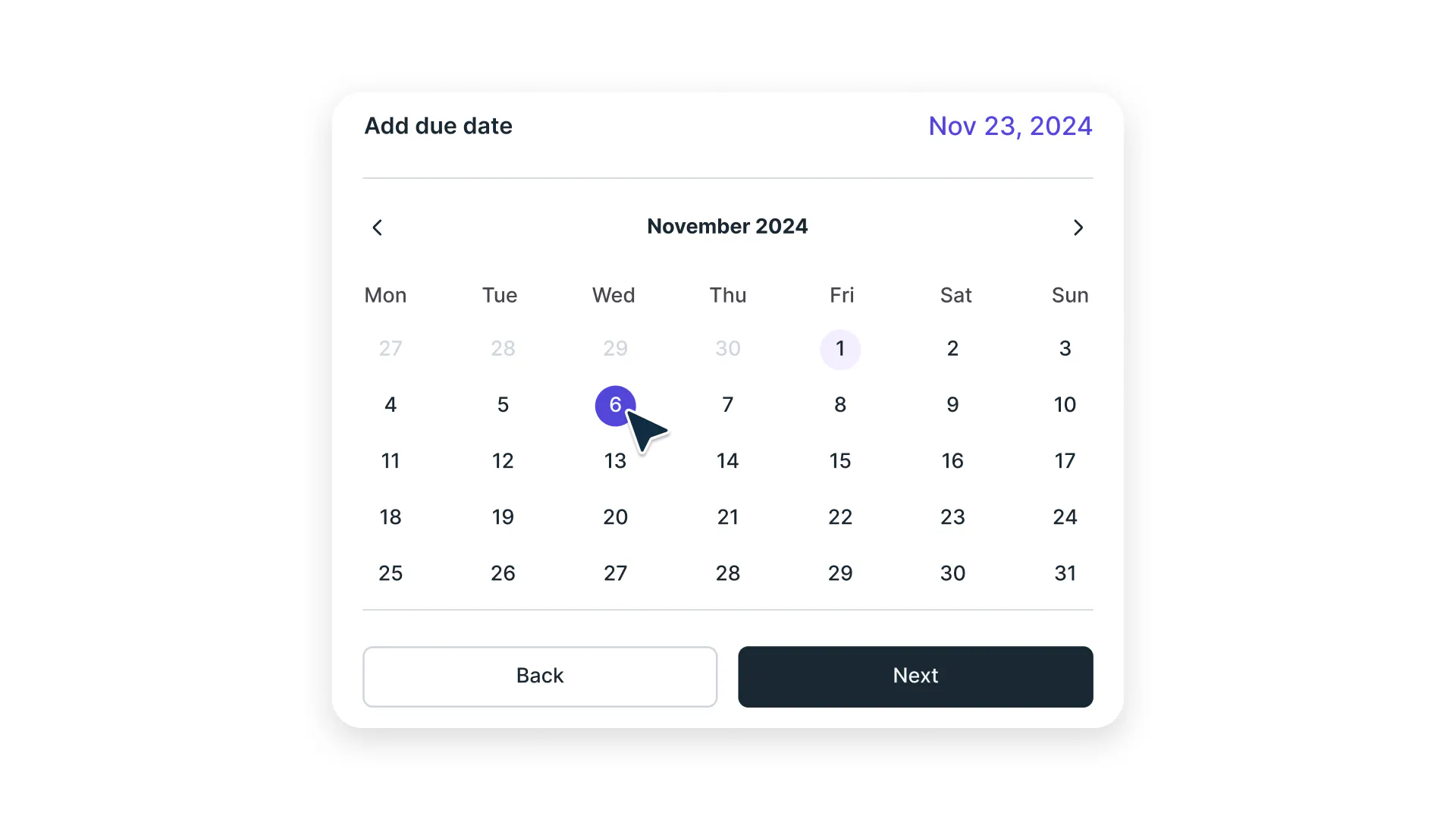
    Add due date

    Add a due date for the completion of the document.
  • 4

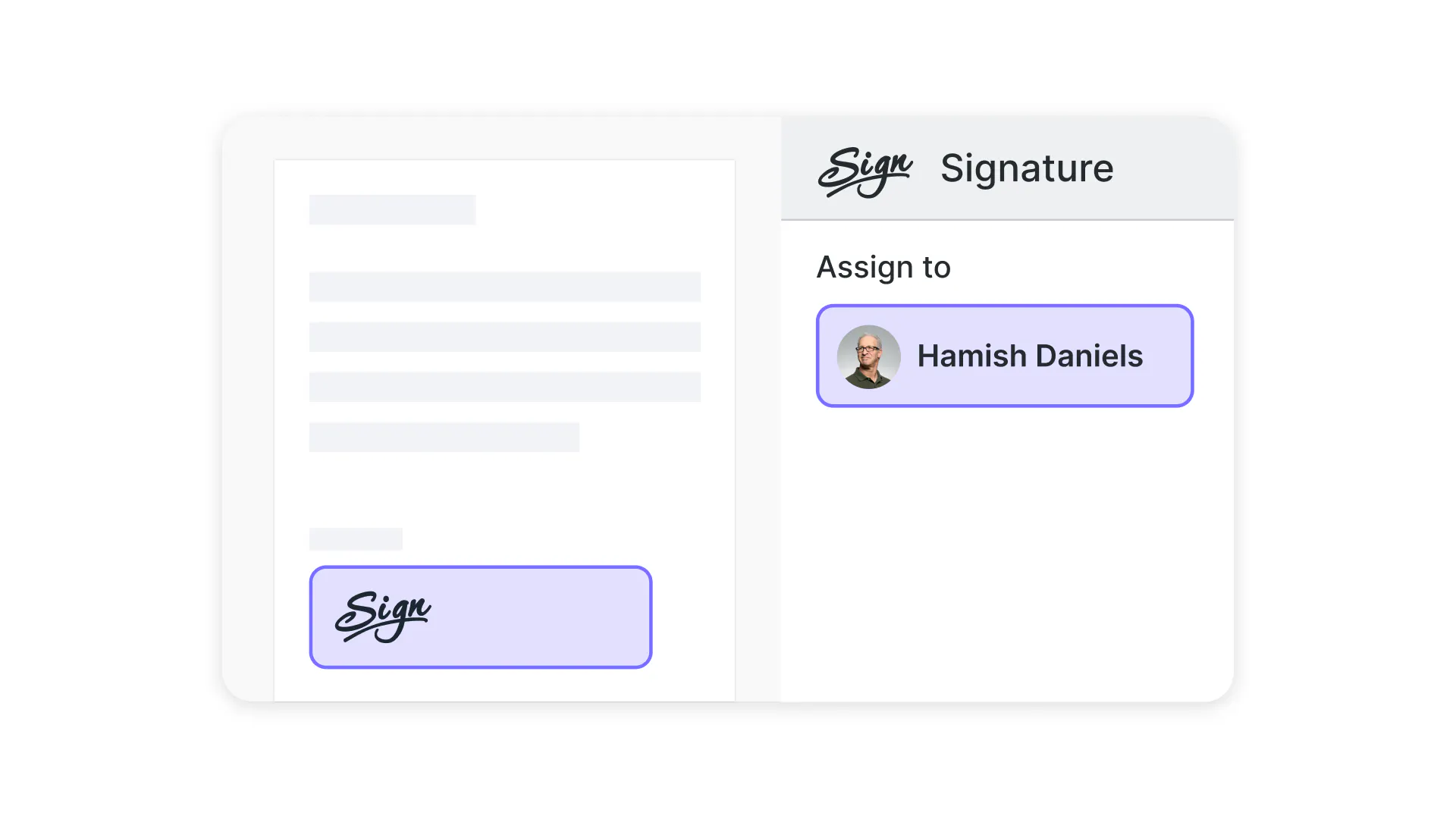
    Prepare

    Assign text, date and signature fields to multiple signers.
  • 5

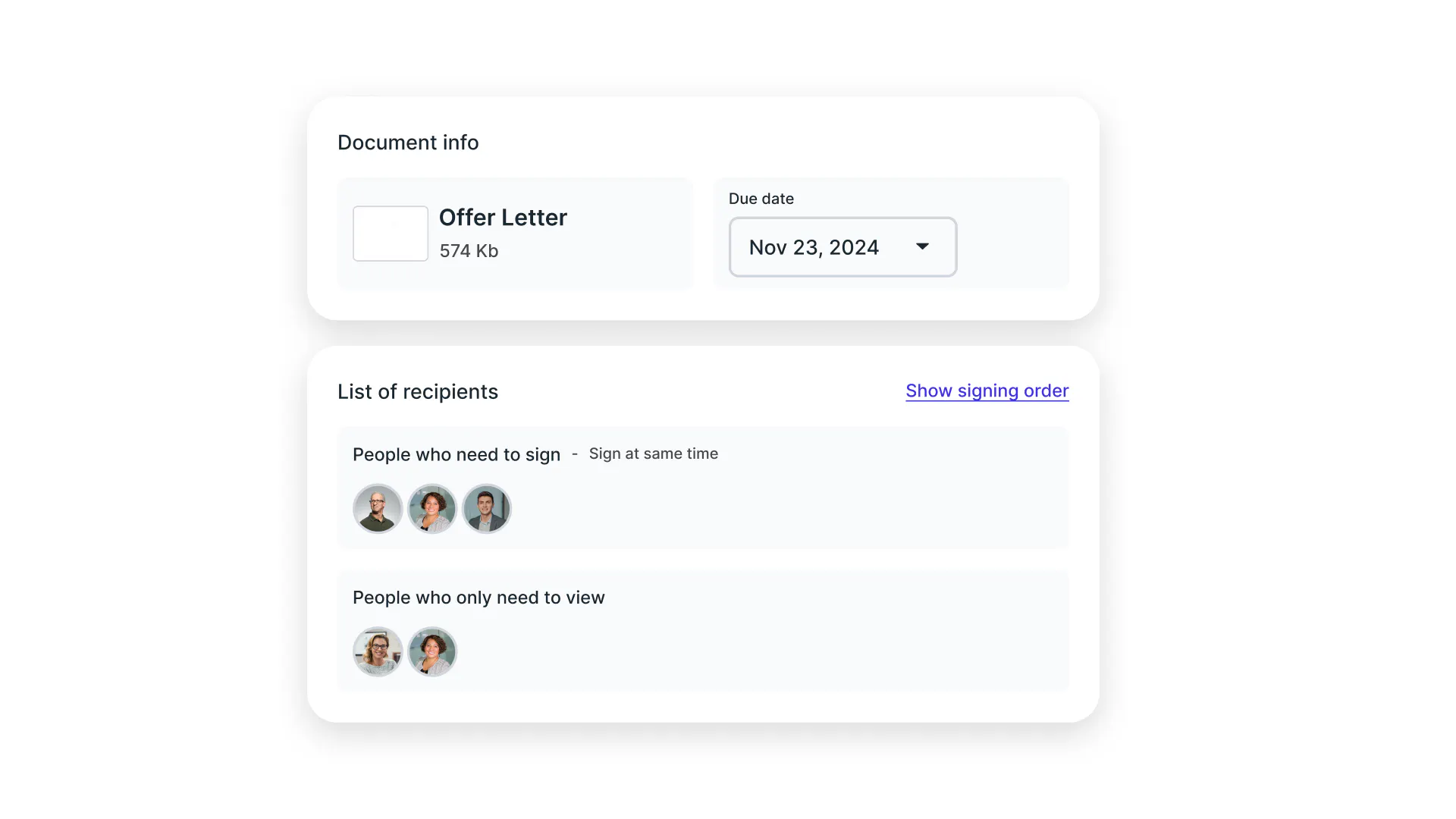
    Review

    A summary of your PDF will be generated for you in seconds.
  • 6

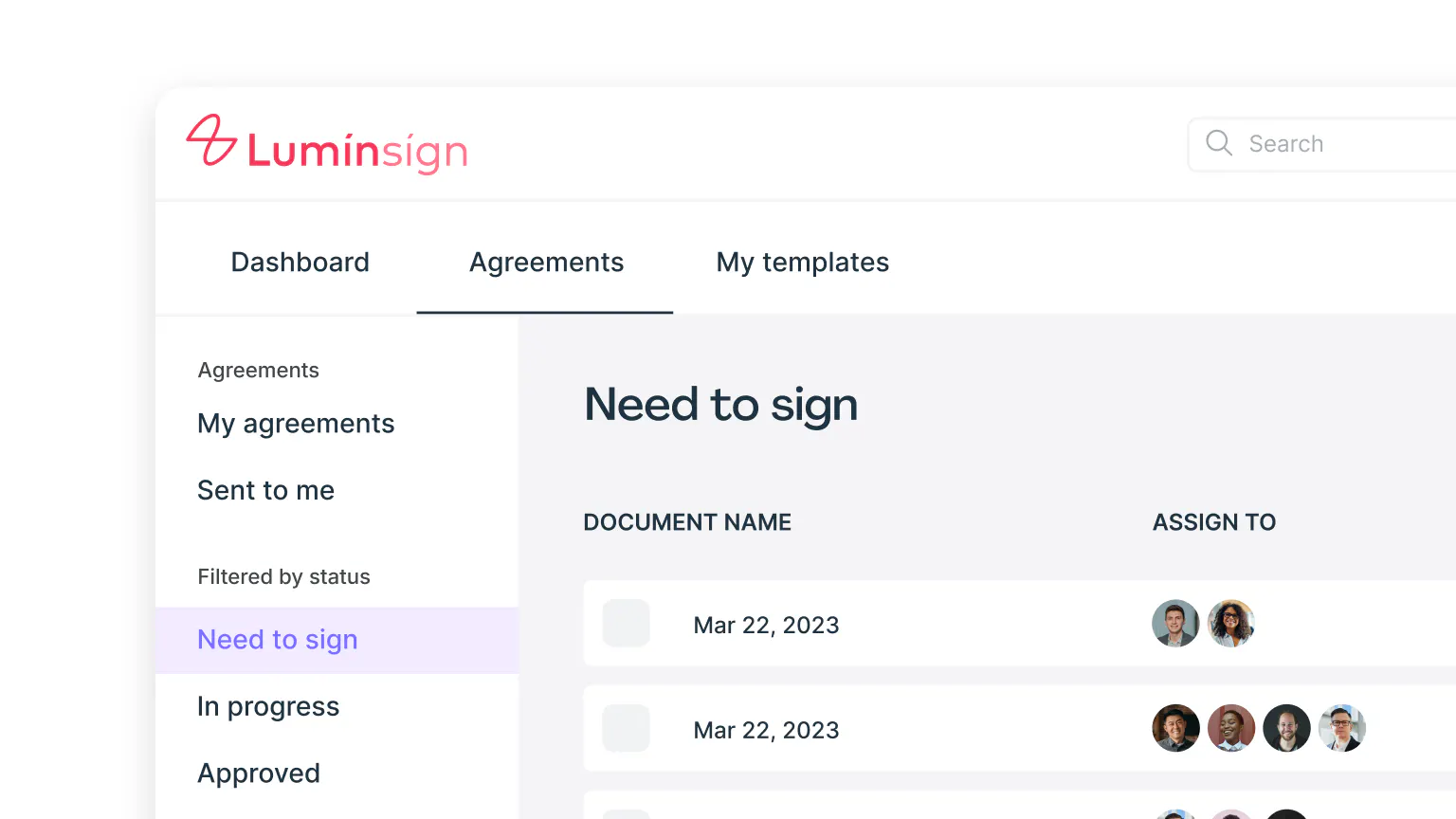
    Send

    The doc has now been sent for signing, view your dashboard to stay updated.
Fast, hassle-free eSignatures for your PDFs

Sign, send, and track documents in just a few clicks with Lumin.

  • Capture signatures in seconds

    Sign your PDF with just a few clicks. Add your signature or initials instantly without printing or scanning. Choose from drawing, typing, or uploading your signature for a personalized touch that saves time and eliminates paperwork.
  • Request multiple signatures with ease

    Send documents to several people at once and collect all required signatures securely in one place. Whether you need two signatures or twenty, manage all your signers from a single dashboard with complete visibility.

  • Sign anywhere, on any device

    Whether you’re on a Mac at your desk, a Windows PC at the office, or your iPhone or Android on the go, signing is always seamless. Open the PDF, add your signature, and finish the job in seconds — no printing, scanning, or switching devices required.

  • Efficiently track contracts

    Monitor the status of your agreements in real time. See who has signed and who still needs to. Get instant notifications when actions are taken, keeping you informed at every step of the signing process.

  • Guide signers with fillable fields

    Add text boxes, checkmarks, dates, and more to guide signers through your document. Create a seamless signing experience by clearly marking where information is needed, reducing errors, and eliminating back-and-forth communication.

  • Automate reminders

    Automate email reminders so signers never miss a deadline. Set custom reminder schedules to gently nudge pending signers, ensuring your documents are completed on time without manual follow-ups.

Join over 100 million customers

2,000+ reviews

g2trustpilotcapterra

Featured articles

The top 5 free eSignature tools for 2024

eSigning

• Jan 1, 2024

The top 5 free eSignature tools for 2024

So you’re looking for a signature generator, but unsure where to start. We're diving into the top 5 free eSignature tools – because who doesn’t love a freebie?

Read more The top 5 free eSignature tools for 2024→
How to sign a PDF on a Mac

eSigning

• Jul 25, 2025

How to sign a PDF on a Mac

Looking to sign a PDF on your Mac? This guide covers the simplest (and free) ways to add your signature.

Read more How to sign a PDF on a Mac→
Illustration of a checklist - three boxes, one ticked

eSigning

• Aug 17, 2024

How an eSign API keeps your business compliant

If your signatures aren't compliant, you risk fines or legal action. eSign APIs are one way you can guarantee your signatures are legally binding. Here's how.

Read more How an eSign API keeps your business compliant→

Frequently asked questions

  • An electronic signature (eSignature) is a digital method of signing documents that replaces traditional pen-and-paper signatures. It can be your typed name, a drawn signature using your mouse or finger, or an uploaded image of your handwritten signature. 

    E-signatures are legally recognized and eliminate the need for printing, signing, and scanning physical documents.

  • Adding your eSign to a PDF is simple:

    1. Upload your PDF document

    2. Invite users to sign

    3. Add a due date

    4. Apply your eSignature

    Your signed document is ready to download instantly.

  • Yes, electronic signatures are legally binding in most countries worldwide. They are recognized under major regulations, including the ESIGN Act (United States), eIDAS (European Union), and similar laws in other regions. 

    When properly executed with authentication measures and audit trails, e-signatures carry the same legal weight as handwritten signatures.

  • The process is simple. First, invite signers by sending the document to their email addresses. Next, add a due date to ensure timely completion. Then, prepare the document by adding boxes for signatures, dates, initials, or text where needed. 

    Finally, review everything before sending. Recipients will receive an email invitation to sign electronically, and you will be notified as each person completes their signature.

  • Yes, Lumin Sign makes it easy to collect signatures from multiple people. Upload your document, add signature fields where each person needs to sign, enter their email addresses, customize your message, and send. Recipients receive an email link to sign the document online without needing an account. You will be notified as each person completes their signature.

  • Electronic signatures through Lumin Sign are highly secure. Every signature is protected with 256-bit encryption and includes tamper-evident technology that detects any alterations after signing. 

    Comprehensive audit trails record all actions, including signer identity, timestamps, IP addresses, and document history, ensuring complete security and compliance with legal requirements.

  • Electronic signatures encompass a broader category, covering any electronic symbol or process that indicates agreement to a document. Digital signatures are a specific type of e-signature that uses certificate-based cryptographic technology for enhanced security and verification. 

    Both are legally valid, but digital signatures provide additional technical authentication through Public Key Infrastructure (PKI).

  • Yes! Our platform works seamlessly on iOS & android devices using the Lumin Sign app.

  • Yes! Our eSign platform supports multiple signers:

    – Set signing order

    – Add multiple signature fields

    – Track signing progress

    – Send automatic reminders

    – Get notifications when signed

    – View signing status

  • Lumin Sign offers free electronic signature capabilities to get you started. Create a free account to sign your own documents and send a limited number of signature requests per month. 

    For unlimited signatures and advanced features like signing orders, API access, custom branding, and team collaboration tools, consider upgrading to a professional plan tailored to your needs.

Discover our products
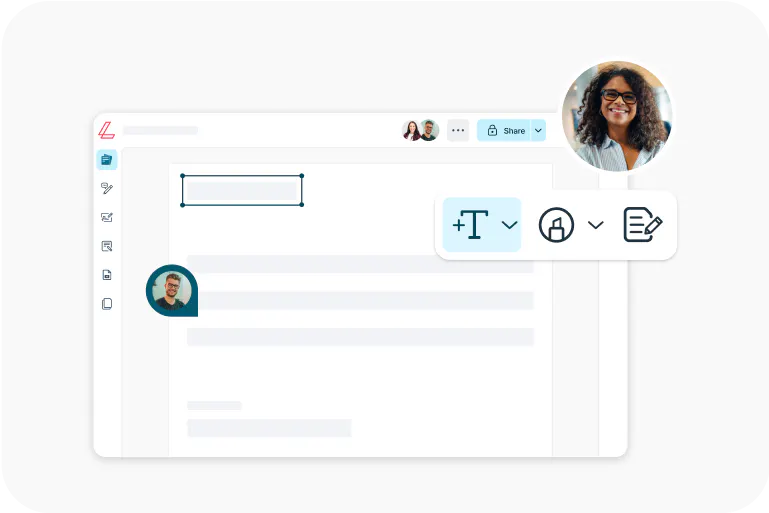
  • Lumin

    An easy-to-use PDF editor that stands alone or integrates with Google Workspace.

    Learn more
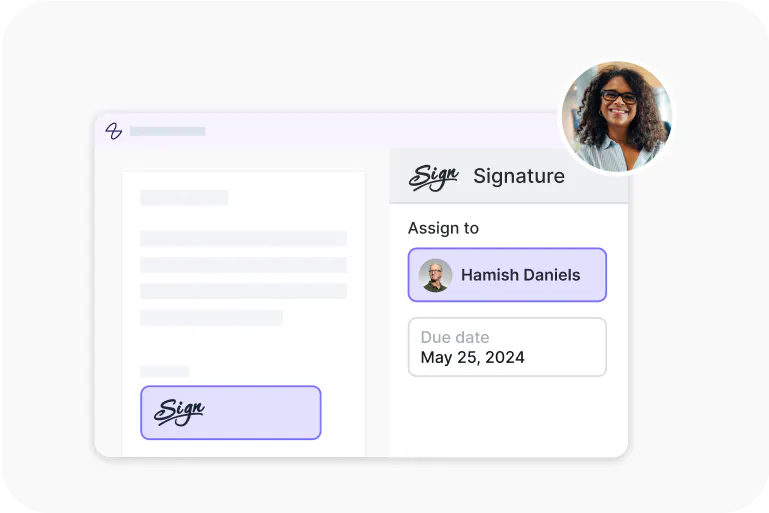
  • Lumin Sign

    A digital signature workflow tool that seals deals with legally-compliant signatures.

    Learn more
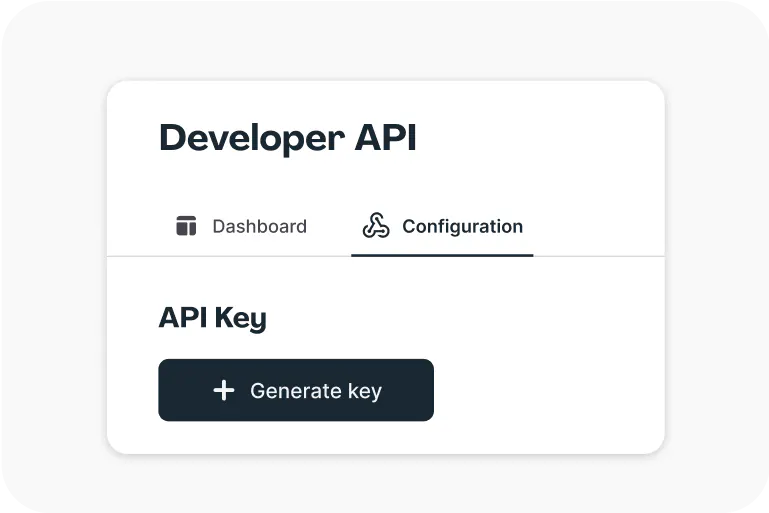
  • Lumin Sign API

    An eSignature API made to be plugged into your platform with minimal effort.

    Learn more

eSign PDFs
in seconds

Get startedView our plans

Lumin tools

Lumin PDF

Lumin PDF

  • Organize
    Merge PDF
    Merge PDF
    Split PDF
    Split PDF
    Delete PDF page
    Delete PDF page
    Compress PDF
    Compress PDF
    Rotate PDF
    Rotate PDF
    Organize PDF
    Organize PDF
    Extract PDF
    Extract PDF
    AI PDF
    AI PDF summarizer
    AI PDF summarizer
    Chat with PDF
    Chat with PDF
    Scan
    PDF OCR
    PDF OCR
    Scan PDF
    Scan PDF
  • Edit & annotate
    Edit PDF
    Edit PDF
    Crop PDF
    Crop PDF
    Annotate PDF
    Annotate PDF
    Edit PDF text
    Edit PDF text
    Create fillable PDF
    Create fillable PDF
    PDF reader
    PDF reader
    Redact PDF
    Redact PDF
    More
    Unlock PDF
    Unlock PDF
    Flatten PDF
    Flatten PDF
    Protect PDF
    Protect PDF
  • Convert to PDF
    PDF converter
    PDF converter
    JPG to PDF
    JPG to PDF
    PPT to PDF
    PPT to PDF
    Word to PDF
    Word to PDF
    Excel to PDF
    Excel to PDF
    PNG to PDF
    PNG to PDF
    Convert from PDF
    PDF to PNG
    PDF to PNG
    PDF to JPG
    PDF to JPG
    PDF to Word
    PDF to Word
    PDF to PPT
    PDF to PPT
    PDF to Excel
    PDF to Excel
AgreementGen

AgreementGen

  • AI agreement generator
    AI agreement generator
    AI agreement editor
    AI agreement editor
    NDA generator
    NDA generator
    Lease agreement generator
    Lease agreement generator
    Employment contract creator
    Employment contract creator
    Terms and conditions generator
    Terms and conditions generator
    Operating agreement generator
    Operating agreement generator
    Non-compete agreement generator
    Non-compete agreement generator
    Business plan generator
    Business plan generator
Lumin Sign

Lumin Sign

  • Sign PDF
    Sign PDF
  • Product

    • Lumin
    • Lumin Sign
    • AgreementGen
    • eSign API
    • Features
    • Plans & Pricing
    • Google Workspace
      Lumin for Slack
      Lumin for Chrome
      Lumin for Claude
      See all
  • Solutions

    • Streamline efficiency
    • Onboard from anywhere
    • Accelerate collaboration
    • Build relationships
    • Secure with confidence
    • Work on site
  • Learn & Discover

    • Help Center
    • Blog
    • Lumin 101
    • Customer Stories
    • Templates
    • Template categories
    • Template collections
  • Company

    • Who we are
    • Our mission
    • Careers
    • Become a partner
  • Security

    • Compliance & features
    • Personal data
    • Privacy policy
    • Terms of use
    • Status
    • Bug bounty program
  • Download

    • iOS & Android
    • Mac & Windows

    Contact

    • Support
    • Sales
    • Request a Demo
  • Contact

    • Support
    • Sales
    • Request a Demo
Google Cloud Partner

© 2014–2026 Lumin PDF Corporation | San Francisco, United States | All rights reserved

English
  • English
  • Español
  • Tiếng Việt
  • Português
  • Français