
How to print a protected PDF
You've downloaded a PDF, opened it up and hit print, only to find the option is disabled. This is a common frustration, and it usually means the document creator has applied permission restrictions to prevent printing, copying or editing.
0 []Table of contents
- 1. Method 1: Use Lumin's Unlock PDF tool
- 2. Method 2: Use Google Drive
- 3. Why can't I print my PDF?
- 4. Frequently asked questions
- 5. Get more from your PDFs with Lumin
Share this post
The good news is that if you have legitimate access to the file, there are simple ways to remove those restrictions and print the document. This guide walks you through the most reliable methods, starting with the fastest option.
Method 1: Use Lumin's Unlock PDF tool
The quickest way to print a protected PDF is to remove the restrictions using an online tool. Lumin's free Unlock PDF tool lets you lift print restrictions from your document in seconds, all from your browser. However, remember that it works only if the owner uses permission level restrictions, it is when the owner lets you open the file but restricts things like editing. For an open password document, you need to have the password.
Here’s how to remove permission-level restrictions:
- Open the Lumin Unlock PDF tool and upload your protected file from your device, Google Drive, or Dropbox.
- Lumin will automatically remove the permission restrictions from the document.
- After that, click the print icon on the right side of the toolbar to print your protected file in Lumin.
If your PDF has an open password:
- Open the Lumin Unlock PDF tool and upload your protected file from your device, Google Drive, or Dropbox.
- Enter the password when prompted to access the document.
- Once opened, Lumin will remove the restrictions from the file.
- After that, click the print icon on the right side of the toolbar to print your protected file in Lumin.
Method 2: Use Google Drive
Google Drive can sometimes strip permission restrictions when it processes a PDF. This method is free and doesn't require installing anything.
Here's how to do it:
- Upload your protected PDF to Google Drive.
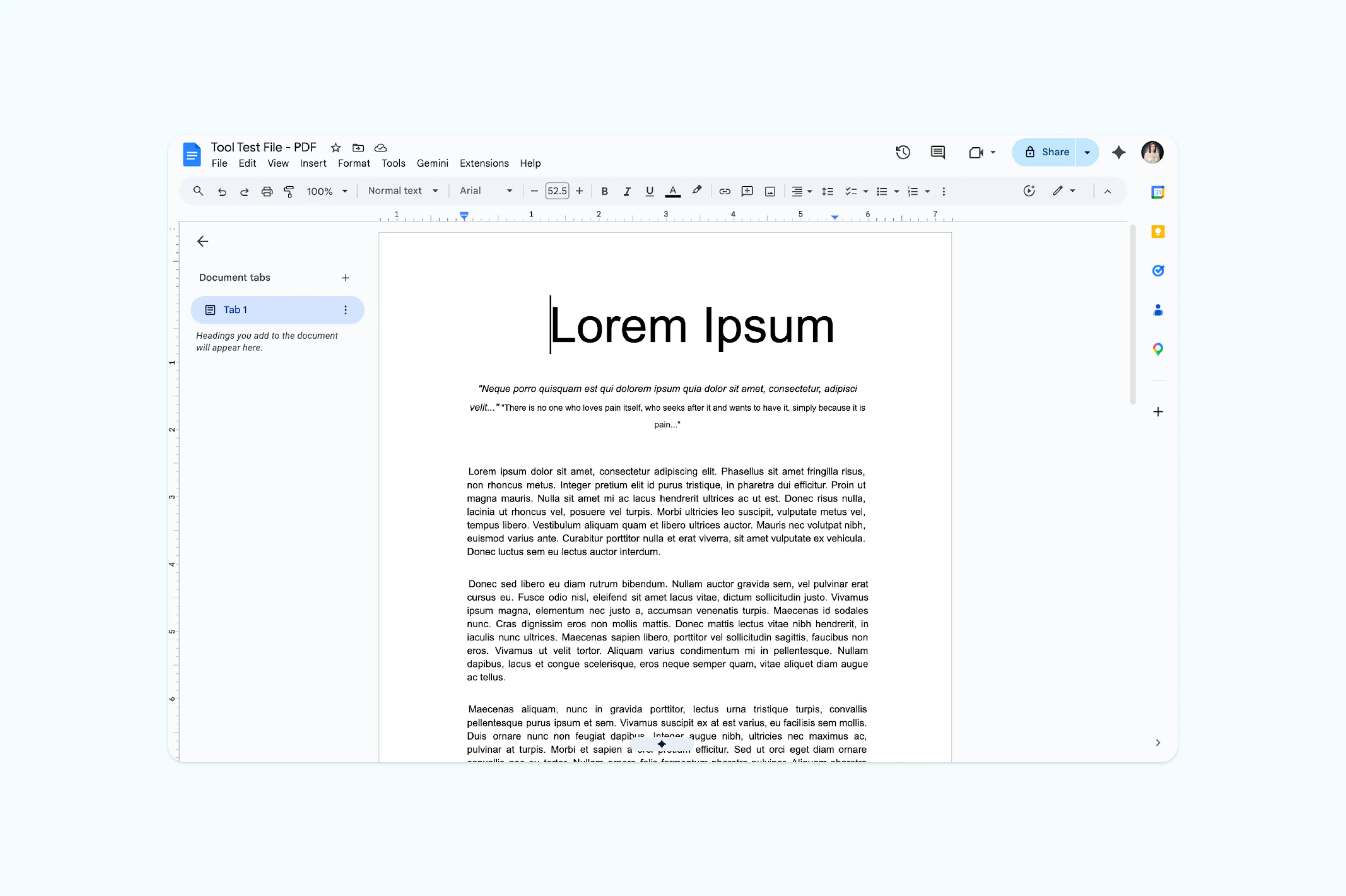
- Right-click the file and select "Open with" then "Google Docs."
- Google will convert the PDF into an editable document. Make your changes as needed.
- Once finished, click the print icon in the top toolbar to save or print your edited version.
Note: This method is best for lightly restricted files. More heavily encrypted PDFs may still block printing even through Google Drive.
Why can't I print my PDF?
Not all PDF restrictions are the same. Understanding what type of protection your file has can help you choose the right method to print it.
PDFs can have two types of password protection. As mentioned above, an open password (also called a user password) prevents anyone from viewing the file without the correct password. A permissions password (also called an owner password) allows viewing but restricts actions like printing, copying and editing. Most print-blocked PDFs use a permissions password, which means you can see the content but can't send it to a printer.
If you're the intended recipient of the document but can't print it, removing the permission restriction is usually straightforward with the right tool like Lumin.
Frequently asked questions
Can I convert a password-protected PDF to a normal PDF?
Yes, if you have the password. Tools like Lumin's unlock PDF tool can remove permission restrictions and save a clean, unrestricted copy of the file. If the PDF has an open password, you'll need to enter it first before the restrictions can be removed.
Why won't my password-protected PDF print?
The document likely has a permissions password set by the creator that specifically disables printing. This is separate from the password you might use to open the file. You can view the content, but the print function will be grayed out or blocked until the restriction is removed.
How do I remove printing restrictions from a PDF?
Upload the file to an online unlock tool like Lumin, enter the password if required and download the unrestricted version. You can also try opening the file in a browser and using the "Save as PDF" print option, though this doesn't work with all protected files.
Is it legal to remove PDF password protection?
Removing restrictions from a PDF you own or have authorized access to is generally fine. However, bypassing protection on copyrighted or confidential documents without permission may violate copyright laws or terms of use. Always make sure you have the right to print the document before removing any restrictions.
Get more from your PDFs with Lumin
Printing protected files is just one of the things Lumin can help with. With a free Lumin account, you can edit PDFs, merge documents, add signatures, convert files and more. Everything works in your browser with no downloads required.

Share this post