

Other authors




67 results
PDF editing
 Read more
How to extract images from a PDF
Jun 26, 20265 mins
Extracting images from a PDF sounds like it should be easy, but the format isn't designed with that in mind. PDFs lock down content to preserve layout, which means you can't simply copy and paste an image the way you would in a Word document or a web browser. Fortunately, there are a few reliable ways to get the job done.
PDF editing
 Read more
How to annotate a PDF
Jun 26, 20264 mins
Annotations turn a static PDF into something you can actually work with. You might be marking up a contract, adding feedback to a report, or highlighting key passages in a research paper. In all of these cases, you need a tool that's fast, easy to use, and doesn't strip out your changes when you save.
PDF editing
 Read more
How to convert a PDF to PNG
Jun 11, 20263 mins
PDFs are great for sharing documents, but they aren't always the best format for every situation. If you need to embed a page in a presentation, upload an image to a website or share a quick visual on social media, a PNG file is often the better choice. PNG files are widely supported, easy to preview and maintain sharp image quality with transparent background support.
PDF editing
 Read more
How to print a protected PDF
Jun 11, 20265 mins
You've downloaded a PDF, opened it up and hit print, only to find the option is disabled. This is a common frustration, and it usually means the document creator has applied permission restrictions to prevent printing, copying or editing.
PDF editing
 Read more
How to flatten a PDF
Jun 10, 20264 mins
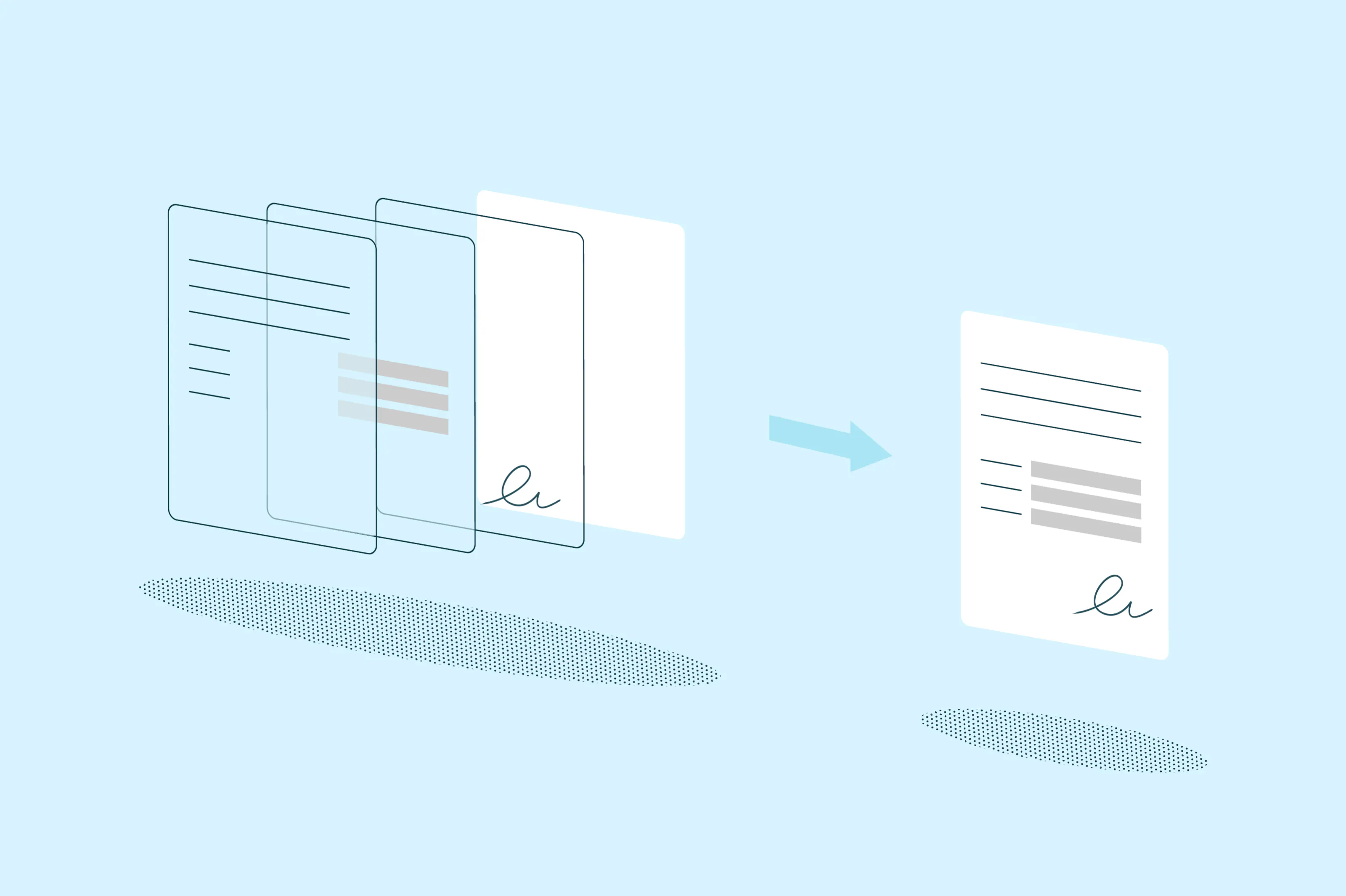
If you've ever sent a filled-out form or signed contract only to have the recipient accidentally edit your entries, you already know why flattening matters. Flattening a PDF takes all the interactive layers in your document, things like form fields, annotations, signatures and comments, and merges them into a single static layer that can't be changed.
PDF editing
 Read more
How to remove or delete pages from a PDF
Jun 10, 20264 mins
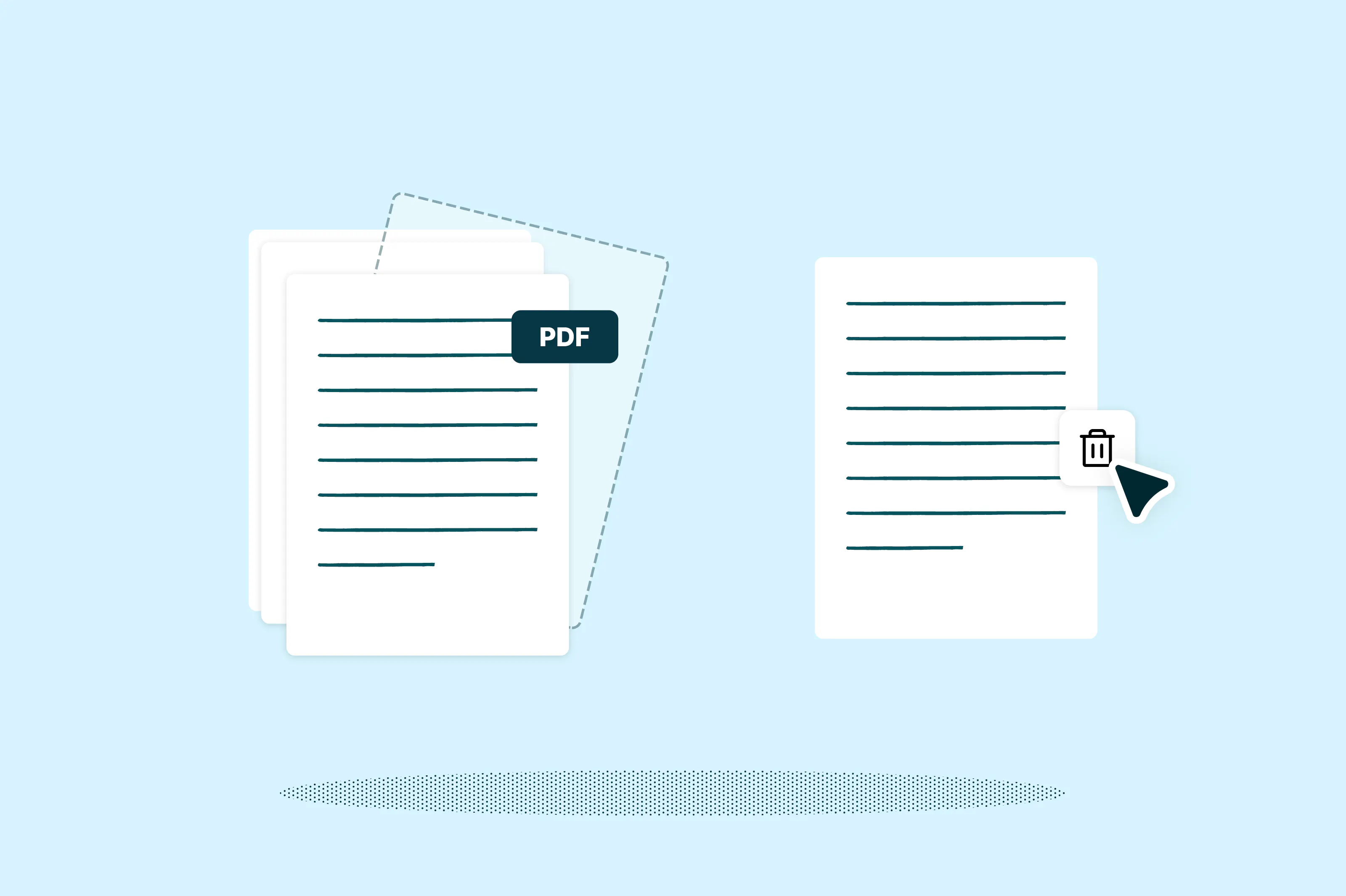
PDFs are commonly used for contracts, reports, forms and scanned documents because they keep formatting consistent across devices. Over time though, you may end up with PDFs that include blank pages, duplicate pages or sections you no longer need. Removing those extra pages can make the document cleaner and easier to review or share.
PDF editing
 Read more
How to merge PDFs
Jun 3, 20264 mins
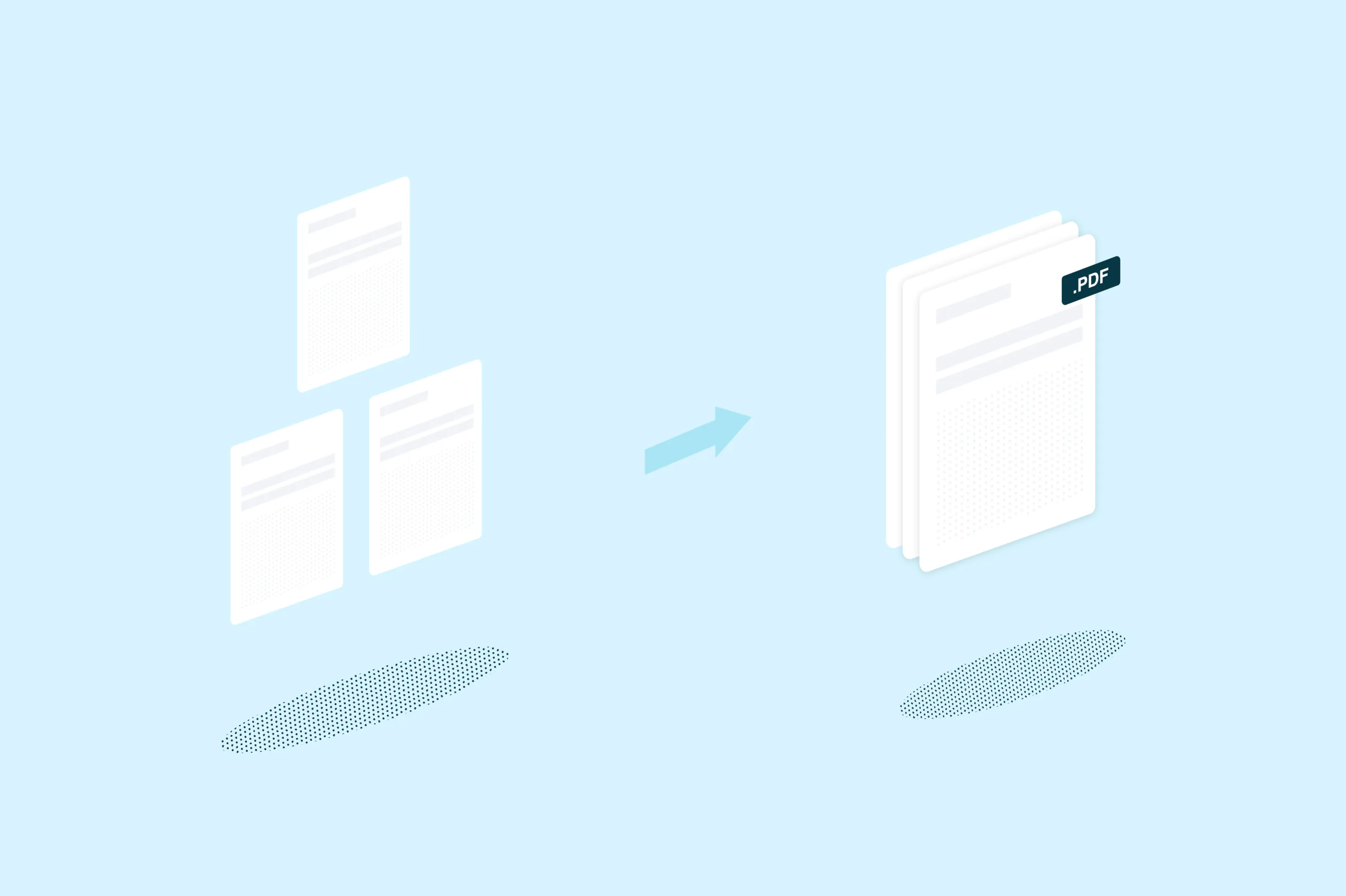
Need to combine multiple PDFs into one document? This guide covers three simple methods to merge your PDF files, whether you're working online, on a Mac or on Windows.
PDF editing
 Read more
How to convert Word to PDF
Jun 2, 20264 mins
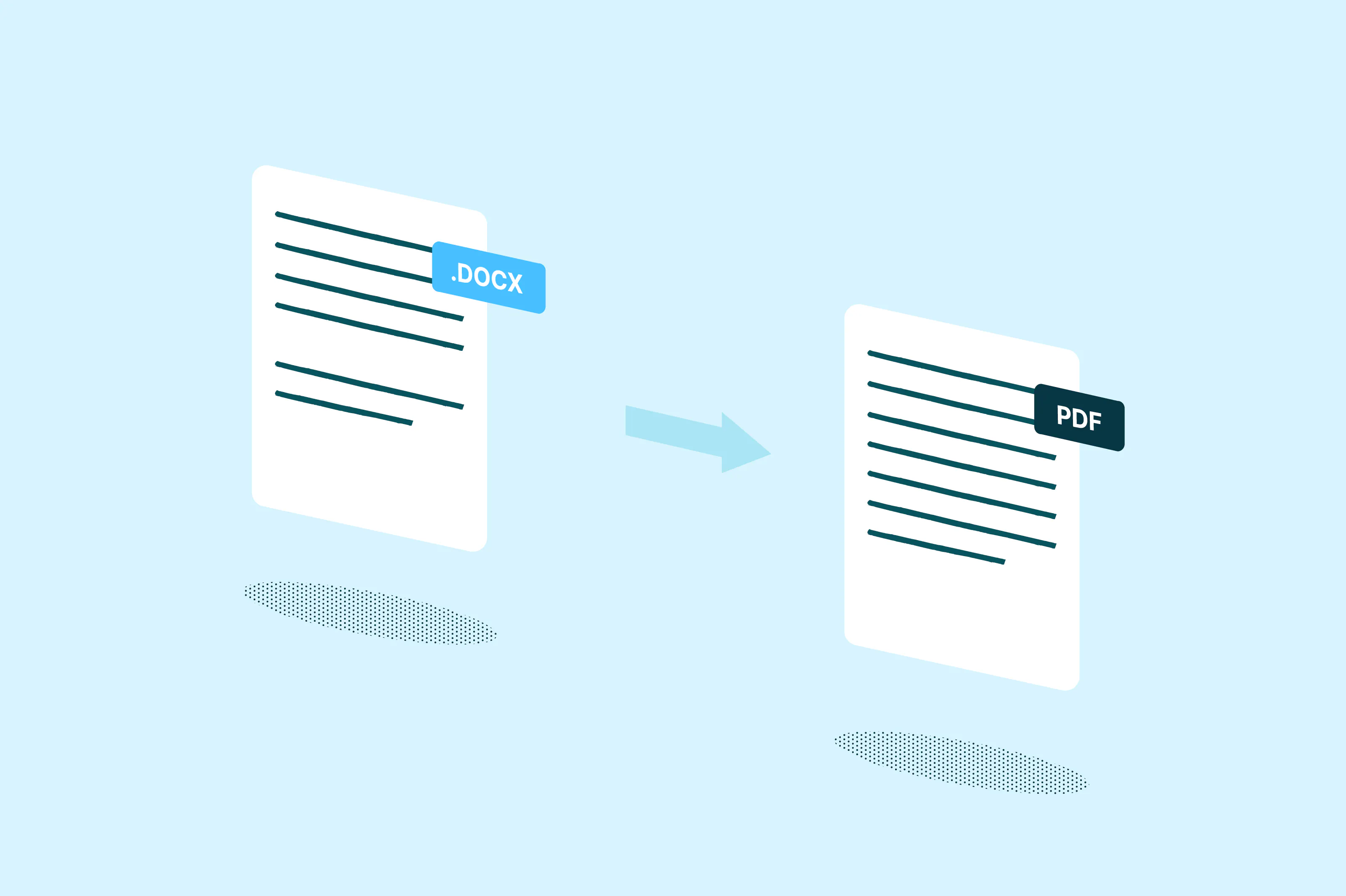
Converting a Word document to PDF is one of the most common file tasks there is. PDFs lock in your formatting so the document looks the same on every device, making them ideal for sharing contracts, resumes, reports and other professional files.
PDF editing
 Read more
How to convert PDF to Excel
May 26, 20263 mins
PDF files are great for sharing documents because they preserve formatting across devices. However, editing tables or working with data inside a PDF can be difficult. Converting the file to Excel makes it easier to sort information, calculate totals and update data for reports or presentations.
PDF editing
 Read more
How to convert Excel to PDF
May 26, 20264 mins
Do you need to share a spreadsheet as a polished, print-ready file? Converting Excel to PDF is one of the easiest ways to preserve your formatting and make your file accessible across different devices.
Other authors