

Lumin logo
  • Lumin Products
    • AgreementGen

      Your agreement drafting sidekick

    • Lumin Sign

      Simple and secure digital signing

    • Lumin PDF

      Edit, collaborate, and share PDFs

    • Lumin AI

      Supercharge your docs

    Download Apps
    API and Integrations
    • eSign API

      Seamless eSignature integration

    • Integrations

      Streamline your workflow with ease

  • AgreementGen

    • AI agreement generator

    • AI agreement editor

    • NDA generator

    • Lease agreement generator

    • Employment contract creator

    • Terms and conditions generator

    • Operating agreement generator

    • Non-compete agreement generator

    • Business plan generator

    Lumin Sign

    • Sign PDF

    Lumin PDF

    • Edit PDF

    • Edit PDF text

    • Collaboration

    • Create fillable PDF

    • Merge PDF

    • Unlock PDF

    • Integrate Google

    All tools
  • By use cases

    Streamline efficiency

    Use the cloud to reduce the burden of countless tools

    Build relationships

    Collaborate and negotiate with a few clicks

    Secure with confidence

    Comply and stay with global security standards

    Onboard from anywhere

    Automate contract admin to seal deals faster

    Accelerate collaboration

    Make teamwork seamless with a centralized suite of tools

    Work on site

    Fast-track fieldwork with offline mode for mobile

  • Discover

      Blog

      News and views on collaborative workflows

      Template Discovery

      Find, fill and sign 5,000+ free online forms

      Customer Stories

      Discover companies creating more impact with less admin

    Support

      Lumin 101

      New here?
      Learn the basics

      Help Center

      Your complete manual to Lumin and Lumin Sign

  • Enterprise
  • Pricing
  • Request a demo
Try for freeSign in
Request a demo
Sign in
Try for free

AI consulting agreement generator

Create a free, customized consulting agreement with our AI-powered assistant in minutes.
Create a general consulting agreementCreate a general consulting agreement
Create a short-term consulting agreementCreate a short-term consulting agreement
Create a long-term consulting agreementCreate a long-term consulting agreement

Trusted by some of the world’s biggest companies

costco logo
spotify logo
salesforce logo
pinterest logo
knightFrank logo
paypal logo
uber logo
costco logo
spotify logo
salesforce logo
pinterest logo
knightFrank logo
paypal logo
uber logo
costco logo
spotify logo
salesforce logo
pinterest logo
knightFrank logo
paypal logo
uber logo

How to create your consulting agreement

  • 1


    Write your prompt

    Tell our AI about your consulting services, project scope, payment terms, and deliverables to generate a tailored agreement.
  • 2

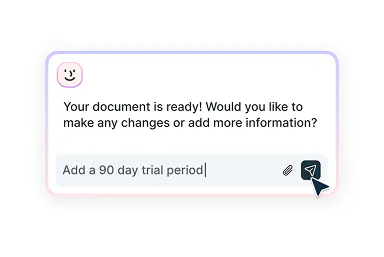
    Edit with smart assistance

    Make adjustments to any section of your agreement. Our AI assistant helps you refine terms, add clauses, and ensure everything meets your needs.
  • 3

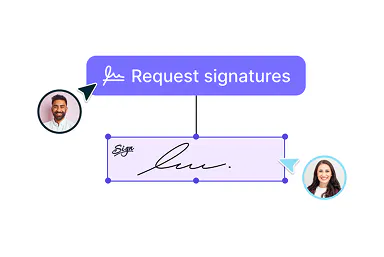
    Get it signed

    Once your consulting agreement is ready, send it for signatures. Use Lumin Sign to execute your agreement quickly and securely.
Consulting agreements made simple
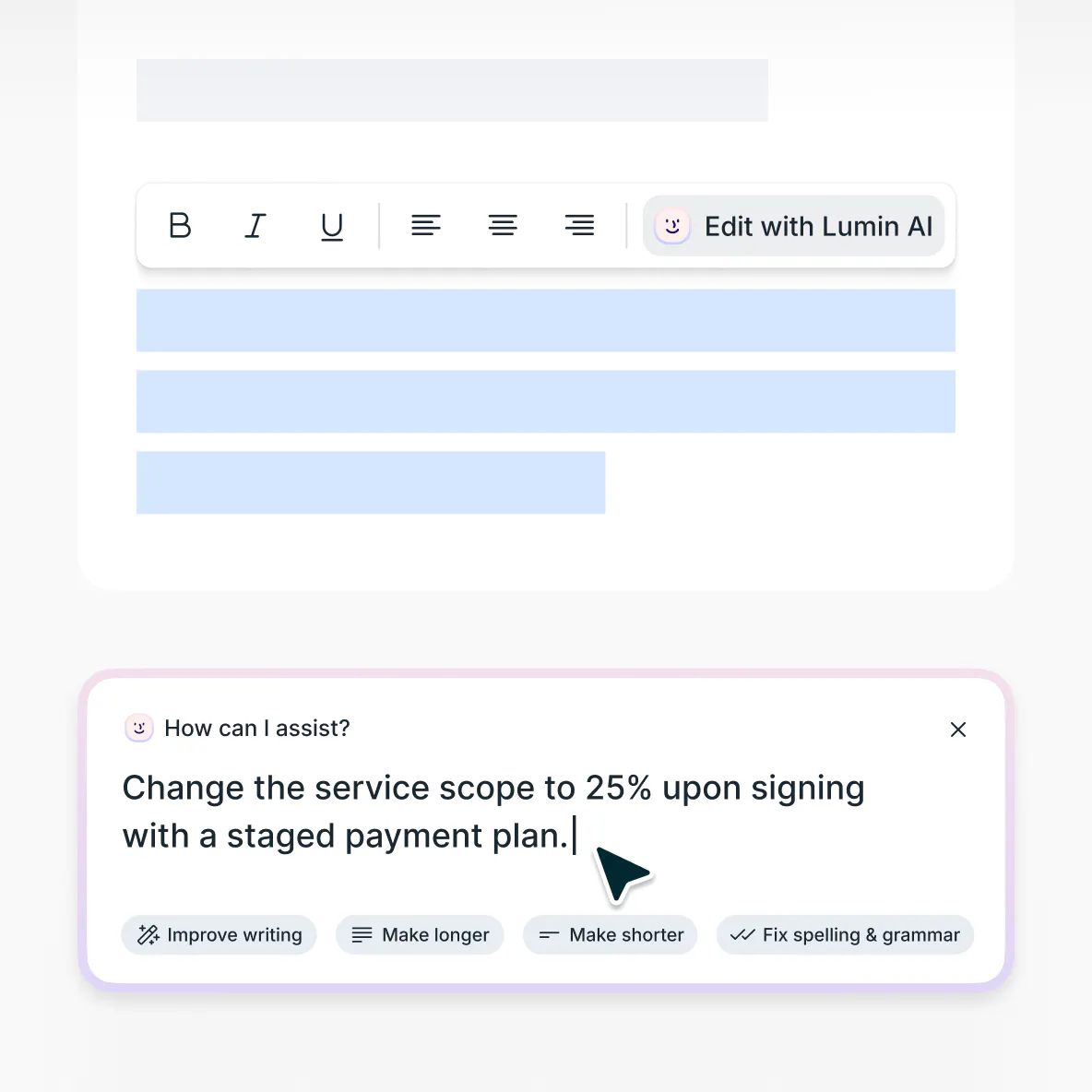
Draft, customize, then finalize

  • Generate comprehensive consulting contracts

    Create detailed consulting agreements using our intelligent AI assistant. The tool adapts to your specific needs and project requirements.

  • Refine with expert-level suggestions

    Get smart recommendations to strengthen your agreement. Our AI helps clarify project expectations and deliverable specifications.

  • Send agreements for signatures

    Complete your consulting agreement and send it directly for execution. Our integrated signing process makes finalizing contracts quick and seamless.

Modify existing agreements

Update outdated contracts using our AI-powered editor. Upload your current document to make revisions that reflect new service offerings or project scopes.
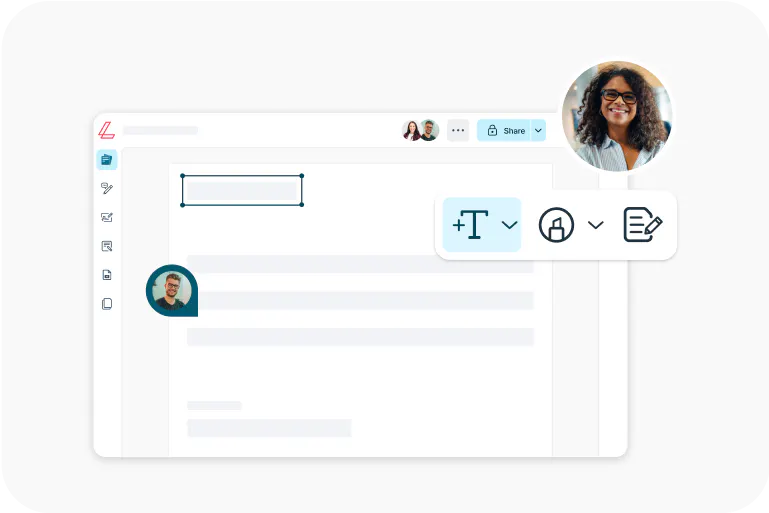
Edit your agreement

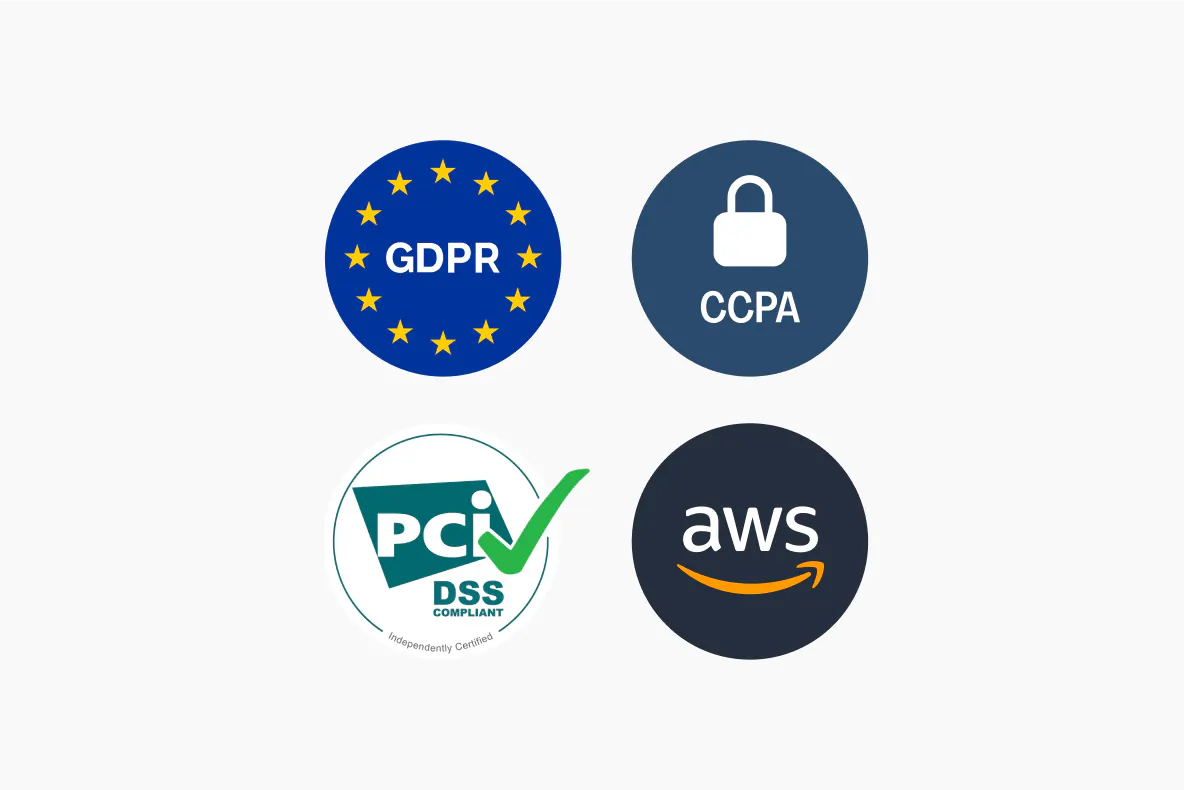
Enterprise-grade document security

Your information is protected with advanced AES 256 encryption and secure databases. We maintain SOC 2 Type 2 and GDPR compliance.

Security at Lumin

Consulting agreements explained

  • A consulting agreement defines the professional relationship between consultant and client. It outlines services, deliverables, payment terms, and project boundaries.

    Consulting agreements establish clear expectations and protect both parties. They're essential for managing client relationships and creating successful project frameworks.

  • Start by defining your scope of services, deliverables, timelines, and project milestones. Be specific about what you'll provide and when.

    Establish your payment structure:

    • Hourly, project-based, or retainer fees

    • Invoicing schedules and payment deadlines

    • Expense handling and revision limits

    Include these essential elements:

    • Project management protocols

    • Communication expectations

    • Intellectual property ownership

    • Confidentiality provisions

    • Termination conditions

  • • Fixed-fee project agreements - Best for defined projects with clear deliverables. Specify exact outcomes, deadlines, and total project fee.
    • Time and materials agreements - Create flexible engagements where the scope may evolve. Bill for actual hours worked plus agreed expenses.
    • Retainer agreements - Establish ongoing relationships with recurring fees. Ideal for regular strategic guidance or on-call expertise.
    • Performance-based agreements - Tie compensation to specific business outcomes. Require careful structuring of success metrics.
    • Master service agreements - Create framework contracts for repeat clients. Individual projects operate under separate work statements.

  • Advantages:

    • Establishes professional credibility.
    • Protects intellectual property and methodologies.
    • Ensures clear payment terms and reduces collection issues.
    • Prevents scope creep through defined deliverables.
    • Sets clear expectations for both parties.

    Considerations:

    • It may seem excessive for minor projects.

    • Negotiation can delay project starts.
    • Some clients prefer informal arrangements.
    • Enforcement challenges with international clients.
    • Balance protection with flexibility.

    Our generator helps create agreements appropriate to your project size and client relationship.

Frequently asked questions

  • No legal experience is required. It is a free intelligent drafting assistant that helps you build documents based on the information you provide. While it is not a legal advisor, it guides you through the drafting process so you can confidently create a document that fits your needs.

  • Yes, it's completely free. Some features require a free Lumin account, which takes just a minute to create.

  • Your data security is our top priority. All information is protected using AES 256 encryption during transmission and storage. We maintain SOC 2 Type 2 and GDPR compliance standards.

    Your input data remains confidential and is never used for AI model training. Information is processed exclusively to generate your customized agreement.

    Learn more about security at Lumin or read our AI ethics statement.

  • Start by describing your consulting services and requirements. The AI analyzes your input and generates a comprehensive agreement tailored to your specific needs.

    Review the generated draft section by section. Make edits, add custom clauses, or adjust terms as needed. The AI assistant provides suggestions and helps refine the document.

    Once satisfied with your agreement, finalize it and send it for signatures through our integrated signing process. The entire journey from creation to execution happens in one seamless workflow.

Discover our products
  • Lumin

    An easy-to-use PDF editor that stands alone or integrates with Google Workspace.

    Learn more
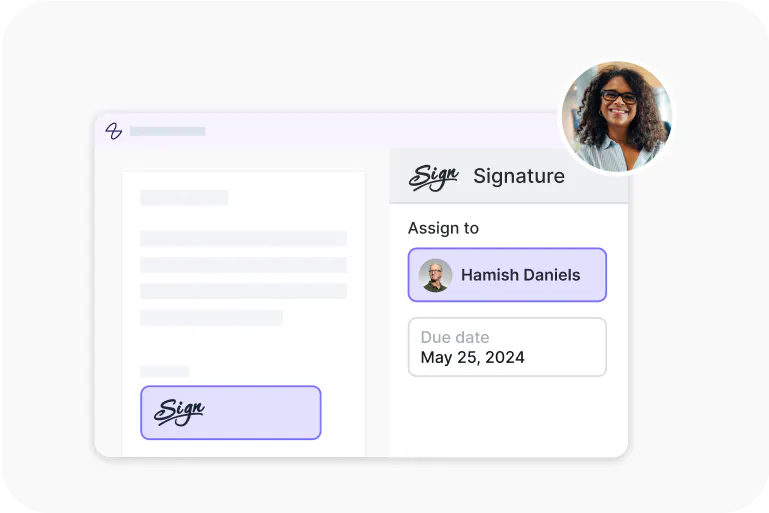
  • Lumin Sign

    An eSignature workflow tool that seals deals with legally-compliant signatures.

    Learn more
  • Lumin Sign API

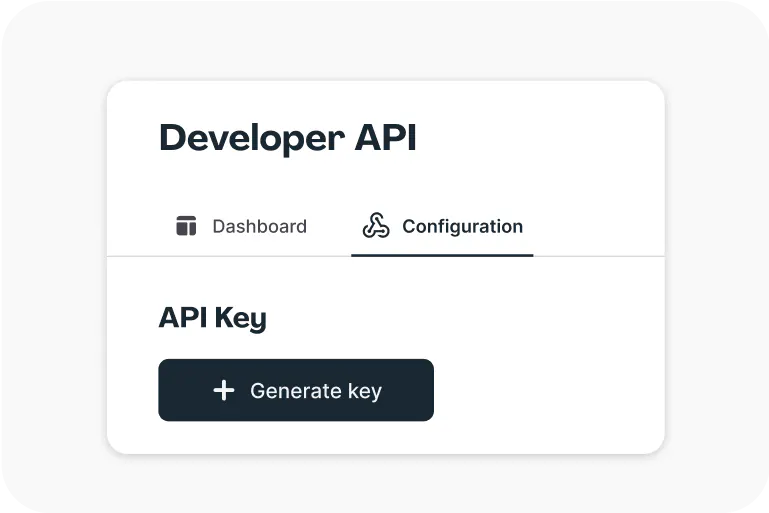
    An eSignature API made to be plugged into your platform with minimal effort.

    Learn more

More impact,
less admin

Get startedView our plans

Lumin tools

Lumin PDF

Lumin PDF

  • Organize
    Merge PDF
    Merge PDF
    Split PDF
    Split PDF
    Delete PDF page
    Delete PDF page
    Compress PDF
    Compress PDF
    Rotate PDF
    Rotate PDF
    Organize PDF
    Organize PDF
    Extract PDF
    Extract PDF
    AI PDF
    AI PDF summarizer
    AI PDF summarizer
    Chat with PDF
    Chat with PDF
    Scan
    PDF OCR
    PDF OCR
    Scan PDF
    Scan PDF
  • Edit & annotate
    Edit PDF
    Edit PDF
    Crop PDF
    Crop PDF
    Annotate PDF
    Annotate PDF
    Edit PDF text
    Edit PDF text
    Create fillable PDF
    Create fillable PDF
    PDF reader
    PDF reader
    Redact PDF
    Redact PDF
    More
    Unlock PDF
    Unlock PDF
    Flatten PDF
    Flatten PDF
    Protect PDF
    Protect PDF
  • Convert to PDF
    PDF converter
    PDF converter
    JPG to PDF
    JPG to PDF
    PPT to PDF
    PPT to PDF
    Word to PDF
    Word to PDF
    Excel to PDF
    Excel to PDF
    PNG to PDF
    PNG to PDF
    Convert from PDF
    PDF to PNG
    PDF to PNG
    PDF to JPG
    PDF to JPG
    PDF to Word
    PDF to Word
    PDF to PPT
    PDF to PPT
    PDF to Excel
    PDF to Excel
AgreementGen

AgreementGen

  • AI agreement generator
    AI agreement generator
    AI agreement editor
    AI agreement editor
    NDA generator
    NDA generator
    Lease agreement generator
    Lease agreement generator
    Employment contract creator
    Employment contract creator
    Terms and conditions generator
    Terms and conditions generator
    Operating agreement generator
    Operating agreement generator
    Non-compete agreement generator
    Non-compete agreement generator
    Business plan generator
    Business plan generator
Lumin Sign

Lumin Sign

  • Sign PDF
    Sign PDF
  • Product

    • Lumin
    • Lumin Sign
    • AgreementGen
    • eSign API
    • Features
    • Plans & Pricing
    • Google Workspace
      Lumin for Slack
      Lumin for Chrome
      Lumin for Claude
      See all
  • Solutions

    • Streamline efficiency
    • Onboard from anywhere
    • Accelerate collaboration
    • Build relationships
    • Secure with confidence
    • Work on site
  • Learn & Discover

    • Help Center
    • Blog
    • Lumin 101
    • Customer Stories
    • Templates
    • Template categories
    • Template collections
  • Company

    • Who we are
    • Our mission
    • Careers
    • Become a partner
  • Security

    • Compliance & features
    • Personal data
    • Privacy policy
    • Terms of use
    • Status
    • Bug bounty program
  • Download

    • iOS & Android
    • Mac & Windows

    Contact

    • Support
    • Sales
    • Request a Demo
  • Contact

    • Support
    • Sales
    • Request a Demo
Google Cloud Partner

© 2014–2026 Lumin PDF Corporation | San Francisco, United States | All rights reserved

English
  • English
  • Español
  • Tiếng Việt
  • Português
  • Français





