
Chat with Your PDF
Turn any PDF into an instant conversation. Upload your file, ask questions, and get clear answers or summaries in seconds — all free, no sign-up required.Almost there, finishing the upload.

Drag and drop or click here to upload
You're in good company







How to chat with a PDF
Follow these steps to start interacting with your document.
- 1
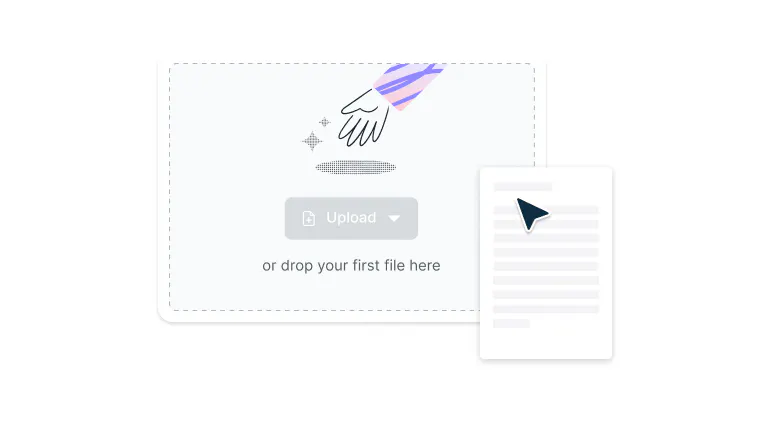
Upload
Drag and drop your PDF file into the drop zone above or click ‘Upload’ to add your file.
- 2
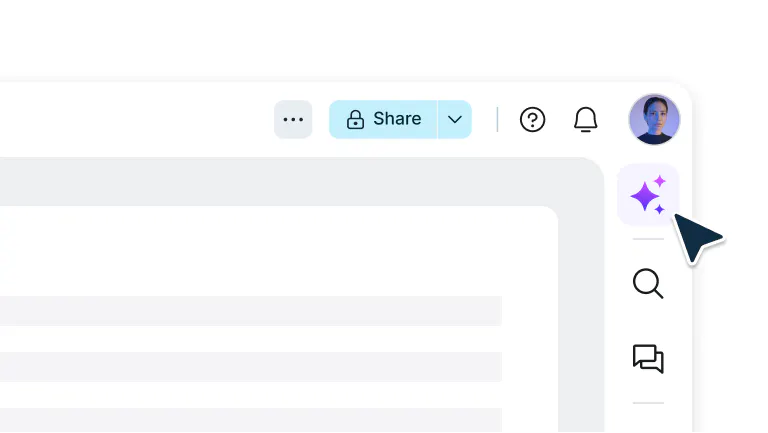
Open Chat Mode
Sign in and select ‘AI assistant’’ from the top navigation bar in the editor.
- 3
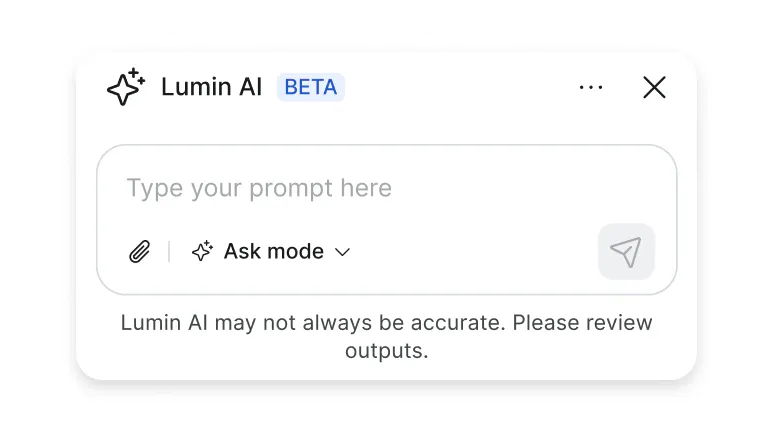
Type your questions
Type your questions, and AI will instantly provide answers from your PDF content.
Smart, interactive PDF conversations
Get clear answers from your documents in seconds. Perfect for reports, research, or contracts.

Get instant answers
Ask questions and get quick, intelligent responses from your PDFs. Summarize reports, extract insights, or clarify details, all powered by AI that understands your document’s content.

Choose your chat mode
Use ‘Ask’ mode to explore and learn more about the contents of your document, or ‘Agent’ mode to edit and organize your PDF — all through a simple, intuitive chat interface.

Upload and analyze in seconds
Attach any PDF and let AI do the work. Whether it’s research papers, contracts, or manuals, get clear, accurate insights instantly.

No downloads required
Chat right from your browser, no installs or sign-ups needed. Works on any device, so you can access your documents anytime, anywhere.

Collaborate in real time
Work together with teammates in the same chat. Share insights, review findings, and stay aligned as you explore documents together.

Protected by enterprise-grade security
Once you upload your files to Lumin, they're protected with encryption and optional password protection. While stored in Lumin, your documents remain secure and under your control.
Frequently asked questions
Chat with PDF lets you interact with your documents just like you would with a person. Instead of scrolling through pages or searching for keywords, you can ask questions in plain language and get accurate, context-aware answers.
Yes, Lumin’s Chat with PDF tool is entirely free to use. You can upload documents, ask questions, and explore AI-powered insights without paying upfront.
You can use Chat with PDF to summarize content, extract data, find answers, or generate insights from any document. Whether you're analyzing contracts, reading research papers, or reviewing reports, the AI helps you work faster and smarter.
Absolutely. Every file and conversation is protected by 256-bit AES encryption during upload, processing, and storage. Lumin is SOC 2 Type 2 certified, giving you confidence your documents remain private and secure.
Chat with PDF is designed specifically for understanding and analyzing documents, not just general conversations. It goes beyond keyword matching to understand context, meaning, and relationships within your files.
This means you get precise, relevant answers every time, something regular chatbots can’t match.You’ll need an internet connection to use Chat with PDF since it relies on cloud-based AI for advanced processing. However, all uploads and conversations are protected with enterprise-grade encryption. Once you’re done, your files are automatically deleted to keep your data private.
Trusted by more than 100 million customers



Featured articles

Discover Lumin’s products
Collaborate with existing colleagues and onboard new ones with Lumin and Lumin Sign. Our innovative solutions work great on their own, but they’re even better together.

Lumin Sign