
How to summarize a document with AI
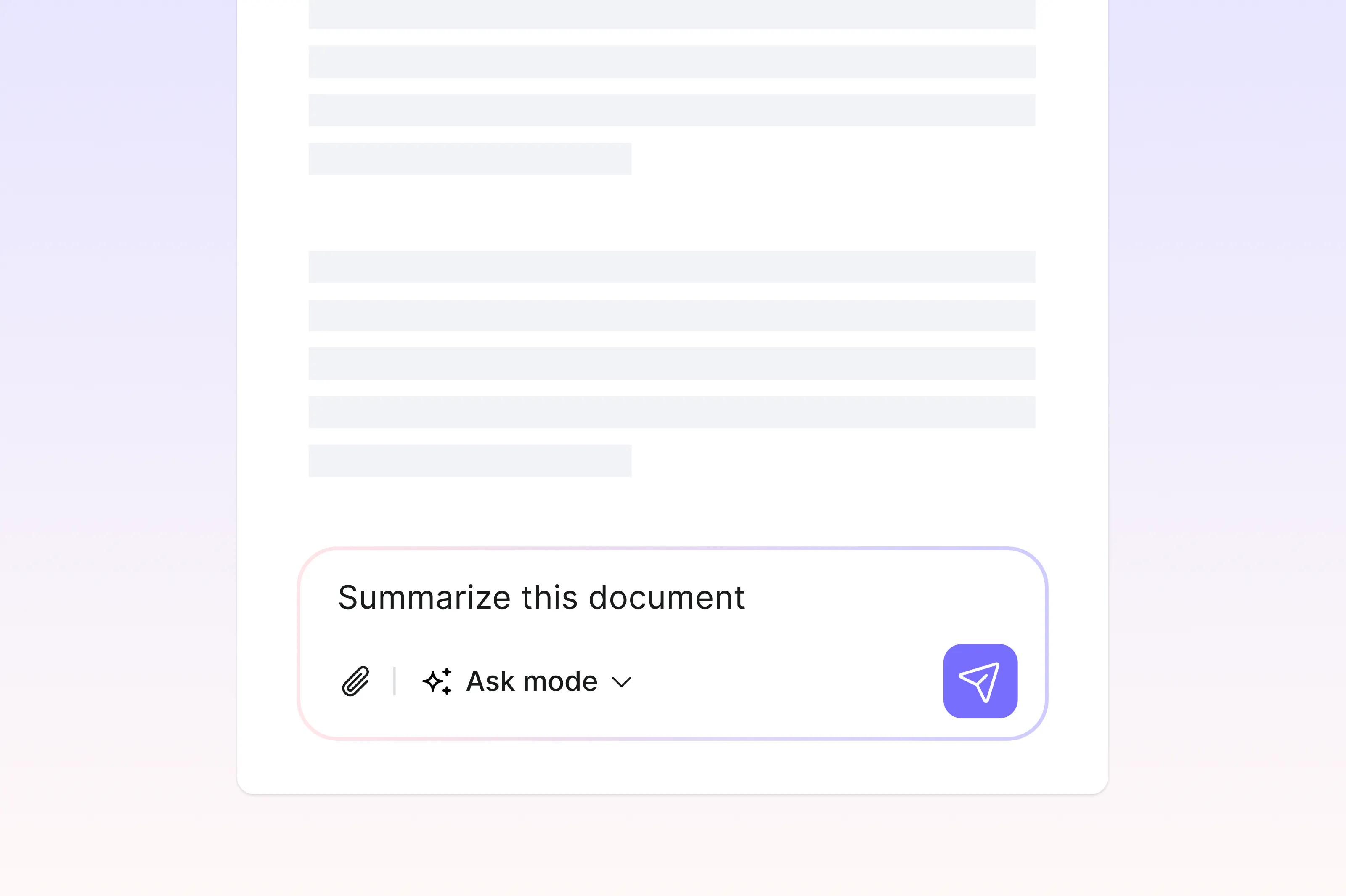
Understanding a long document and reading each page one by one can take time. Learning how to use AI to generate accurate summaries of PDFs can be incredibly helpful. From 40-page compliance reports to dense research papers and lengthy contracts, reading every word isn’t always realistic. AI summarization tools condense long documents into clear overviews, helping you get the key information quickly.
4 [{"lang":"es-es","url":"/es/blog/how-to-summarize-a-document-with-ai/"},{"lang":"pt-pt","url":"/pt/blog/how-to-summarize-a-document-with-ai/"},{"lang":"vi","url":"/vi/blog/how-to-summarize-a-document-with-ai/"},{"lang":"fr-fr","url":"/fr/blog/how-to-summarize-a-document-with-ai/"}]You can also read this article in Español, Português, Tiếng Việt and Français.
Table of contents
- 1. How AI document summarization works
- 2. Method 1: Use Lumin's AI PDF summarizer
- 3. Method 2: Use a general-purpose AI chatbot
- 4. Tips for getting good AI summaries
- 5. Frequently asked questions
Share this post
In this guide, we'll walk through two practical ways to summarize a document using AI and help you choose the right approach for your needs.
How AI document summarization works
AI summarization tools use natural language processing to scan a document, identify the most important points, and generate a condensed version. Rather than pulling random sentences, modern AI analyzes the structure and meaning of the text to produce a summary that captures core arguments, findings, or action items.
This makes AI summarizers particularly useful for lengthy PDFs, research papers, legal documents, and business reports where you need the big picture before deciding if a full read-through is necessary.
Method 1: Use Lumin's AI PDF summarizer
If you're working with a PDF, the most direct approach is to use a tool built specifically for the job. Lumin's AI PDF Summarizer reads your document and generates a concise, accurate summary without you needing to read every page.
Here's how to summarize your PDF:
- Open the Lumin's free AI PDF Summarizer and upload your document.
- It will automatically generate a summarized version of your document. If you'd like a different version, click “Regenerate” to receive a new summary.
- Now, you have a summarized version of your document.
Note: Lumin automatically detects scanned and image-based PDFs and lets you apply OCR to convert them into readable text before generating a summary.
Method 2: Use a general-purpose AI chatbot
AI chatbots like ChatGPT and Google's Gemini can also summarize documents, though the process requires a few extra steps. These tools aren't purpose-built for document summarization, but they can handle it if you upload or paste your content.
To summarize a document using a chatbot:
- Open the chatbot and start a new conversation.
- Upload your document (PDF, Word, or text file) or copy and paste the content directly into the chat.
- Type a prompt such as "Summarize this document in 200 words" or "What are the key points in this document?"
- Review the output and refine your prompt if you need more detail on specific sections.
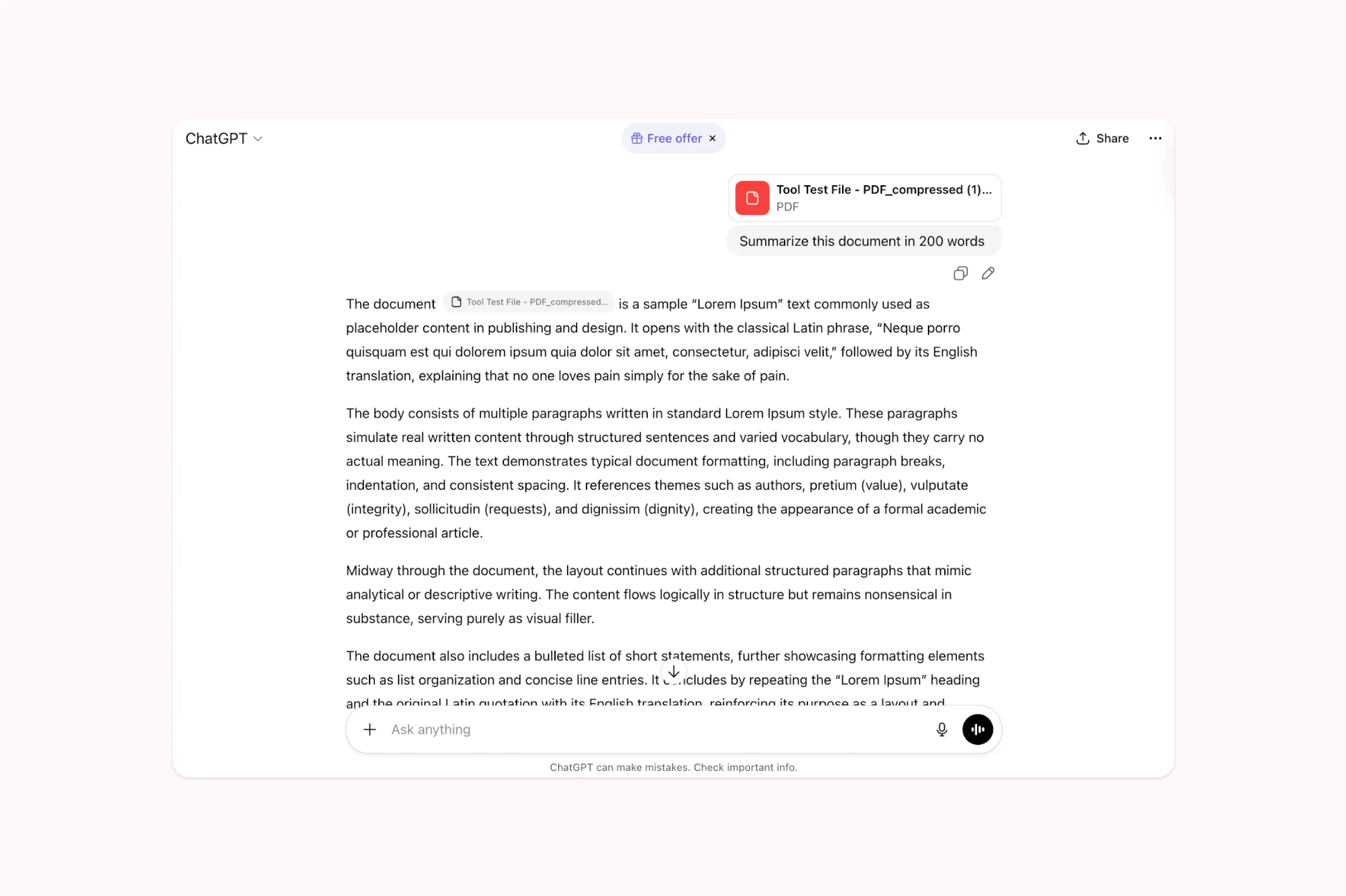
Note: This approach works well for common file types, but there are limitations. File size limits vary by platform and subscription tier, and some chatbots struggle with complex formatting or multi-column layouts. Scanned or image-based PDFs may not be readable unless the chatbot supports OCR.
Tips for getting good AI summaries
The quality of your summary depends partly on the document itself and partly on how you use the tool. Starting with a clean, text-based document will always produce better results than a scanned image or a file with complex formatting. If your PDF is image-based, look for a summarizer with built-in OCR to ensure the text is properly extracted first.
Being specific about what you need also helps. If you're using a chatbot, a prompt like "Summarize the key financial findings" will give you a more focused result than simply asking for a general summary. And if the first summary doesn't quite hit the mark, regenerate or rephrase your request.
Frequently asked questions
Can AI summarize a PDF?
Yes. AI tools can read and summarize PDF documents, including both text-based and scanned files. Tools with built-in OCR, like Lumin's AI summarizer, can handle scanned or image-based PDFs by converting them to text first.
Is there a free AI tool to summarize documents?
There are several free options. Lumin offers a free AI PDF summarizer that works directly in your browser with no installation required. General-purpose chatbots like ChatGPT also offer free tiers that support document uploads, though with some limitations.
How accurate are AI summaries?
Modern AI summarizers are generally reliable at identifying key points and themes. However, they work best as a starting point rather than a replacement for reading critical documents. Always review the summary yourself, especially for legal, financial, or medical content where details matter.
Can AI summarize a scanned document?
It depends on the tool. Summarizers that include OCR (Optical Character Recognition) can process scanned documents by converting the images to text first. Without OCR, a scanned PDF will appear blank to the AI. Lumin's summarizer includes built-in OCR for this reason.
Do I need to copy and paste text to summarize a document with AI?
Not necessarily. While some chatbots require you to paste text, dedicated tools let you upload the file directly. With Lumin, you simply upload your PDF and click "Summarize" to get an instant overview.
Meet our author

Share this post