

Lumin logo
  • Lumin Products
    • AgreementGen

      Your agreement drafting sidekick

    • Lumin Sign

      Simple and secure digital signing

    • Lumin PDF

      Edit, collaborate, and share PDFs

    • Lumin AI

      Supercharge your docs

    Download Apps
    API and Integrations
    • eSign API

      Seamless eSignature integration

    • Integrations

      Streamline your workflow with ease

  • AgreementGen

    • AI agreement generator

    • AI agreement editor

    • NDA generator

    • Lease agreement generator

    • Employment contract creator

    • Terms and conditions generator

    • Operating agreement generator

    • Non-compete agreement generator

    • Business plan generator

    Lumin Sign

    • Sign PDF

    Lumin PDF

    • Edit PDF

    • Edit PDF text

    • Collaboration

    • Create fillable PDF

    • Merge PDF

    • Unlock PDF

    • Integrate Google

    All tools
  • By use cases

    Streamline efficiency

    Use the cloud to reduce the burden of countless tools

    Build relationships

    Collaborate and negotiate with a few clicks

    Secure with confidence

    Comply and stay with global security standards

    Onboard from anywhere

    Automate contract admin to seal deals faster

    Accelerate collaboration

    Make teamwork seamless with a centralized suite of tools

    Work on site

    Fast-track fieldwork with offline mode for mobile

  • Discover

      Blog

      News and views on collaborative workflows

      Template Discovery

      Find, fill and sign 5,000+ free online forms

      Customer Stories

      Discover companies creating more impact with less admin

    Support

      Lumin 101

      New here?
      Learn the basics

      Help Center

      Your complete manual to Lumin and Lumin Sign

  • Enterprise
  • Pricing
  • Request a demo
Try for freeSign in
Request a demo
Sign in
Try for free

AI joint venture agreement generator

Create a free, customized joint venture agreement with our AI-powered assistant in minutes.
Create a domestic joint venture agreementCreate a domestic joint venture agreement
Create an international joint venture agreementCreate an international joint venture agreement
Create a real estate joint venture agreementCreate a real estate joint venture agreement

Trusted by some of the world’s biggest companies

costco logo
spotify logo
salesforce logo
pinterest logo
knightFrank logo
paypal logo
uber logo
costco logo
spotify logo
salesforce logo
pinterest logo
knightFrank logo
paypal logo
uber logo
costco logo
spotify logo
salesforce logo
pinterest logo
knightFrank logo
paypal logo
uber logo

How to create your joint venture agreement

  • 1


    Write a prompt

    Tell our AI about your business goals, partner contributions, profit-sharing arrangements, and project scope to generate a tailored joint venture agreement.
  • 2

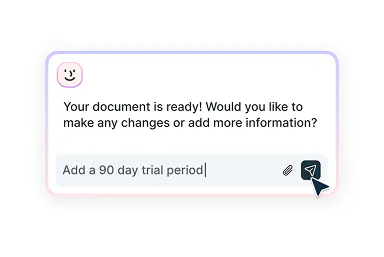
    Edit with smart assistance

    Adjust roles, decision-making processes, profit distribution, and special conditions with AI-powered suggestions tailored to your partnership.
  • 3

    Sign with confidence

    After reviewing and refining your agreement, download the completed document in a professional format or send it directly for signing.
Joint venture agreements made simple
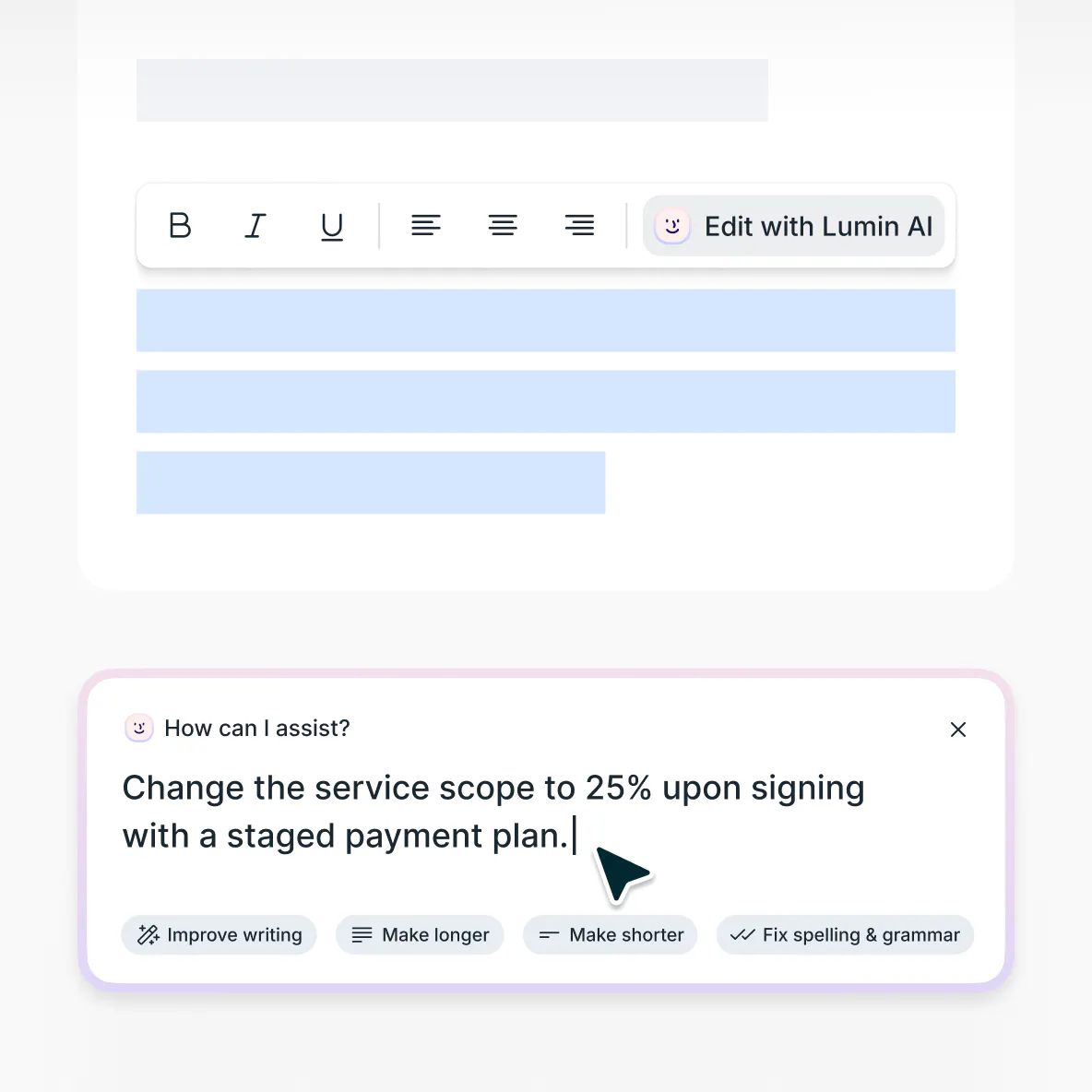
Draft, customize, then send on to sign

  • Generate comprehensive partnership contracts

    Create detailed joint venture agreements that capture your business objectives and partnership structure using our intelligent AI assistant.

  • Refine with smart suggestions

    Looking to adjust terms or add important details? Our AI provides intelligent, context-aware recommendations to help you confidently improve your agreement.

  • Collect legally binding eSignatures

    Share your completed joint venture agreement with partners to collect legally binding eSignatures. All documents are managed within one seamless platform.

Revise existing joint venture agreements

Easily update outdated joint venture contracts with our AI-powered editor. Upload your current agreement to make targeted revisions that align with new business goals or shifting partnership terms.
Edit your agreement

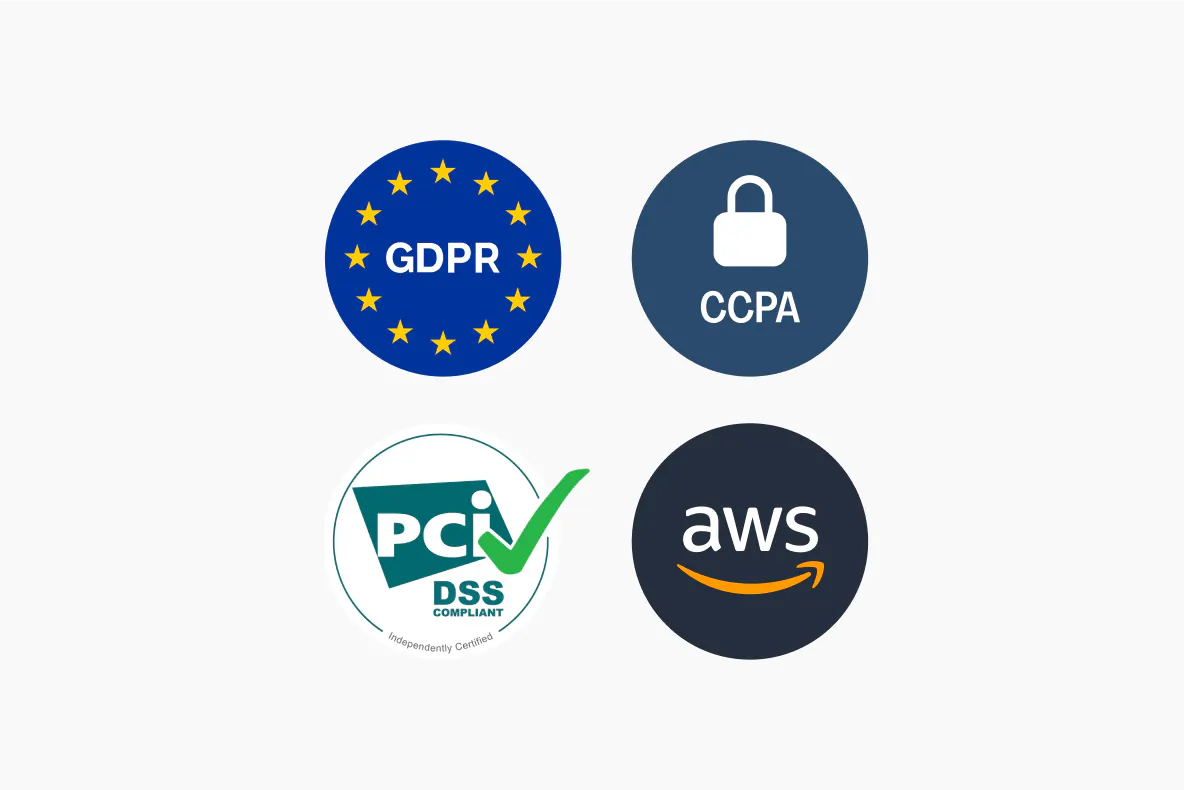
Enterprise-grade security for your documents

Protect your confidential business strategies and partner information with confidence. Our platform is SOC 2 Type 2 and GDPR compliant, ensuring your data remains safe and fully secure.

Security at Lumin

Joint venture agreements explained

  • A joint venture agreement is a contract that establishes a business partnership between two or more parties to pursue specific commercial objectives. Partners share resources, risks, and rewards.

    These agreements define contribution requirements, establish governance structures, clarify profit distribution, and outline exit strategies.

  • The primary purpose is to formalize a strategic business partnership while protecting all parties' interests. Key functions include:

    • Establishing operational guidelines
    • Defining financial arrangements
    • Allocating risks and responsibilities
    • Creating decision-making mechanisms

    These agreements also protect intellectual property and ensure each partner's contributions are recognized appropriately.

  • Joint venture agreements typically focus on specific projects or defined objectives with clear endpoints. Partners maintain separate business identities and collaborate solely for the venture's purpose.

    Partnership agreements create ongoing business relationships where partners share broader management responsibilities. Joint ventures often involve separate entities or contractual relationships, while partnerships blend operations more comprehensively.

  • No, joint venture agreements can use any ownership or profit-sharing arrangement. Common structures include:

    • Equal splits (50/50)

    • Majority/minority arrangements (60/40, 70/30)

    • Multi-party arrangements with varying percentages

    The key is ensuring percentages align with each partner's contributions, whether capital, intellectual property, market access, or expertise.

  • A properly executed joint venture agreement creates enforceable obligations for all parties. Partners must fulfill their stated commitments regarding contributions and responsibilities.

Frequently asked questions

  • Yes, our AI joint venture agreement generator is free to use. Some features require a free Lumin account, which takes only a minute to create.

  • All information is protected using AES 256 encryption and stored in secure databases. Your input data is never used for AI model training. It's exclusively processed to generate your customized agreement.

    Learn more about security at Lumin or read our AI ethics statement.

  • No legal experience required. Our AI assistant asks relevant questions and helps you consider important business factors. The tool guides you through the drafting process, but it’s not a substitute for professional legal advice. For complex matters, it’s best to consult a legal expert.

Discover our products
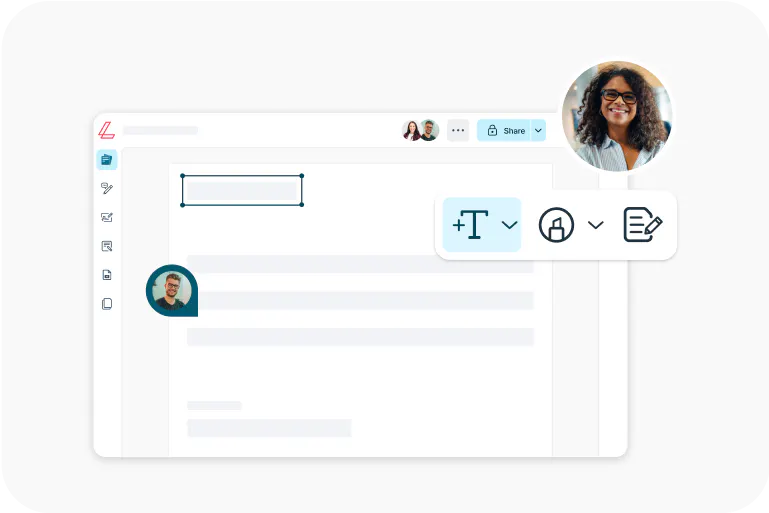
  • Lumin

    An easy-to-use PDF editor that stands alone or integrates with Google Workspace.

    Learn more
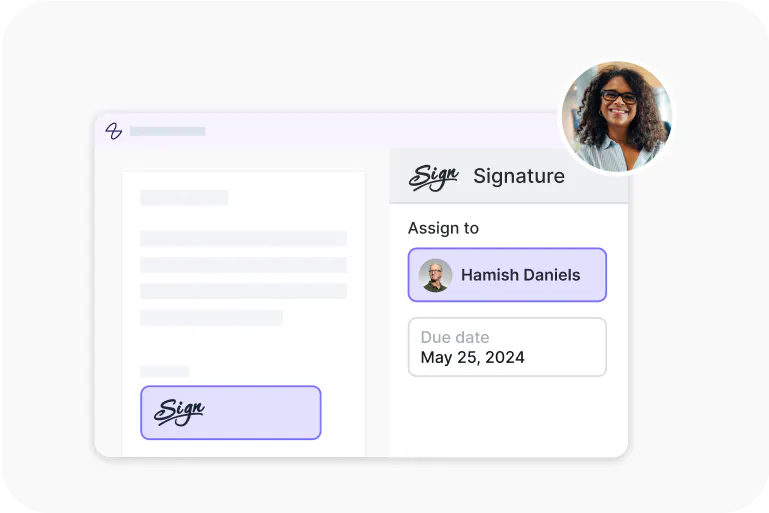
  • Lumin Sign

    An eSignature workflow tool that seals deals with legally-compliant signatures.

    Learn more
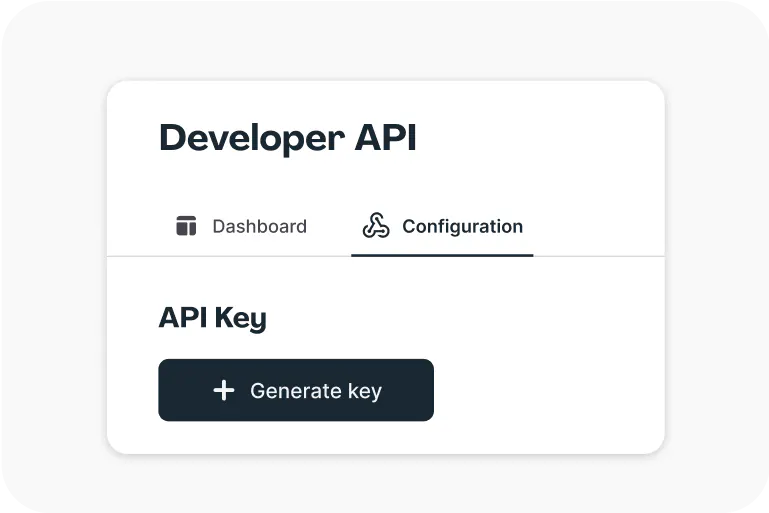
  • Lumin Sign API

    An eSignature API made to be plugged into your platform with minimal effort.

    Learn more

More impact,
less admin

Get startedView our plans

Lumin tools

Lumin PDF

Lumin PDF

  • Organize
    Merge PDF
    Merge PDF
    Split PDF
    Split PDF
    Delete PDF page
    Delete PDF page
    Compress PDF
    Compress PDF
    Rotate PDF
    Rotate PDF
    Organize PDF
    Organize PDF
    Extract PDF
    Extract PDF
    AI PDF
    AI PDF summarizer
    AI PDF summarizer
    Chat with PDF
    Chat with PDF
    Scan
    PDF OCR
    PDF OCR
    Scan PDF
    Scan PDF
  • Edit & annotate
    Edit PDF
    Edit PDF
    Crop PDF
    Crop PDF
    Annotate PDF
    Annotate PDF
    Edit PDF text
    Edit PDF text
    Create fillable PDF
    Create fillable PDF
    PDF reader
    PDF reader
    Redact PDF
    Redact PDF
    More
    Unlock PDF
    Unlock PDF
    Flatten PDF
    Flatten PDF
    Protect PDF
    Protect PDF
  • Convert to PDF
    PDF converter
    PDF converter
    JPG to PDF
    JPG to PDF
    PPT to PDF
    PPT to PDF
    Word to PDF
    Word to PDF
    Excel to PDF
    Excel to PDF
    PNG to PDF
    PNG to PDF
    Convert from PDF
    PDF to PNG
    PDF to PNG
    PDF to JPG
    PDF to JPG
    PDF to Word
    PDF to Word
    PDF to PPT
    PDF to PPT
    PDF to Excel
    PDF to Excel
AgreementGen

AgreementGen

  • AI agreement generator
    AI agreement generator
    AI agreement editor
    AI agreement editor
    NDA generator
    NDA generator
    Lease agreement generator
    Lease agreement generator
    Employment contract creator
    Employment contract creator
    Terms and conditions generator
    Terms and conditions generator
    Operating agreement generator
    Operating agreement generator
    Non-compete agreement generator
    Non-compete agreement generator
    Business plan generator
    Business plan generator
Lumin Sign

Lumin Sign

  • Sign PDF
    Sign PDF
  • Product

    • Lumin
    • Lumin Sign
    • AgreementGen
    • eSign API
    • Features
    • Plans & Pricing
    • Google Workspace
      Lumin for Slack
      Lumin for Chrome
      Lumin for Claude
      See all
  • Solutions

    • Streamline efficiency
    • Onboard from anywhere
    • Accelerate collaboration
    • Build relationships
    • Secure with confidence
    • Work on site
  • Learn & Discover

    • Help Center
    • Blog
    • Lumin 101
    • Customer Stories
    • Templates
    • Template categories
    • Template collections
  • Company

    • Who we are
    • Our mission
    • Careers
    • Become a partner
  • Security

    • Compliance & features
    • Personal data
    • Privacy policy
    • Terms of use
    • Status
    • Bug bounty program
  • Download

    • iOS & Android
    • Mac & Windows

    Contact

    • Support
    • Sales
    • Request a Demo
  • Contact

    • Support
    • Sales
    • Request a Demo
Google Cloud Partner

© 2014–2026 Lumin PDF Corporation | San Francisco, United States | All rights reserved

English
  • English
  • Español
  • Tiếng Việt
  • Português
  • Français





