AI severance agreement generator
 Create an employee severance agreementCreate a layoff agreementCreate an executive separation agreement
Trusted by some of the world’s biggest companies







How to create your severance agreement
- 1

Write a prompt
Tell our AI about your company size, employee role, severance terms, and benefits package. The generator creates a tailored severance agreement that addresses your specific needs.
- 2
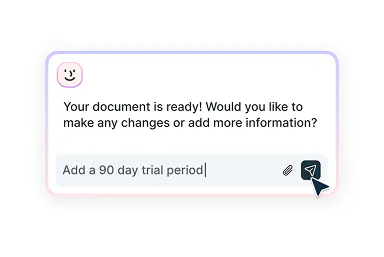
Refine with smart assistance
Need to update severance terms, adjust confidentiality clauses, or include specific provisions? Our AI assistant can help you customize every detail to fit your needs.
- 3
Get it signed
Once your severance agreement is complete, download it as a professional document or share it securely with all parties for eSignatures.
Severance agreements made simple
Draft, customize, then send on to sign

Generate severance contracts
Create detailed severance agreements that address your business needs using our intelligent AI assistant. The tool guides you through essential elements while maintaining professional standards.

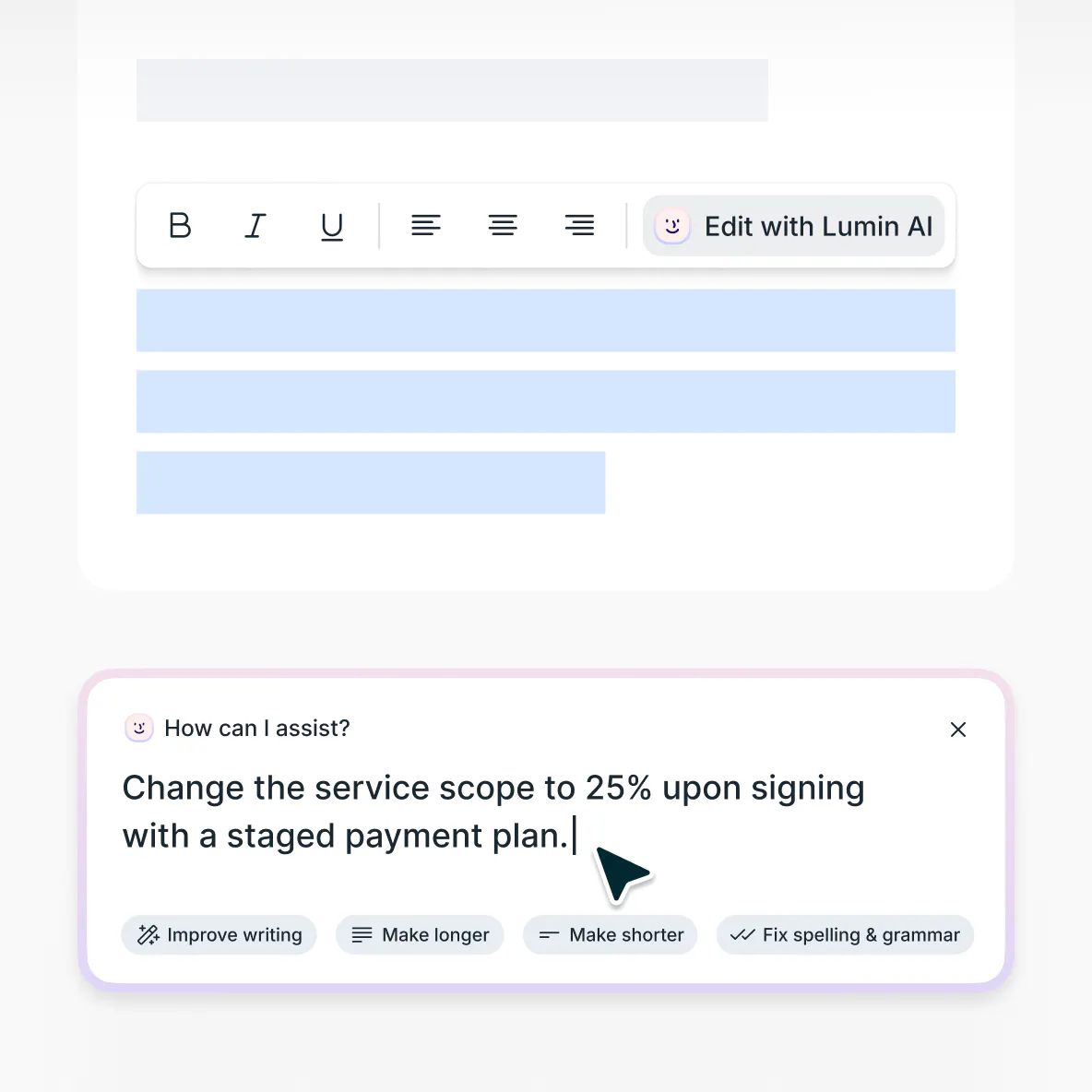
Refine with expert-level suggestions
Our AI provides recommendations to strengthen your severance agreement based on your inputs. Adjust terms, add provisions, and ensure all necessary elements are included.

Send for signing
Once your severance agreement is complete, share it securely with the departing employee through our platform. Track when the document has been viewed and signed, with full visibility into the process.
Modify existing agreements

Update current severance contracts using our AI-powered editor. Upload your existing document to make revisions that reflect new requirements or changing circumstances.
Enterprise-grade document security
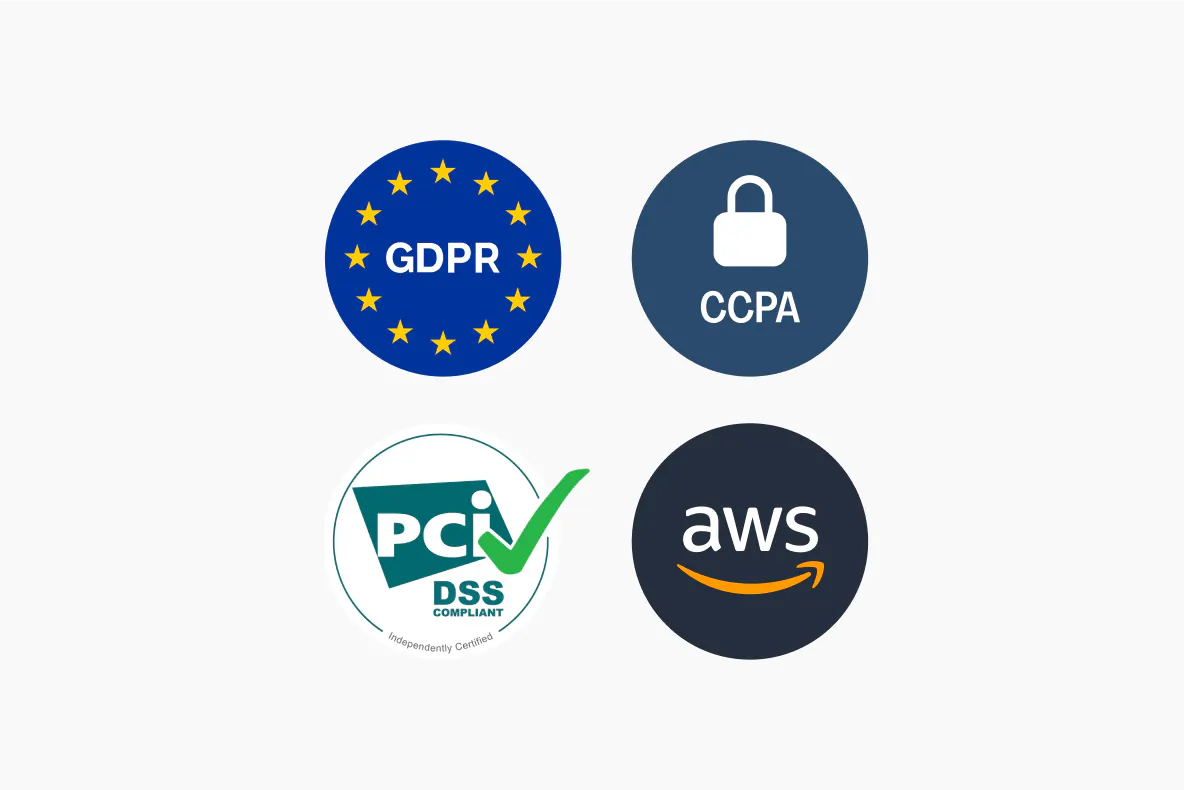
Your sensitive information is protected with AES 256 encryption. Our platform is SOC 2 Type 2 and GDPR compliant, ensuring all data remains secure throughout the process.
Severance agreements explained
A severance agreement is a contract between an employer and a departing employee that specifies compensation, benefits, and mutual obligations upon termination of employment. This agreement supports a smooth transition while protecting the interests of both parties. It serves multiple purposes, such as clarifying separation terms, detailing compensation and benefits, defining post-employment responsibilities, and setting transition arrangements.
A properly executed severance agreement creates binding obligations between parties. Once both parties accept the terms, the agreement becomes enforceable.
Key requirements include adequate consideration (value beyond existing obligations), voluntary acceptance, and compliance with applicable regulations. The binding nature protects both parties by establishing clear expectations and obligations.Breaking a severance agreement can result in serious consequences. If an employee violates terms like confidentiality or non-solicitation clauses, the employer may seek repayment of severance benefits, pursue monetary damages, or request enforcement through appropriate channels.
Similarly, if an employer fails to fulfill obligations, the employee can pursue remedies for breach of contract. Both parties should understand their commitments before finalizing the agreement.Present the severance agreement with clarity and professionalism, ensuring the employee fully understands its terms.
Walk them through each section, including severance pay, continuation of benefits, and post-employment obligations. Highlight their right to review the agreement carefully and inform them of any applicable review periods. Keep detailed records of when and how the agreement was provided to maintain transparency.
Be available to answer questions and clarify terms, but avoid pressuring immediate acceptance, instead encouraging a thoughtful and thorough review of all provisions.While severance requirements differ by location and circumstance, several core principles generally apply.
Consistency is essential. It applies severance terms uniformly to reduce the risk of discrimination claims. Ensure all terms are well-documented through written policies and agreements, and comply with the employment regulations in your jurisdiction.
Employers should also provide consideration that goes beyond existing entitlements to make the agreement valid and enforceable. Many organizations adopt written policies to promote fairness and consistency across similar cases.
Severance pay guidanceWhen determining severance amounts, consider these factors for your generator prompts:
• Entry-level positions: Typically involve limited tenure or specialized knowledge and receive basic severance packages.
• Mid-level professionals: Have moderate responsibility and company knowledge, warranting standard severance terms.
• Management roles: Leadership positions with operational impact deserve enhanced severance considerations.
• Executive positions: High-level responsibilities require comprehensive separation packages.
• Special circumstances: May require additional provisions for specific obligations or customized terms based on unique situations.
Frequently asked questions
No legal experience required. Our AI serves as an intelligent drafting assistant that helps you through the agreement creation process. The tool asks relevant questions and assists with important considerations. Note that this generator is a drafting assistant, not a legal advisor. Consider consulting appropriate professionals for specific legal guidance.
Yes, our AI severance agreement generator is completely free to use.
Some features require a free Lumin account, which can be created in just a minute. Account limitations for non-registered users include downloading completed documents and exceeding preset prompt limits.When using the generator your data security is ensured through AES 256 encryption for all information on our SOC 2 Type 2 and GDPR compliant platform. No data is used for AI model training, and information is processed exclusively for your document.
Our enterprise-grade security ensures complete confidentiality throughout the drafting process
Learn more about security at Lumin or read our AI ethics statement.
Discover our products
Lumin
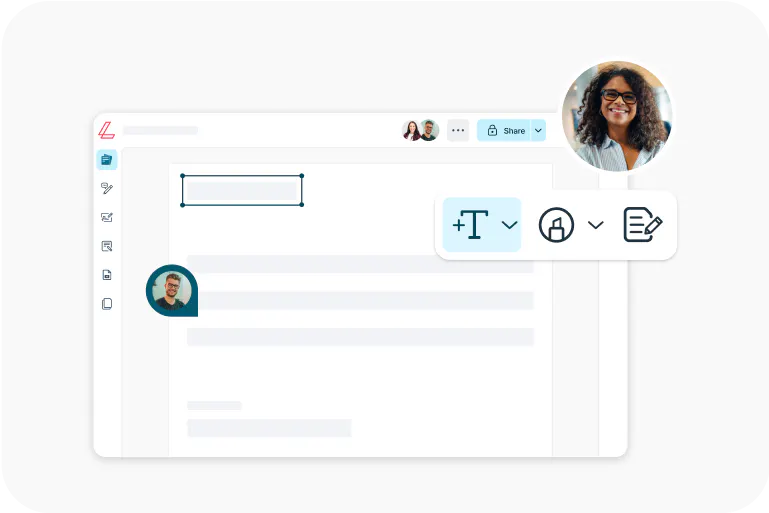
An easy-to-use PDF editor that stands alone or integrates with Google Workspace.
Lumin Sign
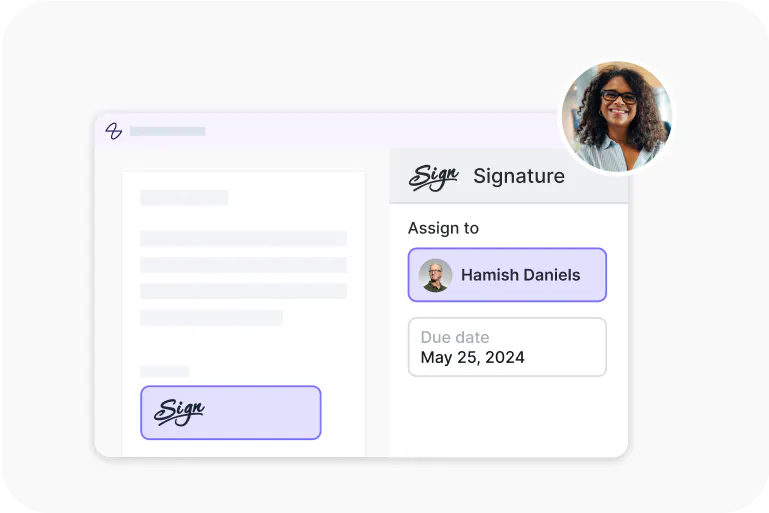
An eSignature workflow tool that seals deals with legally-compliant signatures.
Lumin Sign API
An eSignature API made to be plugged into your platform with minimal effort.