
The 5 best alternatives to Adobe Acrobat
Adobe Acrobat isn’t the only way to work with PDFs. We’ve reviewed five alternatives—covering features, pricing, and ratings—so you can quickly find the right fit for your workflow.
Table of contents
- 1. Lumin PDF
- 2. Smallpdf
- 3. Foxit PDF editor
- 4. NitroPDF
- 5. PDFgear
- 6. How to choose the right PDF editor
Share this post
Adobe Acrobat has been the industry standard for working with PDFs since Adobe introduced the format in the early '90s. In the years since, it has grown from a simple PDF viewing tool into a comprehensive productivity platform, offering document editing, collaboration, and eSignature features that benefit teams of all sizes.
But Adobe Acrobat isn't the only PDF editor out there. Other tools, like Lumin PDF and Nitro PDF, may be a better choice depending on your budget and what you need to do. However, with so many platforms on the market now, finding the right one for your workflows isn't always straightforward.
To make things as easy as possible, we've rounded up five Adobe Acrobat alternatives and compared them by features, price and other factors. This way, you don't have to waste time researching each one yourself.
Note: All the prices mentioned below are for monthly subscriptions. Annual plans, where applicable, may work out cheaper.
Lumin PDF
Lumin PDF is a full-loop document workflow tool that lets you edit, annotate, send and sign PDFs. Rather than just a simple PDF editor, it provides a unified document ecosystem with capabilities for real-time collaboration, file conversion, cross-device editing and much more.
Whether you want to create a PDF from scratch or edit an existing one, Lumin has all the tools you need. You can add text, comments and drawings to PDFs and integrate your workflows with Google Workspace, Dropbox and other third-party apps.
If that wasn't enough, Lumin's template library makes it painless to design contracts and other legal agreements that you can send to whoever you like. With its easy-to-use interface and cloud-based access, you can see why more than 100 million customers use this platform.

Key differences with Adobe Acrobat
One big difference is that Adobe Acrobat offers 100GB of cloud storage as standard on all their paid plans, though you can pay extra if you require more. Lumin, on the other hand, has no limits to its storage, letting you upload as many PDFs as you like and keep them in your account for any amount of time.
Lumin has a much more streamlined interface than Adobe Acrobat, with menus and other navigational features that simplify PDF editing and management. That said, you might already be familiar with Acrobat's design if you've used Adobe products in the past, which might make it your preferred option.
Both tools have real-time collaboration features, but Lumin offers more flexibility for teams. Multiple users can edit, comment on and track PDFs without having to manage multiple versions of the same document.
Price comparison
At first glance, Adobe Acrobat's plans, which range from $14.99 to $29.99 per month, seem cheaper than Lumin PDF's, which range from $19 to $99 per month. However, Adobe Acrobat charges by license, meaning you'll need to pay a set fee for each member of your team who needs access. Lumin PDF charges by team, allowing you to add multiple users under the same subscription, which often works out significantly cheaper.
For example, Acrobat's entry-level plan for small teams, Standard, costs $14.99 per license per month, while Lumin PDF's similar plan costs $19 per team per month. If three members of your team need a PDF editor, Acrobat would cost $44.97 per month in total, while Lumin PDF would still cost $19 per month.
Lumin PDF has a free plan which lets you annotate PDFs and do some basic editing, such as adding images, organizing and deleting pages, adding and highlighting text, and so on. You can even digitally sign PDFs for no cost.
Adobe Acrobat doesn’t have a free plan. You can do some limited PDF annotation with its little brother app, Acrobat Reader, though it doesn’t have the same functionality as the free version of Lumin PDF.
How does Lumin PDF rate?
Smallpdf
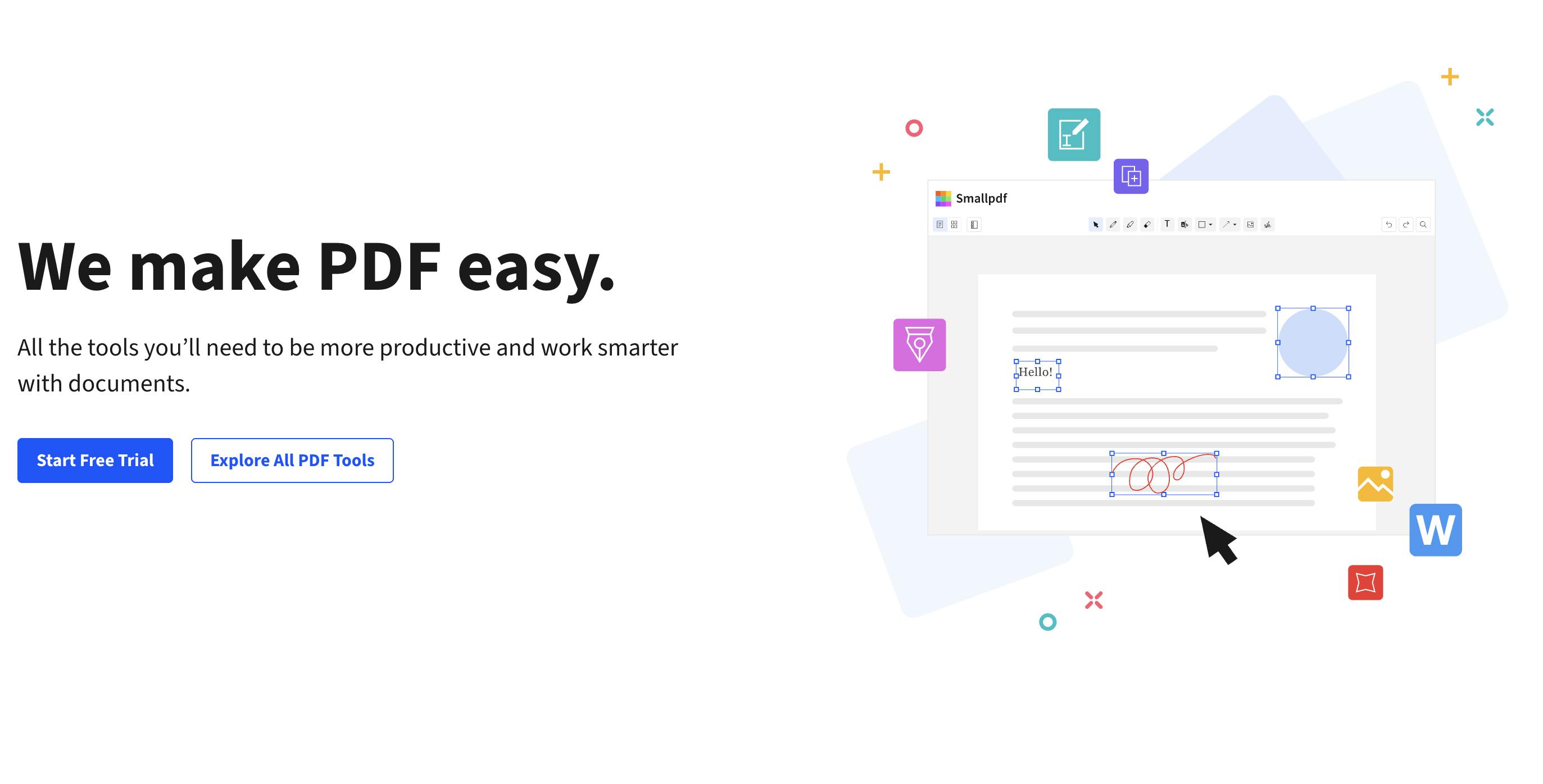
Smallpdf is a PDF editor that focuses more on simplicity than Adobe Acrobat. It has fewer features and a more streamlined interface, making it a good fit for teams that only require a basic set of tools for editing and collaboration.
With Smallpdf, you can edit, convert, merge and split PDFs without any of the fuss. It also offers advanced security and 24/7 customer support.
Key differences with Adobe Acrobat
Smallpdf is primarily a web-based app, letting users edit and manage PDFs directly through their browsers. It does offer a Windows desktop app for offline use, but most features are optimized for the internet. Adobe Acrobat is the opposite. While you can access web-based options, you'll get the most functionality from its desktop version.
Another difference is ease of use. Like Lumin PDF, Smallpdf has an extremely simple user interface, which will benefit users who don't want all the bells and whistles of an Adobe product.
While Smallpdf has a free version, some of its features are more restrictive than Adobe Acrobat's. For instance, there are daily limits on the number of documents you can edit, compress, convert and so on.
Price comparison
Smallpdf's Team plan costs $12 per seat per month, which is around $12 cheaper than Acrobat's similar Pro for Teams plan ($23.99 per license per month). All of Smallpdf's paid tiers offer access to Sign.com, allowing you to send contracts and other legal agreements for eSigning. Adobe Acrobat provides eSigning capabilities on some of its paid plans through Acrobat Sign.
How does Smallpdf rate?
Foxit PDF editor
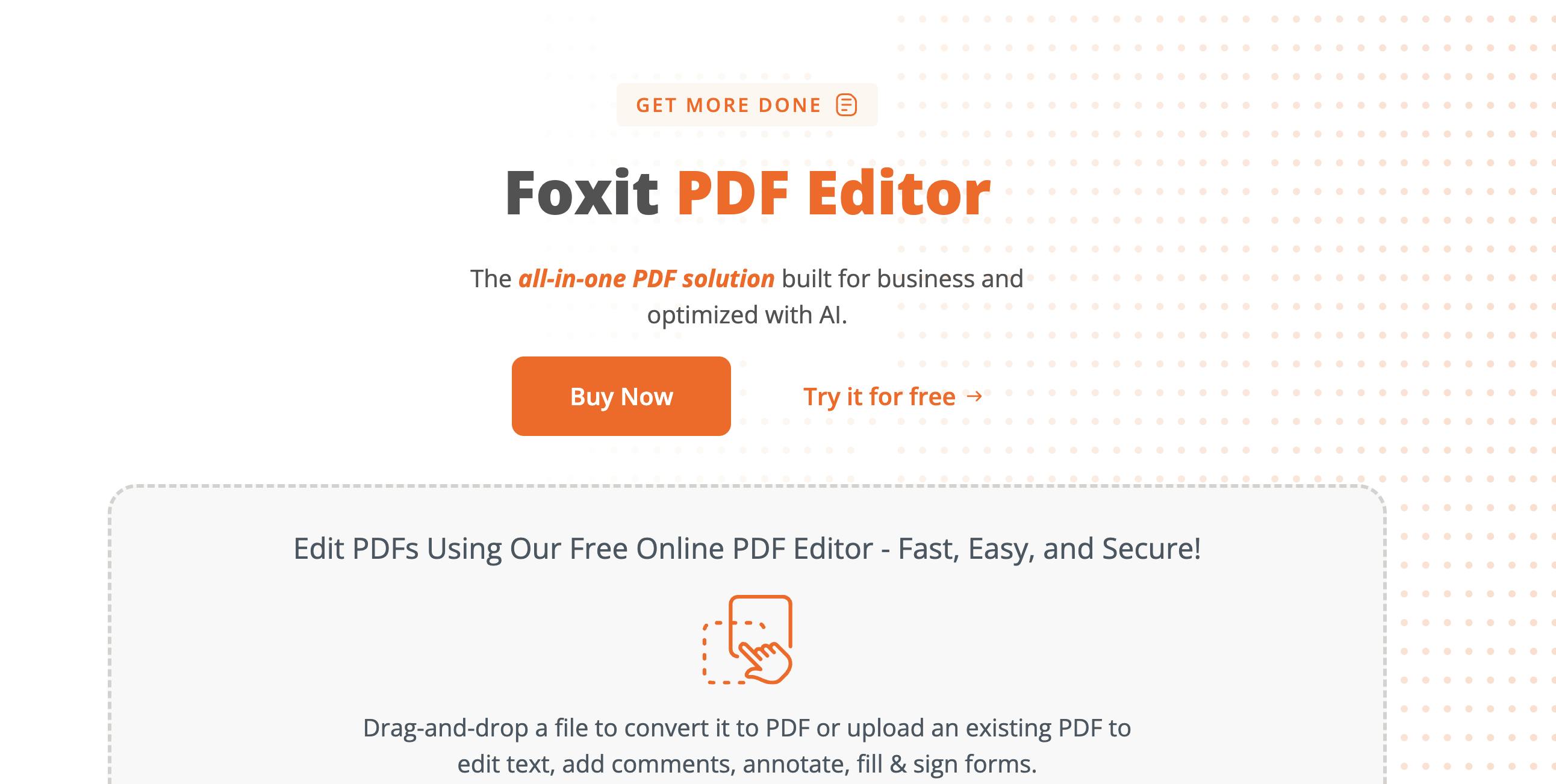
If you're looking for an alternative to Adobe Acrobat, consider Foxit PDF Editor. It lets you create, edit, annotate and organize PDFs with ease.
Designed for both individual users and businesses, you can access a wide range of features, including file conversion, team collaboration and eSignature requests. You also get limited or full access to an AI assistant, depending on the plan, helping you summarize, rewrite and extract key data from a document.
Key differences with Adobe Acrobat
Foxit PDF Editor integrates with Google Drive, SharePoint, OneDrive and other third-party apps, which can optimize your PDF editing and management workflows. Adobe Acrobat is far easier to integrate with other products in the Adobe ecosystem, such as Creative Cloud and Experience Cloud.
Acrobat benefits from Adobe's world-class security infrastructure, helping you improve data protection and compliance. That said, Foxit takes security seriously, offering 256-bit AES encryption and password protection.
One thing Foxit offers that Adobe Acrobat doesn't is ConnectedPDF, a technology that tracks different versions of a document after it's registered in the cloud. This lets you see who opens and edits your PDFs.
Price comparison
Foxit PDF Editor has two paid plans, PDF Editor and PDF Editor+, which cost $10.99 and $13.99 per user per month, respectively. The latter comes with eSign features, full access to Foxit's AI assistant and other capabilities. You can also get basic PDF management features with the company's free tier.
Whatever paid plan you choose, Foxit works out considerably cheaper than Adobe Acrobat. It also offers volume pricing discounts for larger teams, bringing down your total cost even more.
How does Foxit PDF Editor rate?
NitroPDF
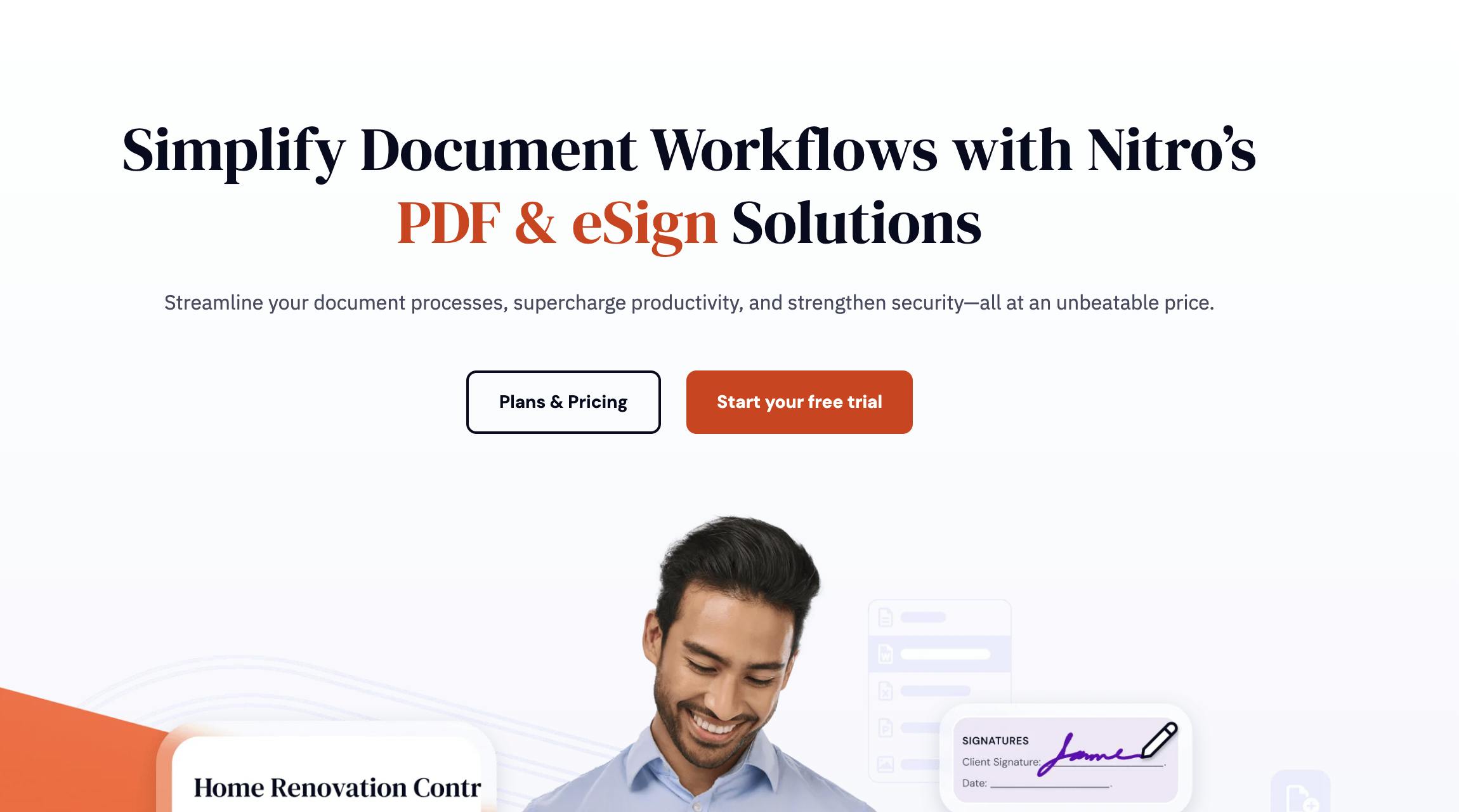
Like Adobe Acrobat, NitroPDF helps you simplify your document management workflows, letting you create, edit, share and annotate PDFs in one place. It also offers advanced security, dedicated support and a user-friendly layout.
Various industries use this tool for all their PDF needs, including manufacturing, real estate and healthcare. You can also integrate it with third-party services such as SharePoint and Microsoft 365.
Key differences with Adobe Acrobat
The biggest difference is that Adobe Acrobat has a free version of sorts (in Acrobat Reader), but NitroPDF doesn't. You can sign up for a 14-day trial to sample its features; however, you won't be able to access them after the trial period without upgrading to a paid plan.
NitroPDF's interface might remind you of Microsoft Word. It has a ribbon-style layout that feels instantly familiar, making it a good option if you're new to PDF editing.
If you do get stuck when using NitroPDF, the company offers various customer support options, including a community forum. However, it doesn't have phone support like Adobe does.
Price comparison
NitroPDF is considerably cheaper than Adobe Acrobat. It offers two plans: PDF Editor and PDF Editor+, which cost $10.99 and $13.99 per month, respectively.
How does NitroPDF rate?
PDFgear
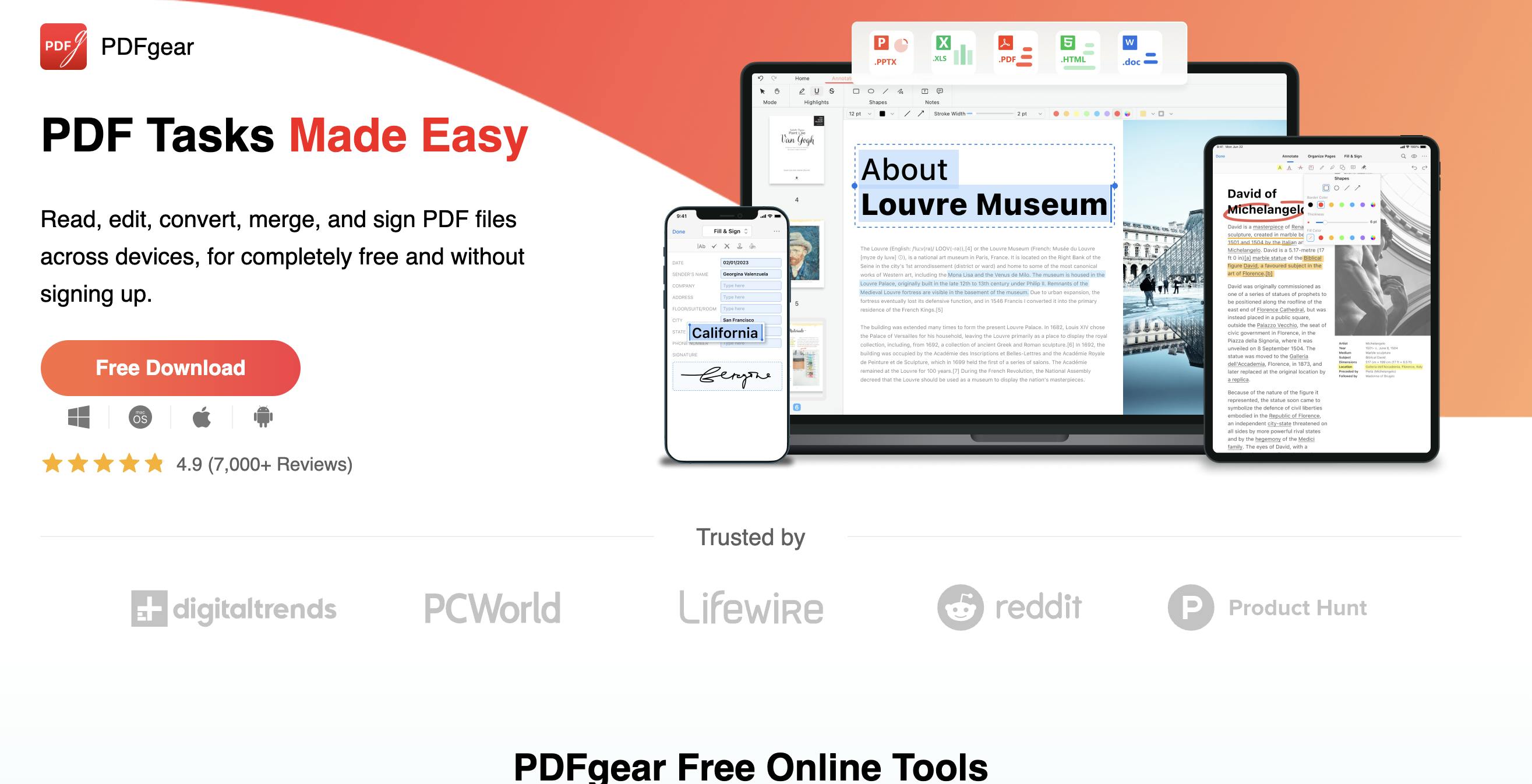
PDFgear differs from the other Adobe Acrobat alternatives on this list in that it only offers a free version. All of its features, including PDF editing and merging, are available without a paid subscription. You don't even need to sign up for an account to use it.
While PDFgear comes at no cost, it lacks more advanced PDF editing features that you might need. If this is the case, consider a platform like Lumin PDF or Foxit PDF Editor.
Key differences with Adobe Acrobat
Adobe Acrobat is, by far, the more feature-rich tool, offering real-time collaboration, advanced file conversions and integrations with popular apps. You won't get any of these things with PDFgear.
Still, if you're looking for a very basic PDF editor, PDFgear might be the right choice for your team. You can annotate PDFs, convert them into formats like TXT and PPT and scan paper documents to PDF without spending a single dime. It even has an AI-powered tool for managing PDFs, something you won't find on Acrobat's free tier.
Unlike Acrobat, there's no way to get in touch with a customer service rep from PDFgear apart from a simple contact form.
Price comparison
PDFgear is completely free, and there are no subscription tiers or paid add-ons available.
How does PDFgear rate?
How to choose the right PDF editor
If you need an advanced PDF editor that integrates with other Adobe products, Acrobat might be worth the investment. However, there are plenty of alternatives on the market that offer similar functionality at a lower price point.
The perfect tool all depends on your unique needs. For example, if you're looking for unlimited storage and real-time collaboration, Lumin PDF might be the right fit. If you're happy with the most basic features, PDFgear offers free PDF editing without you even having to sign up for an account.
Still unsure? Consider signing up for a free trial with a few different options. Doing so lets you test PDF editors firsthand so you can find out what works best for your team.
See related guides:

Share this post