
Convert PDF to PPT
Easily turn your PDF documents into PowerPoint presentations using Lumin’s free PDF → PPTX converter. Upload your PDF, convert in seconds, and download a high-quality .pptx file — no registration needed.Almost there, finishing the upload.

Drag and drop or click here to upload
You're in good company







How to convert PDFs to PPT
Follow these steps to quickly turn your PDF into a PowerPoint file.
- 1
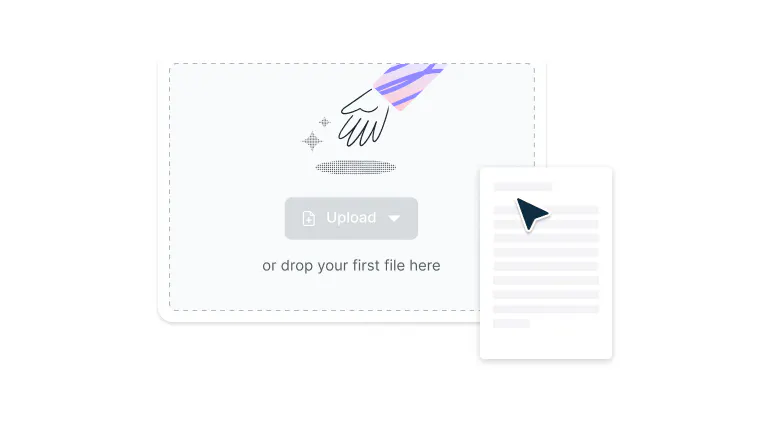
Upload
Drag and drop your PDF file into the drop zone above or click the 'Upload' button.
- 2
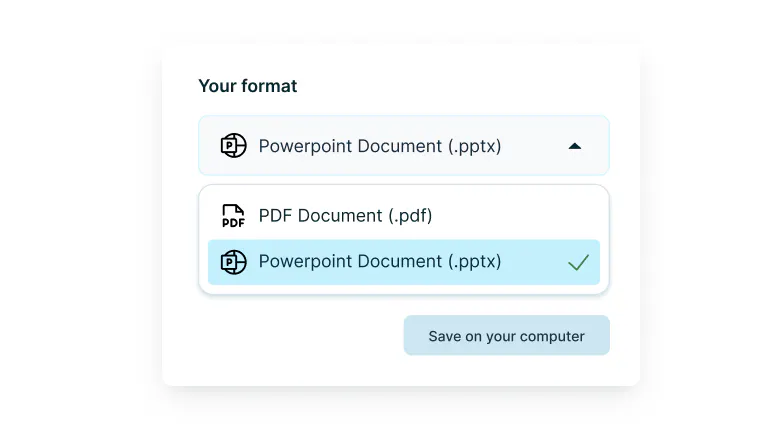
Convert
Select ‘PowerPoint Presentation’ from the available formats.
- 3
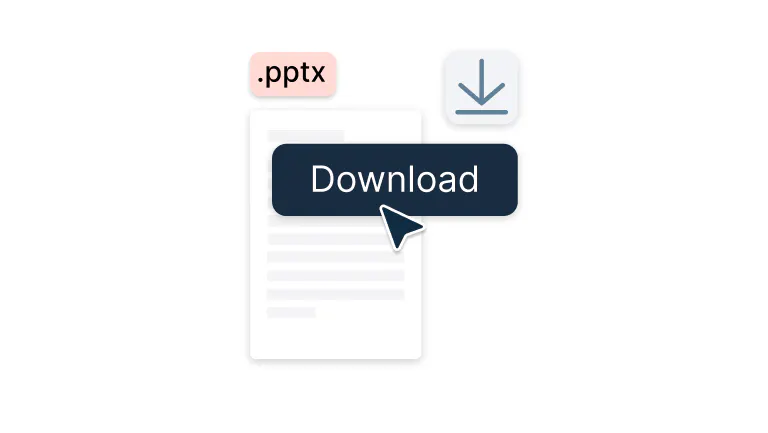
Download or edit
Download your PPT file.
Fast, accurate PDF to PPT conversion
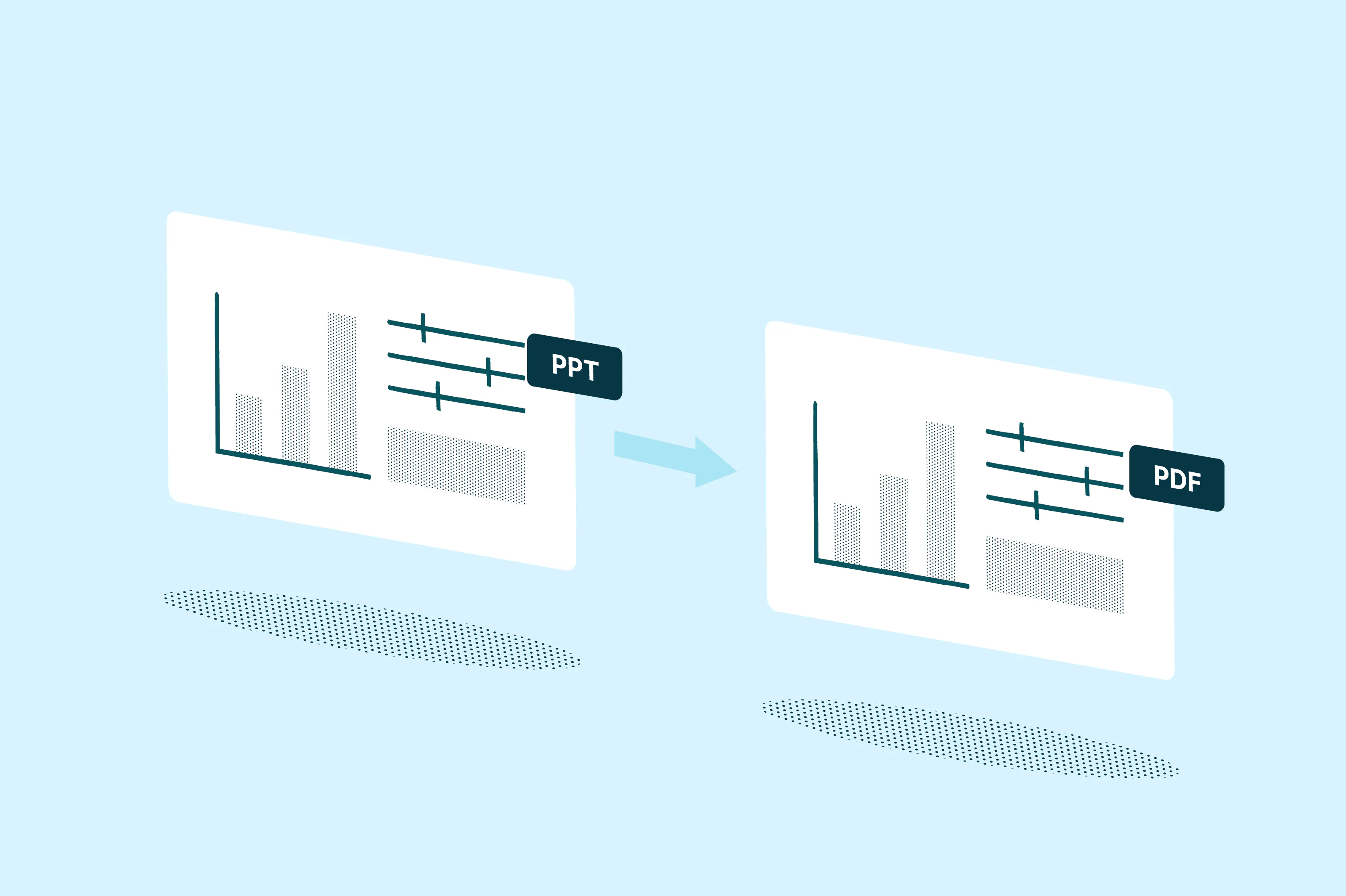
Transform your PDFs into clean, editable slides without losing layout or visuals. Perfect for meetings, presentations, or training materials.

Quick and simple conversion
Turn PDFs into professional PowerPoint presentations in seconds. Perfect for transforming reports, proposals, or visual materials into ready-to-present slides that you can edit and customize.

Google integrated
Convert PDF to PPT and start working on your presentation immediately. Access and manage your converted PowerPoint files directly through Google Drive for easy sharing and collaboration.

Real-time collaboration
Present and collaborate with your team instantly after you convert the PPT from PDF. Share slides, gather feedback, and work together seamlessly across any device with cloud-based editing.

Preserve slide accuracy
Our PDF to PPT converter preserves your PDF's original text, images, and layout as closely as possible for a clean and editable PowerPoint presentation that maintains professional quality.
Security you can trust
Once you upload your files to Lumin, they're protected with encryption and optional password protection. While stored in Lumin, your documents remain secure and under your control.

No installation needed
Convert PDFs to PowerPoint right from your browser with our online converter. No software downloads or registrations required. Upload, convert, and present instantly from any device, including Mac, Windows, or Linux
Frequently asked questions
Yes, it's completely free to convert PDF to PPT using our tool. Simply upload your document and transform it into an editable PowerPoint presentation without any payment required.
To convert a PDF to PPT format, upload your PDF file to our converter, select PowerPoint as your output format, and select “Save to Google Drive” or “Save on your computer.” The process takes just seconds, and you'll have an editable presentation ready to download or open in Google Drive.
Our PDF to PPT converter works to preserve your original formatting, images, and layout as accurately as possible. However, some elements may shift or render differently. For best results, use embedded/standard fonts, run OCR on scans first, and review the slides after export.
Yes, you can convert scanned PDFs to PowerPoint using our tool. The converter utilizes OCR technology to recognize text in scanned documents, although results may vary depending on the scan quality. For best results when you convert a PDF file to PPT, use high-quality scans.
Absolutely. Lumin protects your files with end-to-end encryption and secure cloud processing. Your documents are stored safely and deleted after conversion, so only you can access them.
Learn more about how we keep your documents safe.No installation required. Our PDF to PPT converter works entirely online in your browser. Access all conversion features instantly without downloading software, making it easy to convert PDF to PPT format from any device.
Trusted by more than 100 million customers



Featured articles

Discover Lumin’s products
Collaborate with existing colleagues and onboard new ones with Lumin and Lumin Sign. Our innovative solutions work great on their own, but they’re even better together.

Lumin Sign