
Free JPG to PDF Converter
Turn your JPG images into PDF files in seconds with Lumin’s free online converter. Upload your image, convert instantly, then edit or download — all in your browser.Almost there, finishing the upload.

Drag and drop or click here to upload
You’re in good company







How to convert JPG to PDF
Follow these simple steps to convert your JPG to PDF.
- 1
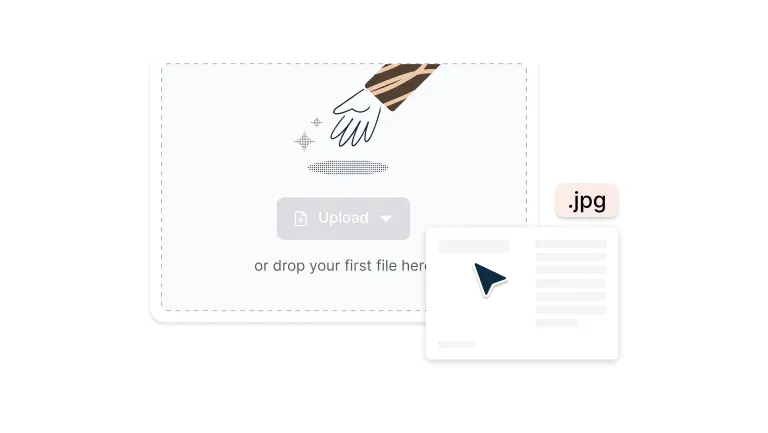
Upload
Drop your JPG file into the dropzone above or click the 'Upload' button.
- 2
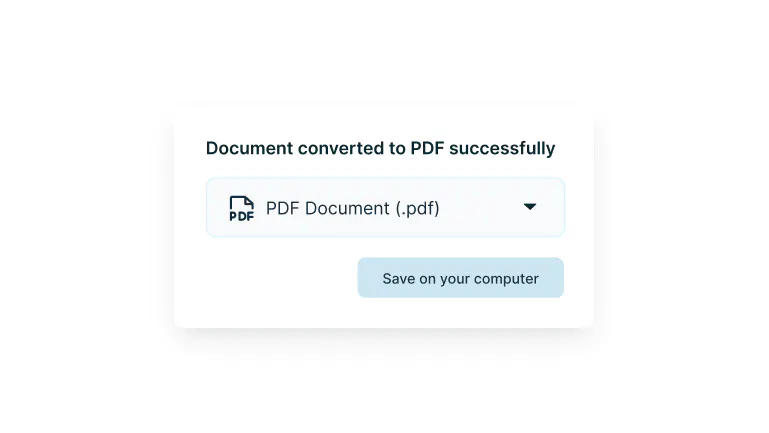
Convert
Sign-in and your JPG will be converted to PDF format.
- 3
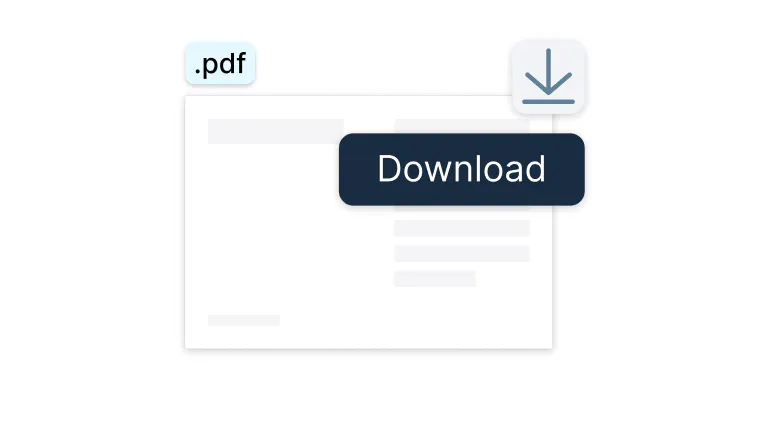
Download or edit
Edit, collaborate or download the document as a PDF.
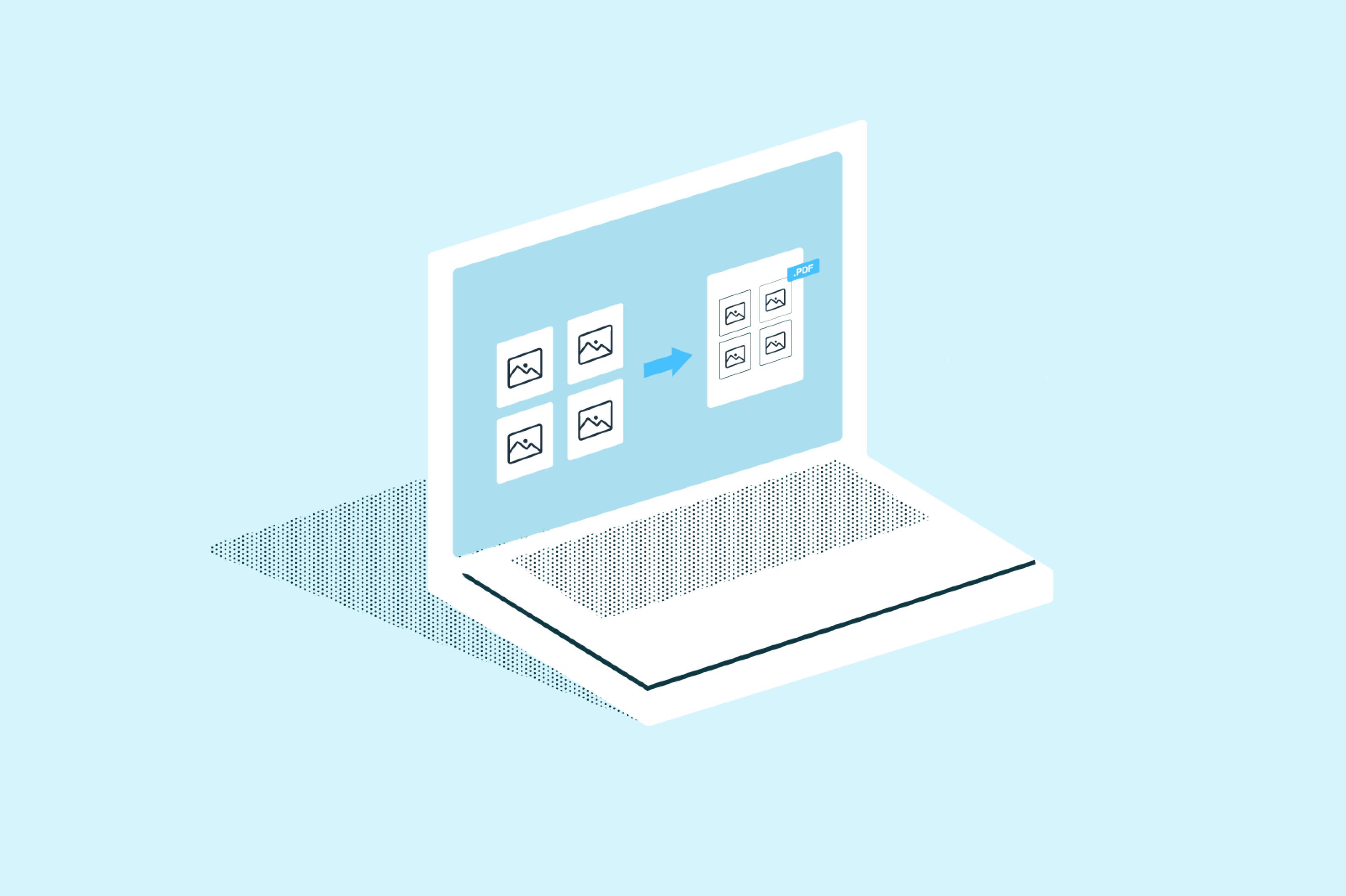
Turn images into polished PDFs in seconds
Quickly convert JPEGs into professional PDFs with smart layouts, instant previews, and Google Drive integration.

Drag, drop, done
Skip the complicated software. Simply drag your JPEG images into Lumin and watch them instantly transform into crisp, professional PDFs. No learning curve, no wasted time – just results.

Preview before you print
See exactly how your PDF will look before hitting print. Catch orientation issues, spacing problems, or layout quirks early, so you never waste paper or time on reprints.

Works on the devices you use
Easily convert JPEGs to PDFs using your Mac, Windows, iPhone, or Android device. The tool works seamlessly across desktops, laptops, and mobile phones, making it perfect for managing documents at home, in the office, or on the go.

Smart layout options that work
Your images deserve to look their best. Choose portrait or landscape, fit multiple images per page, or give each image its own space. Lumin automatically optimizes spacing and alignment for professional results.

Instantly connected to your Google Drive
Work directly from your Google Drive files without the back-and-forth. Open, convert, and save – all within your existing workflow. Your converted PDFs sync automatically, keeping your team connected.

Enterprise-grade security you can trust
Your files are encrypted and protected with the same security standards used by Fortune 500 companies. You control access, we handle the protection.
Frequently asked questions
Lots of our tools are free. You can draw on PDFs, comment on them, add text, signatures and images; all the basics are covered.
Our paid plans expand your toolkit: you can edit PDF text, redact information, create fillable fields and much more. Discover our plans to learn which one is the right fit for you.The Lumin app works on your browser, or you can download our desktop app and keep Lumin handy on your computer. We’ve also got a mobile and tablet app which includes Lumin’s most popular features.
Yes, Lumin offers free JPEG to PDF conversion with essential tools. Create a free account to unlock more features and higher limits. For advanced capabilities like batch conversion, custom layouts, and team collaboration, our upgraded plans provide professional-grade functionality.
PDFs preserve your image quality while making files universally accessible. They display consistently across devices, are perfect for professional sharing, and can combine multiple images into one organized document that's easy to manage and archive.
Absolutely. Select all your JPEG files, and Lumin combines them into a single, organized PDF. Each image gets its own page, and you control the order, which is perfect for creating photo albums, project documentation, or client presentations.
Converting your JPG images to PDF is straightforward with our free online converter. Simply upload your JPG file, adjust any settings like page size or orientation, and click convert. Within seconds, you'll have your image in PDF format ready to download.
Converting JPG to PDF makes your images more professional and easier to share. PDFs maintain consistent quality across all devices, are perfect for printing, and can combine multiple JPGs into a single document. They're also ideal for sending via email or uploading to document management systems.
Yes, Lumin works seamlessly on both Mac and Windows. Download the Lumin desktop app for your system and enjoy the same intuitive experience regardless of your platform.
Our converter works seamlessly on mobile devices. Access our website through your phone's browser or mobile app, select your JPG images from your gallery or files, and convert them to PDF instantly. Completely free to use on any device.
Lumin preserves your original image quality while creating PDFs that display beautifully. You can also adjust compression settings to balance file size with quality based on your specific needs.
Right-click any JPEG file in Google Drive, select "Open with Lumin PDF," then convert directly within your Drive workspace. Your converted PDFs save back to Drive automatically with no downloading, uploading, or file juggling required.
Your files are encrypted during upload, conversion, and storage using enterprise-grade security. Lumin's cloud infrastructure meets strict privacy standards, and you maintain complete control over file access and sharing permissions.
Trusted by more than 100 million customers



Featured articles
Discover our products
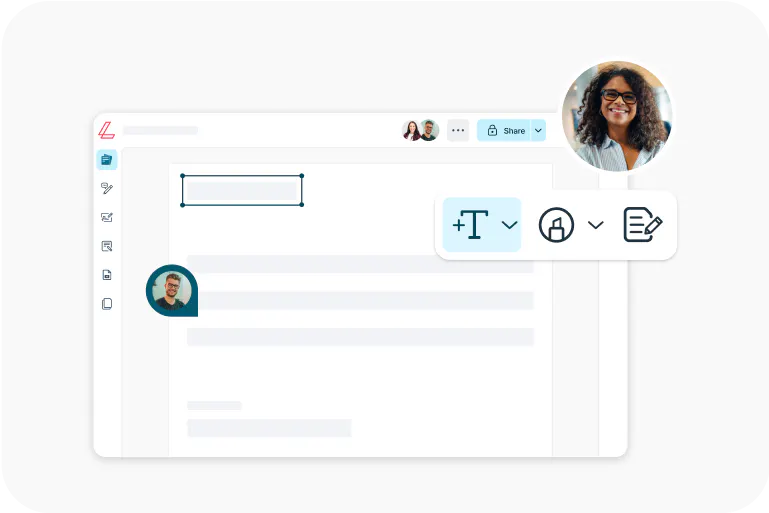
Lumin
An easy-to-use PDF editor that stands alone or integrates with Google Workspace.
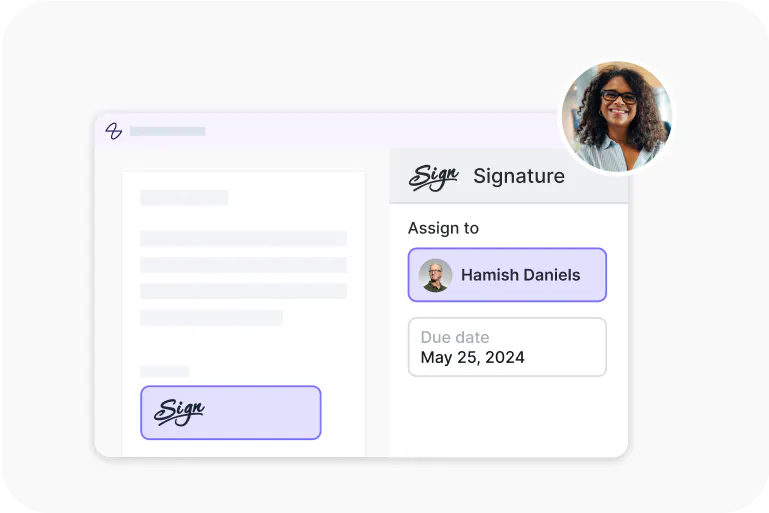
Lumin Sign
A digital signature workflow tool that seals deals with legally-compliant signatures.
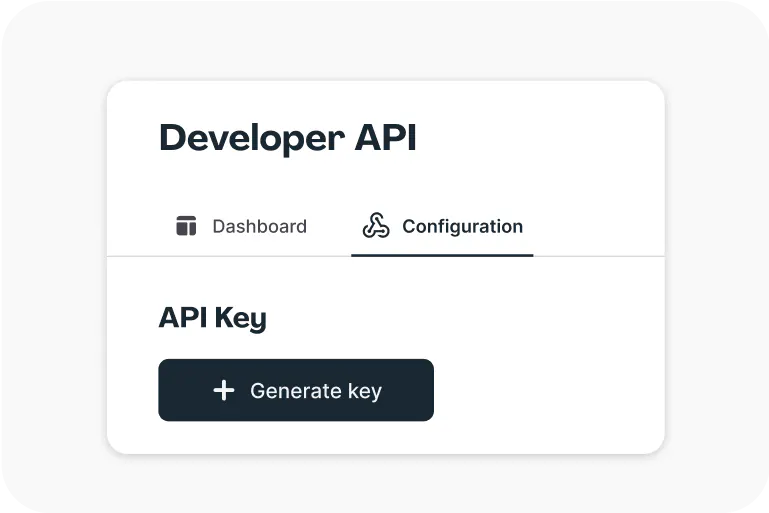
Lumin Sign API
An eSignature API made to be plugged into your platform with minimal effort.