
Free PNG to PDF Converter
Convert PNG to PDF documents in seconds. Just upload your file and open it in Lumin to edit, share, or download — free and easy.Almost there, finishing the upload.

Drag and drop or click here to upload
You’re in good company







How to convert PNGs to PDFs
Follow these easy steps to turn your PNG images into high-quality PDFs in seconds.
- 1
Step 1
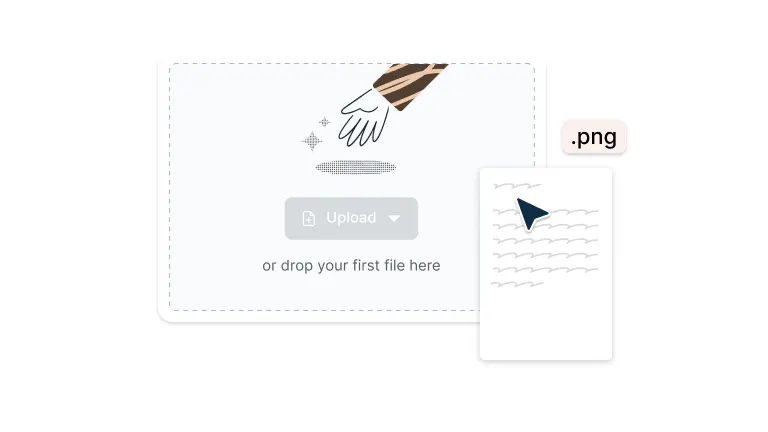
Drop your PNG file into the dropzone above or click the 'Upload' button.
- 2
Step 2
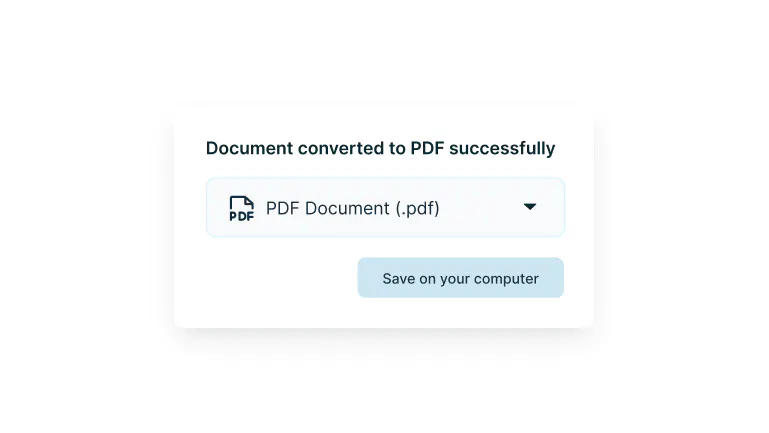
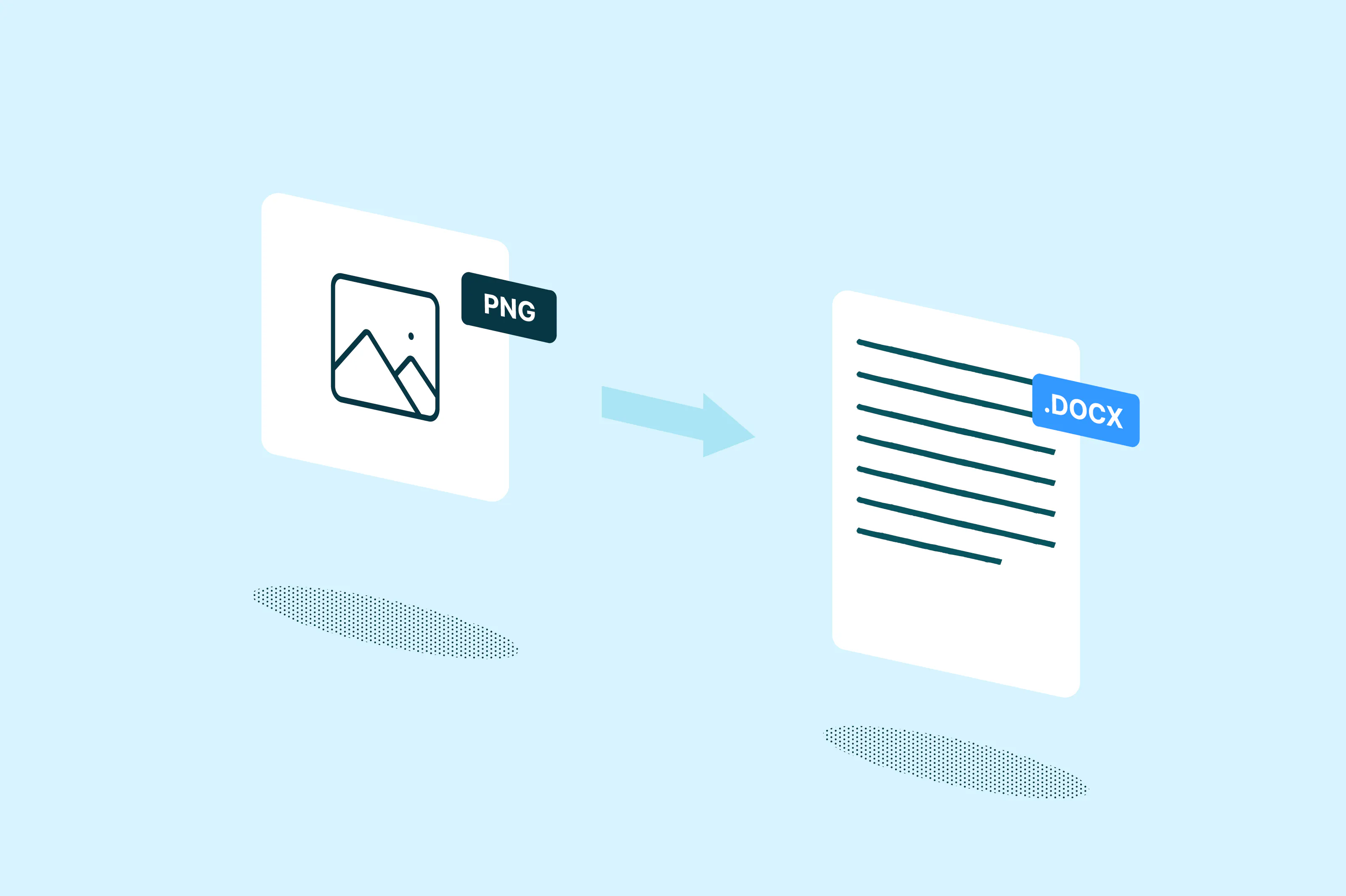
Your PNG will be converted to PDF format.
- 3
Step 3
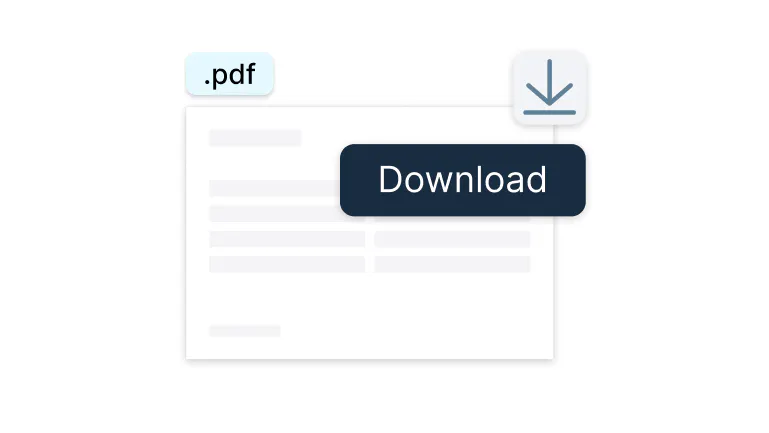
Download your document.
From PNG to PDF — fast and flawless
Convert your images into professional PDFs in moments.

PNG to PDF in seconds
Drop your PNG, get a PDF. It's that simple. Whether it's screenshots, designs, or photos, we'll transform them into share-ready PDFs faster than you can grab your coffee.

Quality that makes you look good
Your images stay sharp, colors stay vibrant, and everything looks exactly how you intended. Because your work deserves to shine in any format.

Works right where you do
Already using Google Drive? Perfect. Open, convert, and save without leaving your flow. No downloads, no juggling files, just smooth sailing from PNG to PDF.

Any device, anywhere
Mac, PC, iPhone, Android, doesn't matter. If you've got internet, you've got a PDF converter that just works. Your documents, your way, wherever you are.

Keep your files completely secure
Once uploaded to Lumin, your files are secured with encryption and optional password protection. While stored on the platform, your documents stay protected and fully under your control.

Edit your PDF your way
Need to highlight a section, or add a comment, or something else? Once your PNG becomes a PDF, you can edit it directly in Lumin. No switching tools required.
Frequently asked questions
Yes, you can convert multiple PNGs into a single PDF. Just upload all the PNG files you want to include, and the tool will combine them in the order you select. With Lumin, you can drag and drop your images, arrange them as needed, and then download the merged PDF in one click.
Converting a PNG to PDF generally doesn’t reduce image quality. However, in some instances the conversion may compress the file, which can lead to slight quality loss.
Once converted to PDF, your images become part of a document format. You can now edit the PDF using a PDF editing tool, including adding text, annotations, or combining with other pages.
If you need to make changes to the actual image, it's better to edit the original PNG first and then convert it to PDF.The choice between PNG and PDF depends on your needs:
• Choose PDF for: multi-page documents, sharing official documents, printing, archiving, or when you need searchable text
• Choose PNG for: single images, web graphics, images needing transparency, or when you want to preserve exact image quality
For document sharing and professional use, PDF is often better because it's universally compatible and maintains formatting across all devices.Yes, you can convert a PNG to PDF on a Mac by simply dragging and dropping the image into the Lumin tool. Once uploaded, Lumin will instantly convert your file, and you can download the PDF in just a few clicks. No extra apps or setup needed.
Yes, Lumin offers free PNG to PDF conversion. You simply need to drop or upload your PNG file, and you can convert it to PDF at no cost. It's a simple, straightforward process that gives you instant access to high-quality PDF conversions.
Trusted by more than 100 million customers



Featured articles

Discover Lumin’s products
Collaborate with existing colleagues and onboard new ones with Lumin and Lumin Sign. Our innovative solutions work great on their own, but they’re even better together.

Lumin Sign