
Organize PDF
Rearrange, rotate, or delete pages in your PDF with just a few clicks. Lumin’s free online tool makes organizing PDFs fast and hassle-free.Almost there, finishing the upload.

Drag and drop or click here to upload
You're in good company







How to organize a PDF
Follow these steps to manage your document pages.
- 1
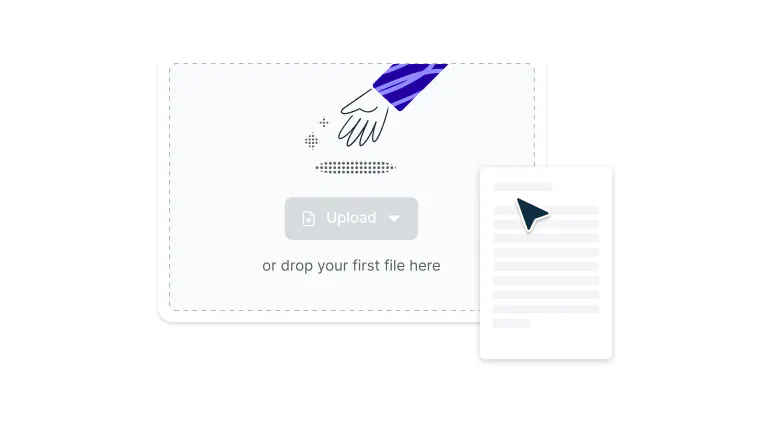
Upload
Drag and drop your PDF file into the dropzone above or click the ‘Select a file’ button to upload.
- 2
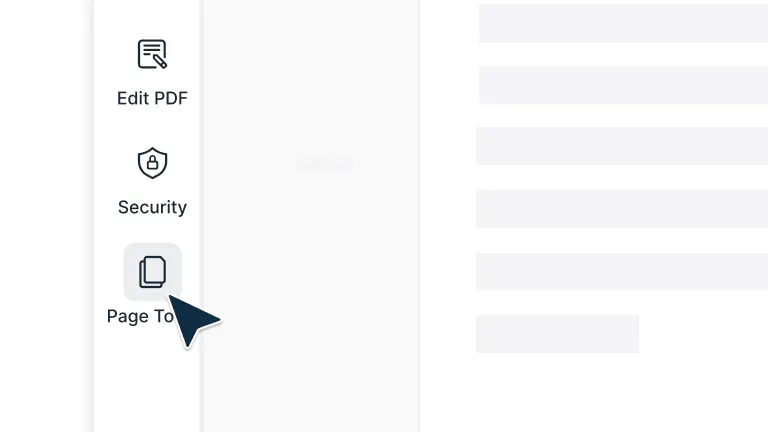
Open Page Tools
While you’re in Document Editing mode, click ‘Page Tools’ in the top-right toolbar to open the page management view.
- 3
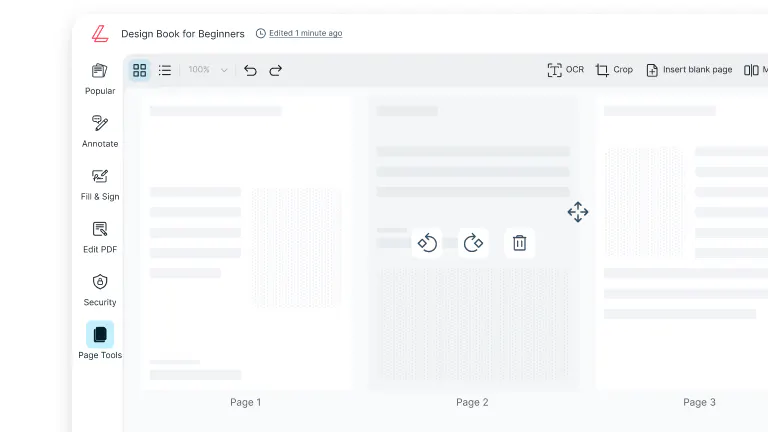
Rearrange or Edit Pages
Drag pages to reorder them, delete unnecessary ones, or rotate pages to perfect your document layout.
Neat and efficient page control
Keep your documents clean, organized, and easy to navigate — perfect for reports, proposals, or multi-page projects.

Reorder, rotate, or remove pages
Customize your PDF exactly how you want it. Move, flip, or delete pages in just a few clicks to keep every document neat and professional.

Merge, split, and organize in one place
Combine multiple PDFs, separate large files, and manage every page in a single workspace. Keep everything organized without switching between tools.

Effortless drag and drop controls
Upload, rearrange, and manage your pages with ease using simple drag and drop functionality. No technical experience needed.

Work right from your browser
Organize your PDFs directly in your browser, no software downloads or installations required. Just upload, edit, and save in seconds.

Accessible on any device
Use Lumin on your desktop, laptop, or mobile device and enjoy a seamless PDF organizing experience wherever you are.

Secure every step of the way
Once you upload your files to Lumin, they're protected with encryption and optional password protection. While stored in Lumin, your documents remain secure and under your control.
Frequently asked questions
Yes, it's completely free to use our PDF organizer tool. Simply upload your document and start organizing your PDF pages immediately without any cost.
Absolutely. When you organize PDF pages using our tool, the original quality of your document is maintained.
Our PDF document organizer preserves all text, images, and formatting while you reorder, rotate, or manage pages, ensuring your final organized PDF looks as professional as the original.While using our PDF organize tool, select the pages you want to modify. Click the rotation icon to rotate pages 90 degrees clockwise or counterclockwise. To delete pages, select them and click the delete button. You can perform these actions multiple times throughout your PDF organization process.
Yes, our PDF organizer allows you to merge multiple PDFs while organizing. Upload all the PDFs you want to combine, then use the drag-and-drop PDF page organizer to arrange pages from different documents in any order.
When you organize PDF files, the file size may change slightly depending on your actions. Removing pages will decrease the file size, while merging PDFs will increase it.
However, simply reordering or rotating pages typically has minimal impact on file size, and our PDF document organizer optimizes files to maintain efficiency.Yes, Lumin’s PDF organizing tool works perfectly on mobile devices. Open the PDF page organizer from your Lumin mobile app and manage your pages anytime, anywhere with no desktop required.
Your security is our priority. All PDF files are protected with 256-bit AES encryption during upload, organization, and storage. Lumin is SOC 2 Type 2 compliant to keep your documents completely secure.
Trusted by more than 100 million customers



Featured articles





Discover Lumin’s products
Collaborate with existing colleagues and onboard new ones with Lumin and Lumin Sign. Our innovative solutions work great on their own, but they’re even better together.


Lumin Sign