
Free PDF to Word Converter
Convert your PDF files to editable Word documents in seconds with our free online tool. No download required.Almost there, finishing the upload.

Drag and drop or click here to upload
You're in good company







How to convert PDF to Word
Follow these simple steps to convert your PDF to a Word document.
- 1
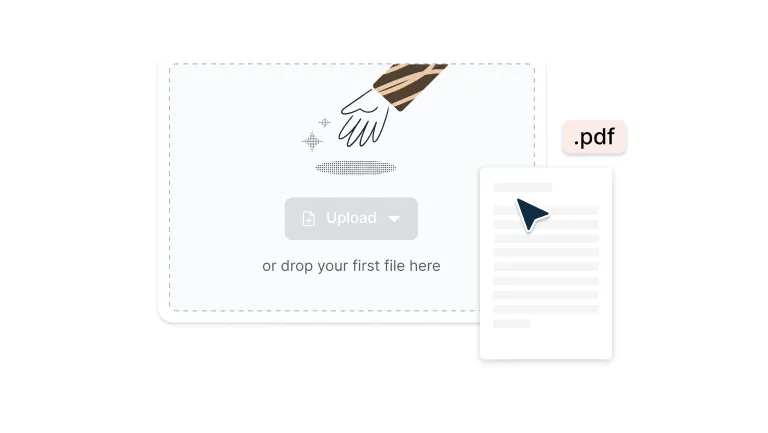
Upload
Drop your PDF file into the dropzone above or click the 'Upload' button.
- 2
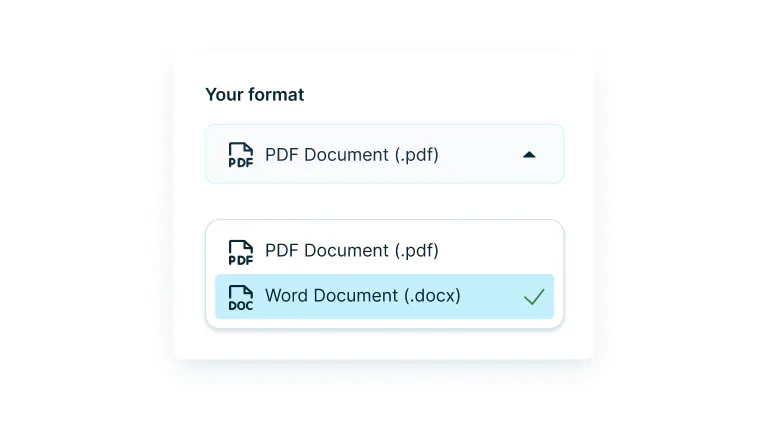
Convert
Sign-in and select ‘Word Document’ from the drop-down.
- 3
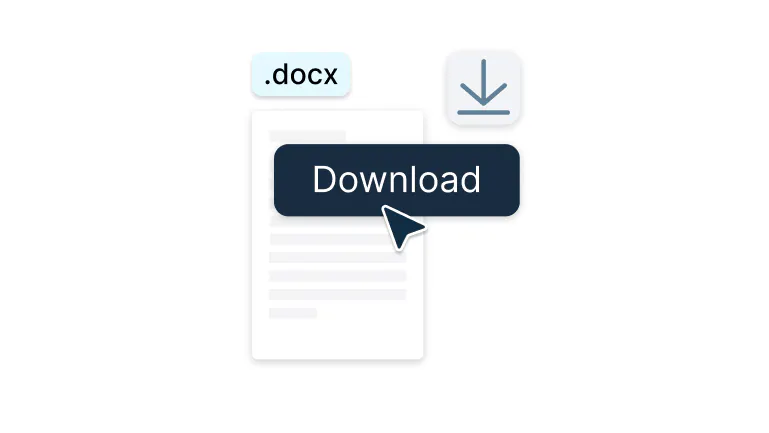
Download or edit
Edit, collaborate or download the document as a PDF.
Rate your experience
Edit PDFs as Word documents in seconds
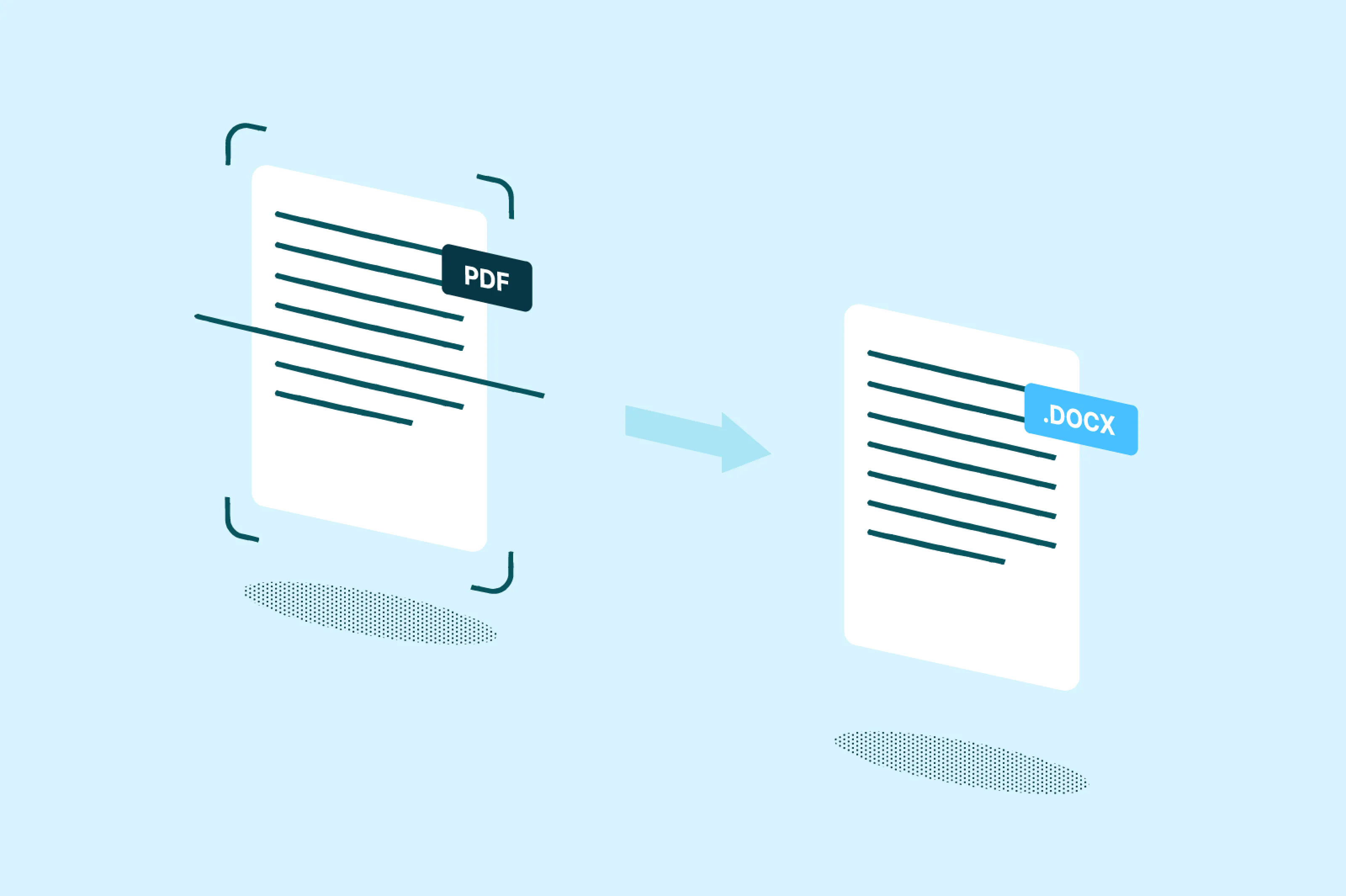
Quickly transform PDFs into fully editable Word files without losing formatting.

Convert in seconds, not minutes
Turn PDFs into editable Word docs in seconds flat.. Perfect for when that contract needs a quick update or your report demands last-minute changes.

Enterprise-grade security built in
High-level encryption keeps your files locked down tight from upload to download. Work with sensitive documents knowing they're protected every step of the way. Your business data deserves nothing less.

Works seamlessly with Google Drive
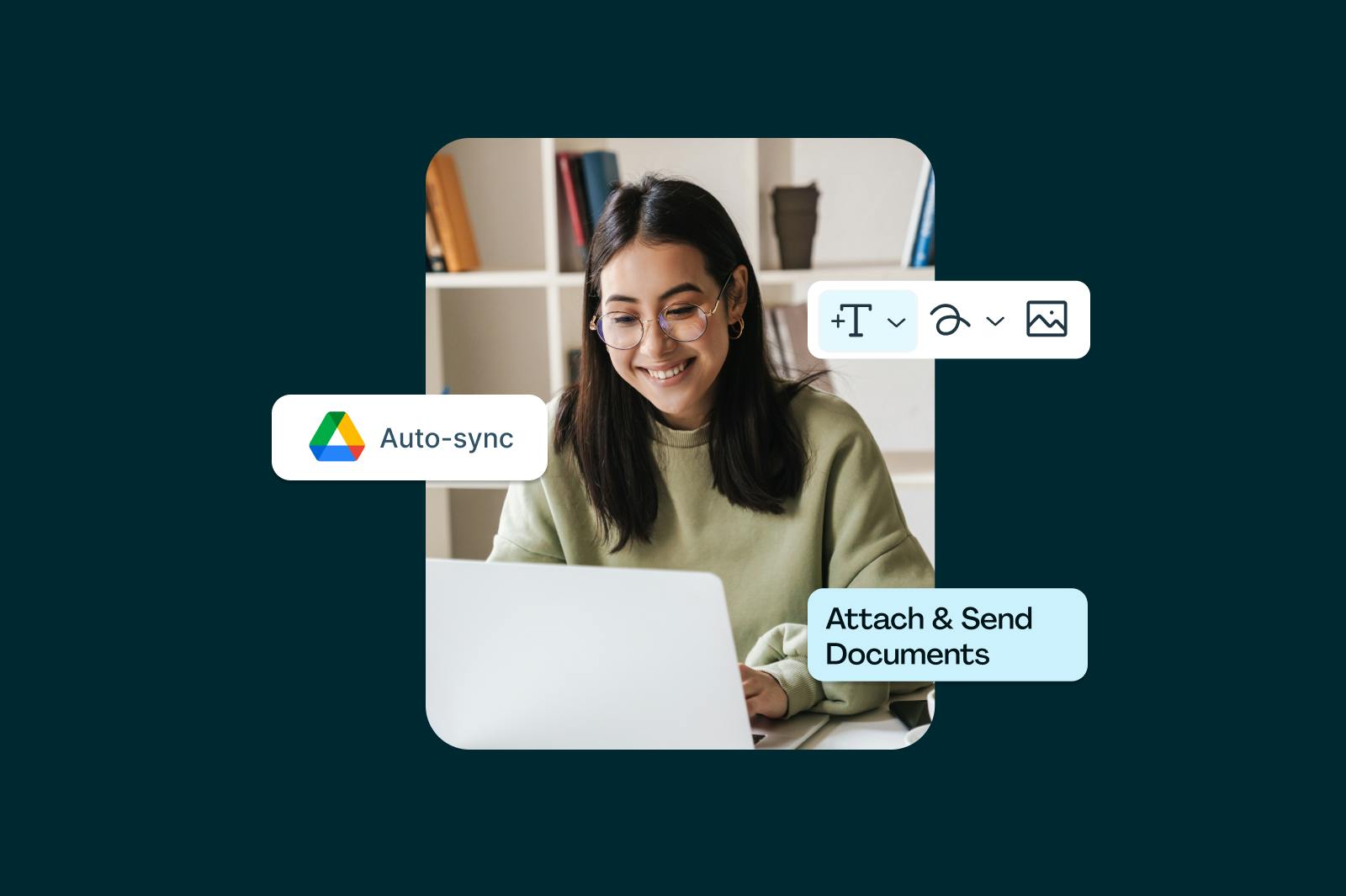
Integrate your Google account with Lumin to unlock a smooth workflow — open PDFs from Drive, convert them to Word in Lumin, and save the result right back to Drive. No uploads, no downloads — just instant access, easy editing, and everything synced in one place.

Take your work anywhere
Flip on offline mode in our app and keep moving. Edit, annotate, and convert files from the plane, the train, or that cabin with sketchy WiFi. Everything syncs up automatically when you're back online.

Handle every document type
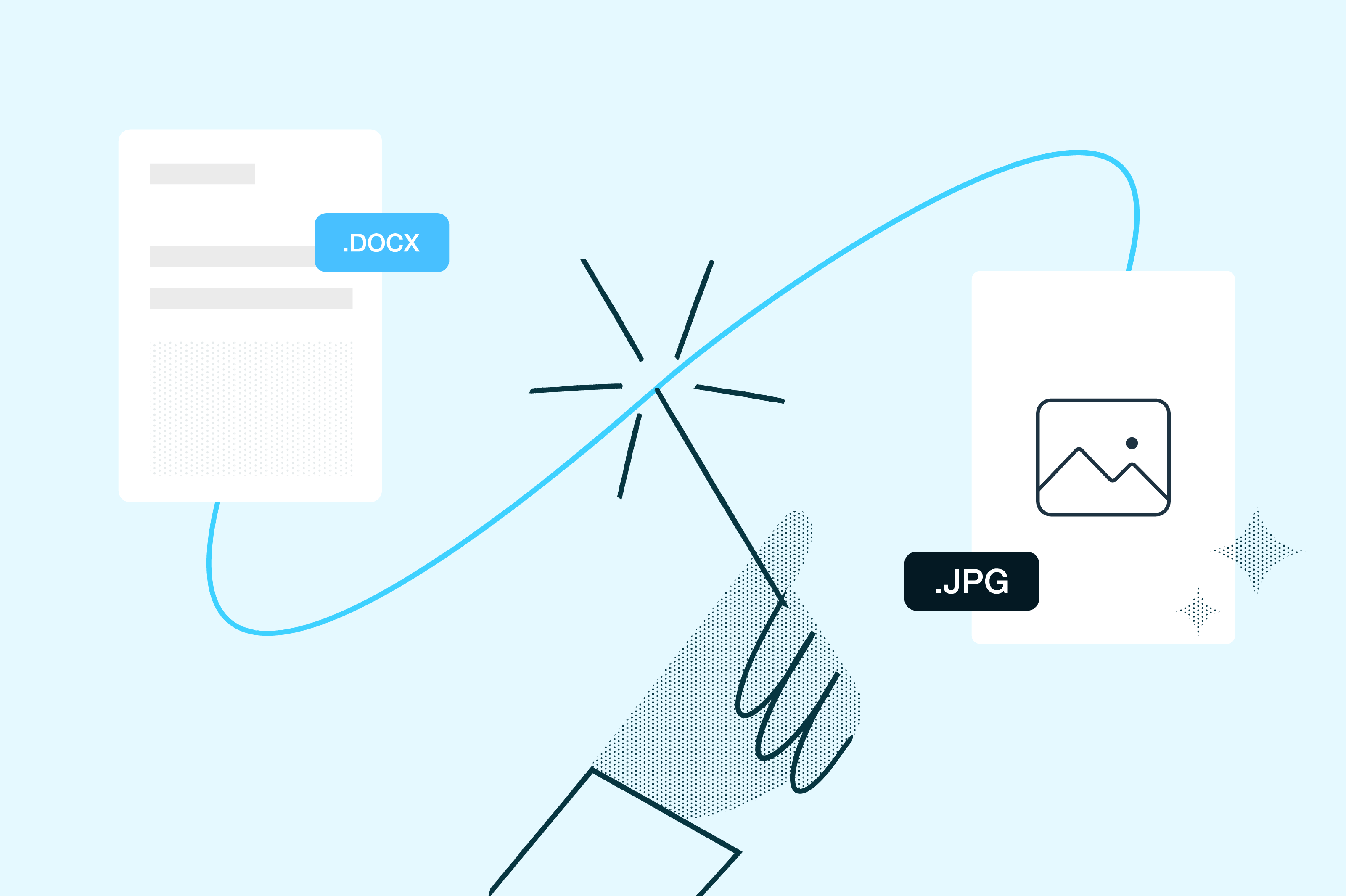
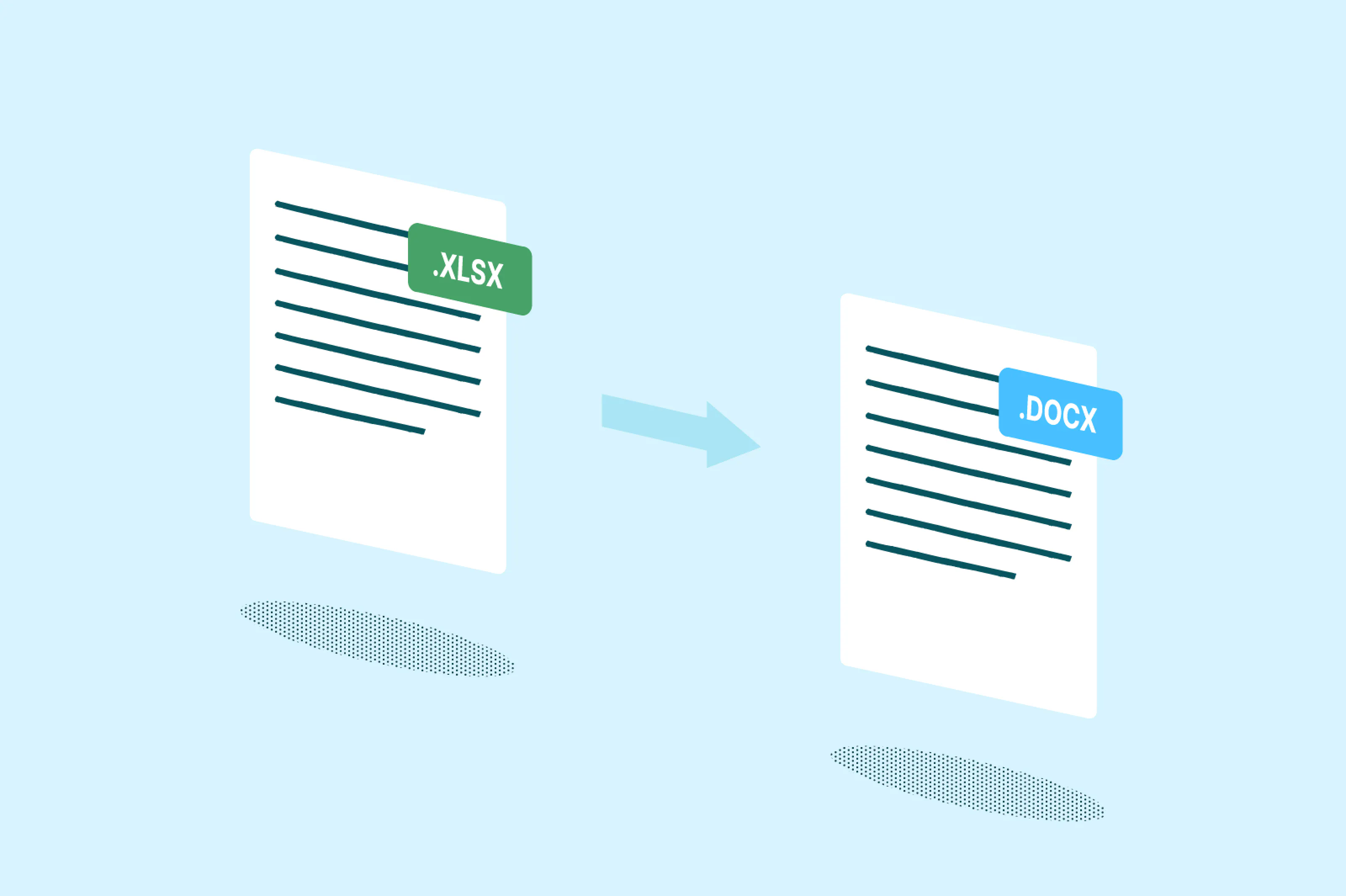
PDFs, images, spreadsheets, presentations, we handle them all. Transform any document into an editable Word file and watch your workflow simplify.

Real-time collaboration
Use Lumin's Workspaces to share, edit, and annotate documents with your team instantly. Convert PDF to Word and collaborate in real-time, making document editing a truly collaborative experience.
Frequently asked questions
Lots of our tools are free. You can draw on PDFs, comment on them, add text, signatures and images; all the basics are covered.
Our paid plans expand your toolkit: you can edit PDF text, redact information, create fillable fields and much more. Discover our plans to learn which one is the right fit for you.The Lumin app works on your browser, or you can download our desktop app and keep Lumin handy on your computer. We’ve also got a mobile and tablet app which includes Lumin’s most popular features.
Yes, Lumin’s desktop app lets you convert PDFs to Word without an internet connection. Simply enable offline mode in your settings before going offline, and you’ll have full access to Lumin’s editing tools, whether you're adding text, comments, eSignatures or more.
Just make sure offline mode is turned on for any files you want to work with. Once you're back online, all your changes will automatically sync to your Lumin account. Best of all, offline mode is free for all users.Converting PDF to Word is simple with our free online tool. Upload your PDF file, click convert, and download your editable Word document within seconds.
Yes, Lumin offers a free PDF to Word converter with essential features. Create a free account to convert PDF to Word for free with basic functionality. For advanced features like batch conversion, OCR capabilities, and unlimited conversions, our premium plans provide enhanced tools for professional use.
Yes! Our PDF to Word converter works on all devices. Simply access our website through your mobile browser or mobile app, upload your PDF, and convert it to Word format instantly.
Lumin's PDF to Word converter is fully compatible with both Mac and Windows systems. Download our desktop app for either platform and enjoy the same powerful conversion features. The interface and functionality remain consistent whether you're using macOS or Windows.
During the conversion from PDF to Word, Lumin works to retain image resolution, positioning, and clarity as closely as possible. While most images remain high quality, slight differences can occasionally occur depending on the original file’s formatting or compression.
Overall, your converted Word document should closely match the original PDF, including its visual elements.Lumin PDF integrates directly with Google Drive, allowing you to open, edit, annotate, and sign PDF documents stored in your Drive without downloading them. Once connected, changes made in Lumin are automatically saved back to the original file in Google Drive. You can also share edited PDFs with others using your Google Drive sharing settings, making collaboration seamless and secure.
Your documents are protected with bank-level encryption throughout the entire conversion process. When you convert PDF to Word free or with a paid plan, your files are encrypted during upload, processing, and storage. We never share your data, and you maintain complete control over file access and permissions.
Trusted by more than 100 million customers



Featured articles
Discover our products
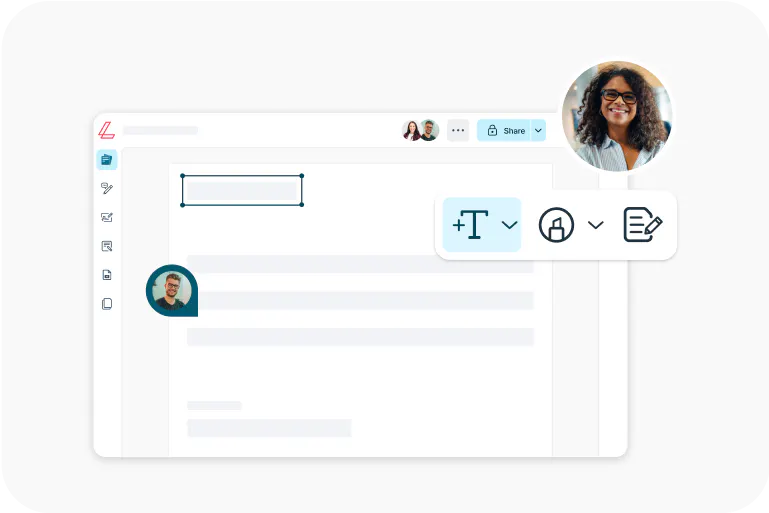
Lumin
An easy-to-use PDF editor that stands alone or integrates with Google Workspace.
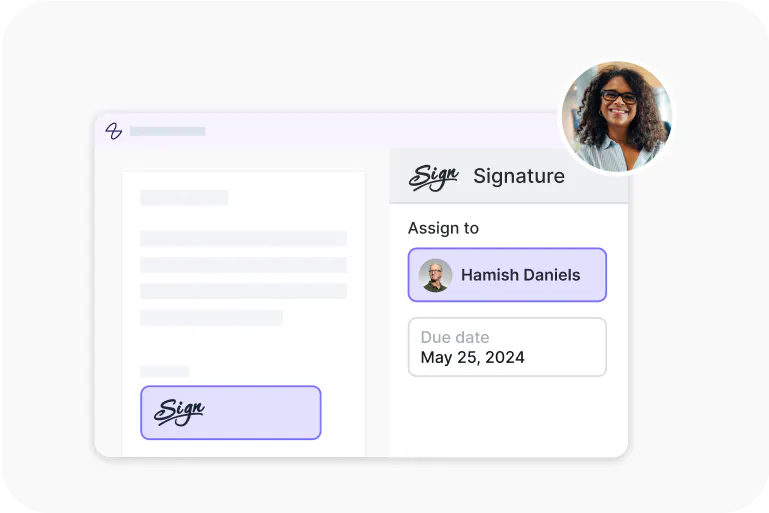
Lumin Sign
A digital signature workflow tool that seals deals with legally-compliant signatures.

Lumin Sign API
An eSignature API made to be plugged into your platform with minimal effort.