
Free PDF converter
Easily convert your documents to PDF with Lumin’s free online converter. Upload your file, hit convert, and download a high-quality PDF in seconds. No installations, no complications.Almost there, finishing the upload.

Drag and drop or click here to upload
You're in good company







How to convert to PDF
Follow these simple steps to convert your Word, Excel and JPG files to PDFs.
- 1
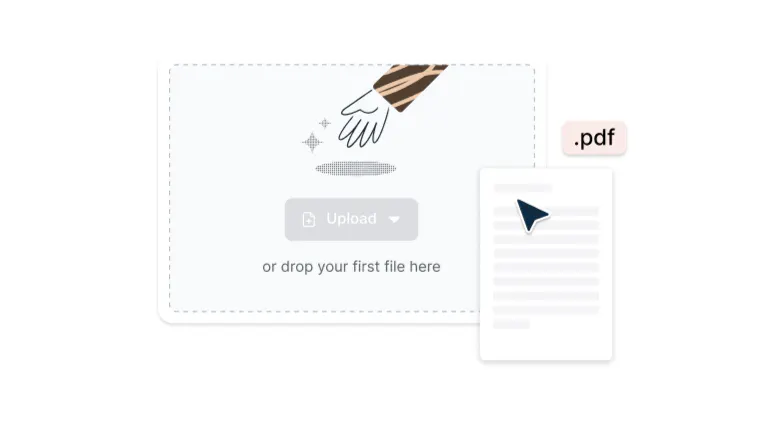
Upload
Drop your file into the dropzone above or click the 'Upload' button.
- 2
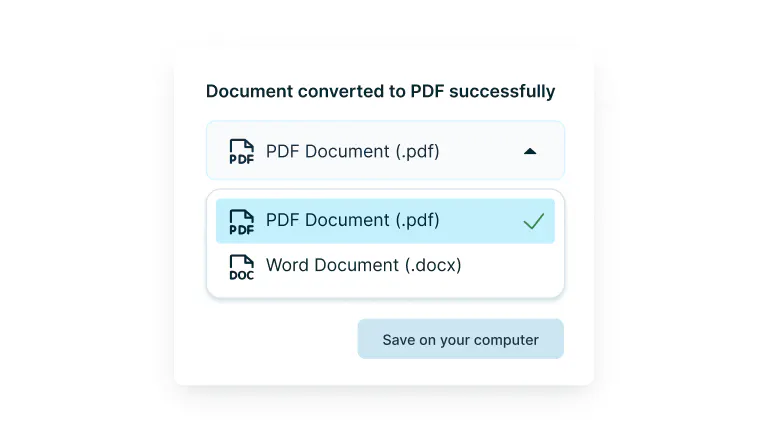
Convert
Sign-in and select your preferred format from the drop-down.
- 3
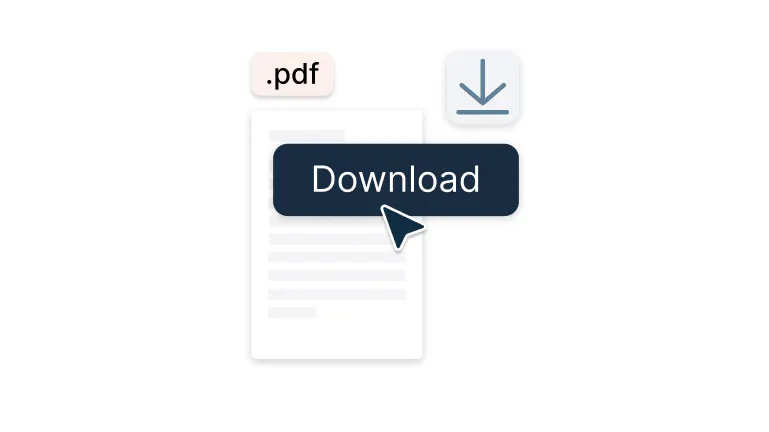
Download or edit
Edit, collaborate or save the document as a PDF.
Conversion to PDF made simple
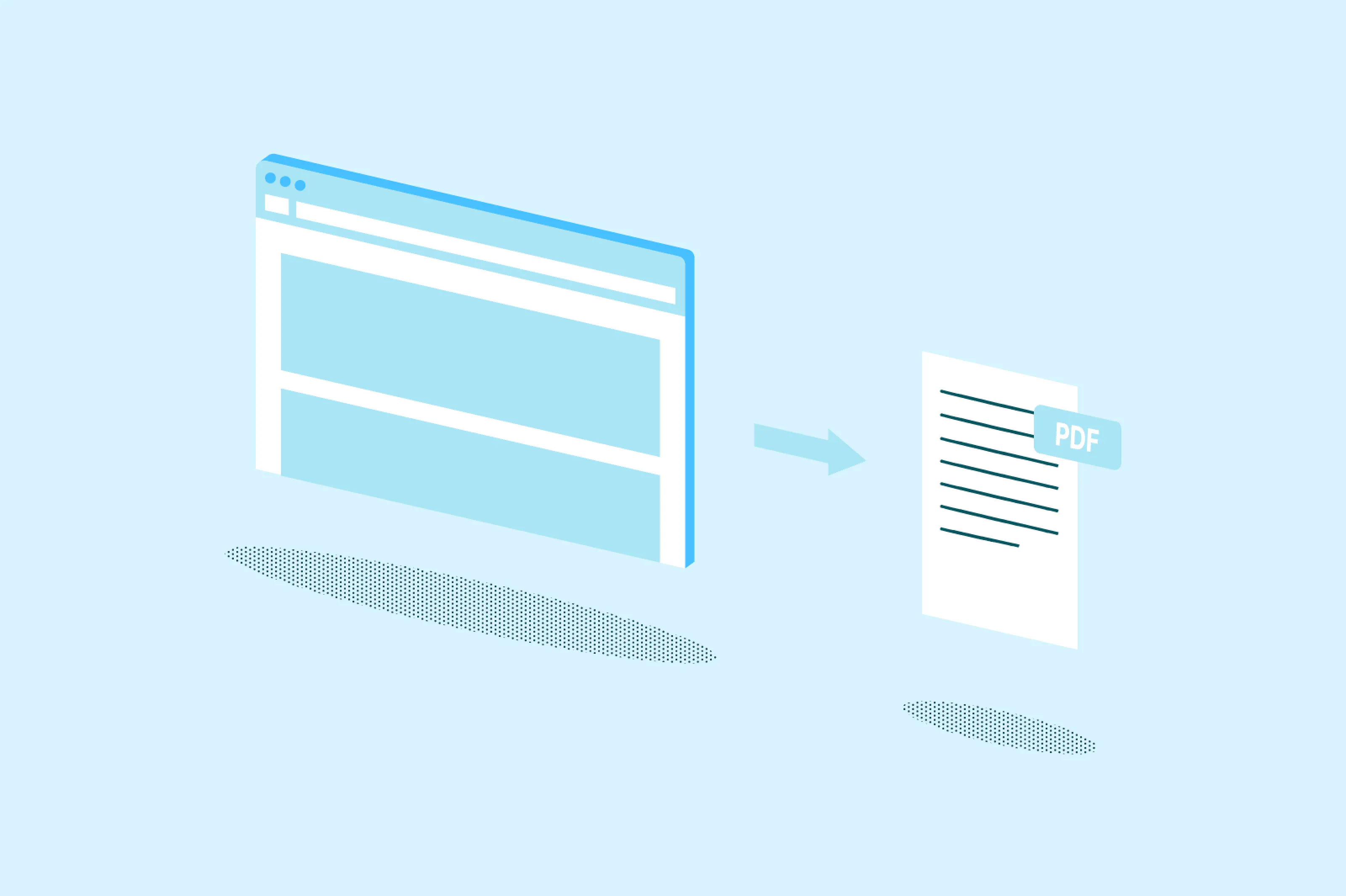
Convert files to PDF instantly with Lumin’s free tool. Turn documents, images, or spreadsheets into secure, shareable PDFs in seconds.

All formats supported
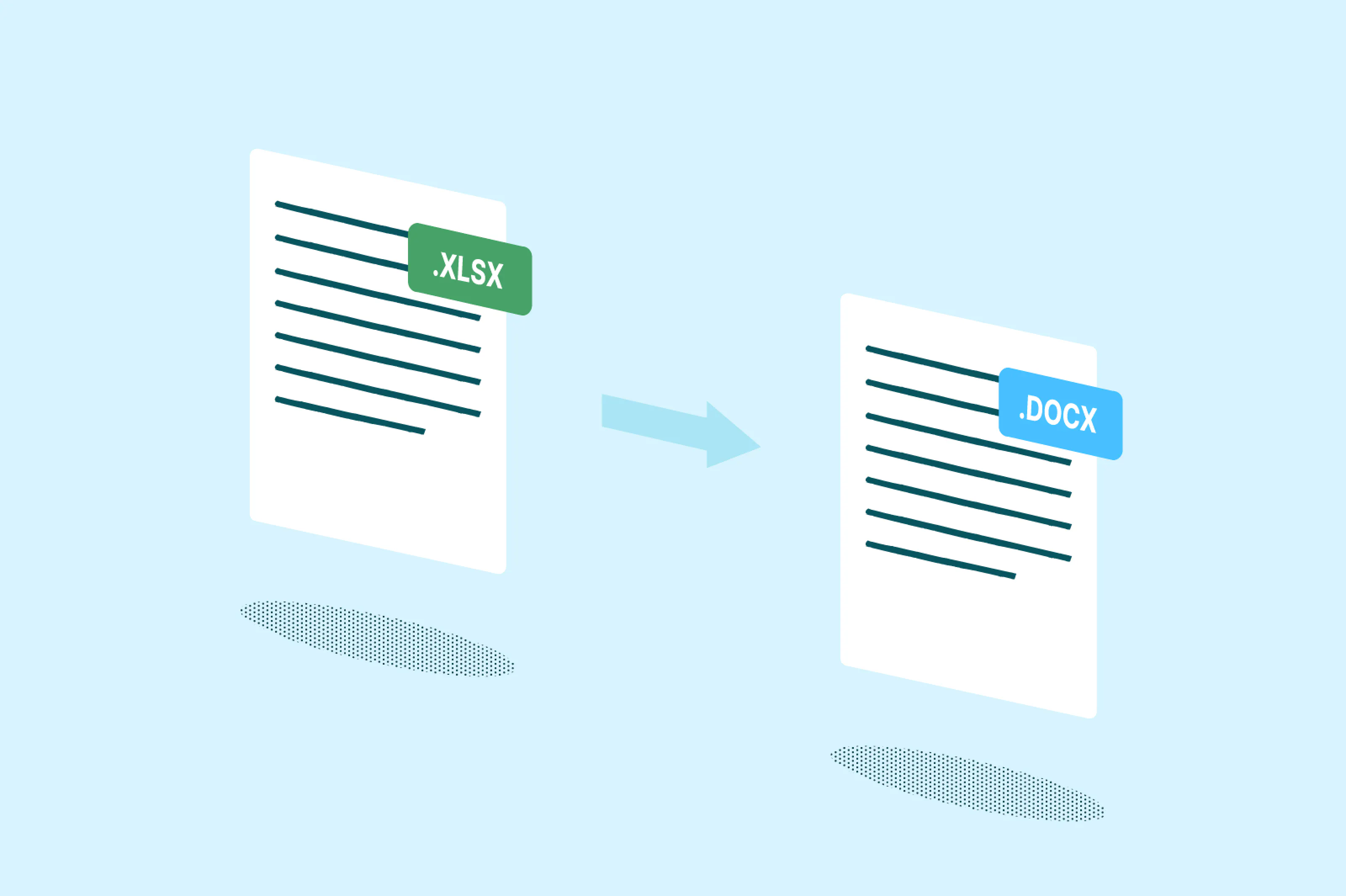
Convert files to PDF from Word, Excel, PowerPoint, JPG, PNG, and more. You can also export PDFs back to Word, Excel, PowerPoint, JPG, or PNG with no extra software required.

Convert files instantly
Turn any file into a polished PDF in seconds. No waiting, no fuss — just instant results that keep every detail intact.

Compatible across devices
Convert to PDF seamlessly on iPhone, Android, Windows, and Mac. Start a project on one device and finish on another with automatic cloud syncing.

Choose your quality
Select standard or high-quality conversion for optimized file size or visual clarity. Ideal for emails, uploads, or print-ready PDFs with adjustable compression settings.

Real collaboration
Share converted PDFs with teammates in Lumin for comments or edits. Utilize built-in annotation tools and version tracking to keep everyone aligned in real-time.

Security guaranteed
Once you upload your files to Lumin, they're protected with encryption and optional password protection. While stored in Lumin, your documents remain secure and under your control.
Frequently asked questions
Yes, Lumin lets you convert files to PDF for free. You can easily upload your documents and turn them into high-quality PDFs at no cost.
The Lumin app works on your browser, or you can download our desktop app and keep Lumin handy on your computer. We’ve also got a mobile and tablet app which includes Lumin’s most popular features.
No, your files will look the same after conversion. Fonts, tables, images, and graphics remain perfectly aligned. Lumin’s technology ensures your document retains its original formatting and clarity.
Converting to PDF is simple: upload your file, choose your conversion settings, and click convert. Your PDF will be ready to download in seconds.
Yes, you can upload multiple files and merge them into one polished PDF. Rearrange pages, remove unwanted sections, and create one complete document in a few clicks. This feature is great for reports, presentations, or contracts.
Yes, every file is encrypted with 256-bit AES protection during upload and processing. Lumin is SOC 2 Type 2 certified and we meet strict data security standards.
Yes, Lumin can process high-resolution scanned files with ease. It's built-in OCR technology recognizes text in scanned documents. You can then search or edit the converted PDFs with ease.
Trusted by more than 100 million customers



Related articles

Discover Lumin’s products
Collaborate with existing colleagues and onboard new ones with Lumin and Lumin Sign. Our innovative solutions work great on their own, but they’re even better together.

Lumin Sign